
Collab2021-WIP-tijnkroon
Forum Archive › Collab2021-WIP-tijnkroon
- This topic has 46 replies, 13 voices, and was last updated 5 years, 4 months ago by
Kent Trammell.
-
AuthorPosts
-
April 25, 2021 at 11:17 am #67454
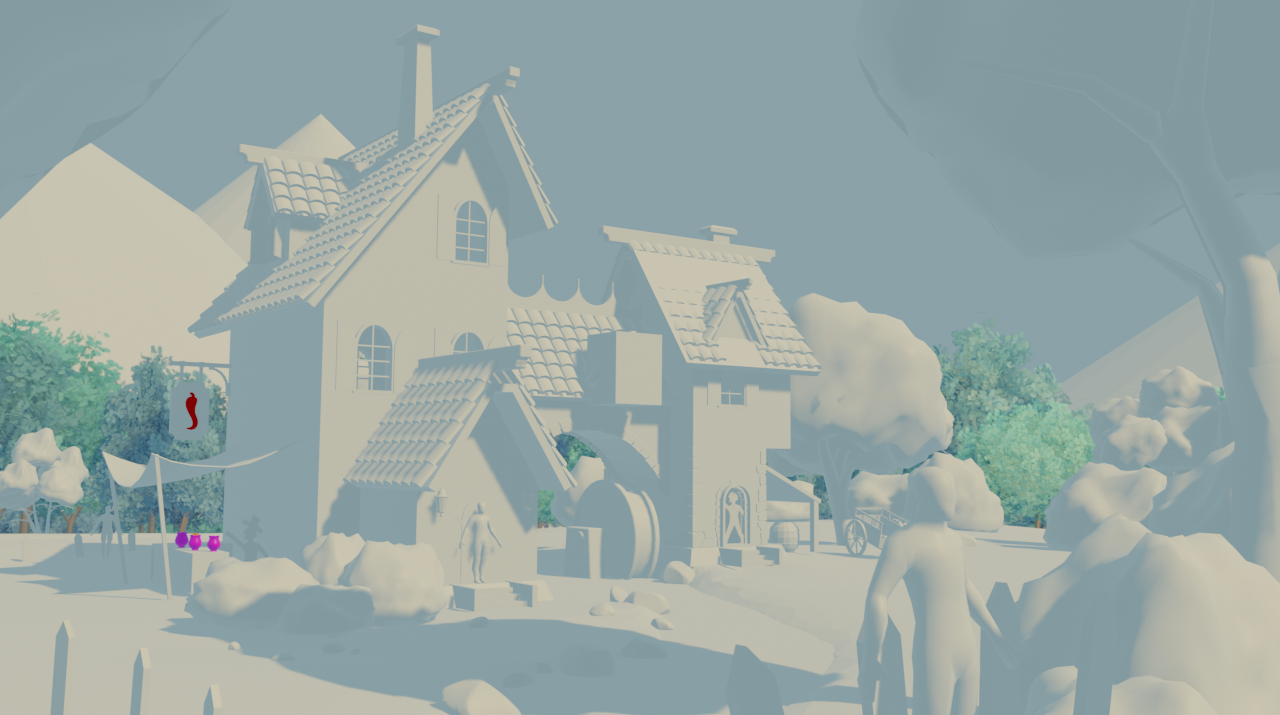
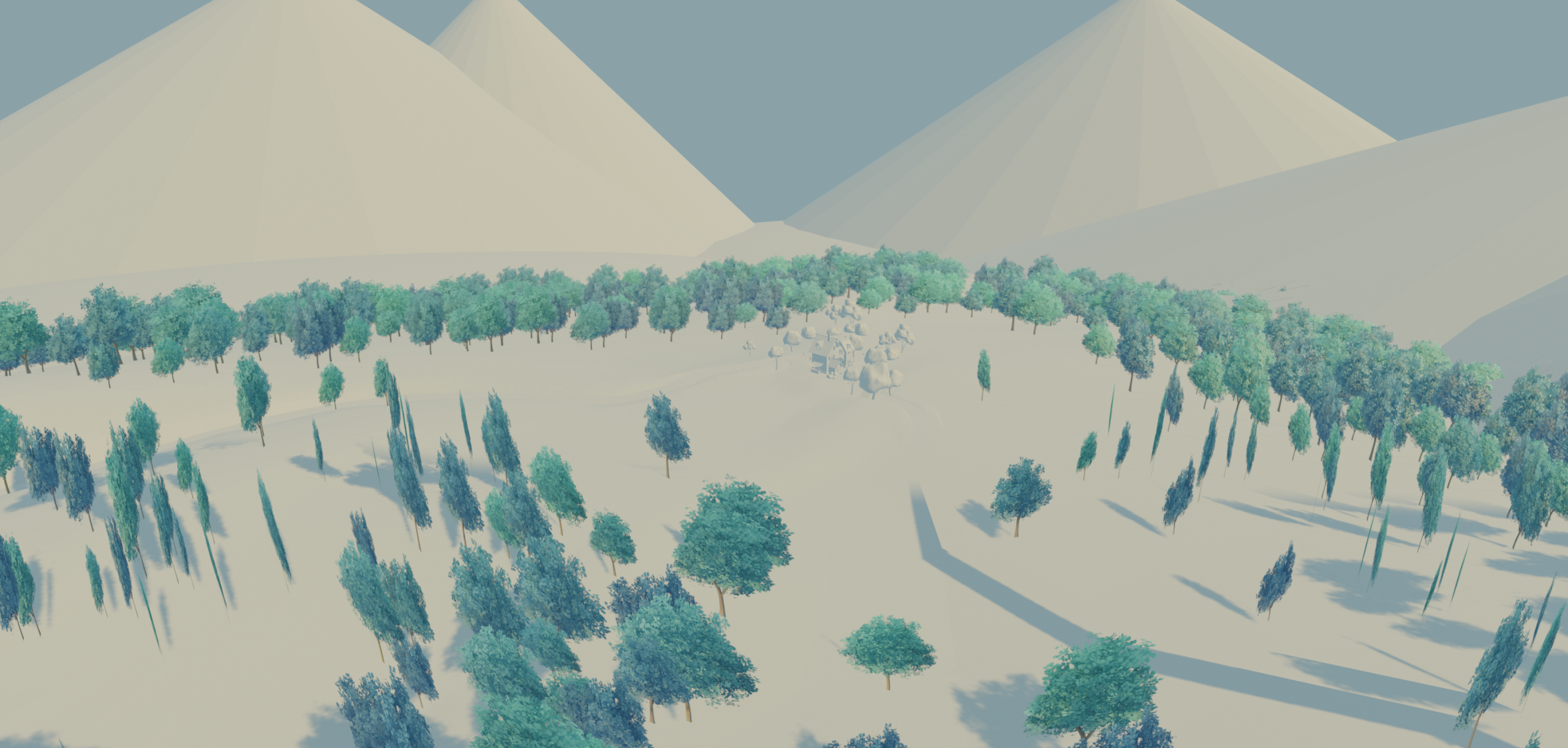
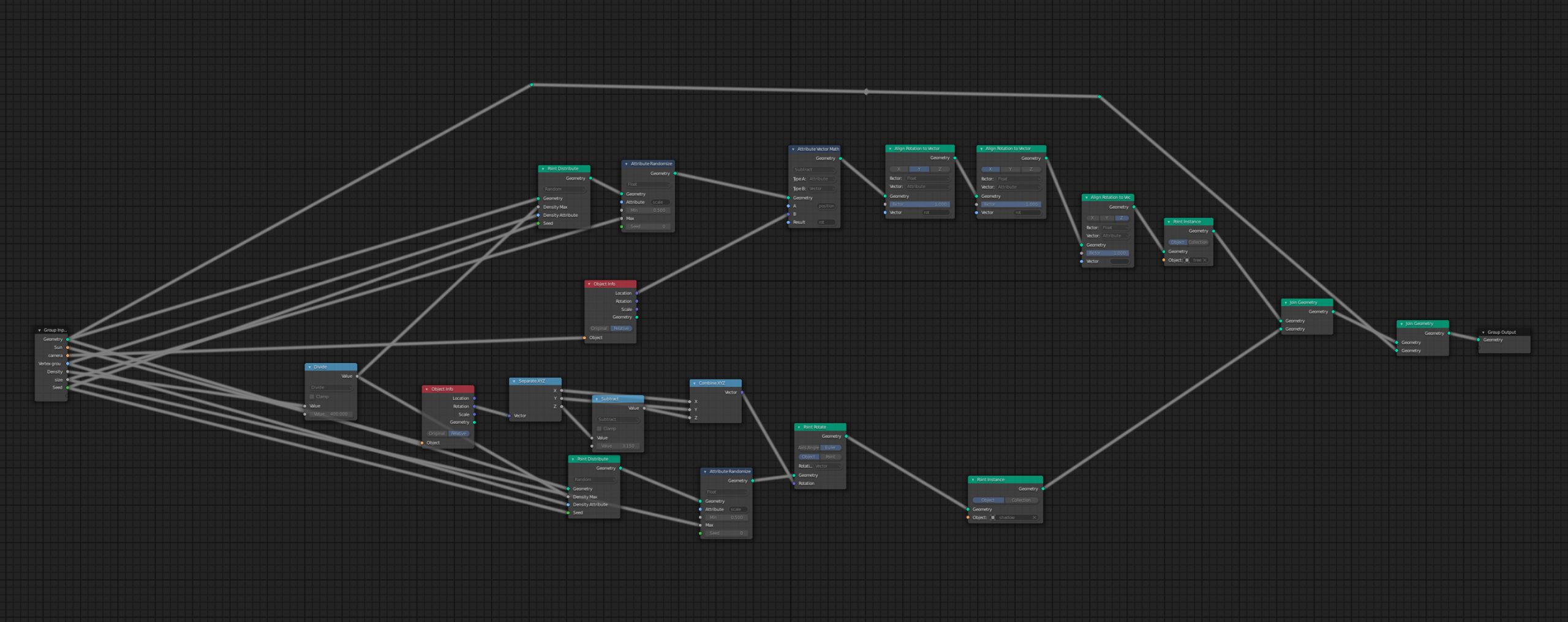
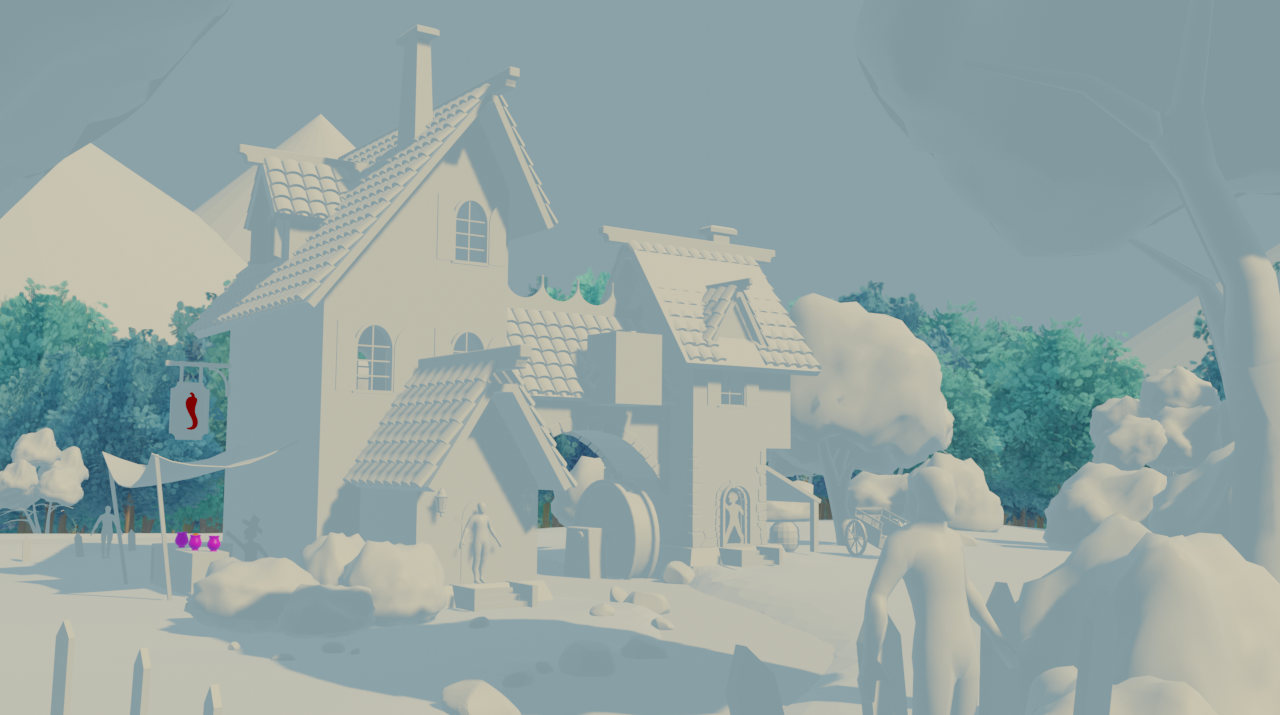
I tried out the techniek the @jlampel was proposing with the 2D trees, and it really helped with the performance of the scene!!! the only down side is that I have to use a lot of geometry and shader nodes. I don’t know if that is going to be a problem. but on my side the scene was still running fine.
April 25, 2021 at 12:14 pm #67455Nice work @tijnkroon , Looks nicely populated with trees in the camera view, I’m not to familiar with GEO-Nodes but there is a guy I know , @spikeyxxx .
I do know you can weight paint to control placement, I don’t think this is what you have done, but @theluthier or @jlampel may want to have a look into that.
April 26, 2021 at 7:23 am #67456Homework Submission – Week 3 – Tree Clusters
☝️you can see my submission in the post above☝️
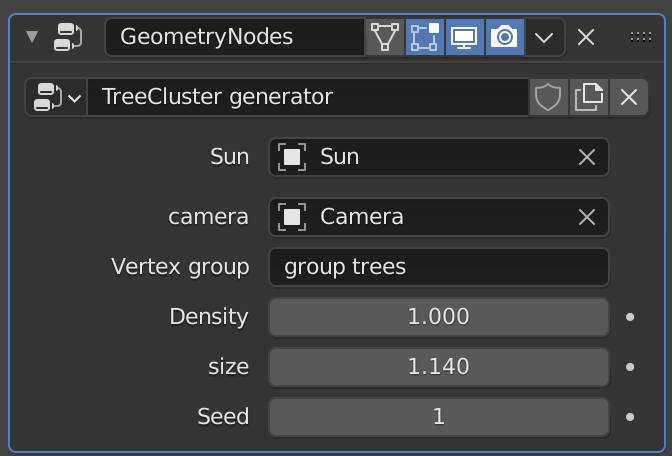
if the tree-clusters get imported in to the scene you first need to put the sun and the Camera names in the geometryNodes modifier in order to make it work.
April 26, 2021 at 4:16 pm #67457This is great! Such a lightweight solution that I think you nailed. Full points for this week and a little extra. The one big downside here is that we can’t have the trees following the camera like that because it will really slow down real time navigation and we could get some weird glitches where they pop over and under each other like below:
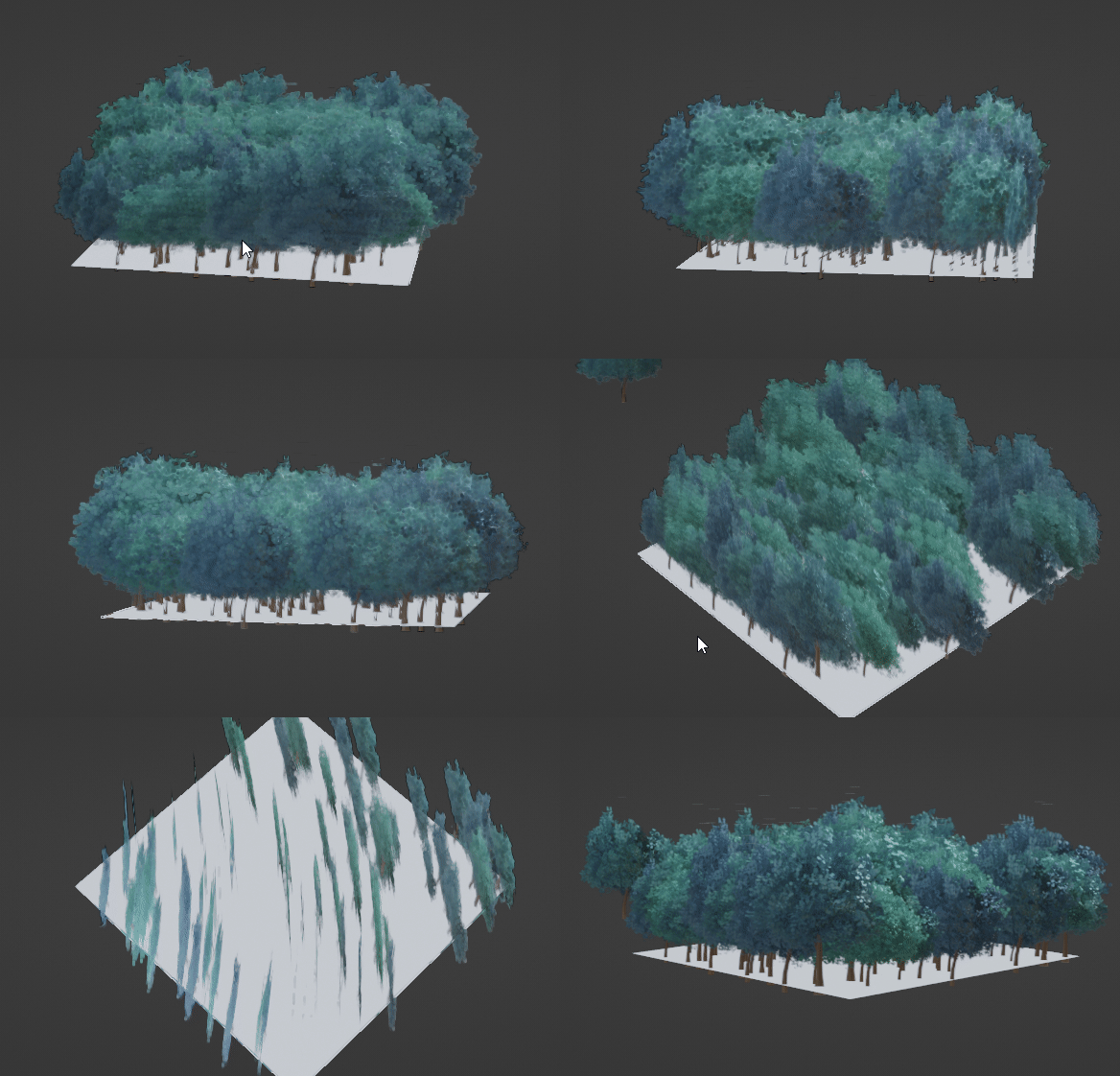
To fix this, there are two options. We could make each tree three planes like so:
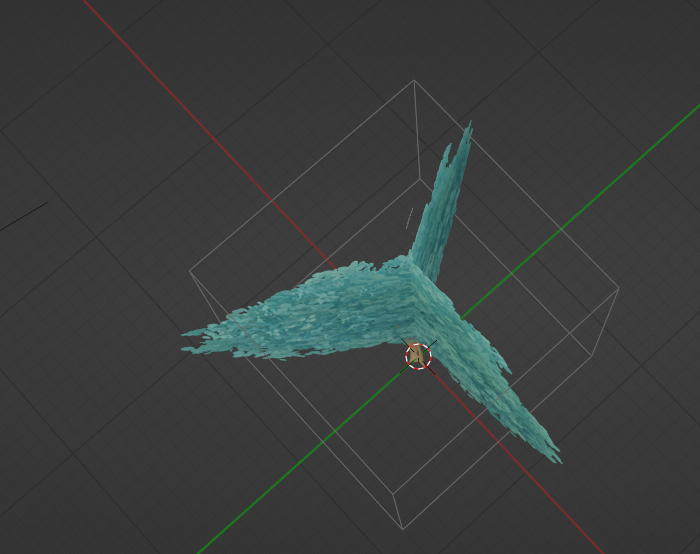
If we need more shading information, it could be that a different approach of sticking a leaf textured icosphere in there would do the trick:

Or, they could all point towards the center, since they’ll be seen from farther away and we’re assuming the camera will stay within the bounds of the foreground. As long as they look good from there, we’re golden.
There is some artifact at the very tip of each tree, but that the only technical issue I see.
Thank you for being willing to do so much experimenting! You nailed the tree style right out of the gate and the models look awesome, so this last stretch of figuring out how to best optimize it will help us put as many of them into the scene as possible and really make people say “Wow, that’s real time in Eevee?!?”
April 27, 2021 at 12:51 pm #67458@tijnkroon as an admirer from afar, your implementation is very intriguing. It is exciting to see this type of innovation to keep the poly count down. Great work!
April 27, 2021 at 3:53 pm #67459@tijnkroon , I hope you didn’t mind me asking Kent to showcase your work. I thought you deserved 15 minutes of fame. Really great work. 👍
April 29, 2021 at 10:59 am #67460I want to reiterate how impressive your work with the BG trees has been @tijnkroon. Achieving a populated forest effect with as little resource usage as possible is not a small task. You’ve done an incredible job dissecting this challenge and creating a super promising result.
What do you think of @lampel’s proposed solutions: A) Making each card 3-sided or B) positioning them all to face the center of the scene? I’m keen to know your thoughts so I can begin populating the assembly!
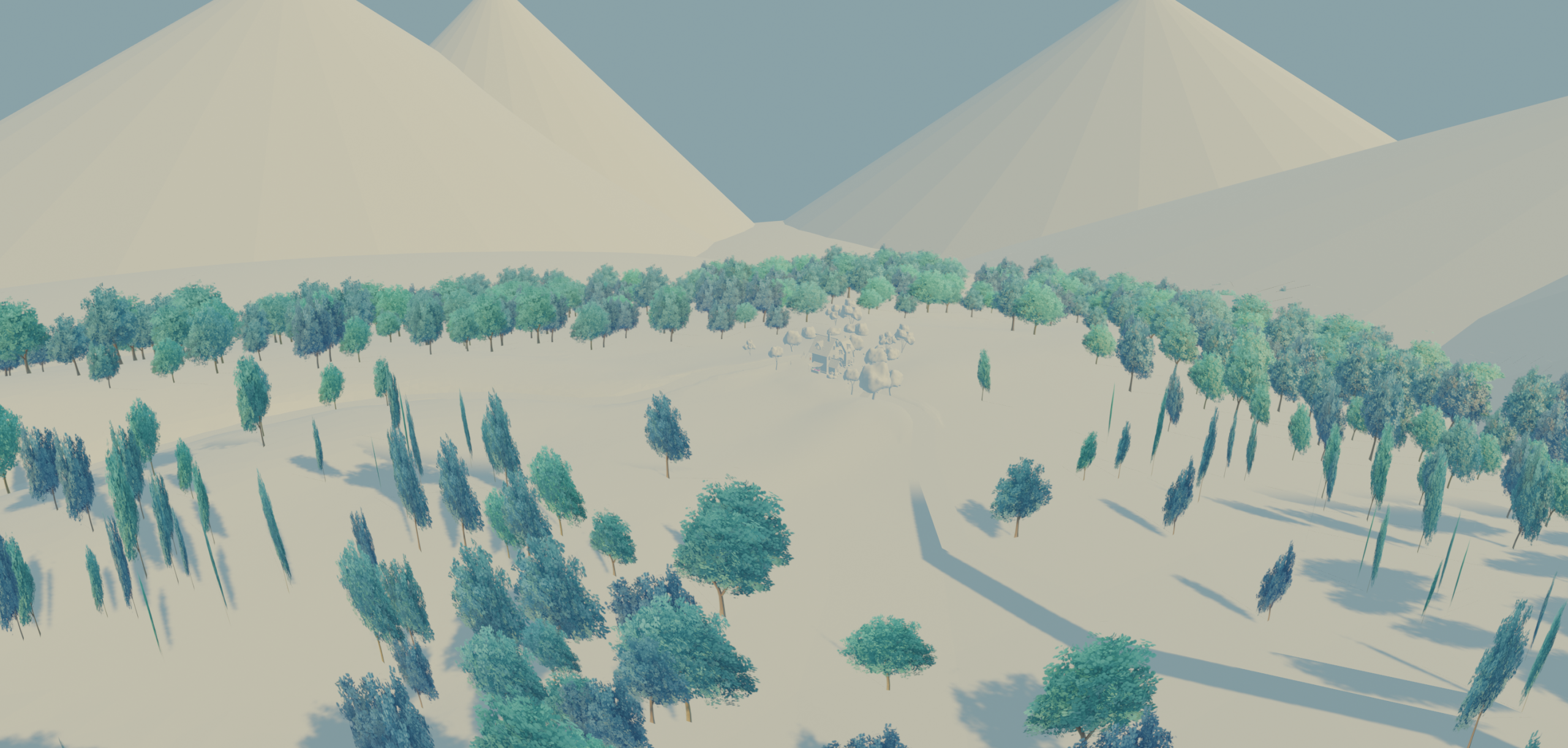
April 30, 2021 at 7:24 am #67461I think it might be handy to try the 3 sided cards. because if the trees are all pointing in to the center, the viewer will immediately see that the trees are planes instead of 3D.
kinda like this:
 April 30, 2021 at 1:49 pm #67462
small update time!!
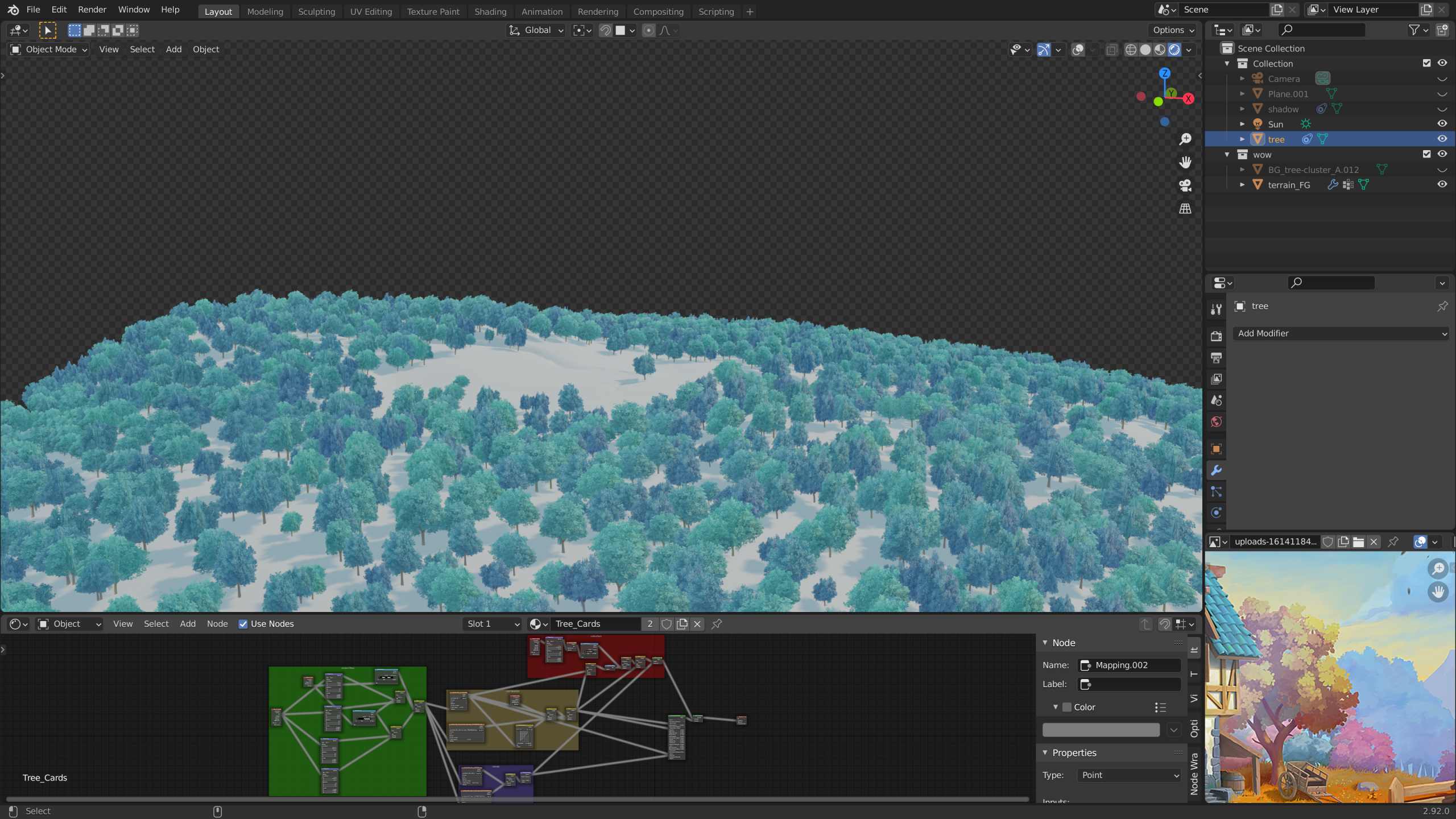
I tried out the 3 sided plane trees and it worked out really well!!! also noticed that I didn’t put my normal map to non-color but that’s fixed now.
April 30, 2021 at 1:58 pm #67463Absolutely first class @tijnkroon.
@theluthier you have to see this, perfect solution for the BG Trees.
May 1, 2021 at 12:23 am #67464Fantastic!
If you don’t know what you’re looking for, you won’t notice that they are plane trees!
May 3, 2021 at 1:02 pm #67465Homework Submission – Week 4 – Tree Clusters
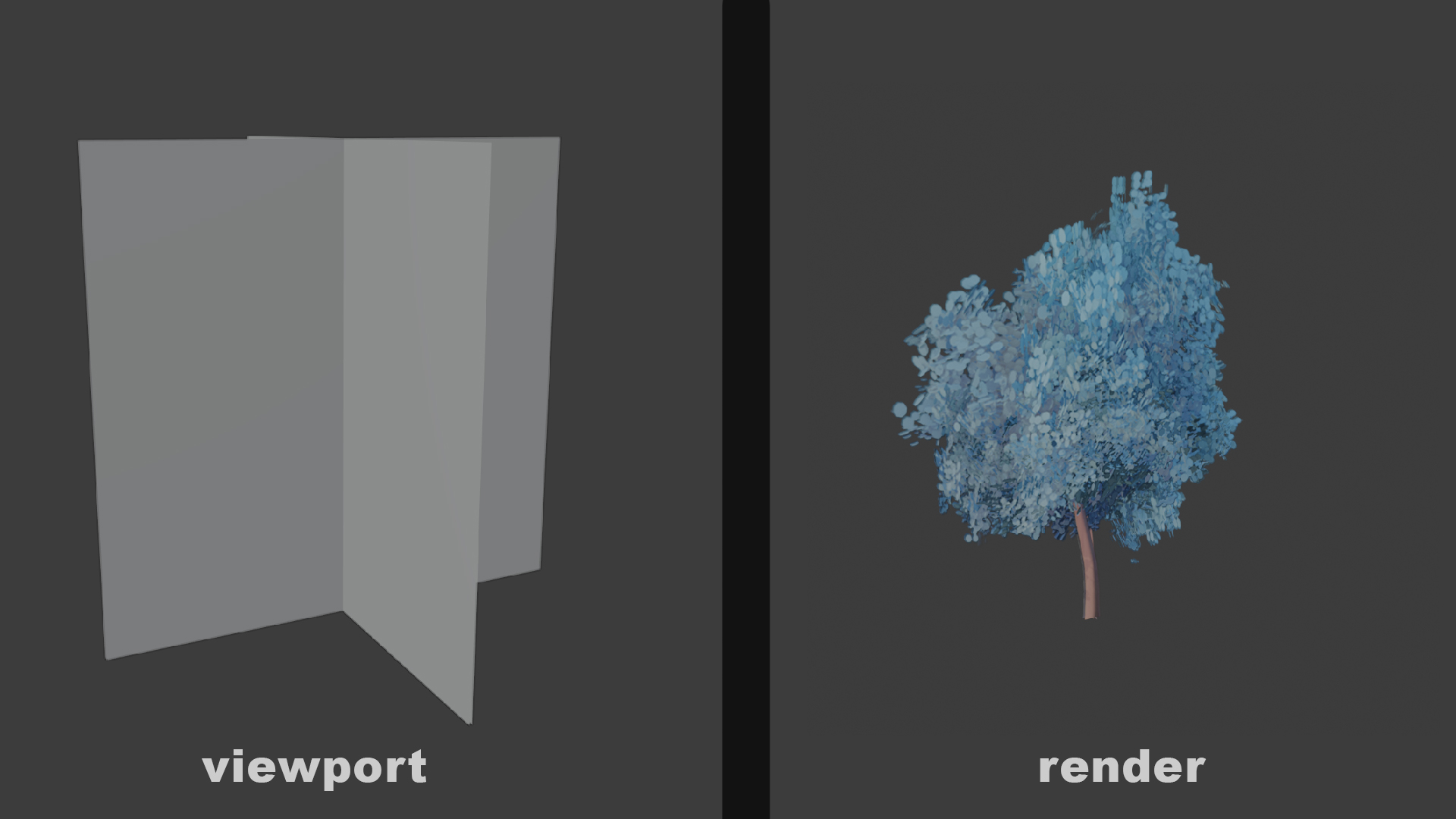
Here is my home work submission. I changed the tree cards to a four planer because it gave a bit better result.
 May 3, 2021 at 1:32 pm #67466
And the fun thing is, that four planar uses the same amount of geometry as the three-sided cards 😉
This is sooo beautiful!
May 3, 2021 at 1:55 pm #67467Well done @tijnkroon , you have stepped up to the challenge in this collab and proven to be a great asset to the team.
May 3, 2021 at 4:22 pm #67468Fantastic end result. Really well done @tijnkroon !
-
AuthorPosts


- The topic ‘Collab2021-WIP-tijnkroon’ is closed to new replies.