
Collab2021-WIP-tijnkroon
Forum Archive › Collab2021-WIP-tijnkroon
- This topic has 46 replies, 13 voices, and was last updated 5 years, 4 months ago by
Kent Trammell.
-
AuthorPosts
-
April 11, 2021 at 3:17 am #67439
Looking really nice, have to check other teams more often 🙂 Great progress.
April 11, 2021 at 9:10 am #67440Impressive work. I think it fits perfectly. Just hoping that the needed geometry is not getting in the way when we are starting to bring everything together.
April 11, 2021 at 10:58 am #67441Nice work, these Ghibli trees are going to be a real hit for this project.
One thing to watch is the poly count, @pfbourassa is thinking about rendering to a plane with alpha to reduce polys. which I see as the way to go , but only if the lighting is set to a day time scene as in the artwork, if the project evolves to include a night scene or different time of day, @theluthier is there any plan for this? can we see if we can set the lighting in stone, so we can get consistent shadow across the scene? I know we are not at the shading stage until week 3, but we do need to try and think ahead a little.
April 11, 2021 at 11:34 am #67442Yeah, check out my thread for more info, Tinus.
And I definitely agree that I’m hesitant to work too much further until more of the scene is nailed down.April 12, 2021 at 2:46 pm #67443I’m so happy with the BG tree work! They’re very mysterious assets and gave almost zero direction. But my BG tree people are STEPPING UP TO THE CHALLENGE!
I absolutely love the test results you’ve produced @tijnkroon. They really seem like they’ll be a perfect fit for this style. The only question mark surrounding them is efficiency. But I’m confident that’s a problem we can solve a few ways if it proves a problem.
The ground topography has been a bigger headache than I anticipated but by the end of week 2 I expect it to be more or less finalized (in shape). For week 2 it’d be nice to get a couple more variants and test some population techniques. You can test on a randomized ground plane or grab the terrain meshes I’m working on. Very curious to find out how optimal these can be once populated.
April 14, 2021 at 3:41 pm #67444small update on the tree clusters. I have been trying to give the tree a bit more leafy feeling with small spots around the leaf clusters. tomorrow I will try to make this object more optimal for a larger area so that no one’s computer EXPLODES if the trees get imported into the scene.
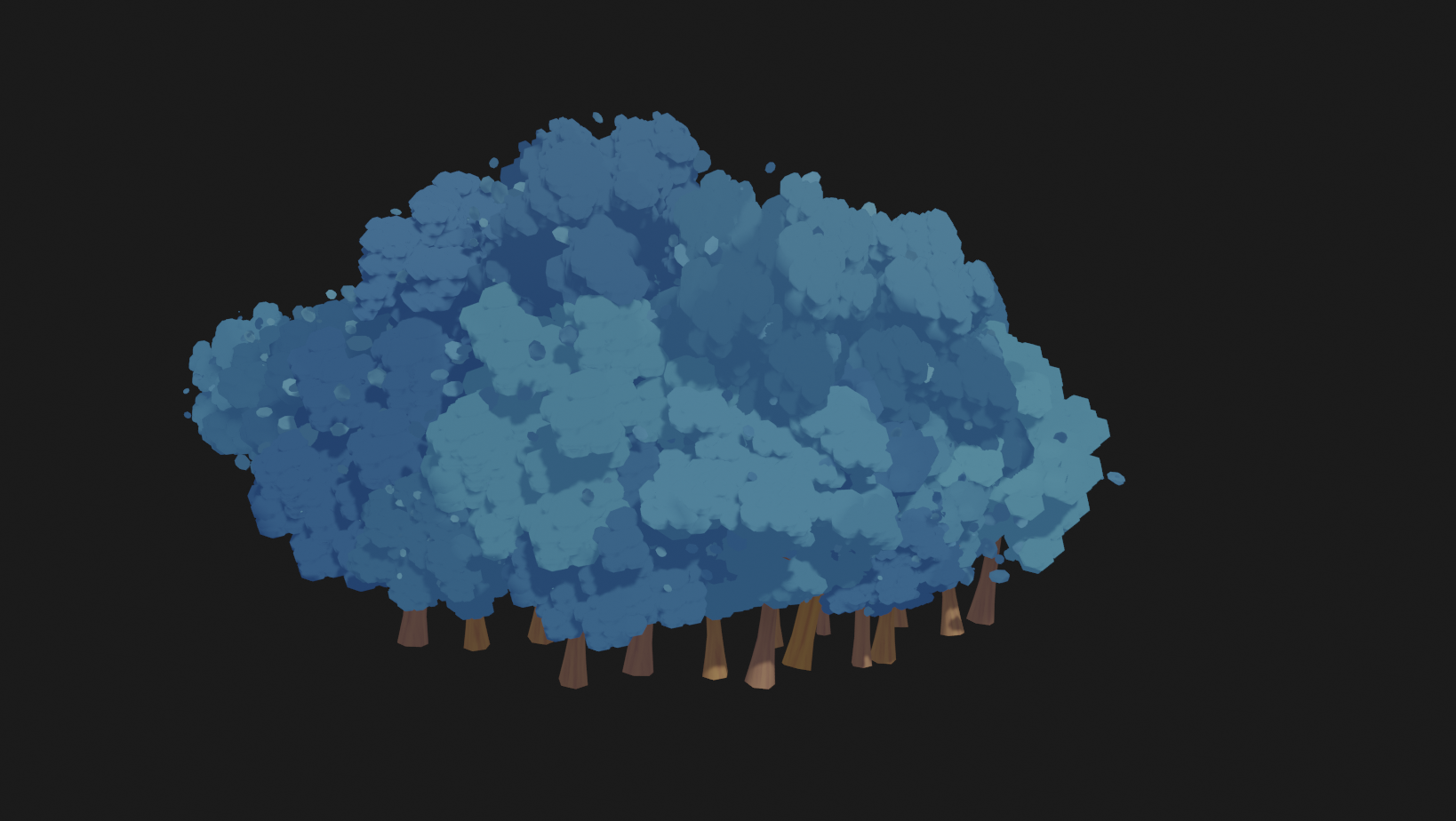
O, and thank you everyone for the kind words and constructive Feedback. it really helps me a lot with tackling this project!!!!
April 15, 2021 at 4:46 am #67445Great job @tijnkroon , full points plus bonus.
From you first post in this WIP thread, all 3 look great, for the background 2 or 3 is probably the direction to go for efficiency. I think 3 is my favourite. Maybe look at making one large tree top and have several trunks from the ground up to look like a cluster of trees. What do you think?
April 17, 2021 at 9:08 am #67446made an update to the tree leaves. I saw the amazing leaves of @danitufi and wanted to try that out on the tree clusters.
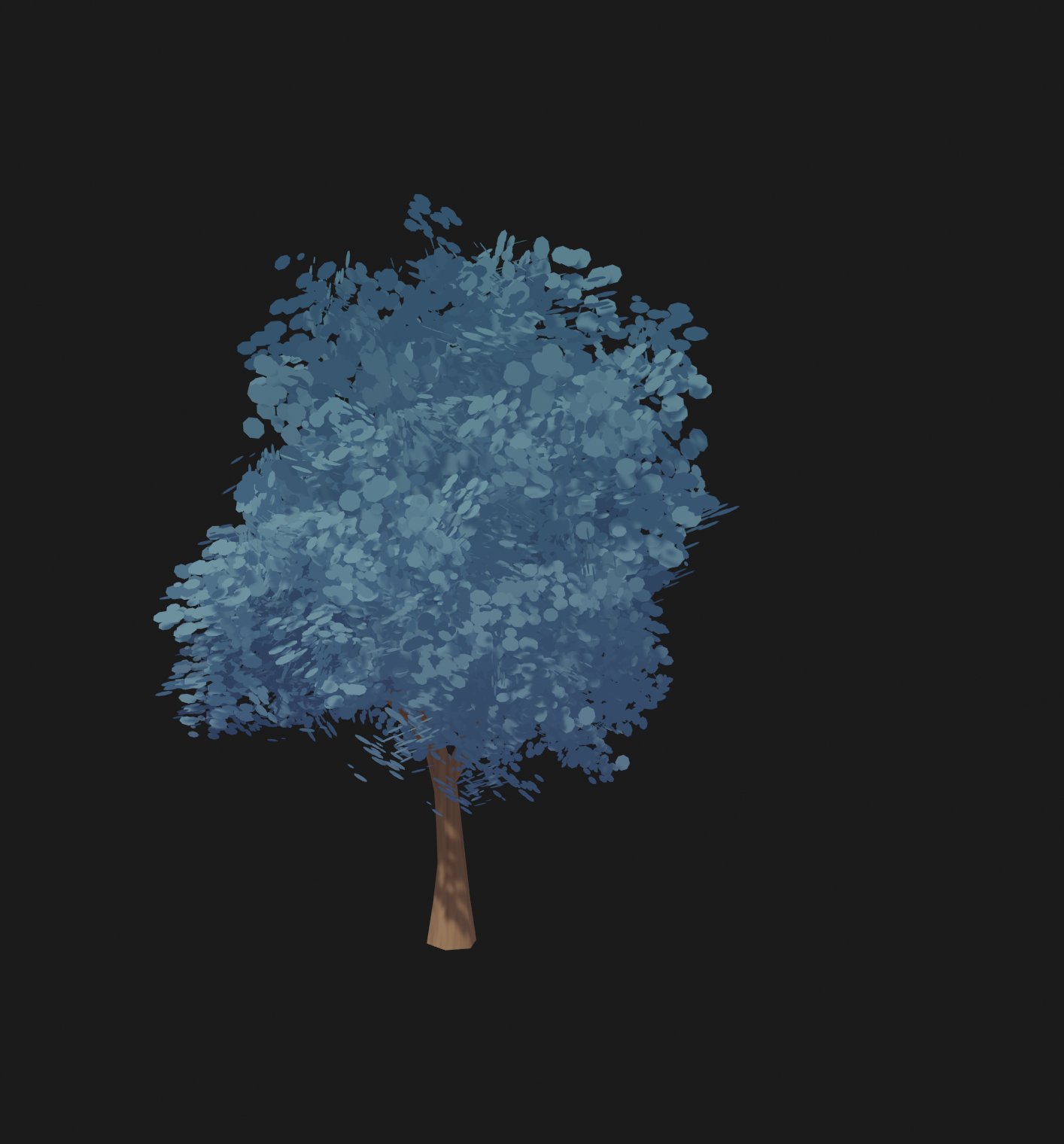
I also started to experiment with the geometry nodes to populate the scene.
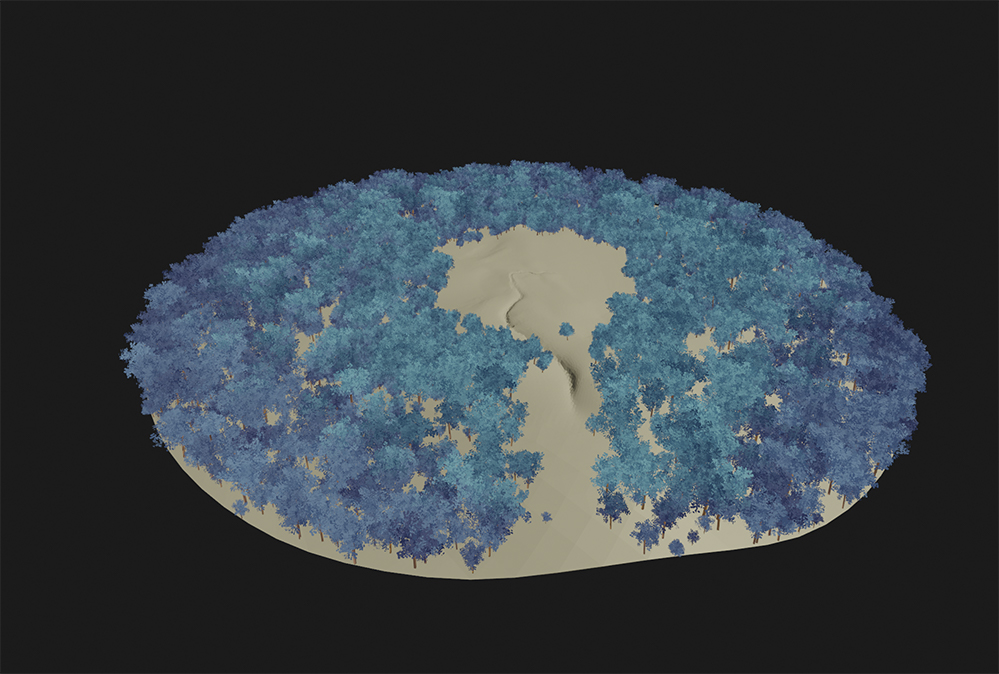 April 17, 2021 at 9:28 am #67447
Looks really good!!!
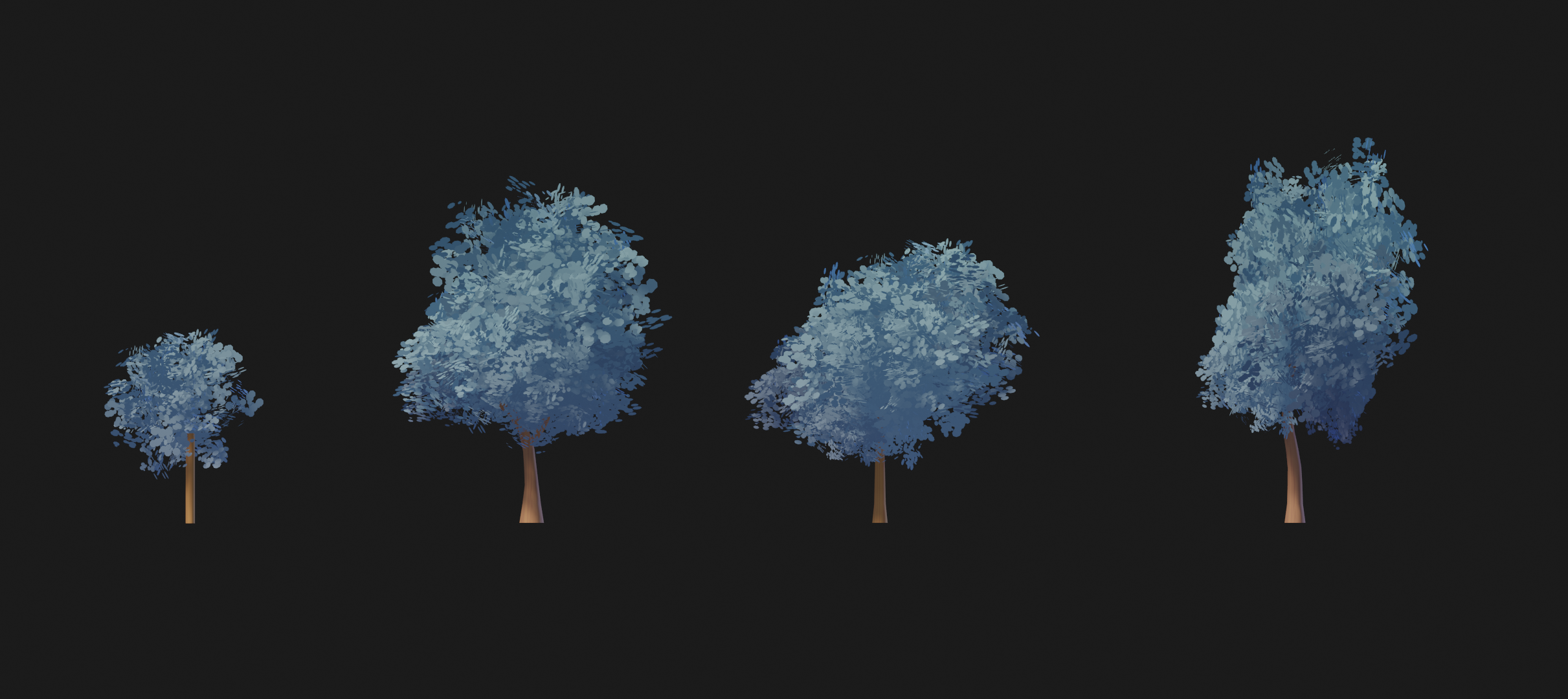
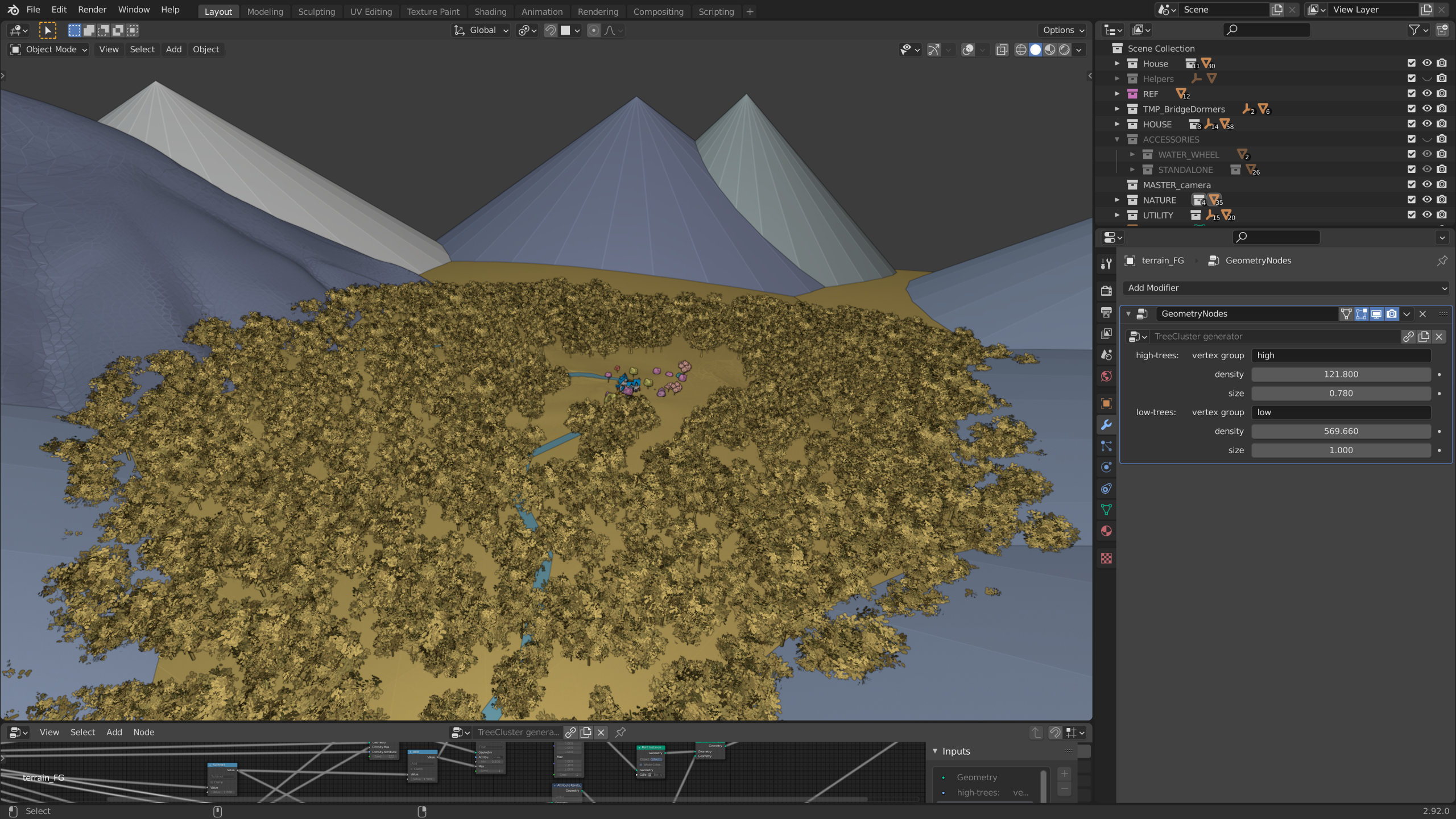
April 18, 2021 at 9:24 am #67448Homework Submission – Week 2 – Tree Clusters
here’s my second week submission. if you want to link it to the main scene you only have to link the geometry nodes in the NodeTree folder. then you have to add a geometry nodes modifier to the ground and weight paint the parts where your want to add the high resolution trees and low resolution trees.
the leaves are still a bit of a struggle. because the scene slows down a lot when I go in to render view.
 April 18, 2021 at 9:43 am #67449
I’m so sorry @adrian2301 I totally missed your comment!!
that sounds like a great idea, because right now If I multiply the trees the scene really slows down. the down side on your idea is only that it quickly can look like on big blob instead of separate trees and the trees wil also lose a lot of depth in the leaves.
but I will try it out 👍
April 18, 2021 at 12:38 pm #67450Nice work @tijnkroon , Geometry nodes are so much easier than the particle system. Can wait for more Geo nodes to be added.
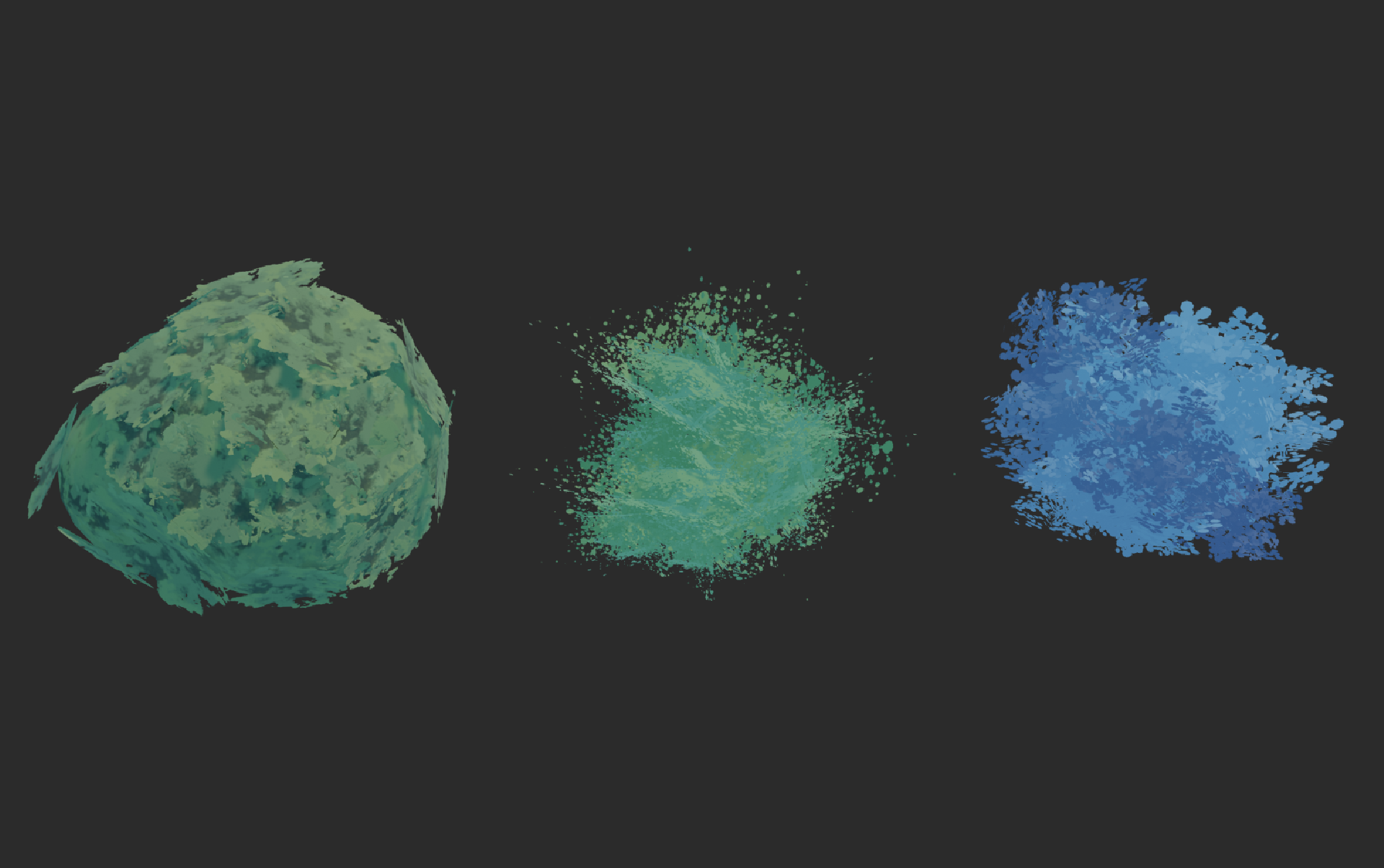
April 22, 2021 at 10:16 am #67451another day in searching for tree clusters that wouldn’t explode my computer when it’s multiplied.
 April 22, 2021 at 10:28 am #67452
This collab has been quite a challenge in searching for the wright balance of efficiency / style and quality. Your doing a great job @tijnkroon
April 22, 2021 at 4:23 pm #67453Nice job here, these are looking amazing! Full points for week 2. As it looks like you guys found out, performance is going to be the biggest challenge here. So far the image planes with custom normals approach seems to be the clear winner in terms of performance, but for these background trees it seems that it’s still pretty heavy if there is a lot of them.
For that reason, I really like both 1 and 3 of your above tests, and I’d probably lean towards #3 since it appears to have the fewest amount of image planes. See if you can get it all the way down to three or so planes per tree. You could also try using a technique similar to this since they will all be farther away: How to Fake a Large Scale Forest in Blender / Part 1 (Tutorial EN) – YouTube
-
AuthorPosts


- The topic ‘Collab2021-WIP-tijnkroon’ is closed to new replies.