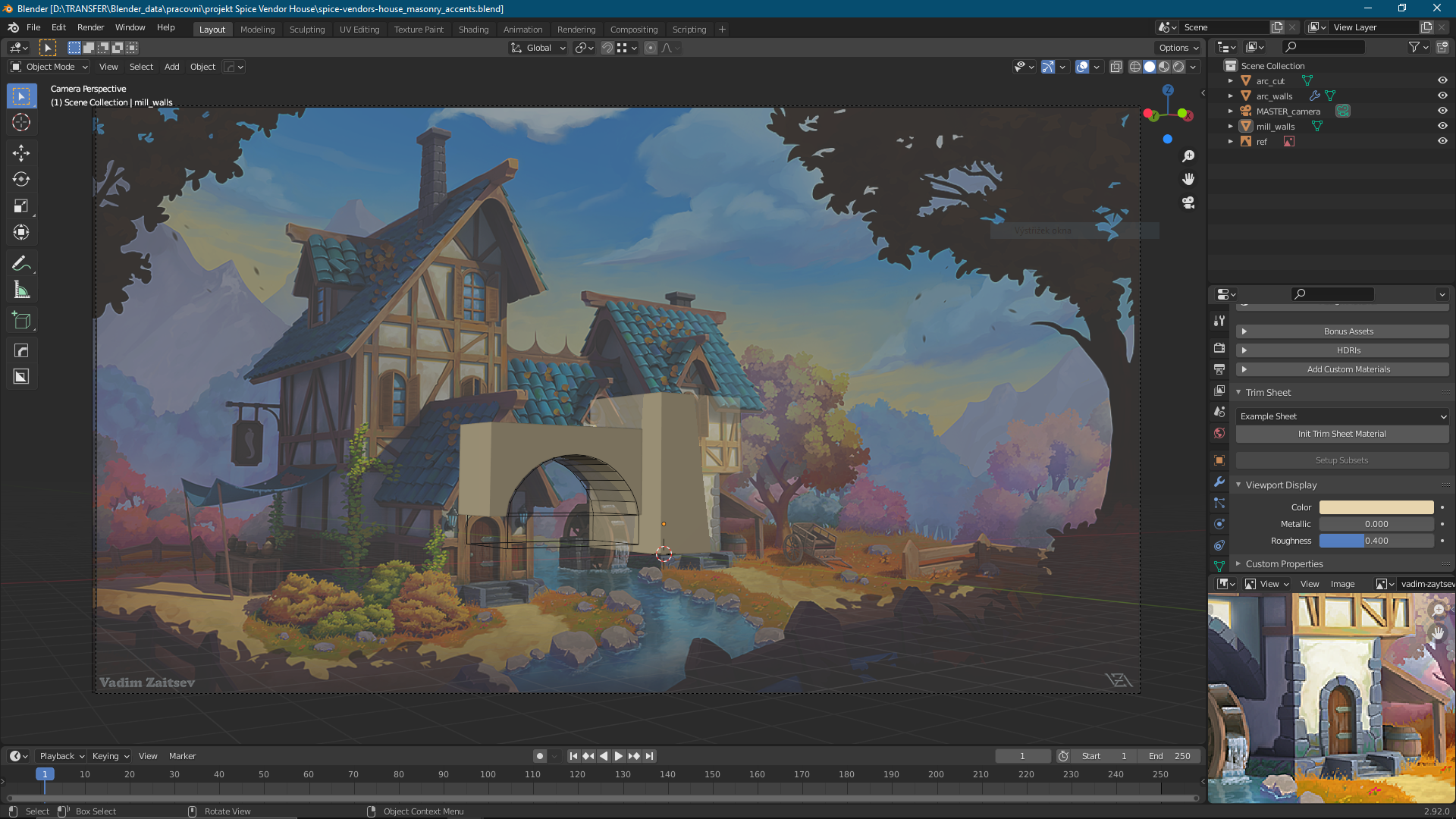
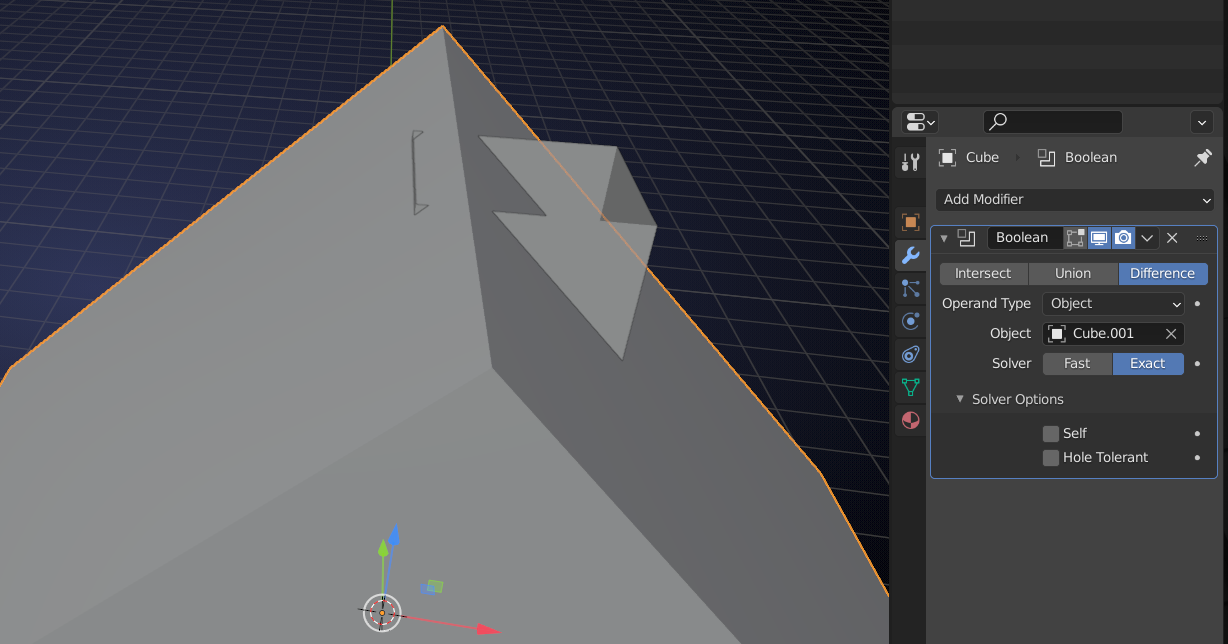
Now I have a question – should we wait for @jakeblended and do our models on his walls, or should we build on the blockout, which provided us @thelutier on the google drive? And another question – in the e-mail from yesterday (April 7th) there is a thing, that confuses me: “Reminder that this week (WEEK 1) we’re not adding any WIP files to the project folder. ” So where should we add our WIP files?
Great questions. My first thoughts are: go ahead and proceed with what has been given already. What file are you linking exactly for reference @hadiczech ?
Keep your own files local to your Computer/etc. for now.
Yes get right to work. Keep it fluid enough that you can roll with changes on the fly. You are welcome to work it out with @jakeblended or trudge along and make changes. With so many hands in the cookie jar you just gotta dive in and grab a cookie.
Interesting! I like the idea of having something tucked away in there. I suppose the keystone on the arch would also be a good candidate for a little F.C embellishment
The technique of TRIM SHEETS has been on my radar every since researching for the project’s style sheet. I thin it will be extremely relevant to the house assets (maybe other areas as well).
Basically a trim sheet is a texture map that has several tileable textures that can be used on a variety of models. Here’s a good video explaining the concept:
Full disclosure: I’ve never used trimsheets myself but this seems like a great time to learn and apply them. NOT THIS WEEK! Obviously this is most important for texturing but having the concept planted in your head sooner than later could help influence modeling decisiosn.
Here’s some insightful artstation galleries that show off trimsheet usage:
You’re welcome to reference it and link whatever you want. I think most of use are starting from scratch. I spoke with Kent and he’s okay with you having used it but the official answer is use the file in the SCENES folder spice-venders-house_ASSEMBLY (1).blend
@blanchsb Thanks for the hint! I only have the excel file of the asset list in my Google Drive. I tried copying the path you mentioned but I do not seem to be able to make it work. Do I need to ask Kent to grant me access to the COLLAB folders on the Drive? I have read in previous posts that there is also a blend file available there with the correct camera setup. In the meantime, I did find the reference picture in the gallery of Vadim , nonetheless I guess Google Drive access would make sense in the long run. 🙂 Thanks for the help!
Hey everybody. All roof angles are symmetrical. At least they are on my initial 3d blockout. All distortions might be caused by camera settings, although I didn’t put anything fancy there either. Maybe just the camera angle.

.