COLLAB2021 – If You Wanna Have Some Fun – NATURE FG

Forum Archive COLLAB2021 – If You Wanna Have Some Fun – NATURE FG

Viewing 15 posts - 181 through 195 (of 227 total)
  • Author
    Posts
  • #66645
    James Langley
    Participant

      @spikey  Thanks really helpful, i’ll get to it.  On another note would you say retopo original sculpt then duplicate and sculpt detail onto the retopo duplicate OR retopo, save that to one side, then sculpt detail on the old sculpt?


      #66646
      Austin Dunham
      Participant

        Hey Guys,

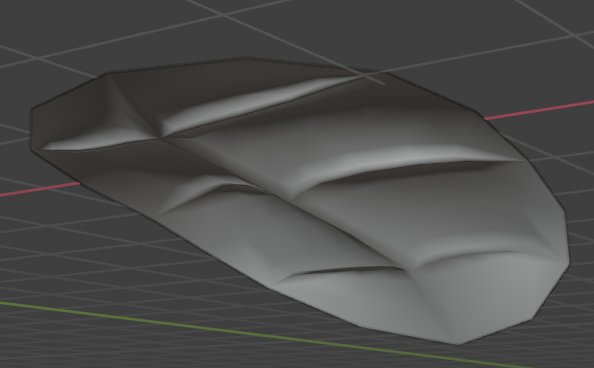
           I’m not sure what I’ve done.  I created this leaf:
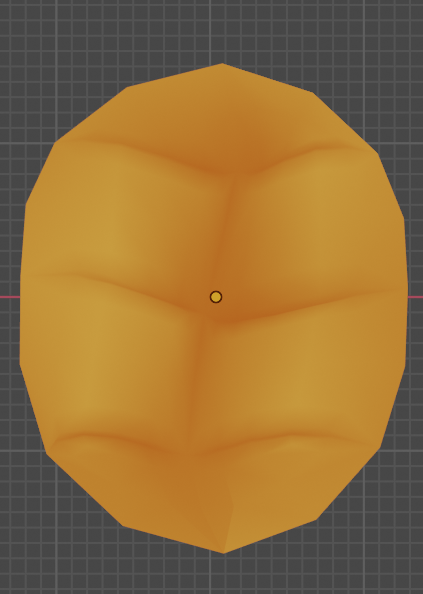
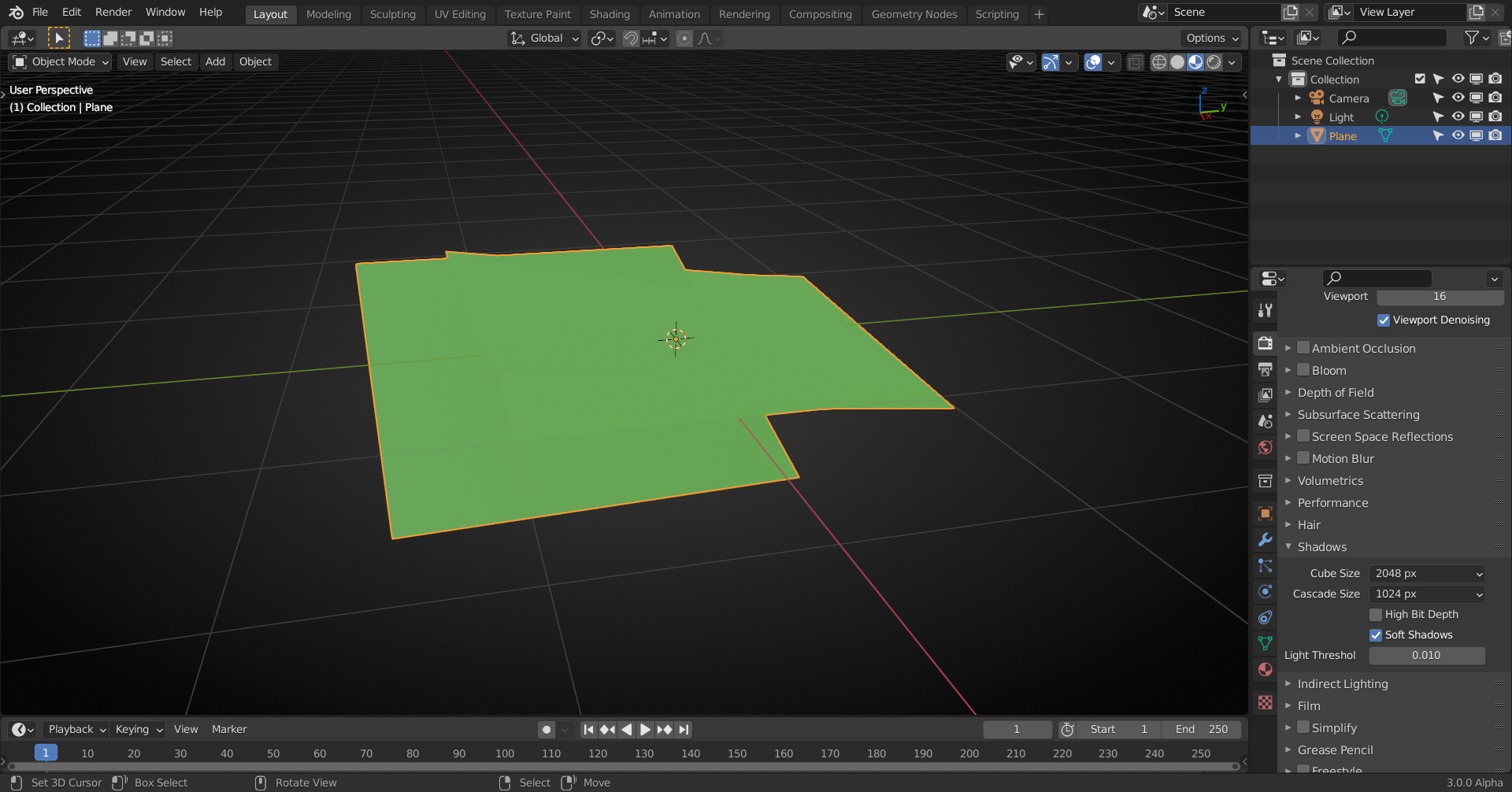
        It has a fair bit of geometry I’d either have to bake down to planes, or simply create an image of.  I thought it looked pretty nice. . . but when I try to use it I get absolutely no shadows.

        I get that both in material preview and rendered view.  If I select solid I at least get:
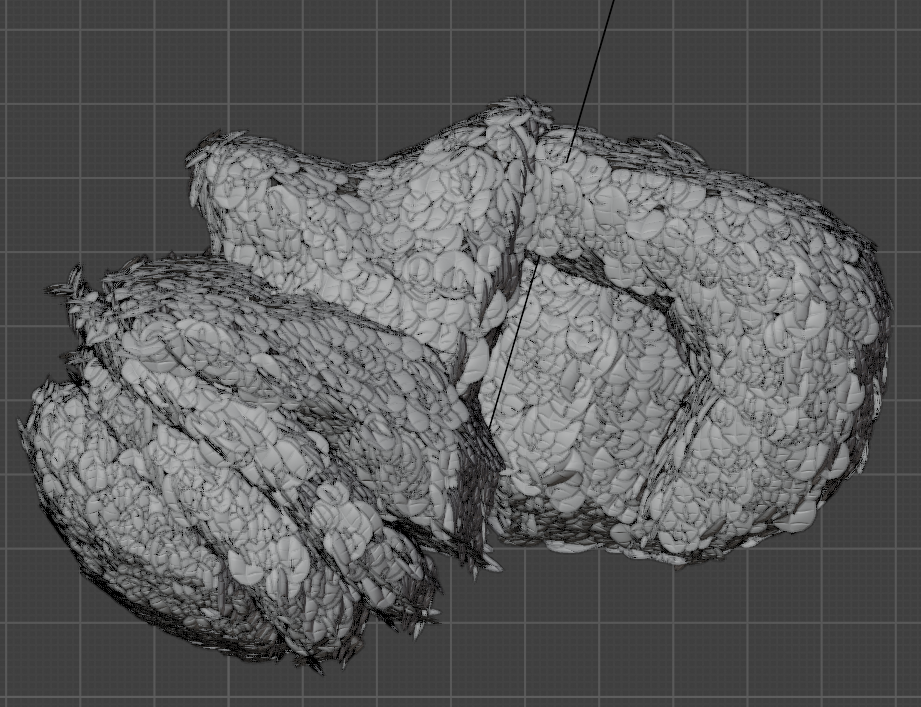
        I’m sure I’ve done something silly to my leaf, but I’m having trouble figuring out what that is.  When I finally get my GSync syncing I may put the .blend file up to help others look at it; I was just wondering if somebody had run into this before and had a “Oh yeah, you need to do X”.

        Thanks!

        #66647
        Ben Reichel
        Participant

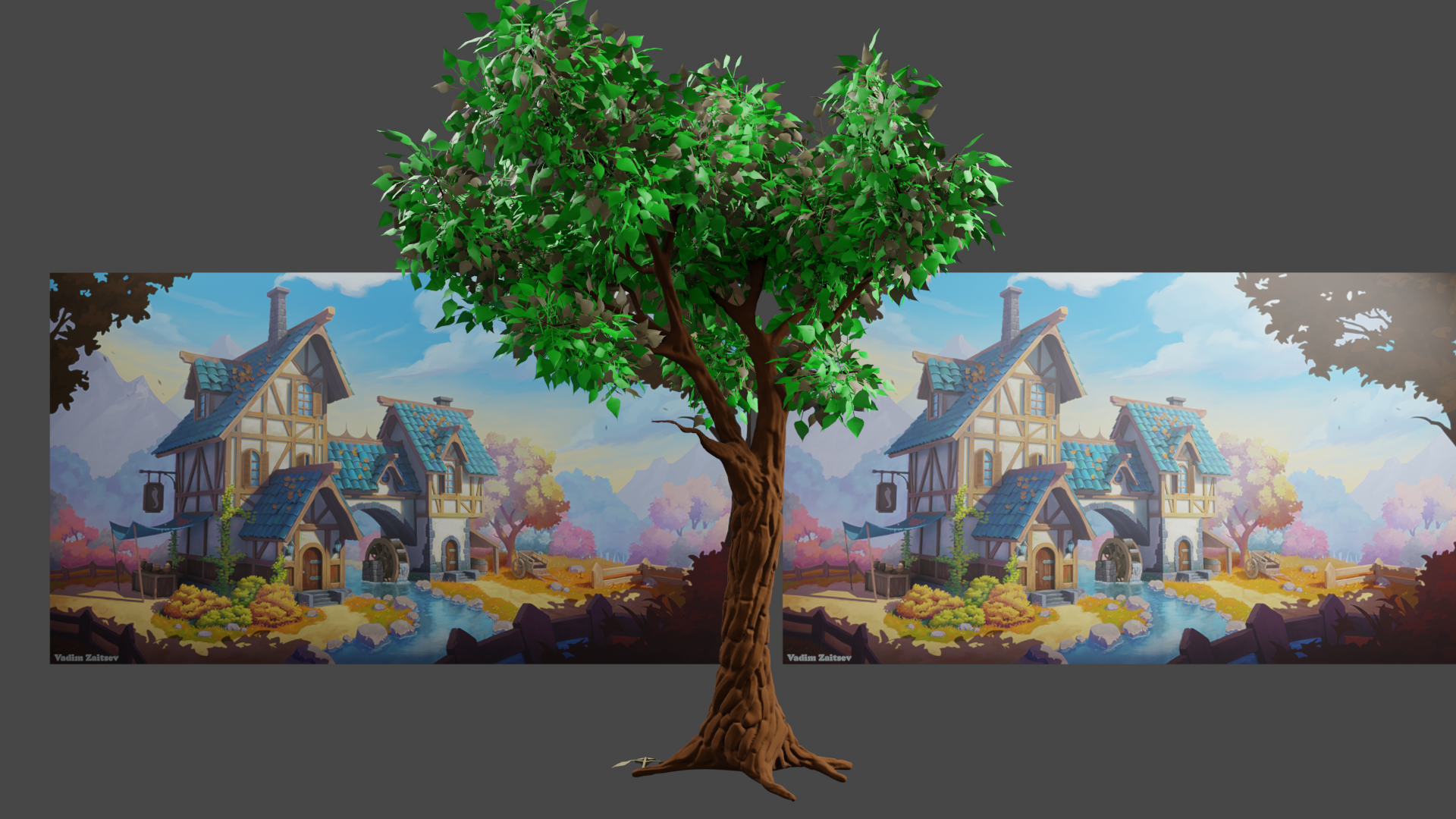
          I really like the bark on the tree.  I did some additional sculpting and similar (but hopefully different) texture.  Thoughts?

          #66648
          spikeyxxx
          Participant

            @langleyjij  I’d sculpt detail on the retopo mesh, using Multires, so I could bake from Multires. The copy of the retopo would be for safety measure, just in case I’d mess up 😉

            But you can give the other method a go, for testing (on a simple model) and see how that goes. 

            Might give some weird baking results, I don’t really know…theoretically it should work, I think…

            #66649
            spikeyxxx
            Participant

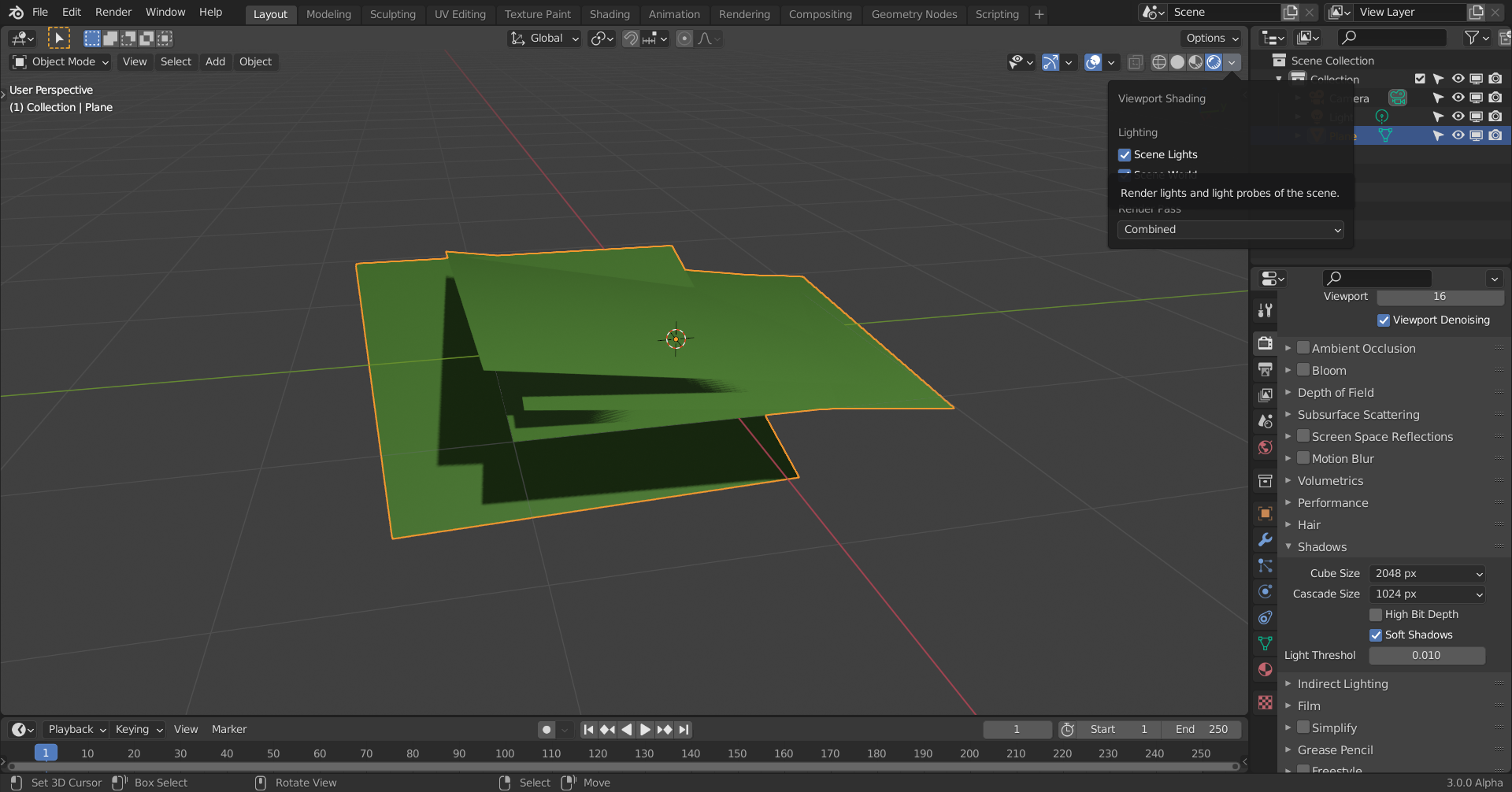
              Could be a Light issue; in Material Preview, the default Environment gives (almost) no shadow:

              But you can enable Scene Lights.

              In Rendered mode, also make sure you have at least  Scene Lights enabled:

              #66650
              spikeyxxx
              Participant

                I like it!

                It could be, that the effect of the normal map, when baked, will be not very strong, as this tree is so much in shadow 🤔

                #66651
                artifact
                Participant

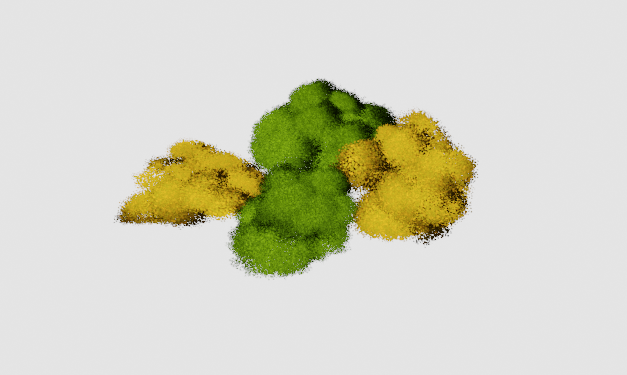
                  Update on the foregeround bushes after referencing the stylized bush creation videos that Kent provided for us, in particular trying to provide the “chunky-ness” to the bushes. I switched to alpha planes instead of instanced geo for performance’s sake.

                  However, I’m looking into shading issues when using alpha mapped planes; the render comes out sort of blurry as evidenced in the render above. Additionally, I need to optimize the bushes as they are currently too high poly.

                  #66652
                  yukino hatake
                  Participant

                    I really love it, nice work on the tree, perhaps at the bottem the texture could be wider then near the top, but awesome job 

                    #66653
                    yukino hatake
                    Participant

                      Awesome job, great work i love that tree. The wood could use some detail but aside great work 😁

                      #66654
                      Ben Reichel
                      Participant

                        I did clean it up a bit and tried to make it gradually get smaller bark chunks.  I am pleased with how it is turning out.  Thanks for the feedback!

                        #66655
                        Austin Dunham
                        Participant

                          Thanks @spikeyxxx.  I gave that a try, but something else was wrong with it.  I’m putting it on hold as really I think I should be focusing on getting the bushy leaves right at this point.

                          Just ran out of time this week.  Not making nearly as much progress as I need to on aligning the leaves.

                          #66656
                          Matthew Ullrey
                          Participant

                            @notcastanza That is a “hero” tree if I ever saw one. It definitely has the stylized look we’re going for.  Fantastic work!

                            #66657
                            yukino hatake
                            Participant

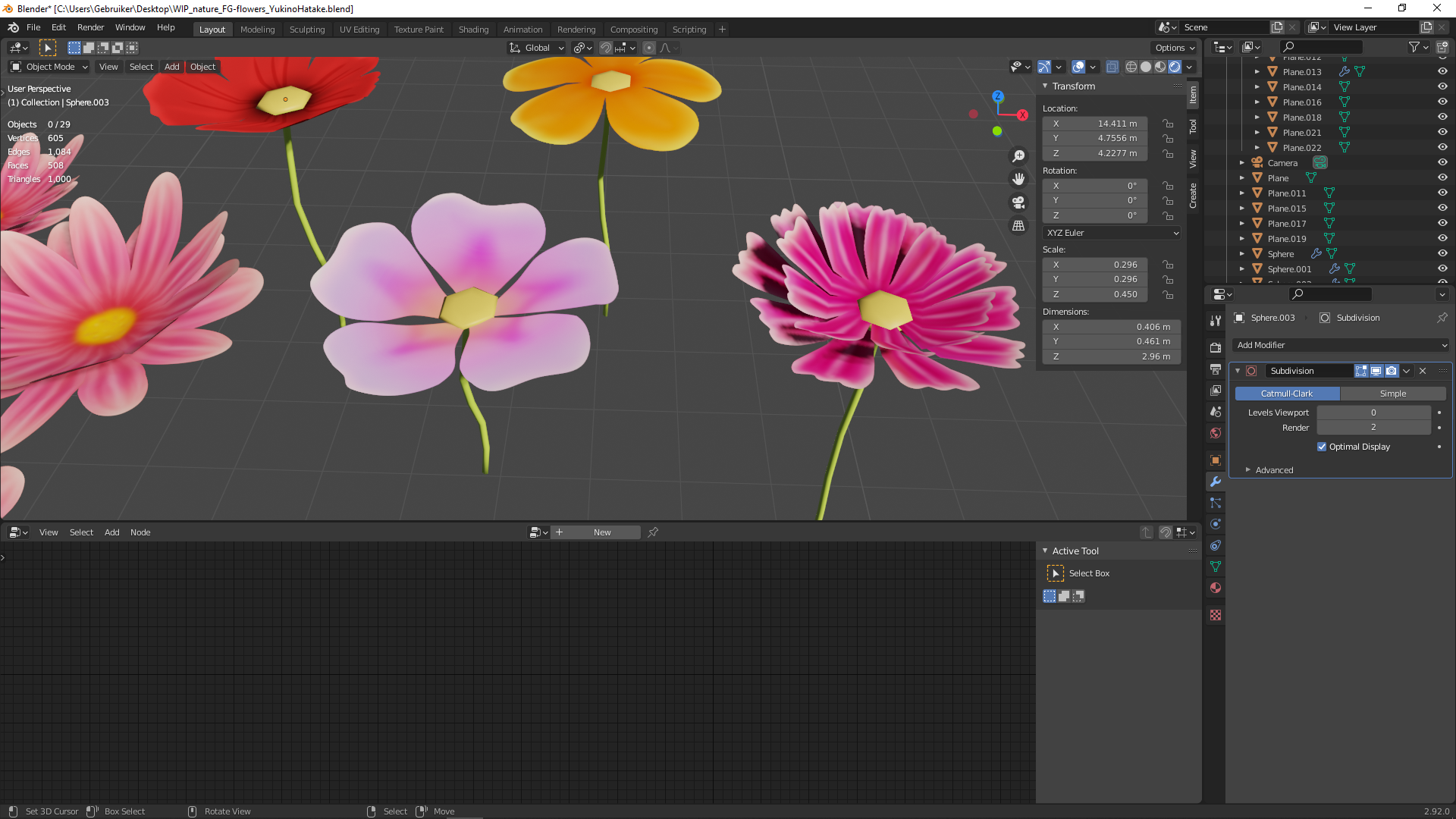
                              Question, is there a good way to get the inner of the flower and stam to look high poly while still been low poly ?(of the green part of the flower that connects the flower with the leafs and ground)

                              first i was thinking of painting it like with the most left flower (but when i would want a part to be hanging downwards i wonder how i could get that to lookgood without adding too much geometry)

                              #66658
                              spikeyxxx
                              Participant

                                I’d say, considering the size of the flowers, you can just use those hexagons (six-sided) for the centers and the stems don’t need more geometry either, although I think they look a bit thin maybe….

                                #66659
                                spikeyxxx
                                Participant

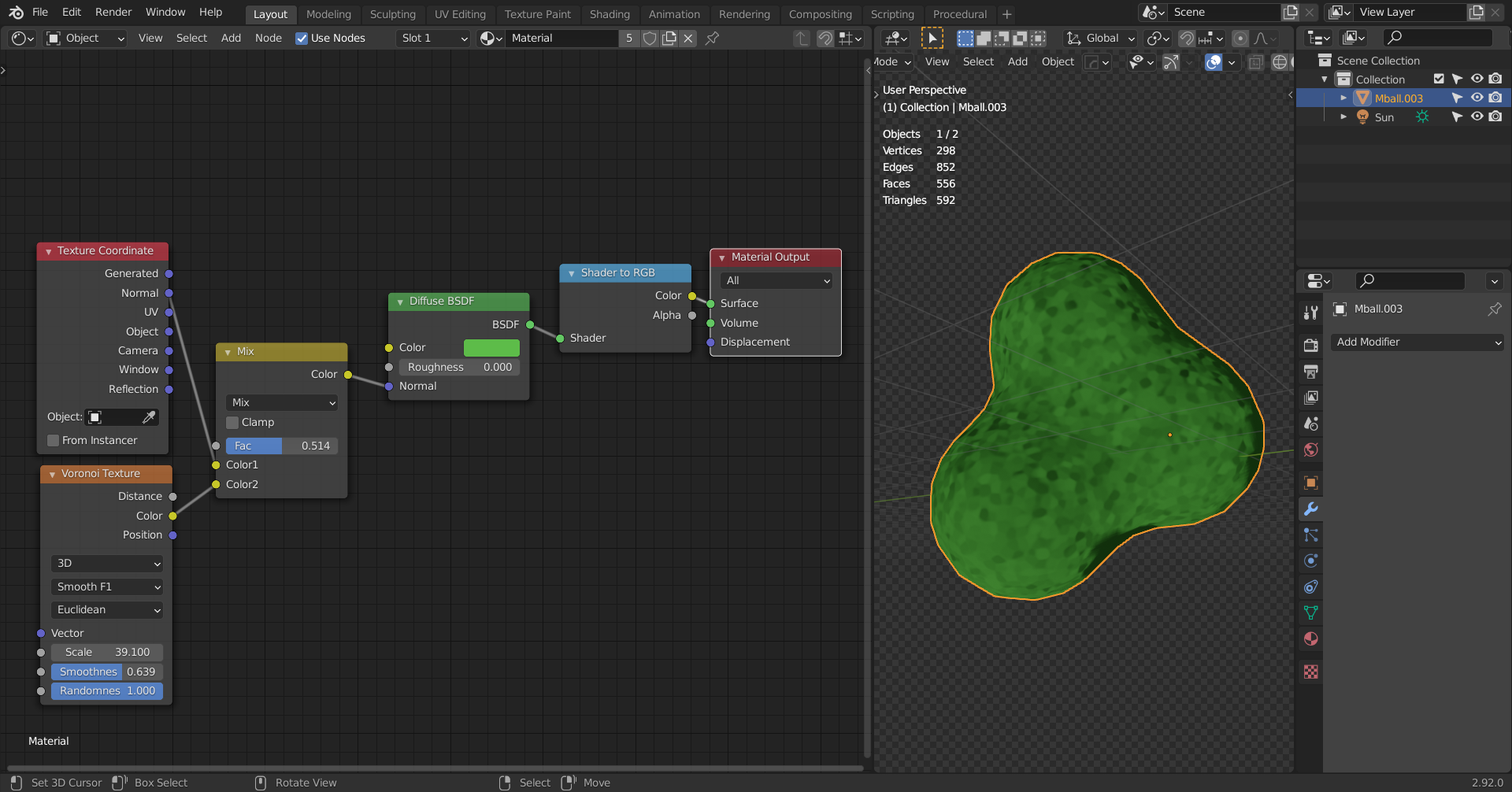
                                  MG and BG Tree (and maybe even Bushes) makers that are struggling with their vertex count:

                                  maybe you could use a few spheres or so to create the main blobby shapes, using a fun shader, maybe even as simple as this:

                                  and only have ‘a few’ strategically placed leaves (at the contours,mainly…) to suggest that they are full of leaves.

                                Viewing 15 posts - 181 through 195 (of 227 total)
                                • The topic ‘COLLAB2021 – If You Wanna Have Some Fun – NATURE FG’ is closed to new replies.