
Collab 2020: Modeling Heavy Equipment (Backhoe)
Forum Archive › Collab 2020: Modeling Heavy Equipment (Backhoe)
- This topic has 1,439 replies, 27 voices, and was last updated 4 years, 1 month ago by
Omar Domenech.
-
AuthorPosts
-
February 1, 2021 at 10:01 pm #55142
I confess that I keep coming back just to look at this from time to time. I may have even stared at the teaser picture for 5 minutes while I was supposed to be organizing some files. lol
February 2, 2021 at 5:14 am #55143Awesome job everybody!
February 2, 2021 at 9:09 am #55144@theluthier a bit more than 2 days, sorry, but almost finished now:
 February 2, 2021 at 9:12 am #55145
Very nice @spikeyxxx! 🤩🤩
February 2, 2021 at 9:18 am #55146@blanchsb That’s very motivating to read! Everyone’s positive comments is fuel for me right now.
I can sincerely say that this model + animation + render is shaping up to be in the top 5 things I’ve ever worked on in my career. I knew the model as a whole was impressive but going through every nut an bolt through animation and shading…we truly built something special.
I’m very close to final rendering but it may take all of February just to render. At the moment hitting the render button is crashing blender about 25% of the time 😬
Please send thoughts and prayers!
February 2, 2021 at 9:36 am #55147it looks awesome 🤩 🤩 as for rendering we could help if you want to. we could get ppl to volunteer and render certain numbers of frames and send it to you for final composite.
February 2, 2021 at 11:21 am #55148@theluthier Absolutely breathtaking 👍! Please let us know if we can further assist rendering this. Best wishes and prayers for the remaining animation rendering 🙏🙂!
February 3, 2021 at 10:29 am #55149I think I’ll call this done:
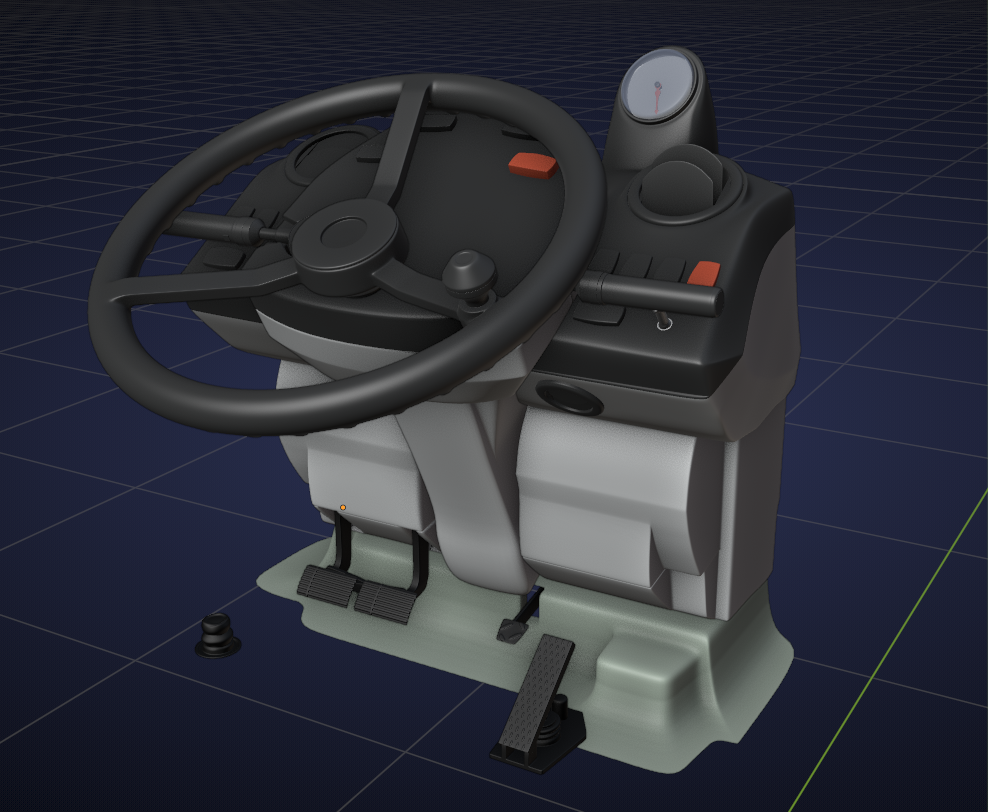
At least the modelling. Do you want me to make some images for the buttons & co @theluthier ?
Also if you haven’t started rendering the wheels yet, I can put some text on the tires…
February 3, 2021 at 1:09 pm #55150Spikey, by the powers bestowed upon you by that piece, you are hence forth known as the designated backhoe driver.
February 4, 2021 at 9:13 am #55151Looks amazing @spikeyxxx! Thanks for coming through, sir 🙇
There was a slight misunderstanding when it came to the tires. I chose yours as the final version but when Lampel volunteered to animate their assembly he grabbed Ryzen’s tires. An honest mistake since there were multiple versions of parts and I didn’t specify which tires. All that to say the tires are animated and shaded so no need to for text imo. Besides Lampel cleverly animated the modifiers so the tire starts flat and wraps around the hub. Looks really cool and might be tricky to add text within that framework.
February 4, 2021 at 6:07 pm #55152I’m feeling HYPED right now, Dog Pound! Hope you don’t mind a little story time 🤓
A significant piece of this puzzle – an environment – has been looming over my head since January. While I was very happy with the way the DOG’s S&L had developed, 5-10 minutes per frame with no environment made me nervous about what a fully modeled interior would do to render times.
Most of this week I spent modeling a parking garage type environment. Once I blocked it out I tried rendering with a basic diffuse material on the whole environment: Simplest possible starting point. The DOG render times started chugging AND drastically increased in noisiness. Also the lighting changed drastically since everything prior was based on an HDRI which can’t contribute to an enclosed parking garage model. True rendering of the whole scene (DOG + environment) was never going to be an option.
So I did what any Blender 2.8+ user would do: Turn on Eevee. I needed Eevee to work.
As I block out some concrete and metal materials I see Eevee keeping up in near real time. Only issue was without global illumination everything was too dark. I fiddled with the indirect lighting settings and it worked brilliantly! Way better than expected. And I could get quick volumetrics that I wouldn’t even attempt with Cycles. I realized Eevee can do this. Hallelujah 🙌
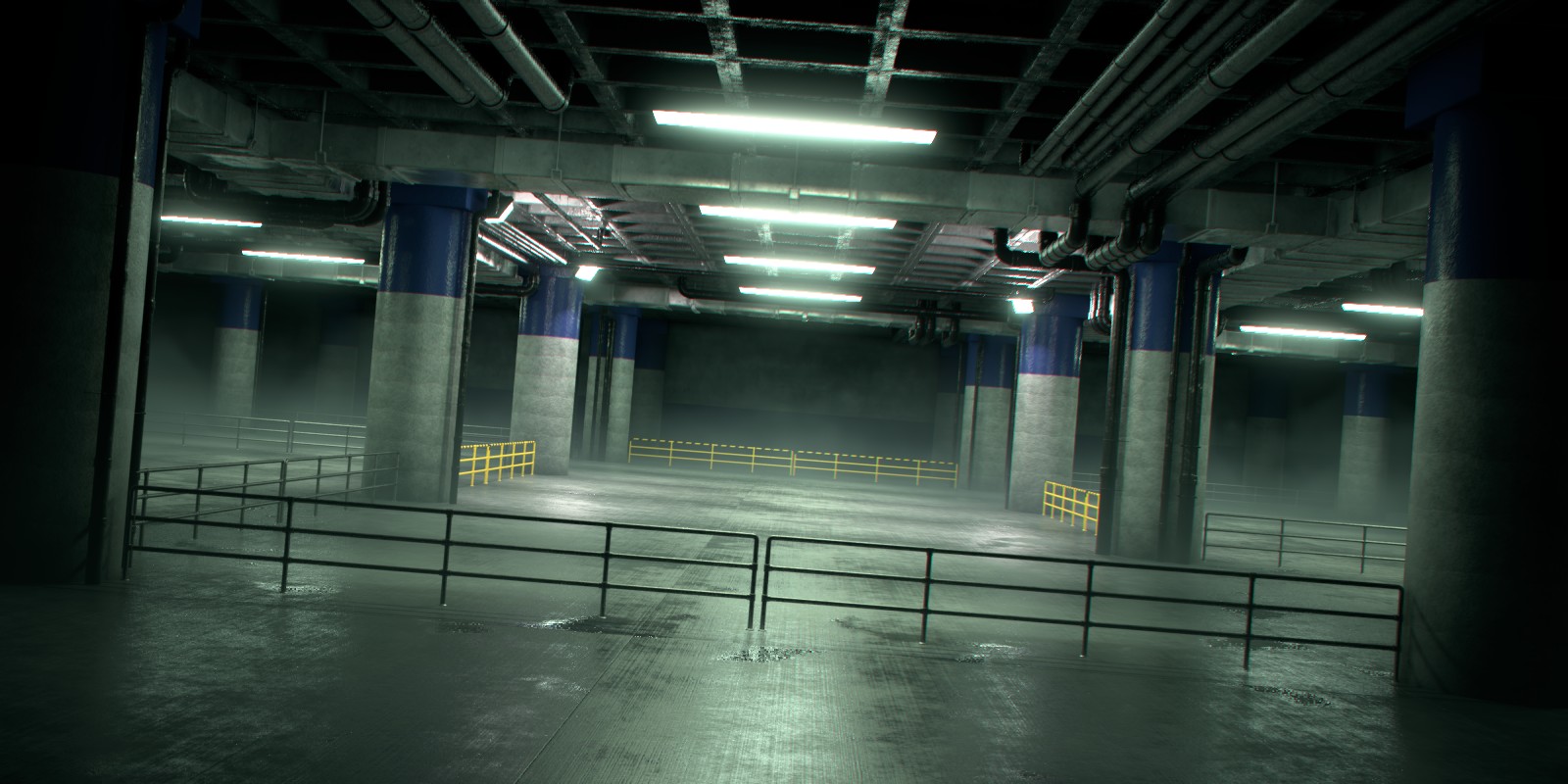
So part 1 of the environment implementation was complete: Build and shade it. Now part 2: How do I composite my Cycles DOG with Eeevee Environment? That’s the question I struggled through today….
After some trial and errors, I’m SO HYPED to share with you that I figured out a decent workflow! I present to you a final-quality stills of the DOG assembly animation:
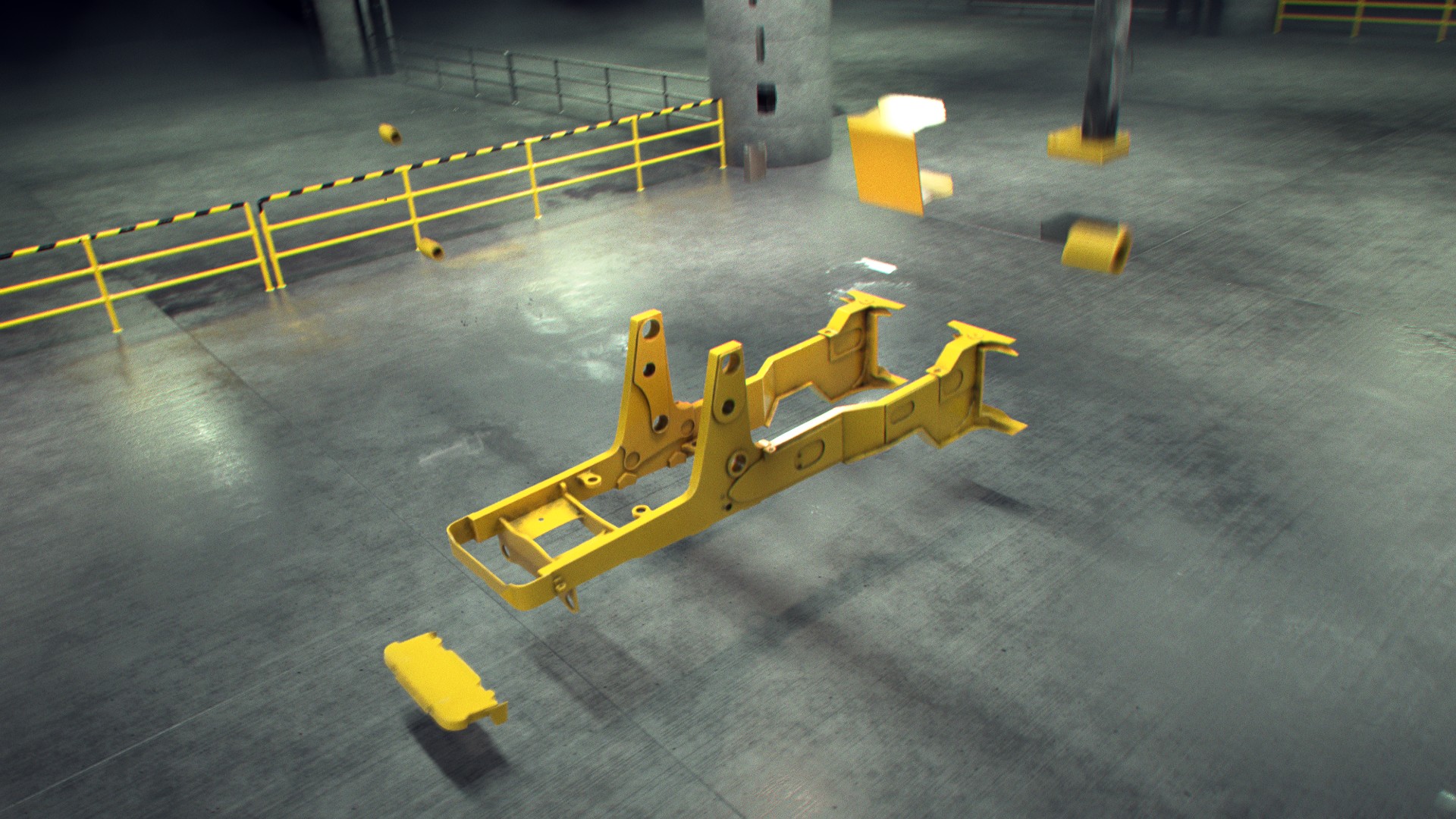
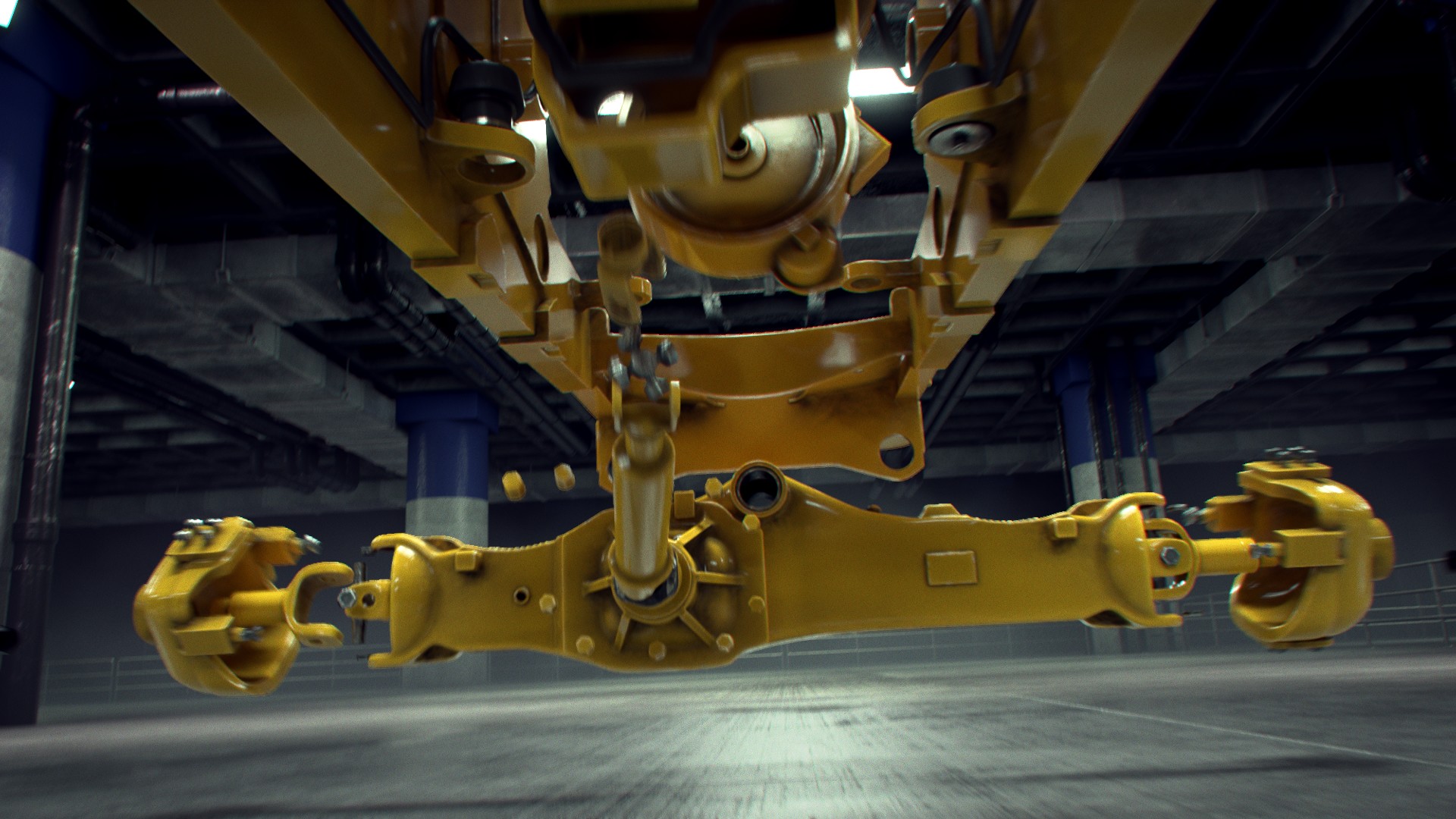
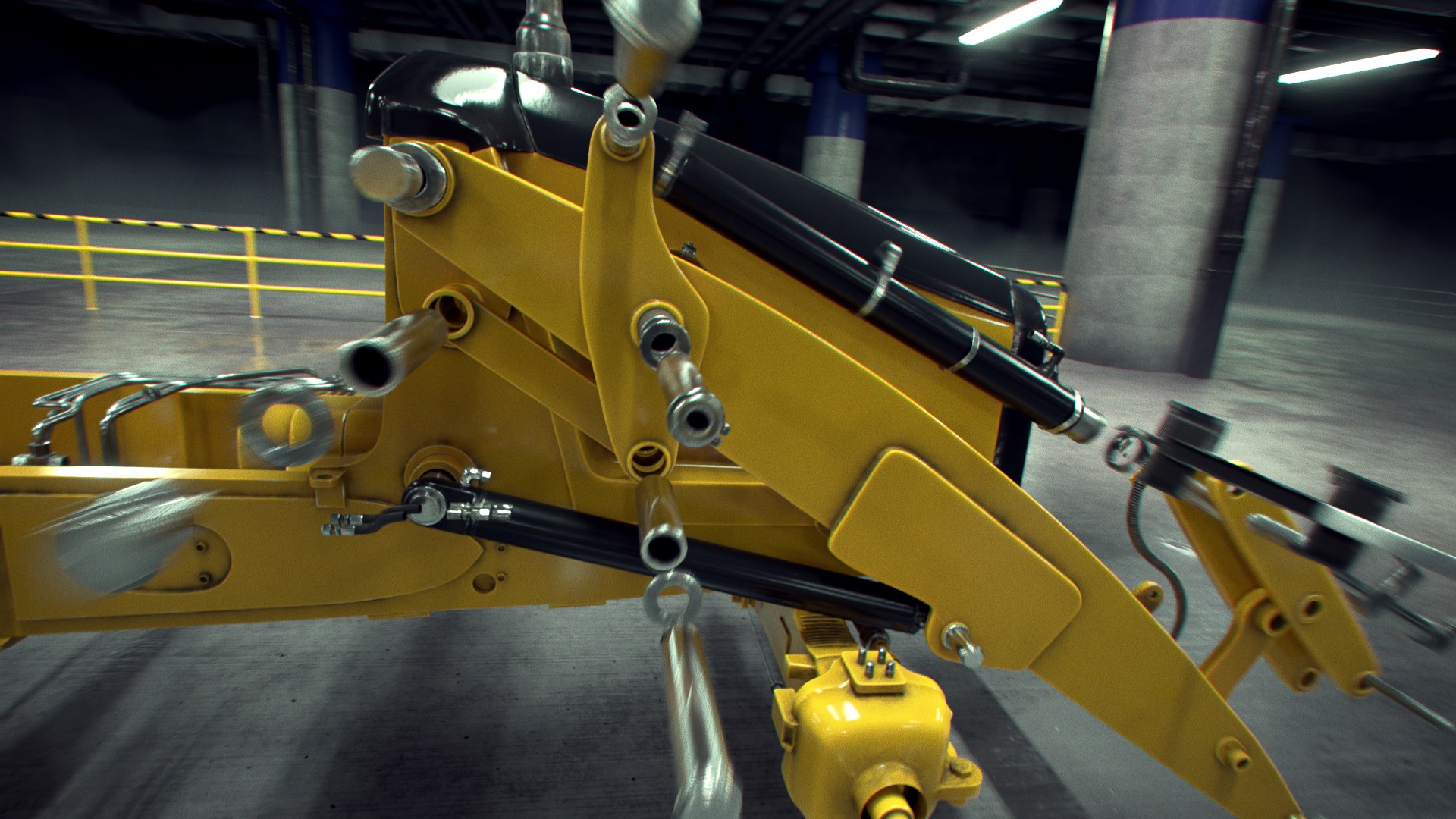

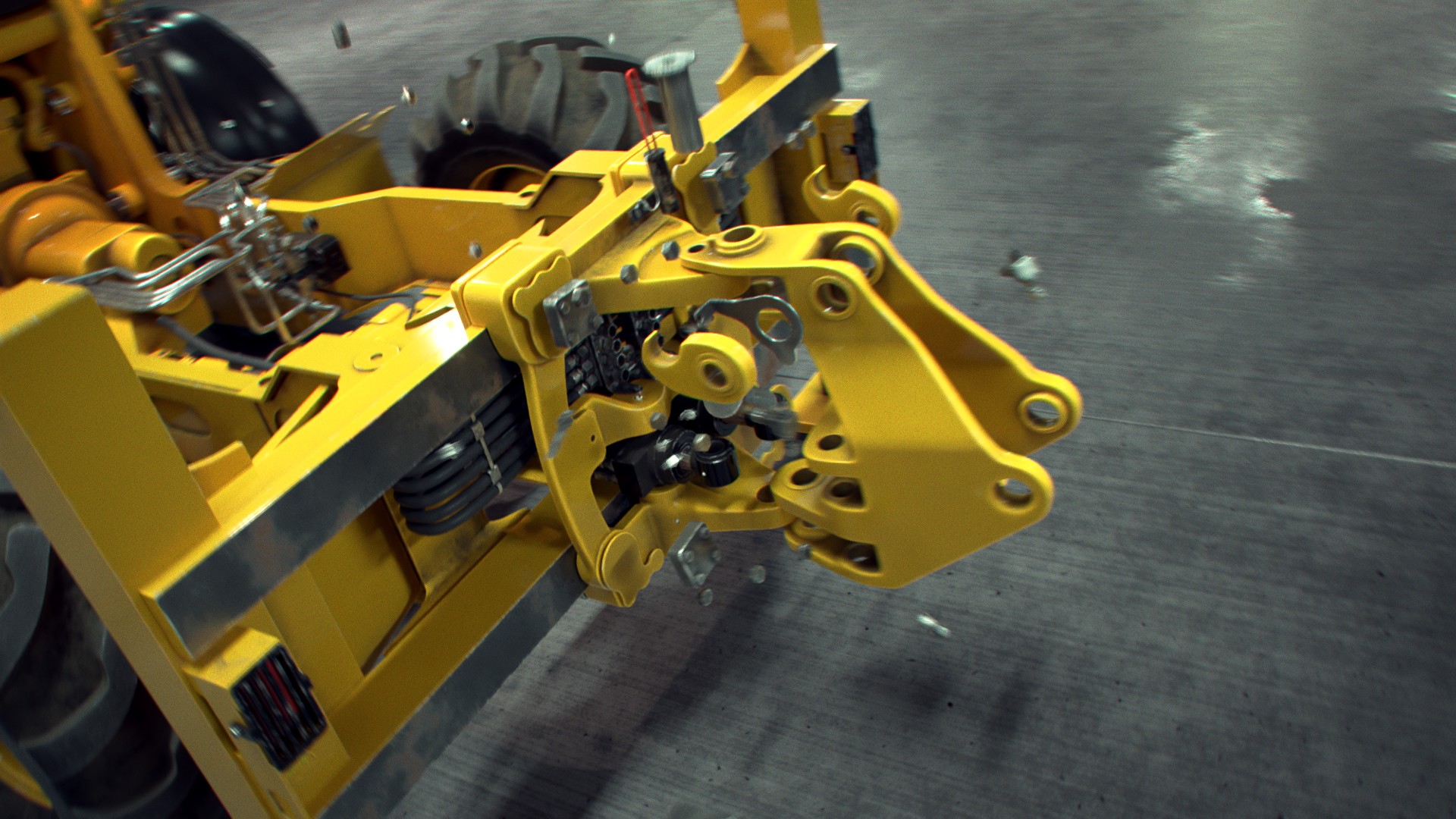
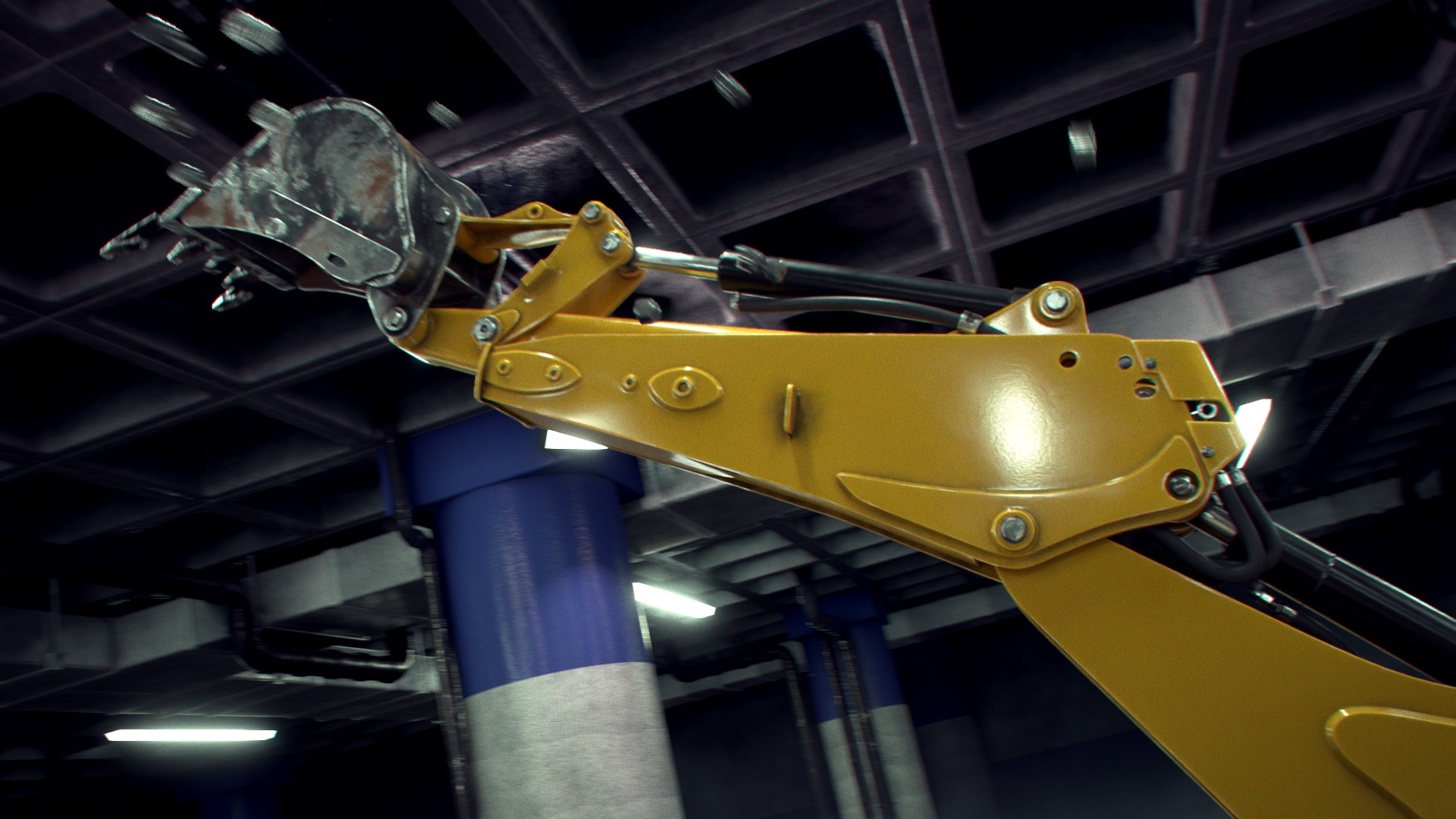
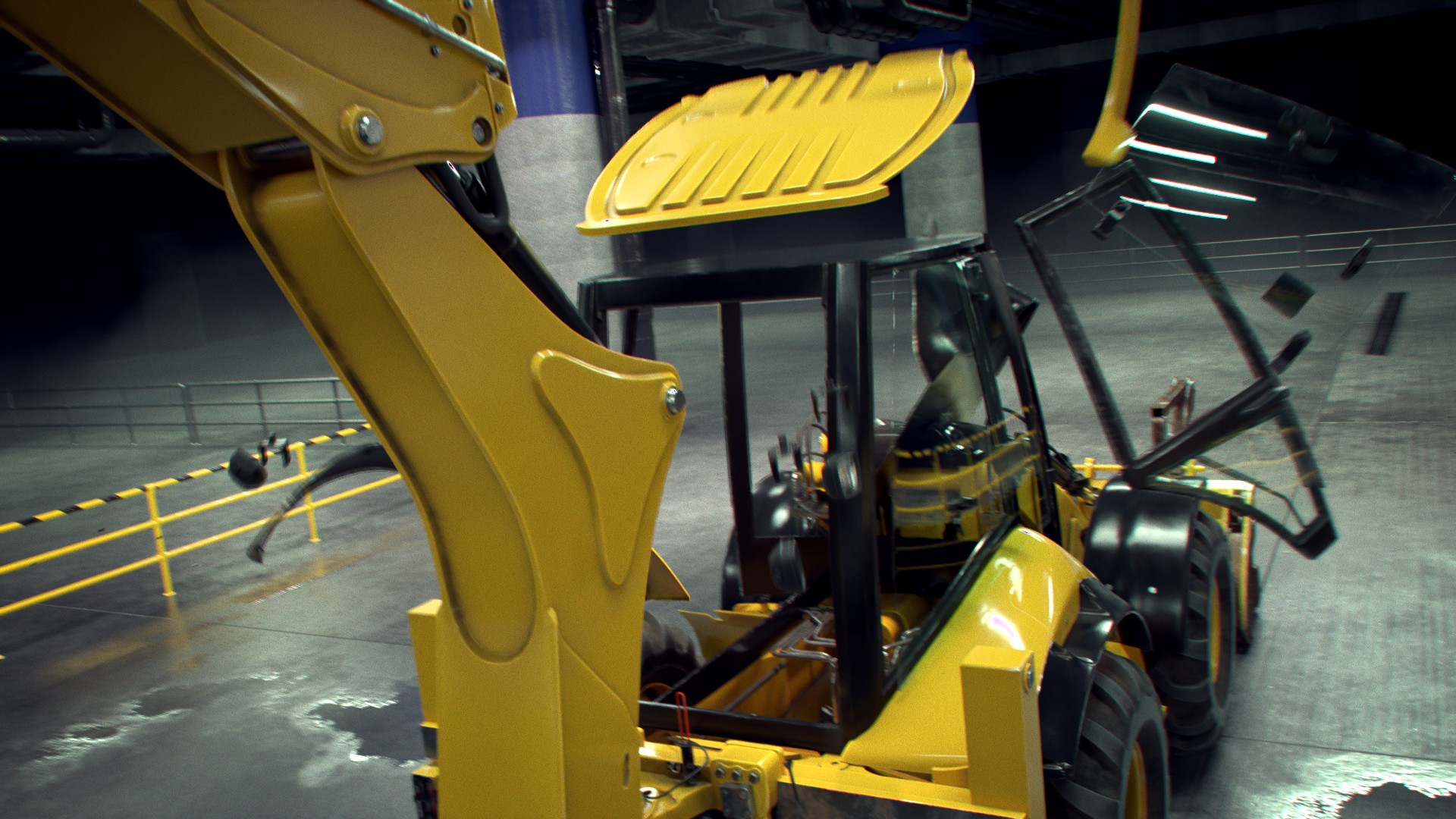
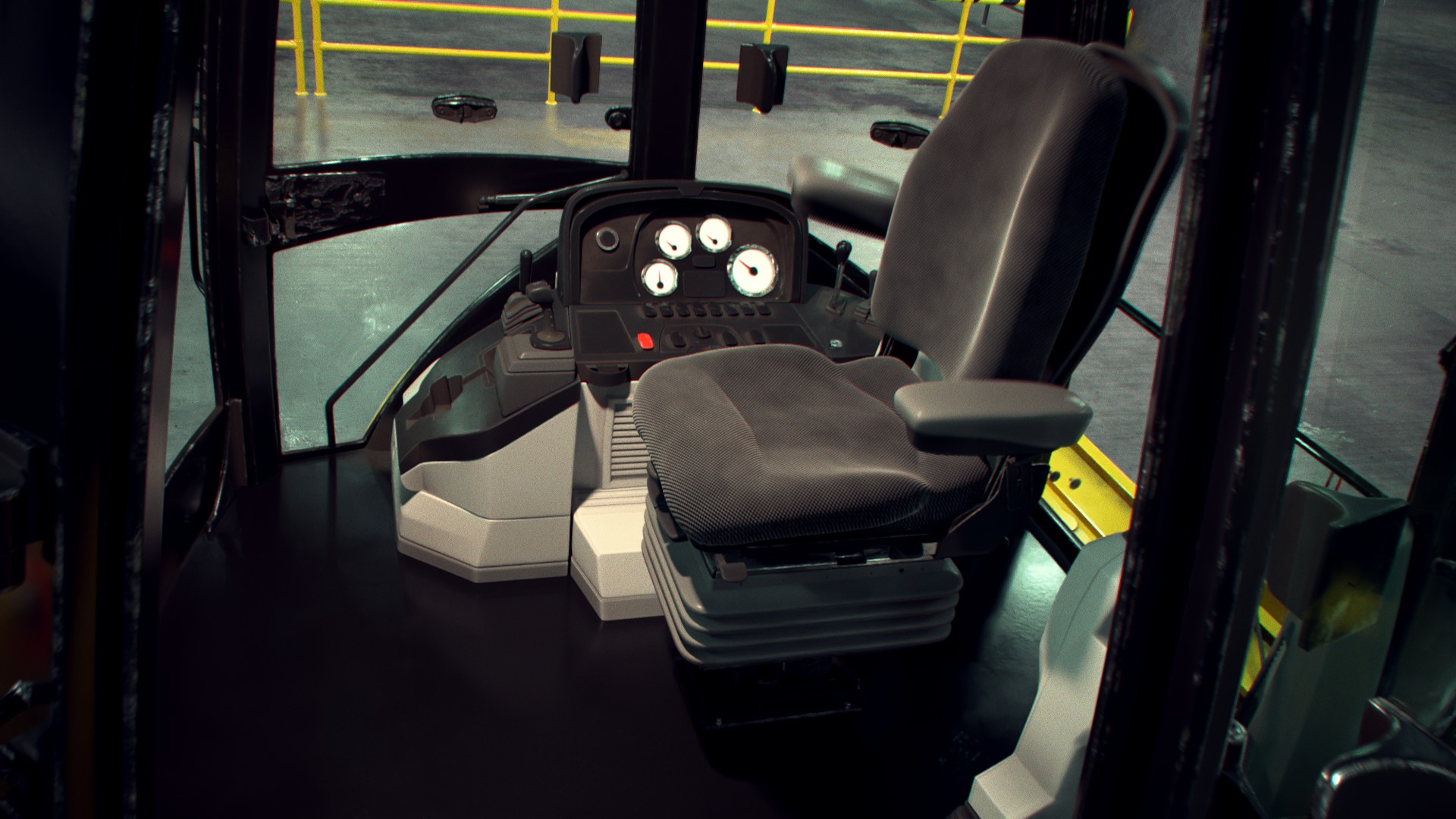
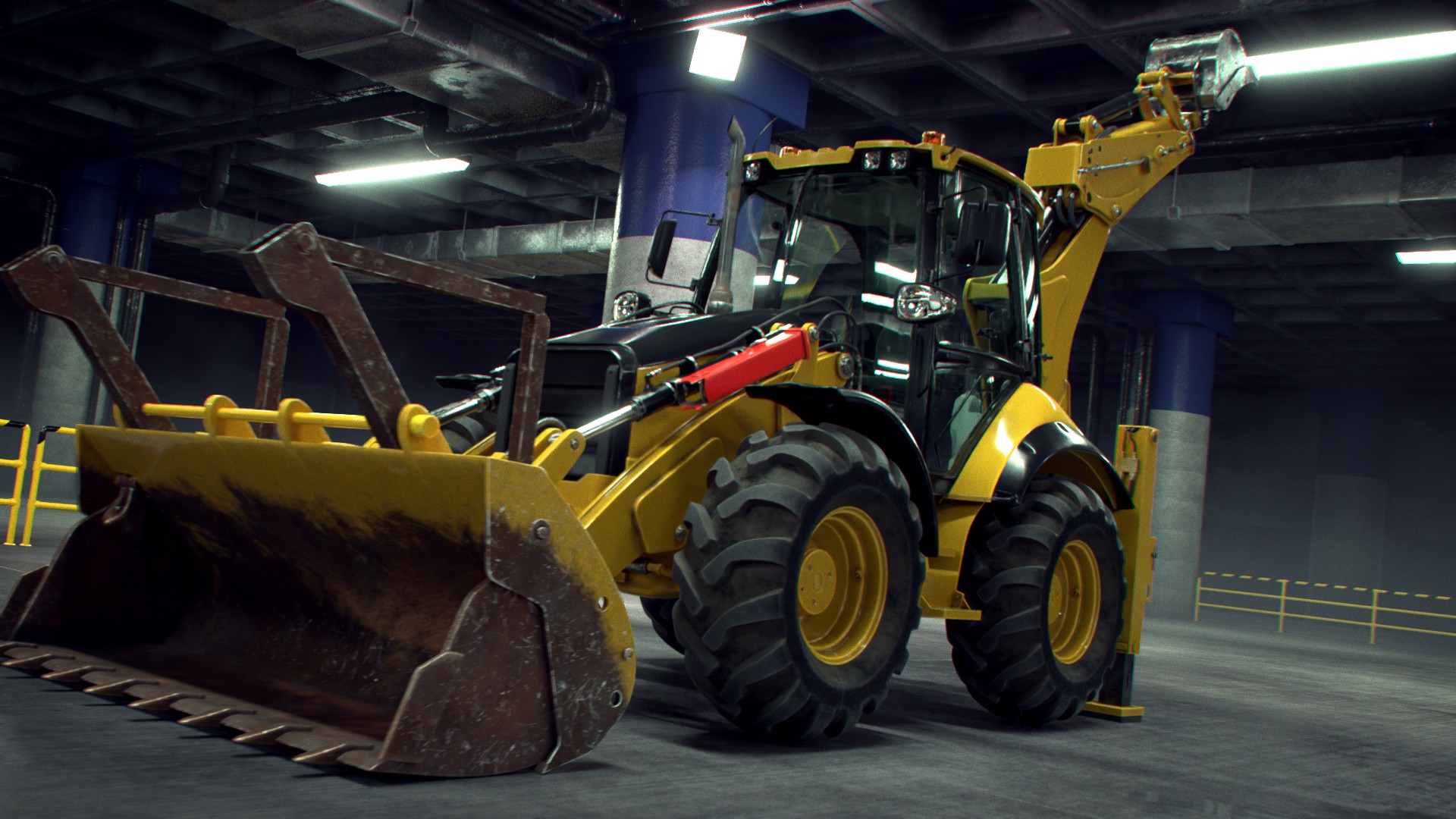
What do you think?
I’m not quite ready to hit the big Render Animation on the whole thing yet but I’m really close. This weekend I’ll render the Eevee background sequence (only taking 30-40 seconds per frame). Then I’ll polish off some final animation / render tasks in preparation for rendering all 2800 frames of the Cycles Dog. I’m expecting 1-2 weeks of render wrangling but then it’s done.
One question I have: What do you think about the digger arm bucket material? I’m trying to decide if I should leave it the way it is (shinier) or use the loader bucket (dirtier / rustier) version. Give me some votes either way 🙏
February 4, 2021 at 9:03 pm #55153 February 5, 2021 at 1:46 am #55154
That is looking AMAZING!
I figured out a decent workflow!
Please share that workflow with us, when you have time,
I’d leave the digger bucket mostly like it is now, so it fits nicely with the rest of the model and still has a nice contrast with the front bucket, And anyway, it’s your piece, so you decide 😉
Absolutely looove the cushion material of the seat!!!! So inviting to sit down there!
February 5, 2021 at 4:02 am #55155I knew it was going to be good, but………… WOW.
The digger bucket looks great as it is, so does the loader bucket. I feel you don’t want to over do the dirt/rust otherwise the frame will look out of place and to clean. I’m trying to imagine (and Google some images of the backhoe, ahh memories 😊) what level of wear would look best and what would be realistic. Rust needs time to form, the use of the digger arm constantly being scratched by rocks and stones whilst digging would probably mean lots of scratching and worn away paint but less rust. Whereas the loader bucket would get scratched and lose paint but more chance of rust forming.
My conclusion is you nailed it with both buckets. 👍
@blanchsb ‘s seat was looking comfy before, now it’s like a plush throne.
February 5, 2021 at 7:02 am #55156@theluthier Absolutely amazing what you’ve rendered in EEVEE👍 and an excellent demonstration why it was a good decision of the Blender developers to add that render engine to Blender 😀!
The contrast between the “Loader Bucket” and the “Digger Bucket” is maybe a little bit too big so that I would reduce the amount of rust at the “Loader Bucket” and increase the percentage of rust at the “Digger Bucket” as it can be seen here.
-
AuthorPosts


- The topic ‘Collab 2020: Modeling Heavy Equipment (Backhoe)’ is closed to new replies.