Collab 2020: Modeling Heavy Equipment (Backhoe)

Forum Archive Collab 2020: Modeling Heavy Equipment (Backhoe)

Viewing 15 posts - 226 through 240 (of 1,440 total)
  • Author
    Posts
  • #54002
    Shawn Blanch
    Participant

      @spikeyxxx This is the kind of community training that I love to see. Your teaching on that shrinkwrap and subsurf for a very specific object’s need is beautiful and done with only a few images.

      The light bulb went on immediately for me. Great explanation. I didn’t even realize you can “bevel” a planar surface. I keep thinking (mistakingly) that bevels are only useful for edges. Great topology trick.

      #54003
      Ingmar Franz
      Participant

        I’m looking forward to see this method in the next stream 😀.

        #54004
        Adrian Bellworthy
        Participant

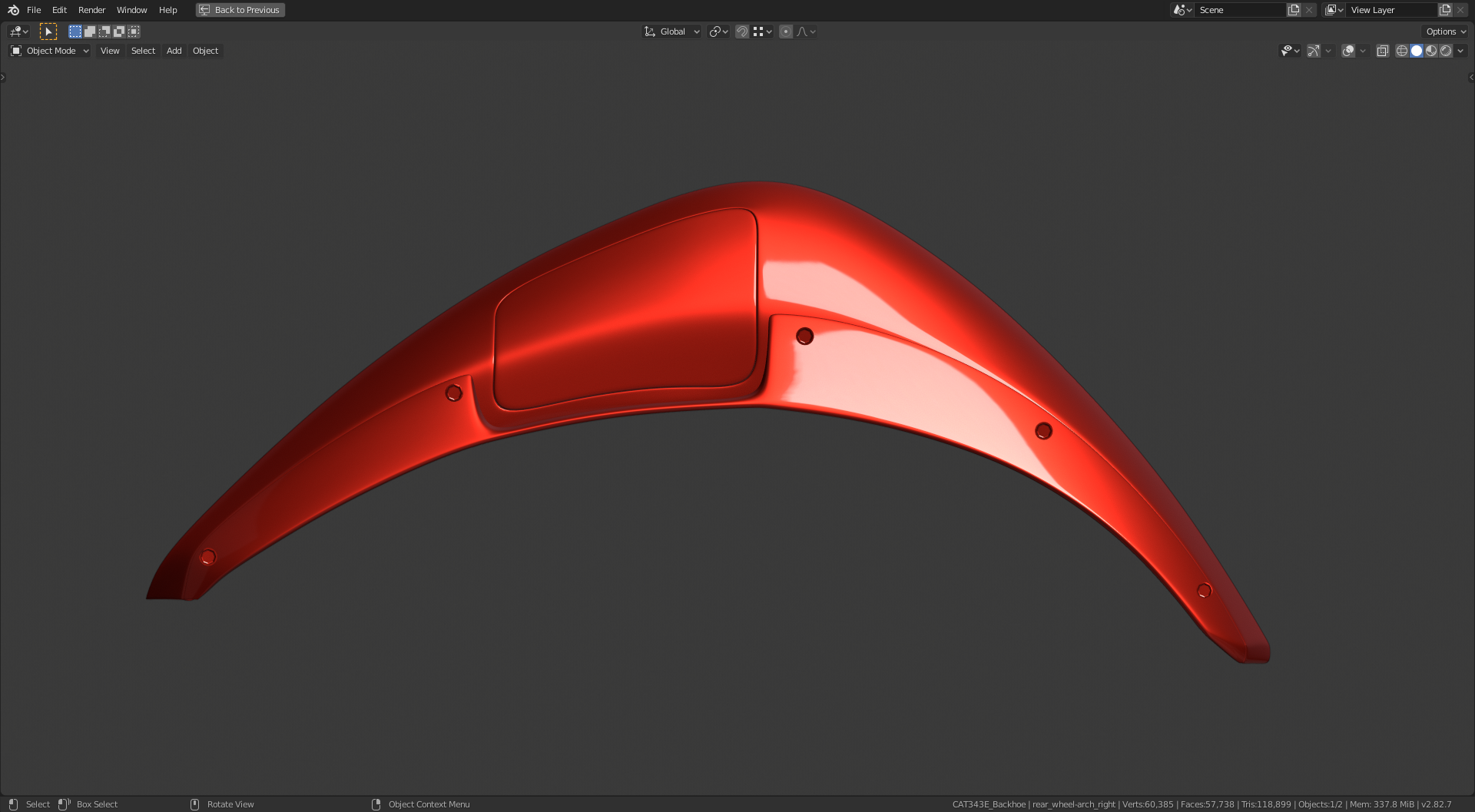
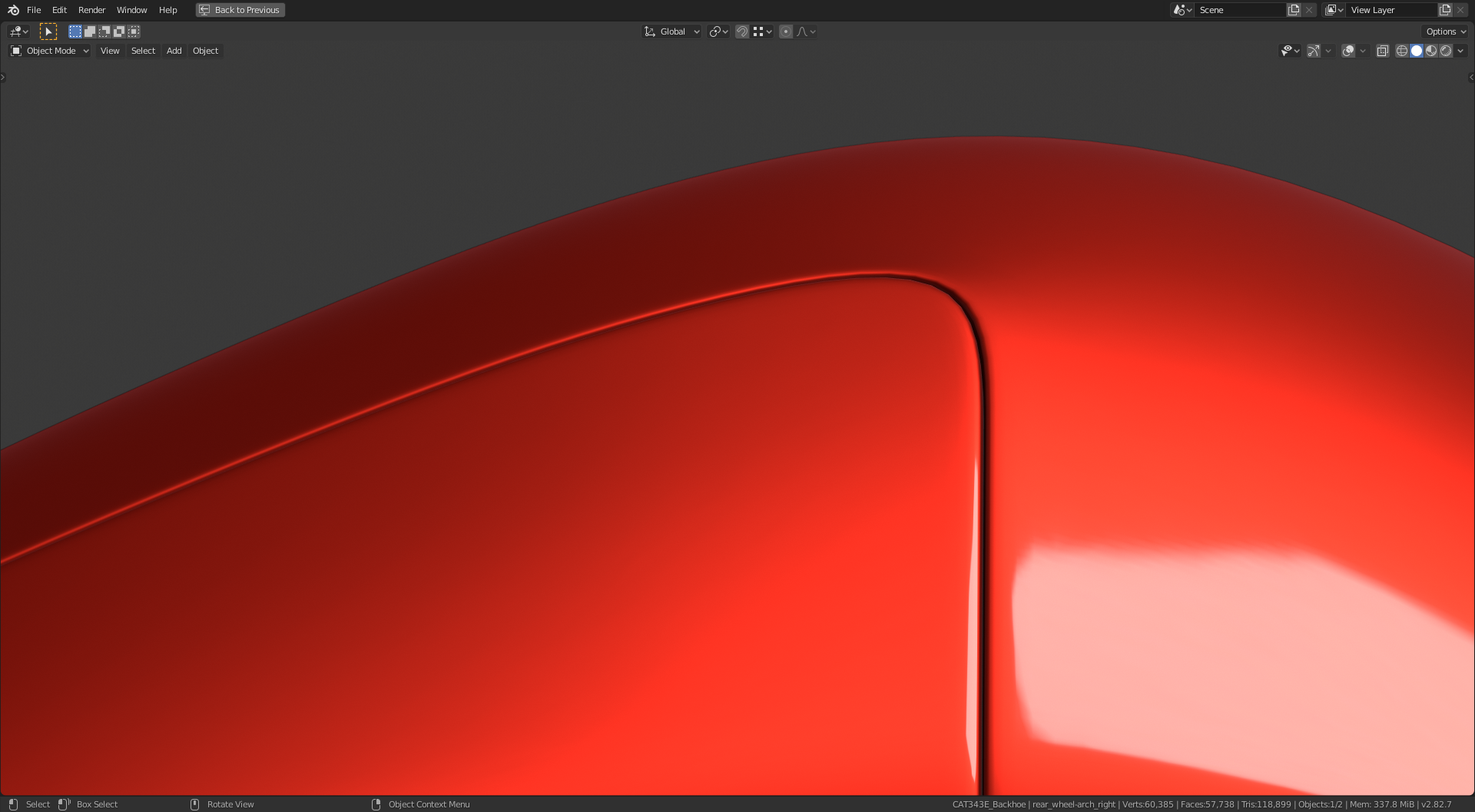
          Here’s the result of @spikeyxxx ‘s method. 

          Nice tight corners.

          Thanks again @spikeyxxx 

          #54005
          Shawn Blanch
          Participant

            This dog never looked soooo smooth

            #54006
            Omar Domenech
            Participant

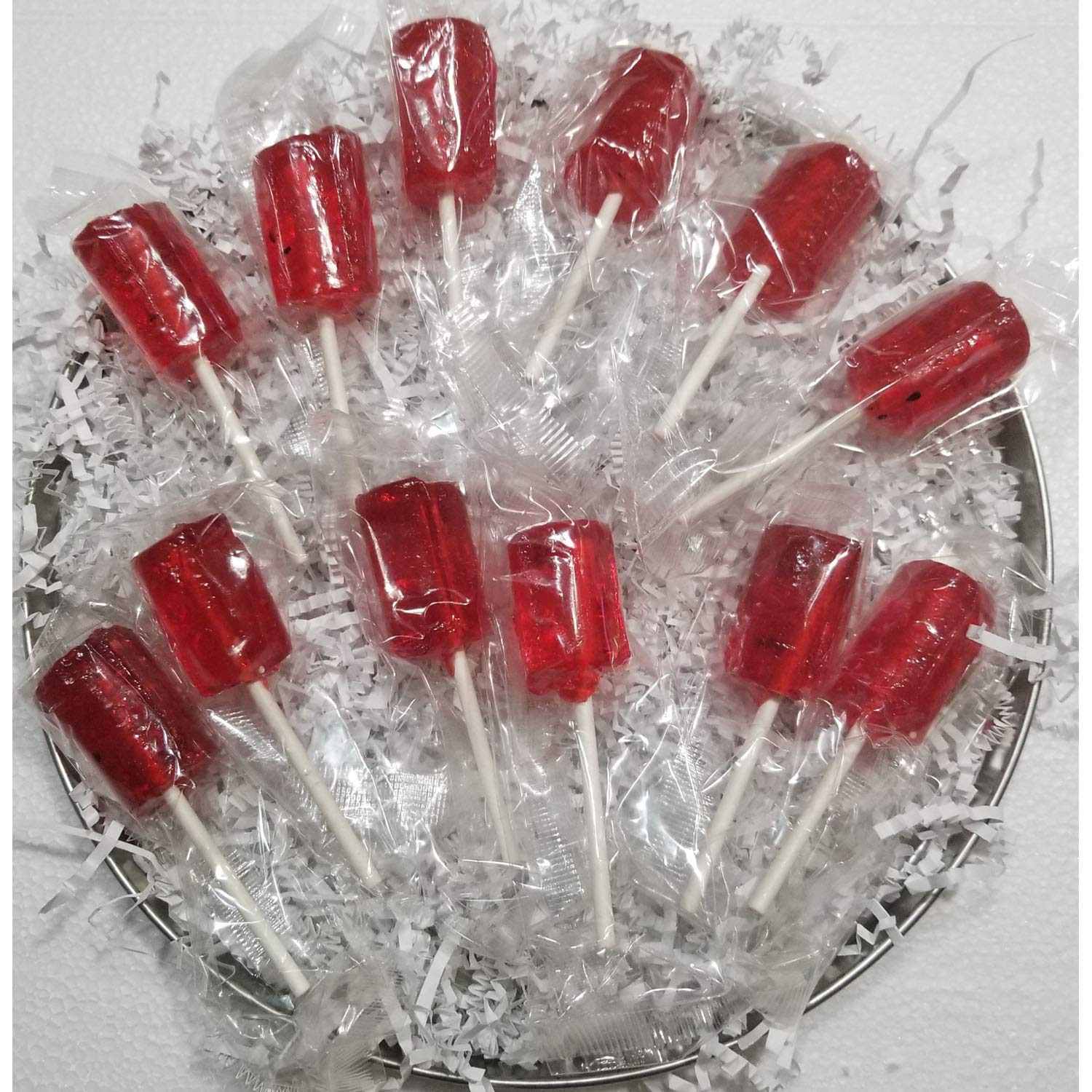
              Those look good Adrian and also tasty…. aaand I have finally figured out why that MatCap always looks so yummy to me, it’s because of these… you probably don’t have them in the USA

              #54007
              shan jay
              Participant
                #54008
                Ingmar Franz
                Participant

                  I just had to smile when reading in the Blender manual about the “Bend” mode in the “Simple Deform Modifier”:

                  "The Bend mode is more complex and less intuitive." 😄

                  see: https://docs.blender.org/manual/en/dev/modeling/modifiers/deform/simple_deform.html#bpy-types-simpledeformmodifier

                  #54009
                  Ingmar Franz
                  Participant

                    @Spikey:
                    Could you please tell me, what setting you’ve chosen as shrinkwrap projection method and why the target mesh has to be subdivided at least one more time than the shrinkwrapped mesh?  

                    PS: How do I add member name with the profile image in a round shape?

                    #54010
                    spikeyxxx
                    Participant

                      @duerer Last things first: you add them just like you did, but use the complete username (you forgot the ‘triple x’) and mine is not capitalized. (When there’s two names use the one between the brackets.)

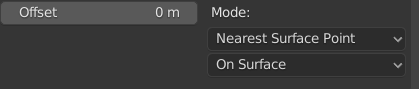
                      It’s usually better to subdivide the target mesh more to get a better result, especially if you move some verts on the original mesh after creating the target. But, as you are using a Subsurf Modifier on the target mesh, you can give it the same amount of subdivisions as the original and see if you can get away with it and increase it if it’s not enough, till you’re satisfied with the result. As I presented this as a general method, I used a higher subdivision on the target. It’s a ‘helper mesh’ that is not going to be rendered, so you don’t have to be too carefull with the amount of vertices…

                      As for the Shrinkwrap, I just used the default settings:
                      #54011
                      Ingmar Franz
                      Participant

                        @spikeyxxx , thank you so much for the explanations 😀.

                        #54012
                        Omar Domenech
                        Participant

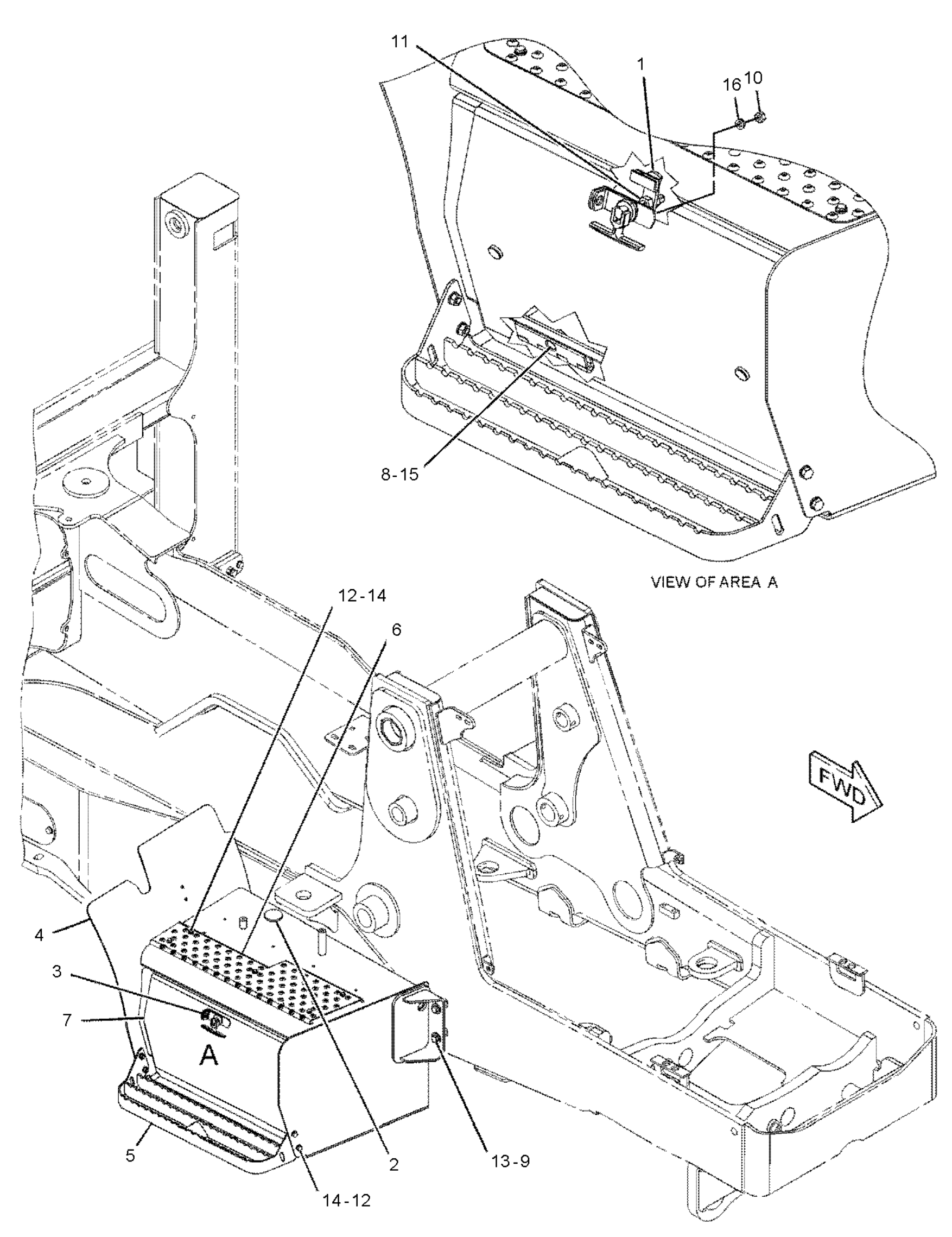
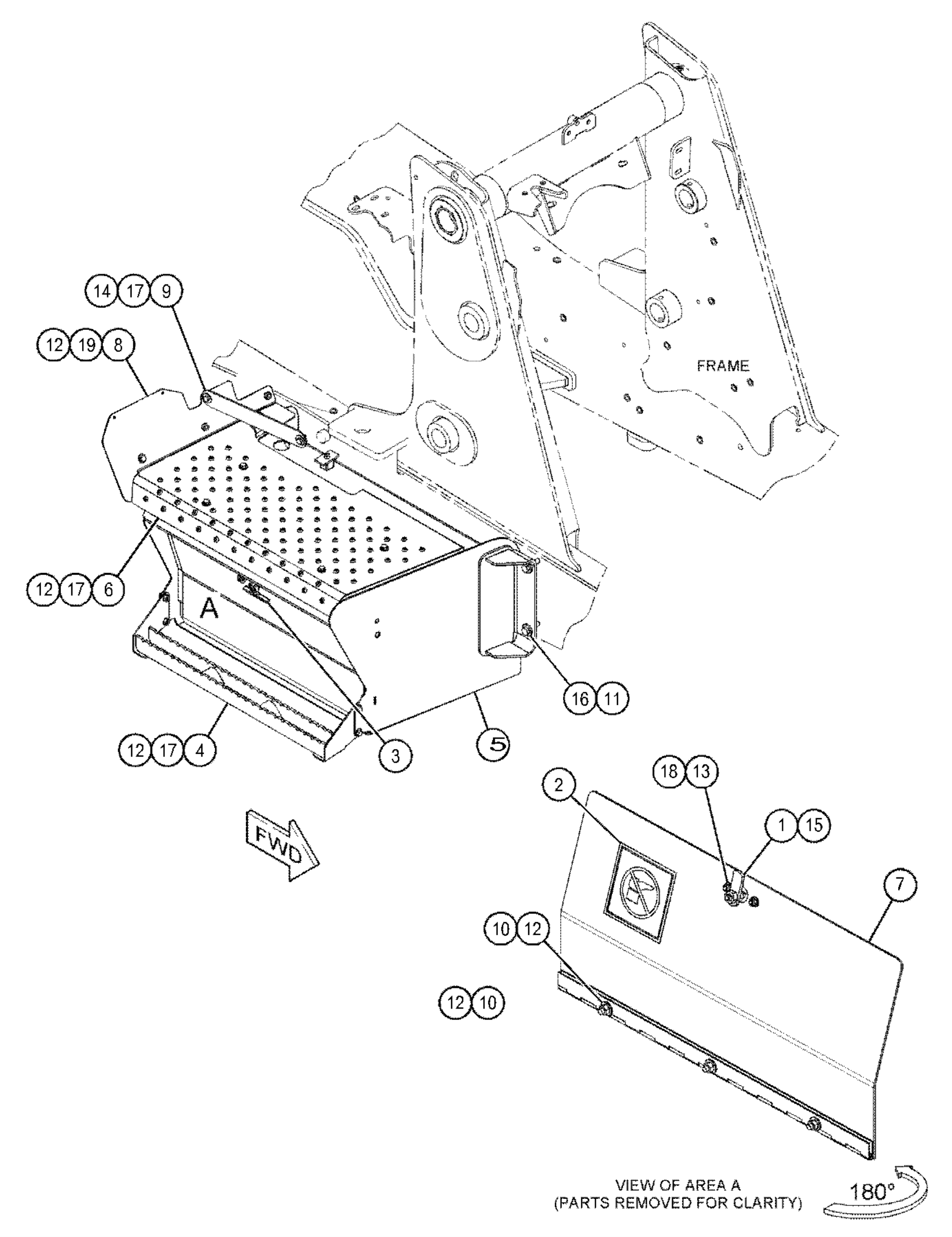
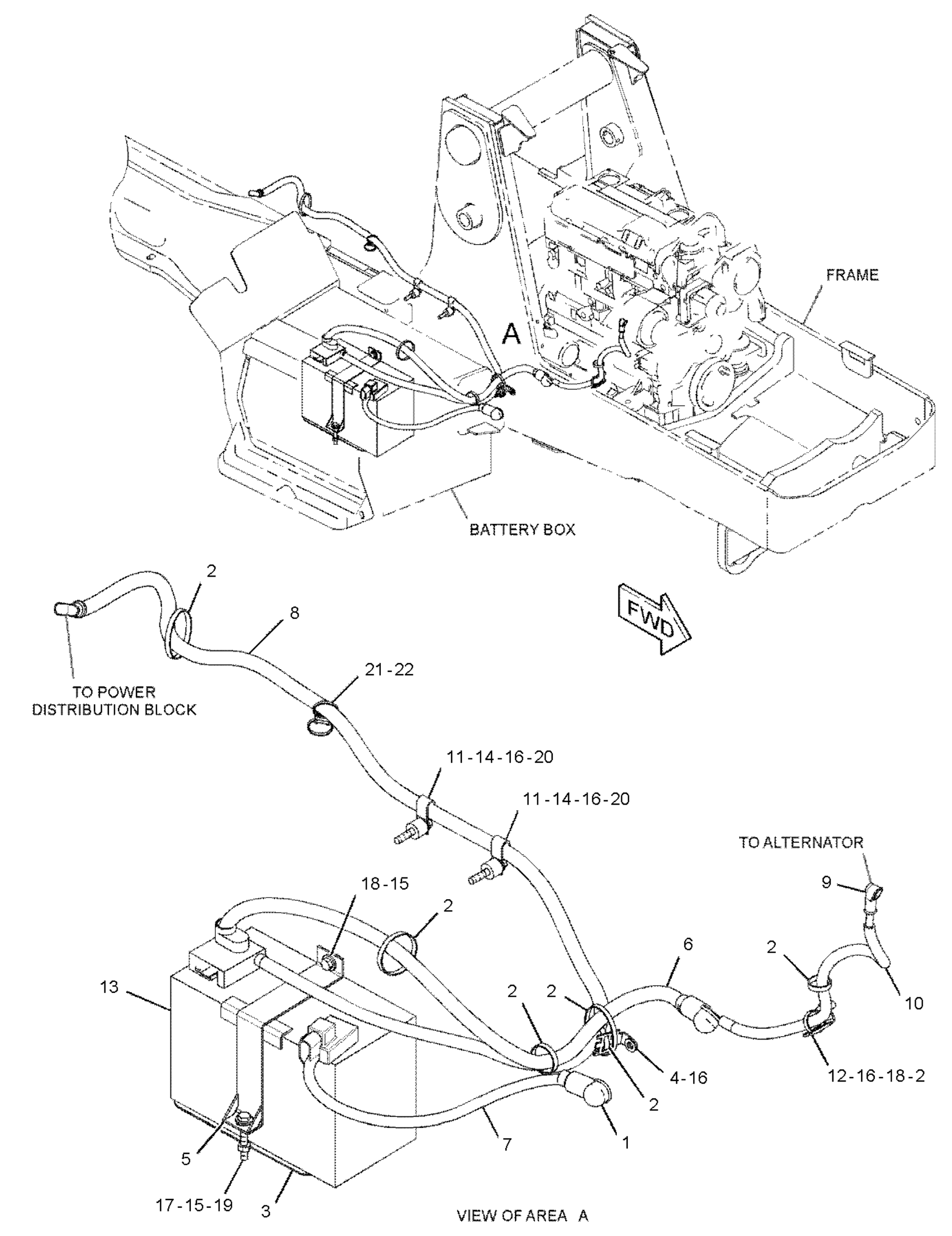
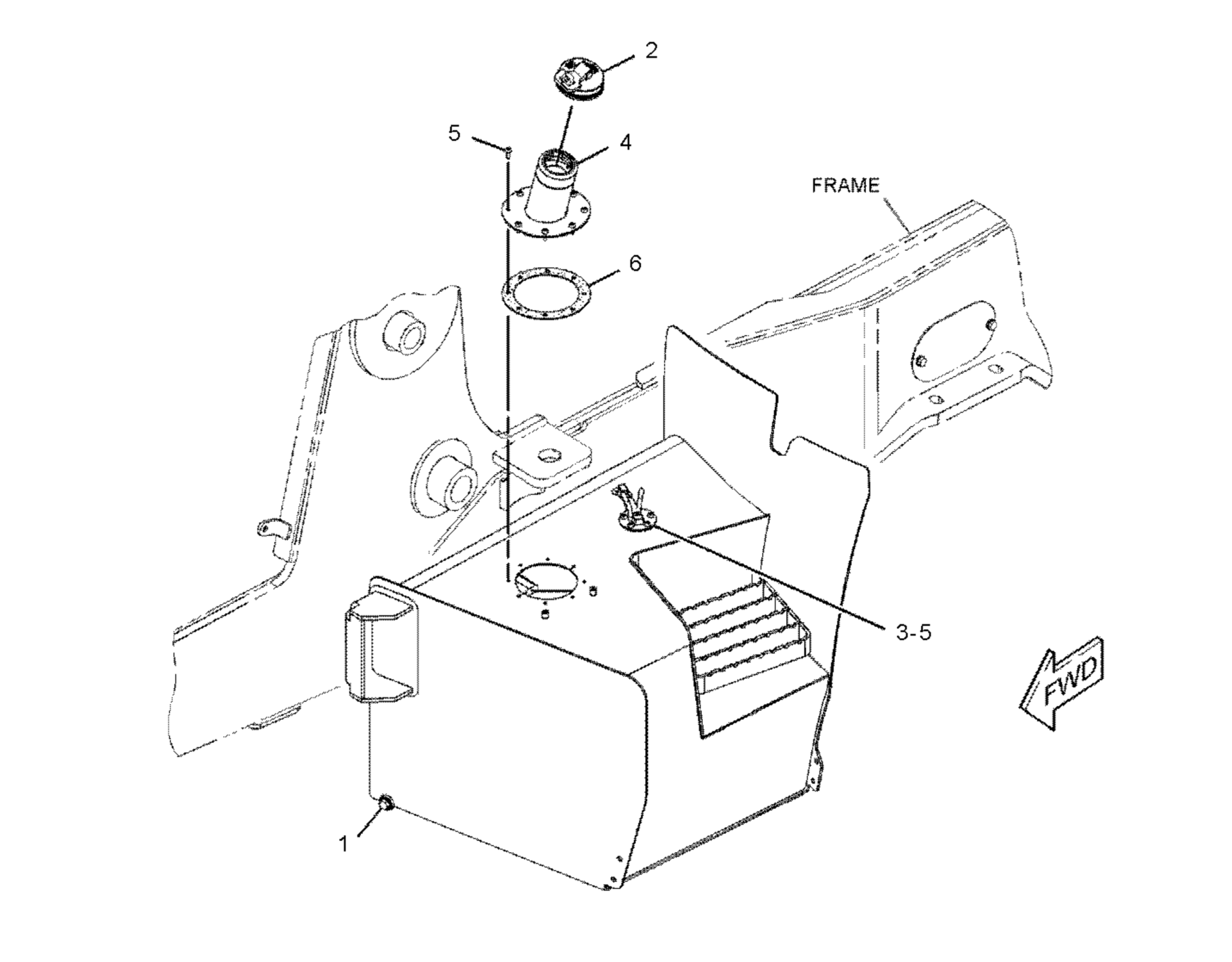
                          @adrian2301 You are doing the frame, the underneath part. There are some good views of it in the battery box blueprints, since they go hand in hand. Just in case they help you out.

                          #54013
                          Omar Domenech
                          Participant

                            @theluthier Kent I added my part and commented on the thing with the link on the thing. Let me know if it worked please. 

                            I think I kept it at 25% completion, maybe I got to 30%, an argument can be made for 32%.

                            EDIT: I updated the file, I forgot about something but now it’s ok. I hope so. So if you downloaded it, downloaded it again please.

                            #54014
                            Adrian Bellworthy
                            Participant

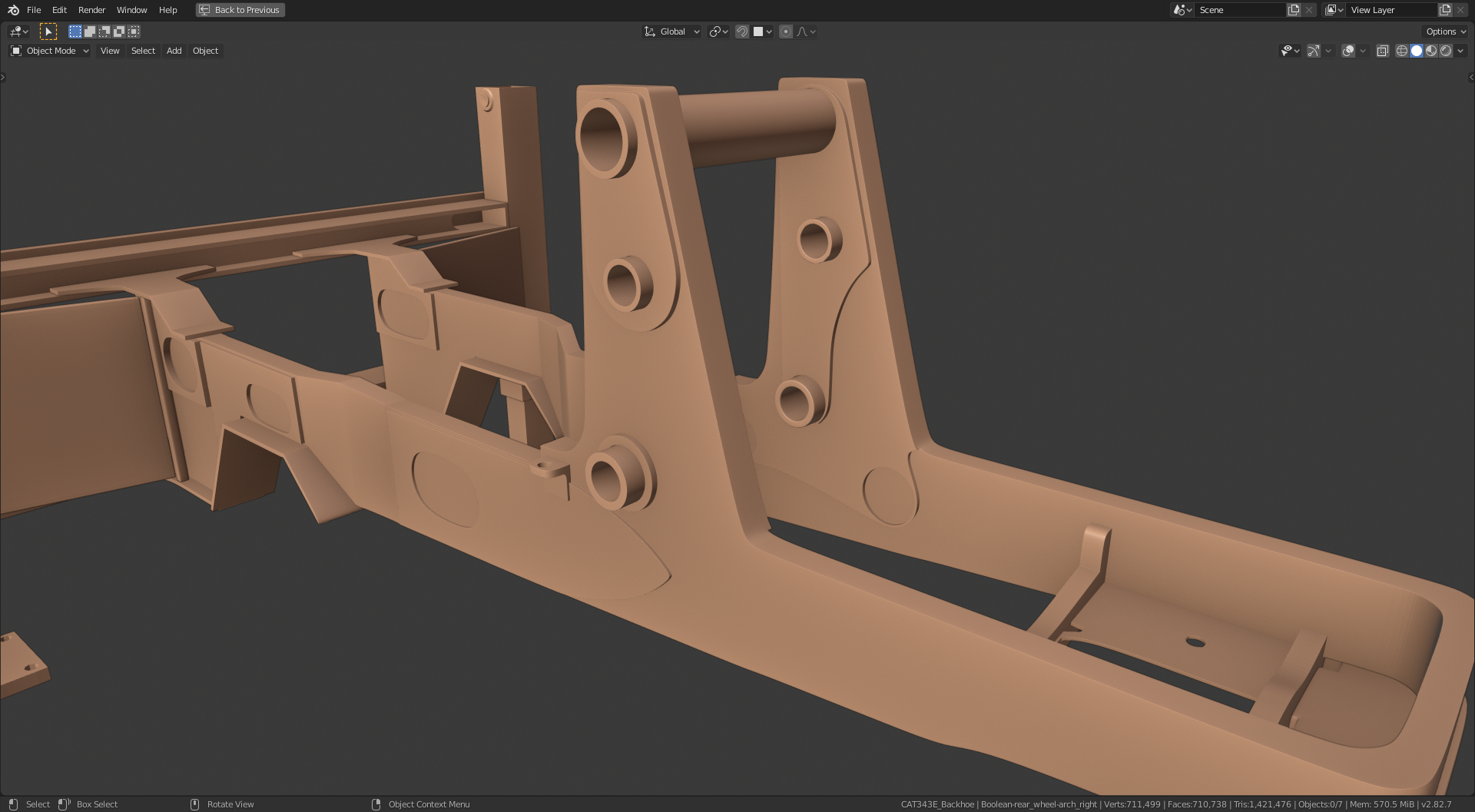
                              Thanks @dostovel , according to your third image I am missing a small part on my chassis, the engine. Here’s what I have so far.

                              #54015
                              Omar Domenech
                              Participant

                                You can edit your post, I think you hit the arrow drop down menu and select edit and just edit “second” for “third”.

                                Oh my god, the engine. That is some next level modeling on steroids. Lets just say our tractor runs on magic.

                                #54016
                                Adrian Bellworthy
                                Participant

                                  I learn something new everyday 

                                Viewing 15 posts - 226 through 240 (of 1,440 total)
                                • The topic ‘Collab 2020: Modeling Heavy Equipment (Backhoe)’ is closed to new replies.