
BC1-1908 Homework – Katerina Novakova
Forum Archive › BC1-1908 Homework – Katerina Novakova
- This topic has 50 replies, 12 voices, and was last updated 7 years ago by
Paul Haynes.
-
AuthorPosts
-
August 3, 2019 at 3:07 pm #49691
WIP 5: Shaping the scene
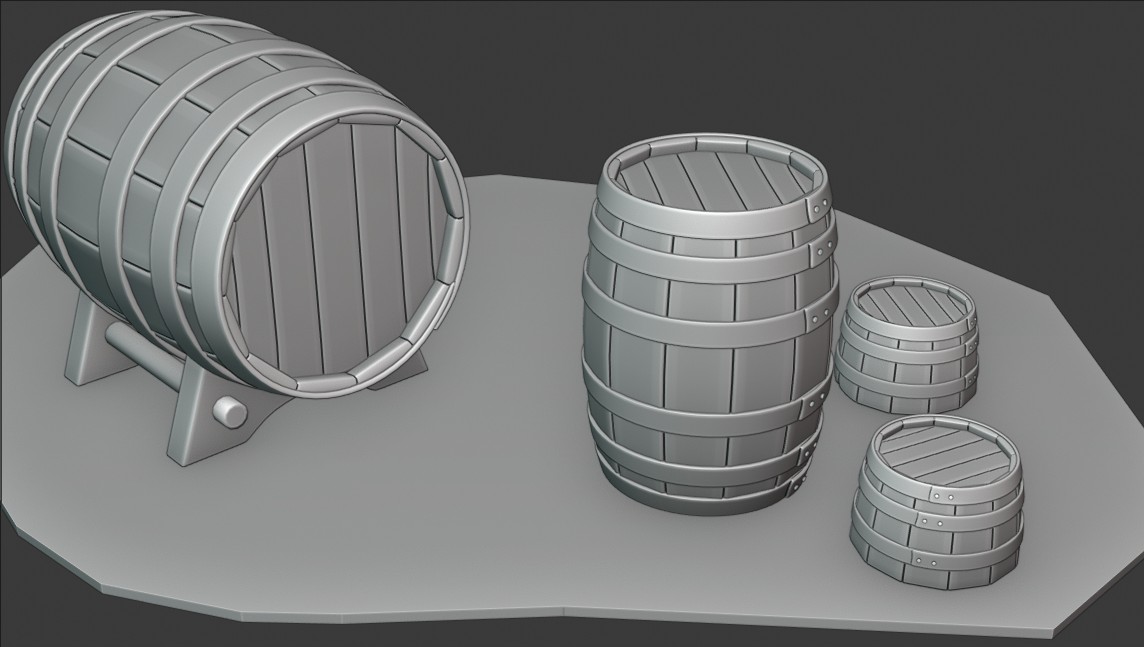
I added a couple of seats and a barrel rack. I thought it would be funny if the seats were created from re-purposed barrels, so I… did just that. The rack was a bit of a nightmare, though. I experimented with different shapes – this one has the bottom indent created from a separate circle (so the indent doesn’t match the top one). I’ll try to add couple more things tomorrow.
 August 3, 2019 at 4:13 pm #49692
@shiennar nice scene! Maybe lower the table barrel a bit? If you are sitting so low it’s hard to reach so high for your drinks 😉
August 3, 2019 at 8:38 pm #49693@smurfmier1985 Actually I think the seats need to be a bit higher. Bar stools and the like tend to be quite high.
August 3, 2019 at 9:03 pm #49694I look forward to where you go with this. Will you be tapping the barrel on the stand?
August 4, 2019 at 4:02 am #49695WIP 6: Adding final touches
Next I’m going to add a tap (as @notcastanza correctly guessed). For these kinds of shape I like to use the screw modifier. It’s almost like magic. You add a plane, merge all the vertices into one and then extrude your profile shape. Add the Screw and SubSurf modifiers and voila: a tap base:
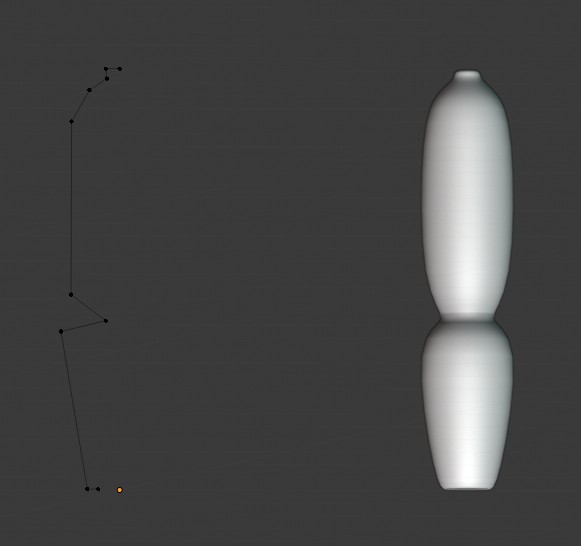
The good thing about this is that it’s non-desctructive – you can change your profile as much as you like.
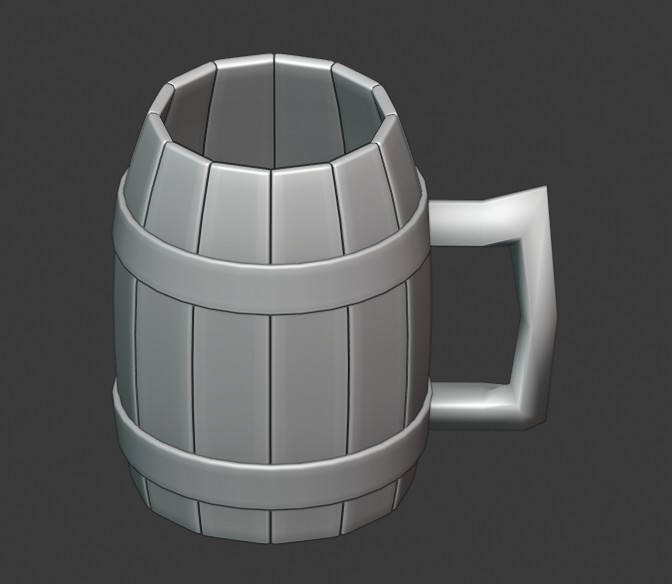
The last object I made was a tankard. And of course I used the barrel base (but I created new hoops and the handle). The handle didn’t come out as I imagined it, but oh well.
 August 4, 2019 at 4:40 am #49696
Homework Week 1
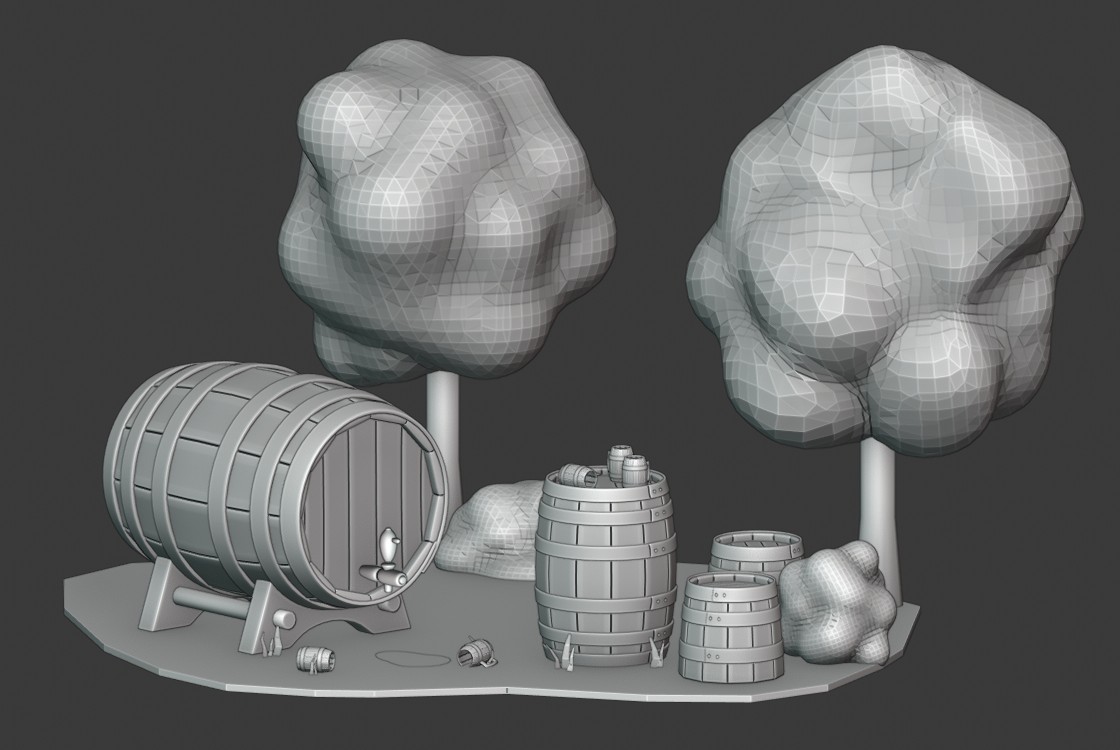
And this is all the elements brought together. I quickly added a few grass blades and trees to fill the scene up a bit. The trees are created from metaballs (that’s a special object that fluidly merges with its neighboring metaballs, so you can quickly create organic looking shapes).
I was struggling a bit with finding a good angle to present the scene, so there is an overall one and a close-up.
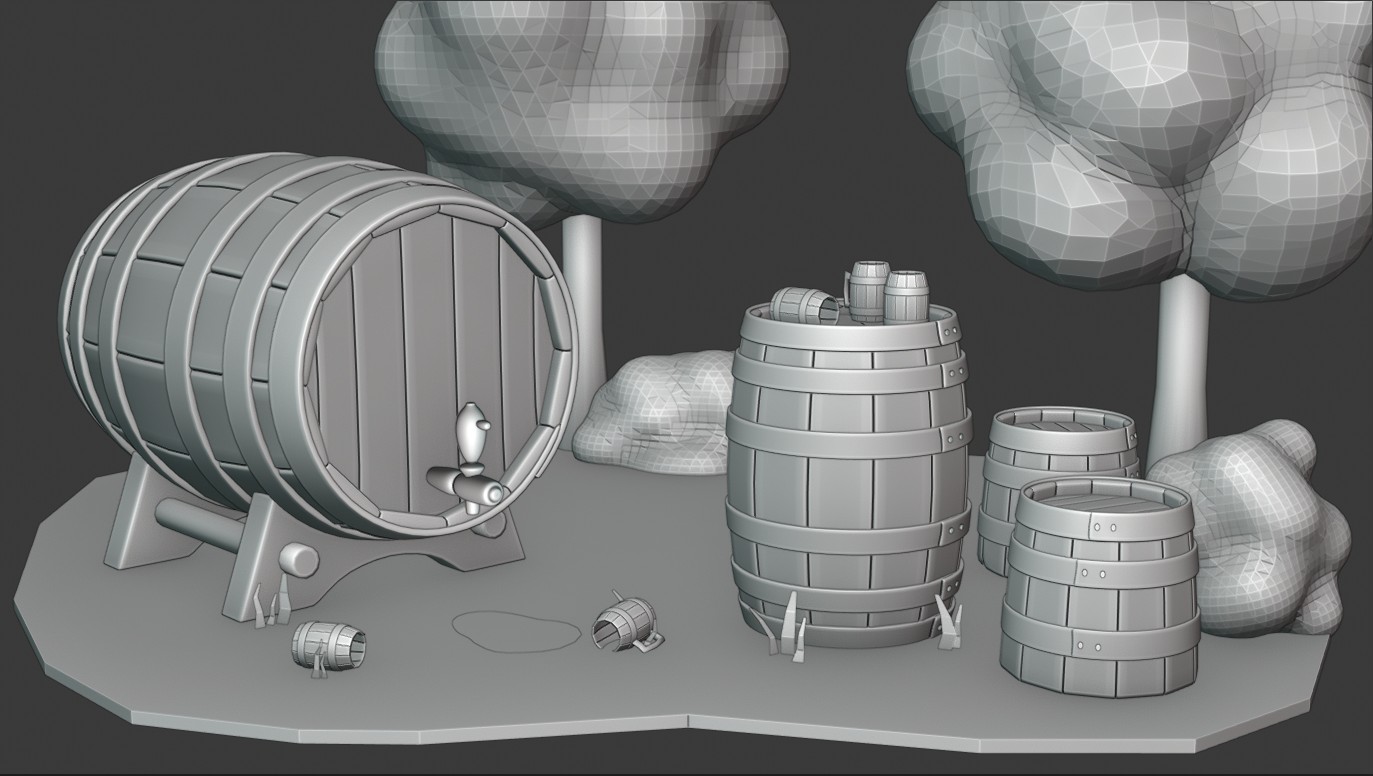
@smurfmier1985 and @spikeyxxx I both scalled down the table and raised the seats. 🙂 I should have added a human for scale, when I was creating the various parts (eyeballing things usually gets you into trouble…)
August 4, 2019 at 6:38 am #49697@shiennar perfect proportions 🙂 fun little scene, can’t wait to see it come to life with some color!
August 4, 2019 at 7:22 am #49698@shiennar That looks like a fun scene Kat. It’s like when Bilbo went away. My dear Bagginses and Boffins, Tooks and Brandybucks.
 August 5, 2019 at 10:41 am #49699
@shiennar So good to see you in class again! Being your 3rd time taking this class, I certainly appreciate you sharing your experience and knowledge with everyone. Your WIP posts are like a mini tutorial!
For the quality of your modeling and insight shared, you’ve earned another A+. I can’t wait to see how this scene progresses!
August 5, 2019 at 11:08 am #49700@shiennar Hi Kat! Nice to see you again! Good work, as always.
August 5, 2019 at 5:02 pm #49701@shiennar Thanks for sharing your progress, I have bookmarked this post yesterday . For me its a definitely a Tutorial ,going to try and test some of your tricks .
Love your work!
August 6, 2019 at 11:30 am #49702@avirozenboim Thanks, I’m glad you found it helpful. 🙂 It also helped me improve, because I had to think more about the technique I wanted to use and test it several times before I wrote about it. So we both learned in the process, which is as it should be, I think.
August 6, 2019 at 11:33 am #49703@dostovel I didn’t think about it when I was creating the scene, but now that you mention it… My subconscious love for Tolkien must have got the better of me. 🙂
August 7, 2019 at 7:04 am #49704@shiennar That is interesting, making trees from metaballs.. Never has seen that, thanks.
Also that you decided to participate, you are a great resource with your experience, it is pleasure to read the how to’s in the thread
August 10, 2019 at 1:42 pm #49705WIP 7: Scene setup
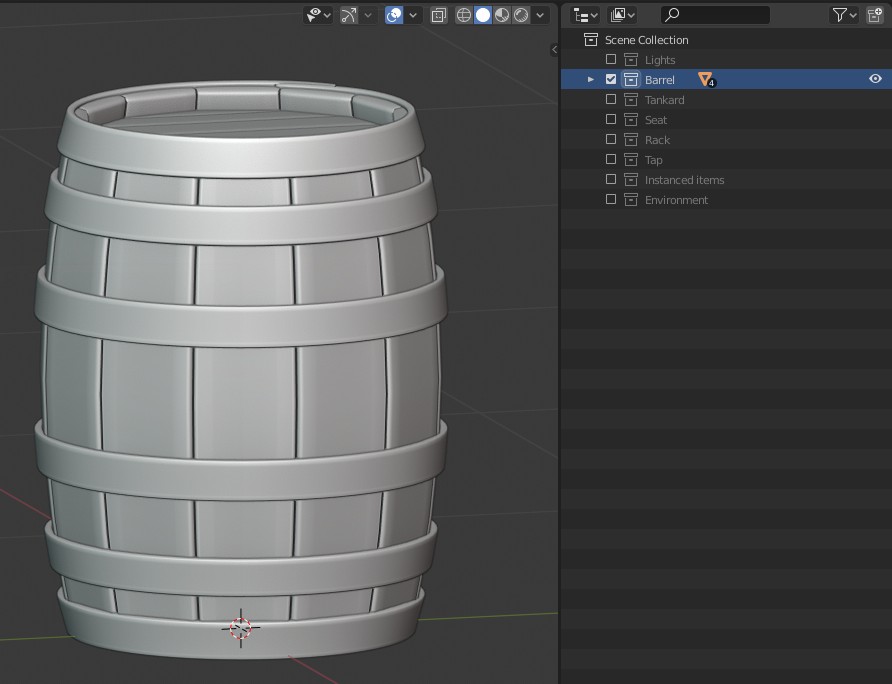
Alright, time to get cracking (finally). Before I start working on the UVs, I thought I’d share my scene setup. I’ve been struggling a bit with this ever since collections replaced the layer system. Now, don’t get me wrong, I think the collections are great (and more powerful than the layer system, for sure) but there comes a time when a lass wants to see the most bizarre combinations of items she’s created – and the collections need a touch more work before they do what she wants.
This time, I thought ahead and I created each major object on its own and then populated the scene with its instances. The “template” object is hidden, the instances are not. So when I I want to see everything that will eventually be rendered, I enable the “Instanced items” and “Environment” collections (aka grass, trees… you get the idea), and I see my full scene without clutter. Or I can isolate any of the template objects and work on its UVs. I can also toggle the lights and camera on and off quite easily. Here is the collections tree:
-
AuthorPosts


- The topic ‘BC1-1908 Homework – Katerina Novakova’ is closed to new replies.