
Adding Midas and Mithril to Beat Saber
Forum Archive › Adding Midas and Mithril to Beat Saber
- This topic has 30 replies, 5 voices, and was last updated 6 years ago by
Jonathan Lampel.
-
AuthorPosts
-
July 22, 2020 at 9:46 pm #58997
my pocketbook says I have to wait, but i sooo want to play
July 22, 2020 at 9:47 pm #58998So cool
July 24, 2020 at 10:19 am #58999I was able to get a little bet texture result for each weapon. I am close to importing into the Unity Project I think. Just going to re-watch Jlampel’s exporting process to make sure I don’t miss anything.
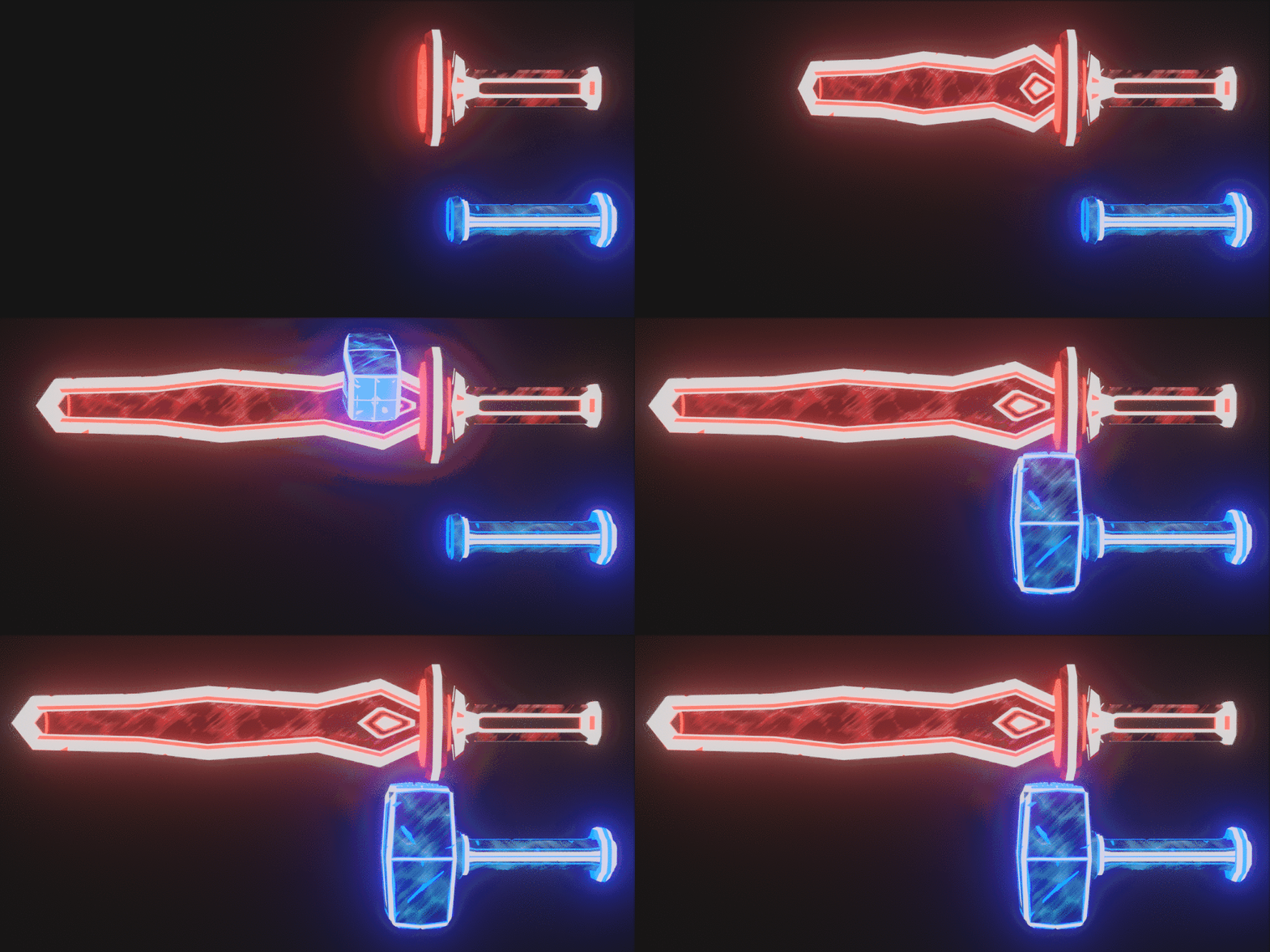 July 24, 2020 at 6:08 pm #59000
A little slick side note!
I got Beat Saber to cast from my Kinect for Xbox One and emulated being in VR by tracking my skeleton and using a tVR emulator to make my monitor the headset. It took a couple of days to figure it out and watch tutorials on how to set it up but now that
Beat Saber was $30 on Steam and the Driver4VR Application (that adds drivers to SteamVR to Utilize the Kinect and multiple input devices like the Xbox Controller for trigger input) was about $20. So, $50 total to get Beat Saber working since I already had a Kinect One. @jlampel you would be proud.
Here’s a screenshot of me in action.
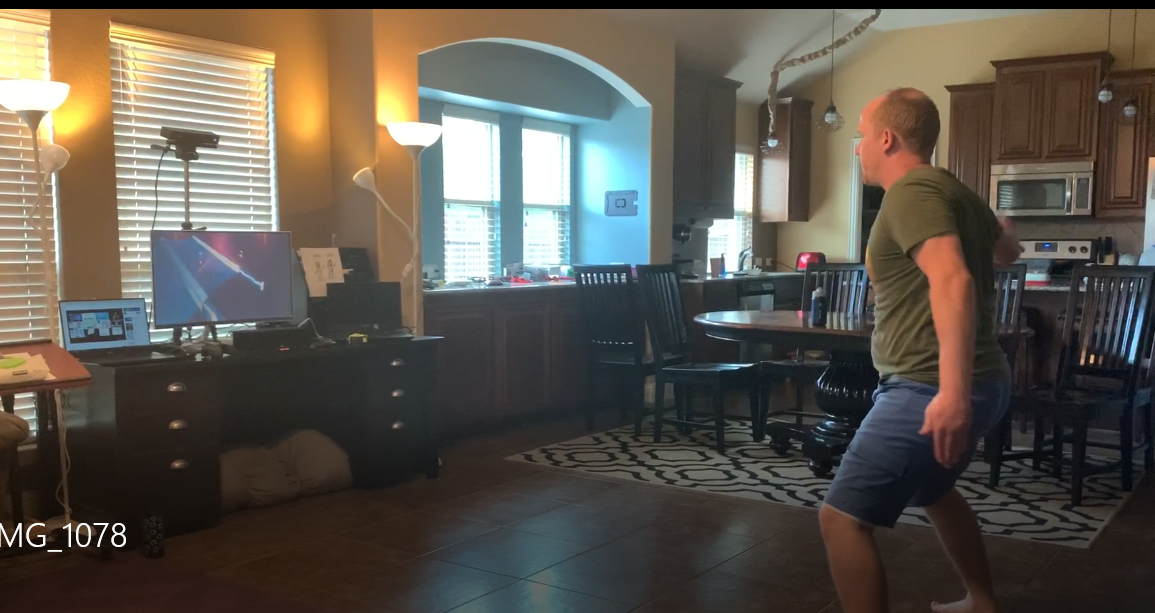
If you want to watch my daughter video recording me fumble with my hands and feet I have the video here. She does some first class humming to the original song too.
Now onto downloading the required version of Unity and getting Midas and Mithril into the game.July 24, 2020 at 6:52 pm #59001whooo hoooo that’s awesome…dang it will cost me alot more to do this. I don’t even have a playstation.
July 24, 2020 at 11:38 pm #59002Okay I got the sabers imported and I got somewhat of a pusaltion going but saber colors are really washed out. I will do some troubleshooting tomorrow @jlampel to see if I messed something in my custom shader or materials up.
Anyway, I put together this video for your viewing pleasure. Your tutorial time didn’t go wasted on me! This was such a blast. And my kids love it too, so it’s a win win!
July 25, 2020 at 12:00 pm #59003Whoa that’s amazing! No idea you could do that. So cool 😀
July 25, 2020 at 12:06 pm #59004Oh my word that’s a blast to watch. I love it!
One way to add the color so it’s not so washed out is to use the lit glow shader instead of the unlit glow shader, with a glow value of .5 to .75. That should do it!
July 27, 2020 at 12:00 am #59005I figured out the white-out issue. I basically had to turn the glow off for my texture and increase the ambient lighting (I went above 1 in the shader properties……….oh my!)
I’ll post some pics of the updates tomorrow hopefully. I am also making my kids their own custom sabers now that I have a unity project built up. The kiddos are drawing pictures and I am trying to quickly model them. I got one of theirs done tonight it it a Heart wand with butterfly antennae. The other is a broom but I haven’t got to that yet.
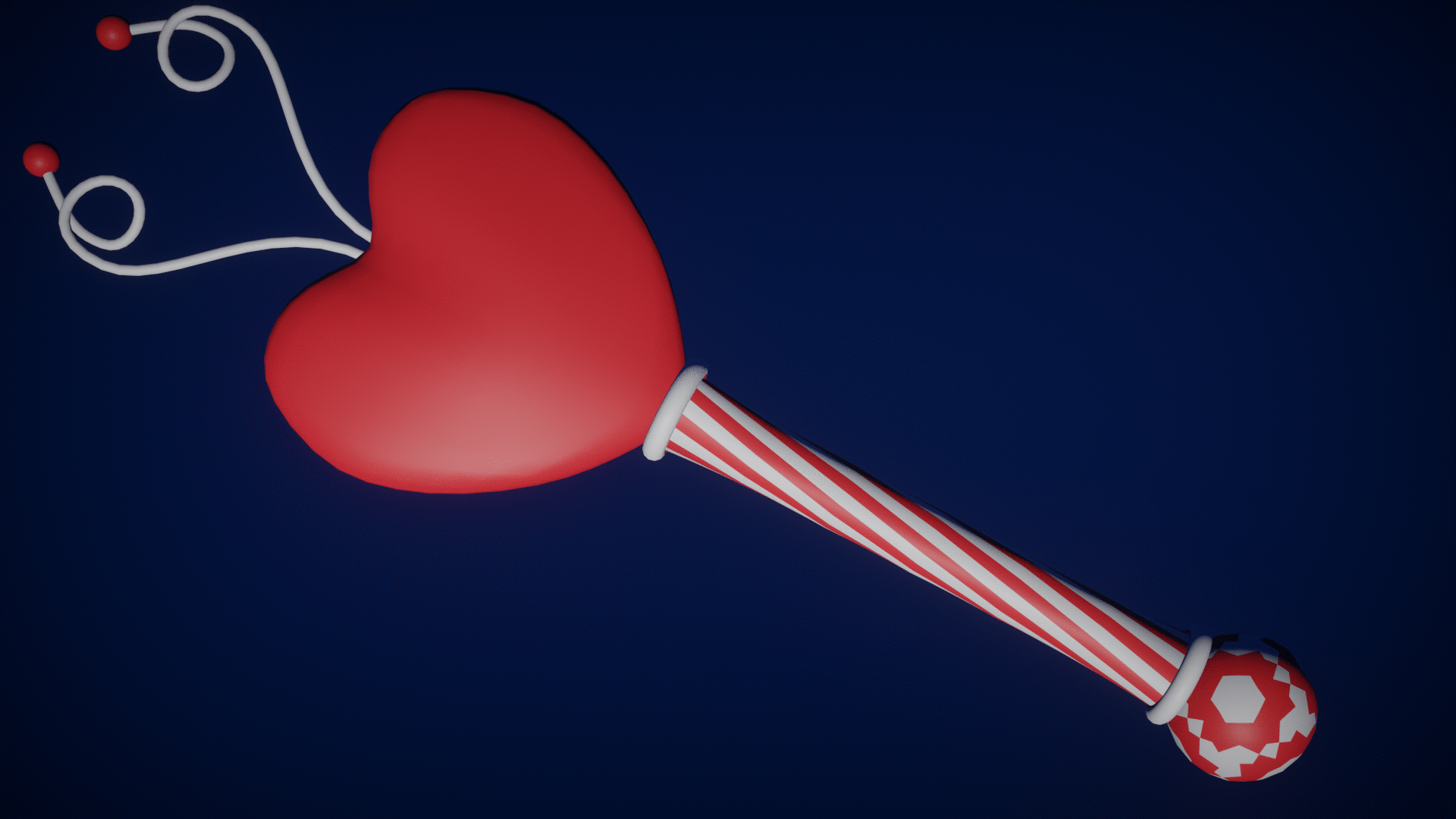
The center of the wand spins continuously. Figuring out the animation threw me for a loop because I had a hard time viewing the left side of your Unity window. I forgot that I needed to attach the animator controller to the saber object’s prefab. Once I figured that out it looked pretty slick.
My boys’ sabers are more swordlike (obviously, he is a boy haha). But they have fun shapes that should be simple to make for him.
July 31, 2020 at 9:52 pm #59006I finished my daughter’s custom hand drawn sabers! We all had fun cutting things with them tonight.
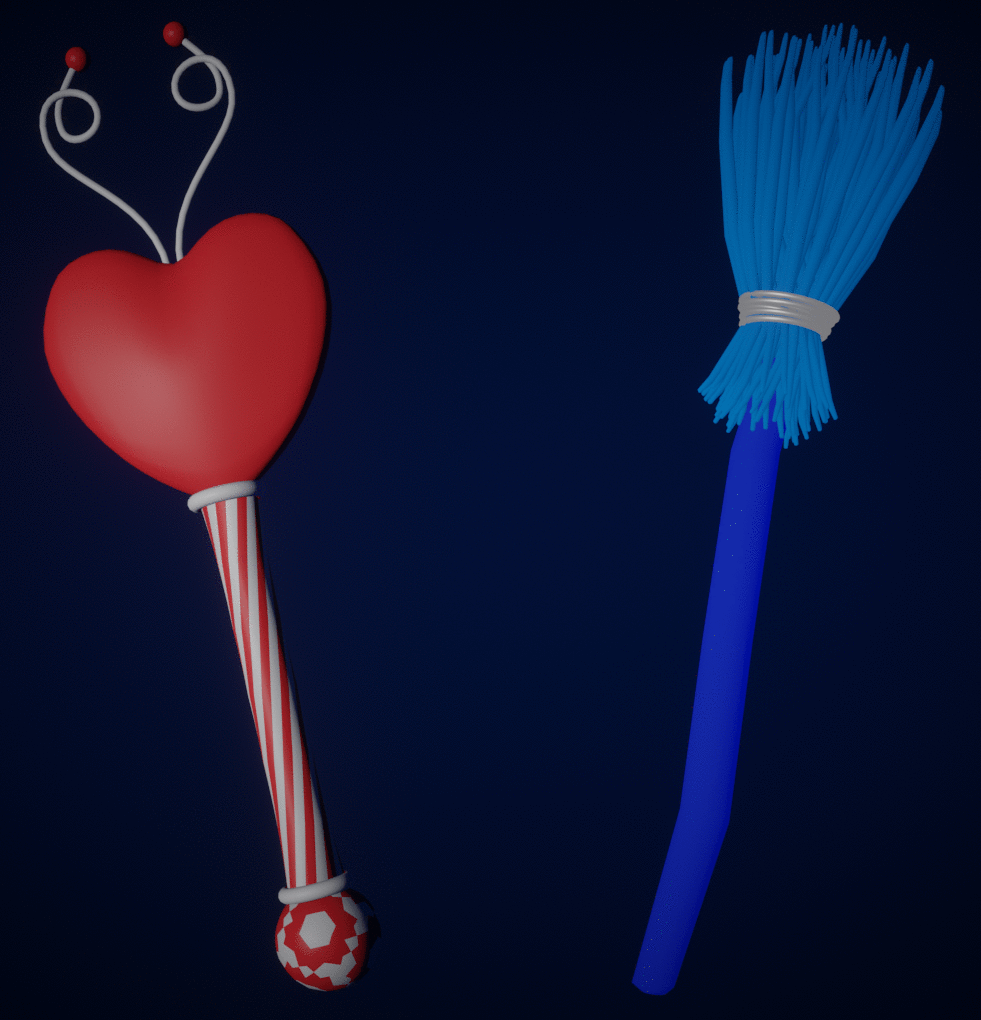
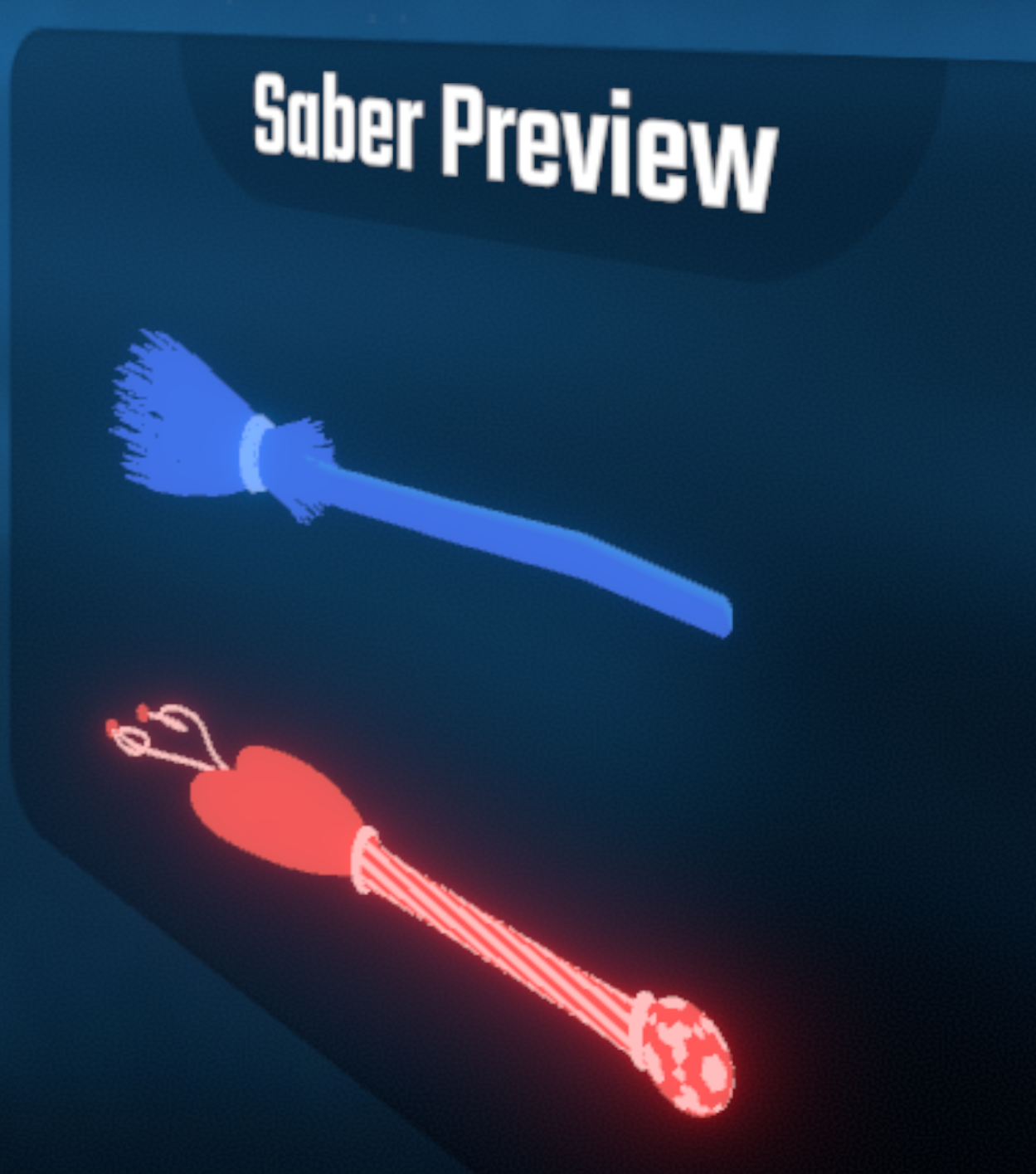
Here’s the sabers for thosewho would like it: Room On The Broom.saberJuly 31, 2020 at 10:43 pm #59007I also forgot to post the completion of Midas and Mithril. I got the shading better and got the animation working.
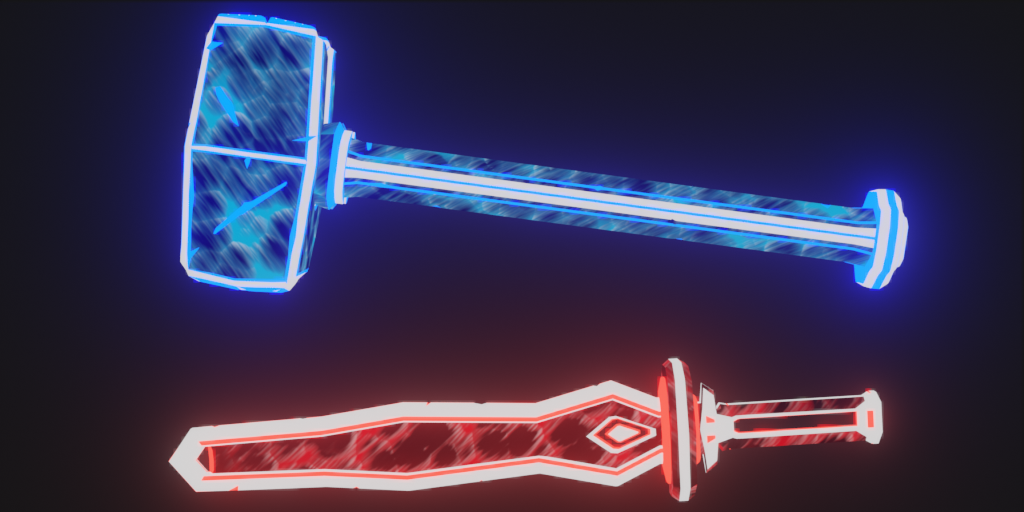
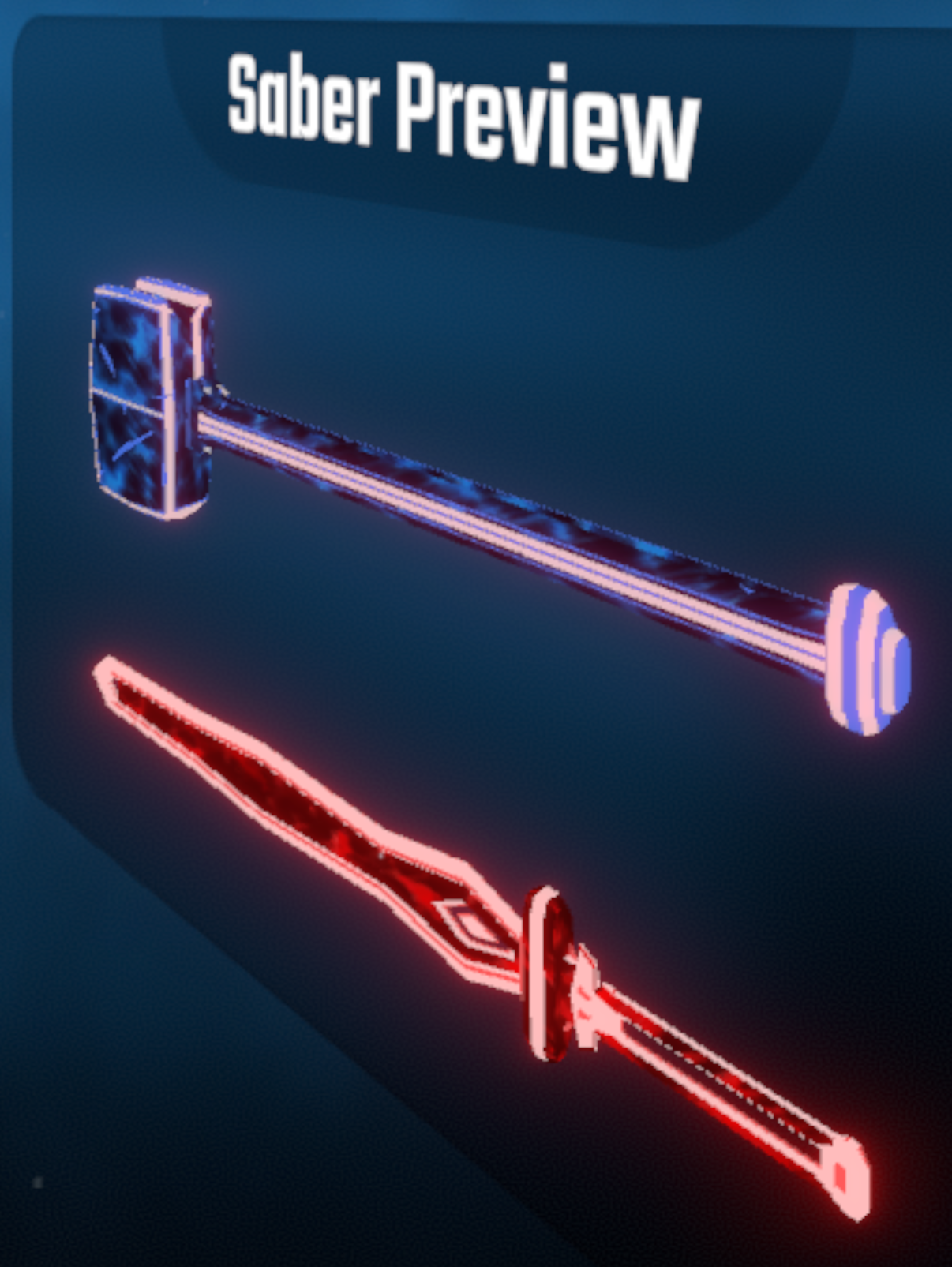
Here’s the Saber File: Midas and Mithril.saberAugust 3, 2020 at 7:31 am #59008Nice work! I’ll definitely try playing with those next week.
August 4, 2020 at 1:23 pm #59009Thanks @jlampellet
@jlampel let me know feedback on them as an in game review. The hammer is pretty long but I kinda like it to be honest,
They are more bulky than the other sabers. My daughter’s are a little smaller.
August 27, 2020 at 6:20 pm #59010Finally had time to give this a try. The hammer was maybe a bit big, but it was fun! Nice work 🙂
August 28, 2020 at 12:50 pm #59011Thanks for the feedback @jlampel I’m a little embarrassed to admit that I made a newbie mistake and downloaded the Beat Saber update on steam and now everything is lost! All my custom sabers are gone haha.
Is there an updated port that allows for the customization again? I guess I can go try and look but I figured you would know the answer.
-
AuthorPosts


- The topic ‘Adding Midas and Mithril to Beat Saber’ is closed to new replies.