Adding Midas and Mithril to Beat Saber

Forum Archive Adding Midas and Mithril to Beat Saber

Viewing 15 posts - 1 through 15 (of 31 total)
  • Author
    Posts
  • #12408
    Shawn Blanch
    Participant

      I can always extend the handle for Midas (the golden hammer) if both sabers need to be the same length.

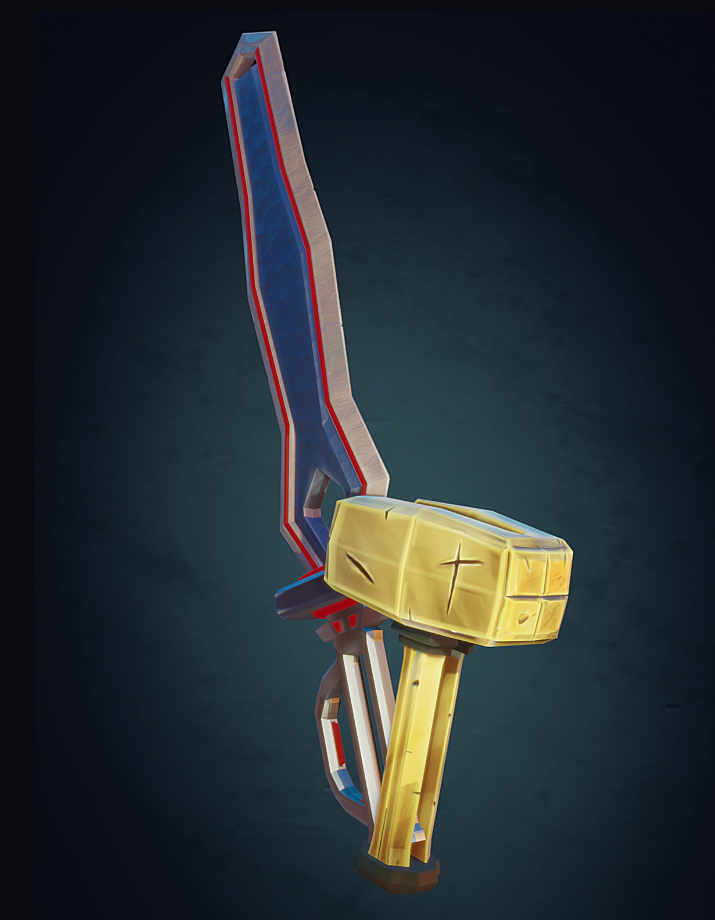
      I want to modify these for that game. Do they look like they would work? I’ll set different shading to be more “TRON”-ish.

      #58983
      Shawn Blanch
      Participant

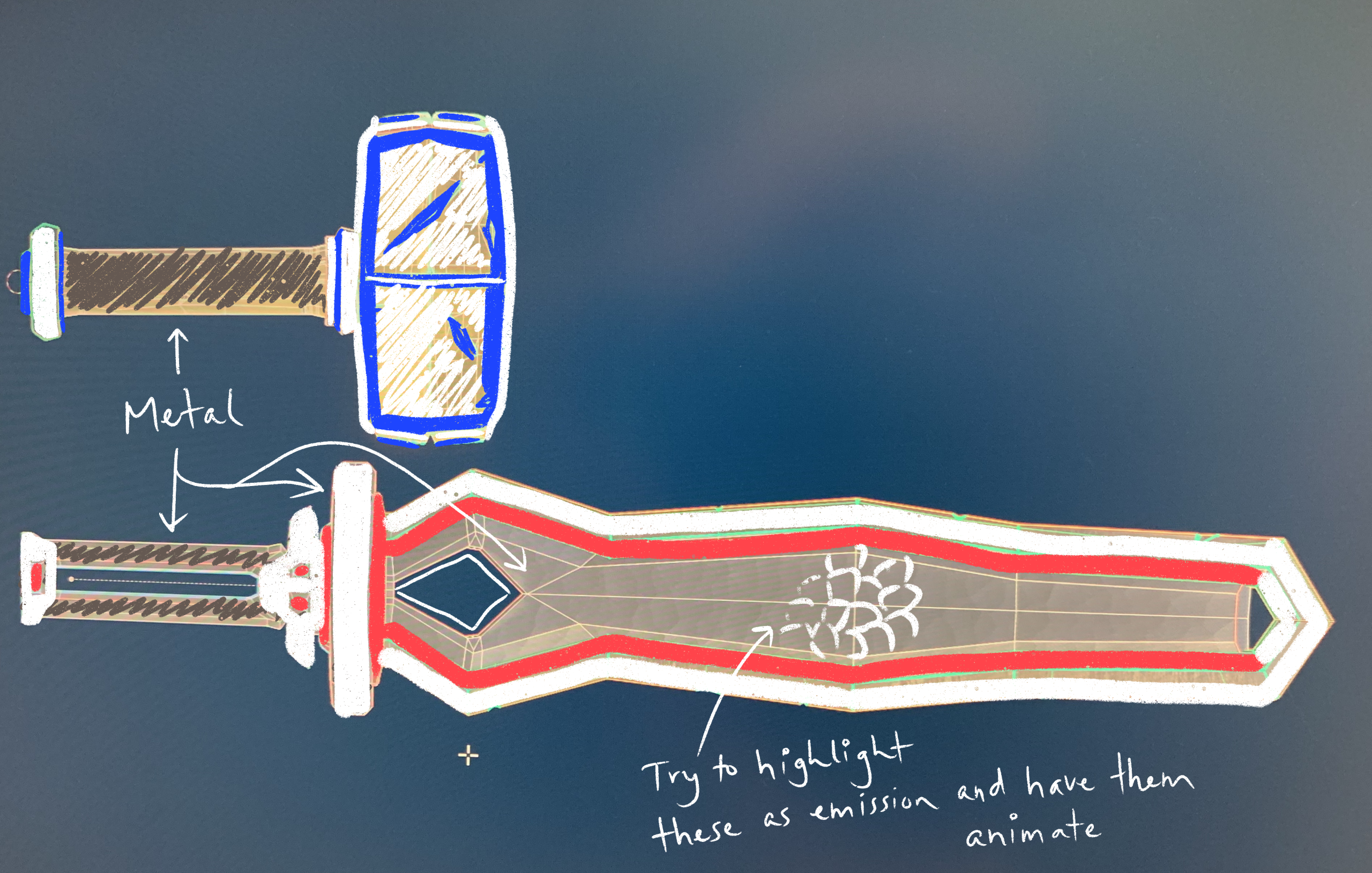
        Ok just loaded the models successfully into my latest blender on Windows. Then exported to procreate on my iPad for a little inspiration drawing.

        I’m thinking of doing something like this:

        #58984
        Mark Smith
        Participant

          looks like a plan

          #58985
          Jonathan Lampel
          Participant

            Sounds cool to me! Go for it! 

            #58986
            Shawn Blanch
            Participant

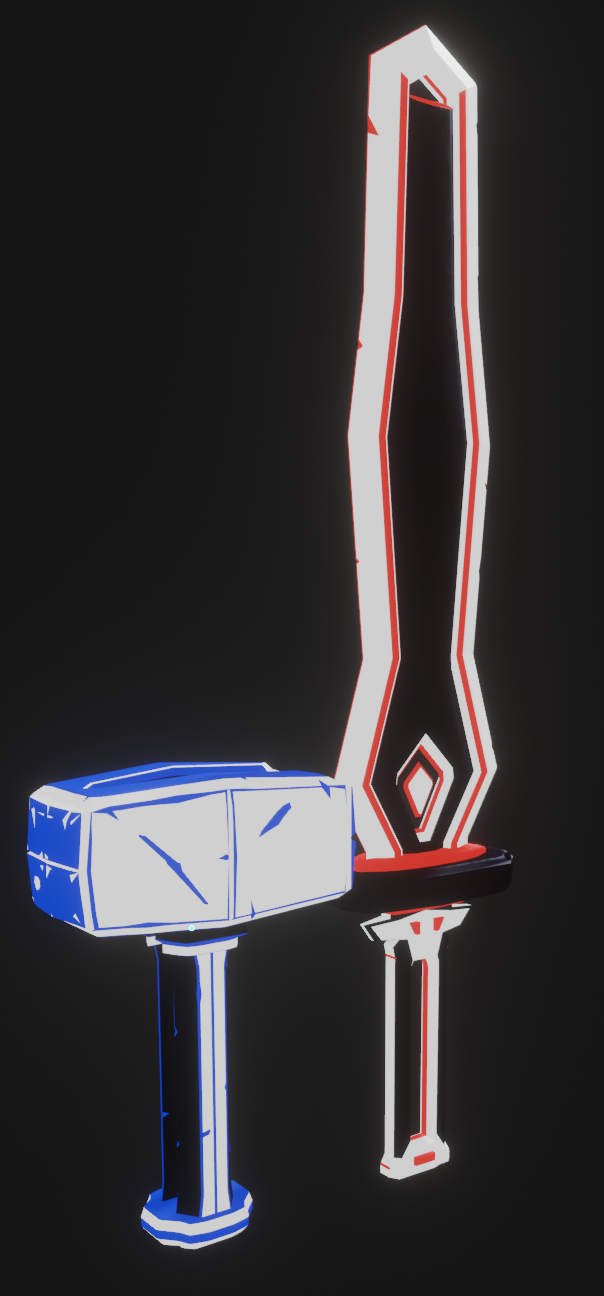
              Okay here is my progress thus far. What do you think?

              You made a comment about submitting these in the live stream. How far do you want me to go before submitting them? I don’t have a VR set but I do have Unity. I’ll try to get it as far as you would like me to. I’m thinking of a pulsating emission as the object moves since you have the lightning I didn’t quite want to copy that.

              #58987
              Shawn Blanch
              Participant

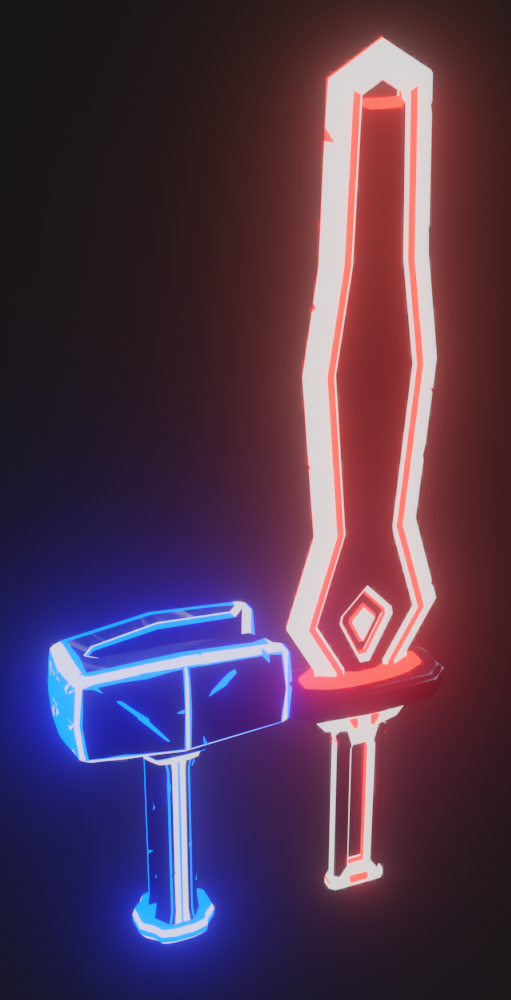
                Here’s with some flare added

                #58988
                Shawn Blanch
                Participant

                  I want that to pulsate if that makes sense.

                  #58989
                  Adrian Bellworthy
                  Participant

                    Looks really cool @blanchsb , great stream from @jlampel , VR is an interesting option for modelling. Even my wife talks about buying a VR setup, until she see’s the price. 

                    #58990
                    Jonathan Lampel
                    Participant

                      Looking good! Try bringing them into the Unity project (from here: https://bs.assistant.moe/Sabers/ ) and making the shader pulse. I’ve added the tweaked transparent shader that supports UV animation to the downloads for the stream, but you can add that effect to any shader using this guide: https://gamedev.stackexchange.com/questions/135375/animated-textures-for-models-how-to-write-a-shader 

                      To make the pulse animation you’d need to modify the shader code for the lit glow or unlit glow shaders instead with the same changes and by scaling the UV’s down really small and then animating them over a black and white texture. 

                      #58991
                      Shawn Blanch
                      Participant

                        Cool. I have a followup question: I have Amplify Shader Editor asset for Unity and it is a node based shader like Blender. I know that I can affect the shader with node effects like time and sign waves and etc……. do you think I could make use of that for this?

                        I gotta make some animations first then I will export to Unity.

                        I’ll try it out and see if I can get some shading going using ASE.

                        #58992
                        Shawn Blanch
                        Participant

                          Here’s a little adjustment that I fell in love with:

                          #58993
                          Jonathan Lampel
                          Participant

                             I have Amplify Shader Editor asset for Unity and it is a node based shader like Blender. I know that I can affect the shader with node effects like time and sign waves and etc……. do you think I could make use of that for this?

                            Unfortunately not :/ In order for it to show up and not blank in the game, it has to be one of the shaders (or a slightly modified version) from the CustomSaber Unity project. 

                            Looking good! I also added a guide in the description of the livestream for how to hook everything up in Unity. 

                            #58994
                            Shawn Blanch
                            Participant

                              Dang! I was really hoping. Haha. I’m in the process of sizing to 4.5′ and rigging. Once I get to Unity I will try to follow along in your video. This is such cool stuff even if I don’t own a VR it gives me a little more Unity experience since I want to be more proficient at it. I’ll ask questions if I get hung up on something.

                              #58995
                              Shawn Blanch
                              Participant

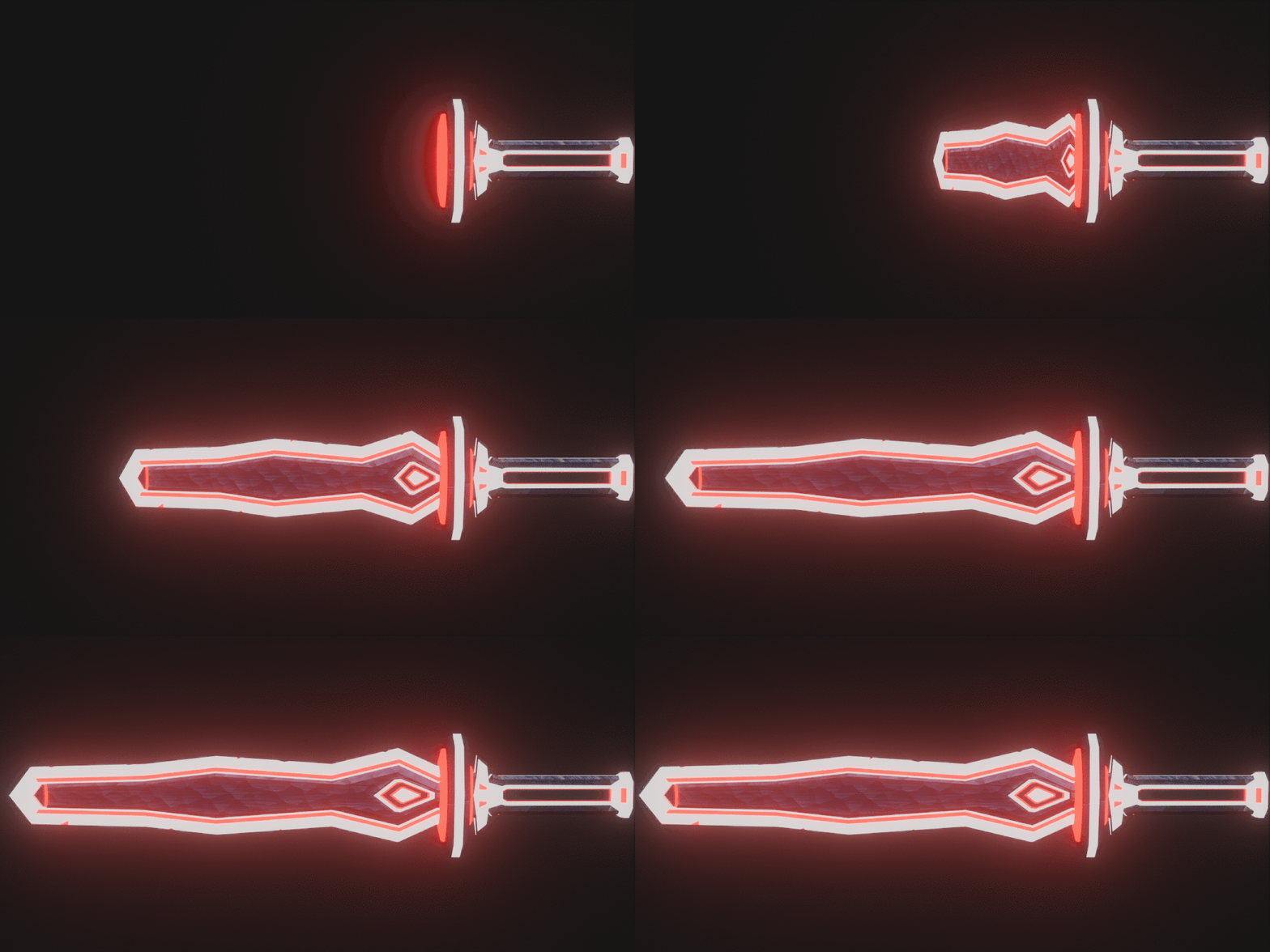
                                I got Mithril (the Sword) animated. Now for Midas (the hammer).

                                #58996
                                Shawn Blanch
                                Participant

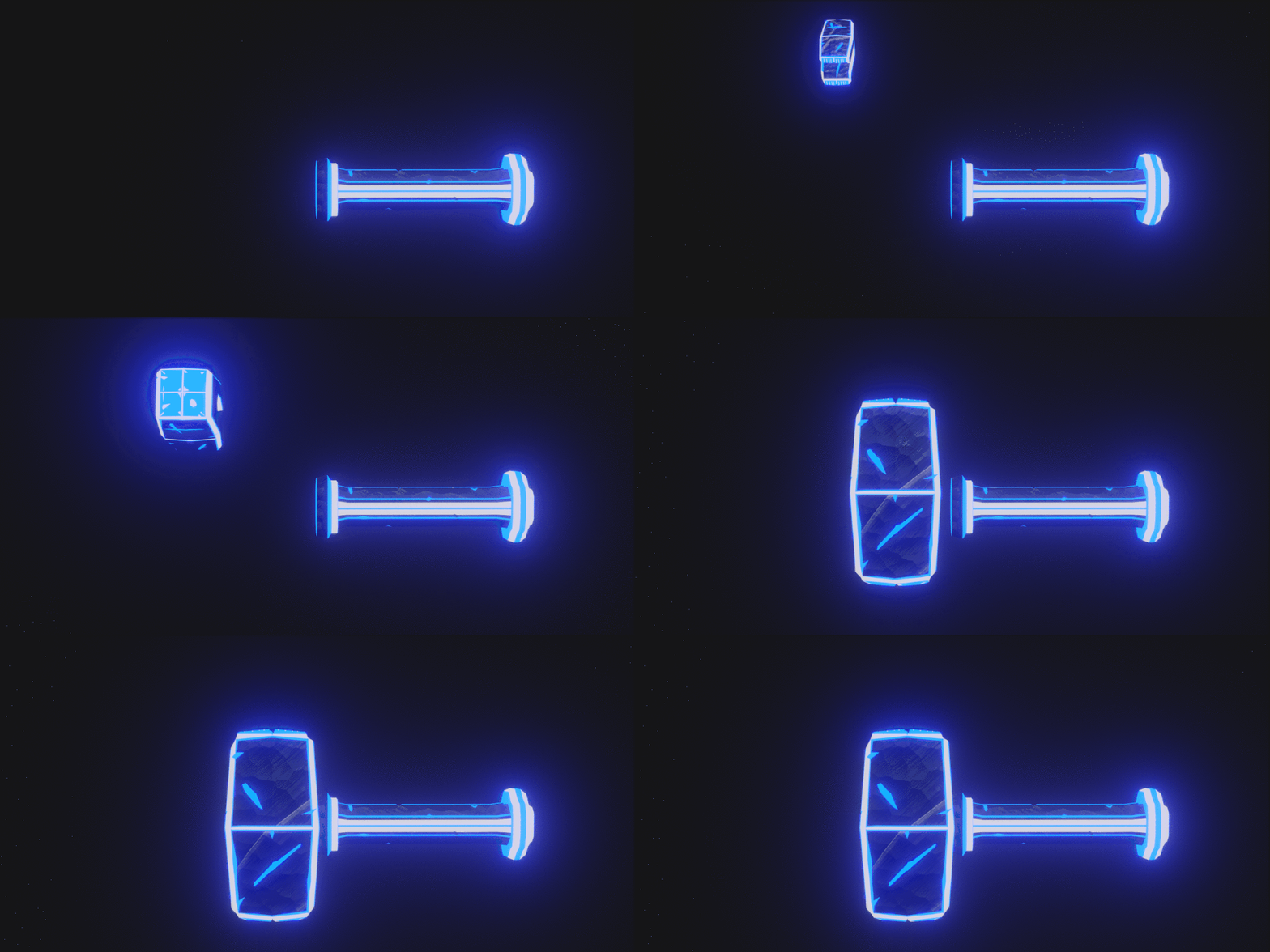
                                  And here’s Midas:

                                Viewing 15 posts - 1 through 15 (of 31 total)
                                • The topic ‘Adding Midas and Mithril to Beat Saber’ is closed to new replies.