Yyukinoh1989 – There are a couple of ways to see if Omar (or anyone on the SheepIt team) are currently rendering. From the SheepIt web site, go to “Your Account” home page, click on the “CG Cookie Render Monsters” team link.

Find Omar in the team list and click the link to see his account page. (Note, it is possible that the team list page may show a team member’s project that is currently being rendered. As I have not yet seen a team member render a project, I don’t know if the page will report this or not).

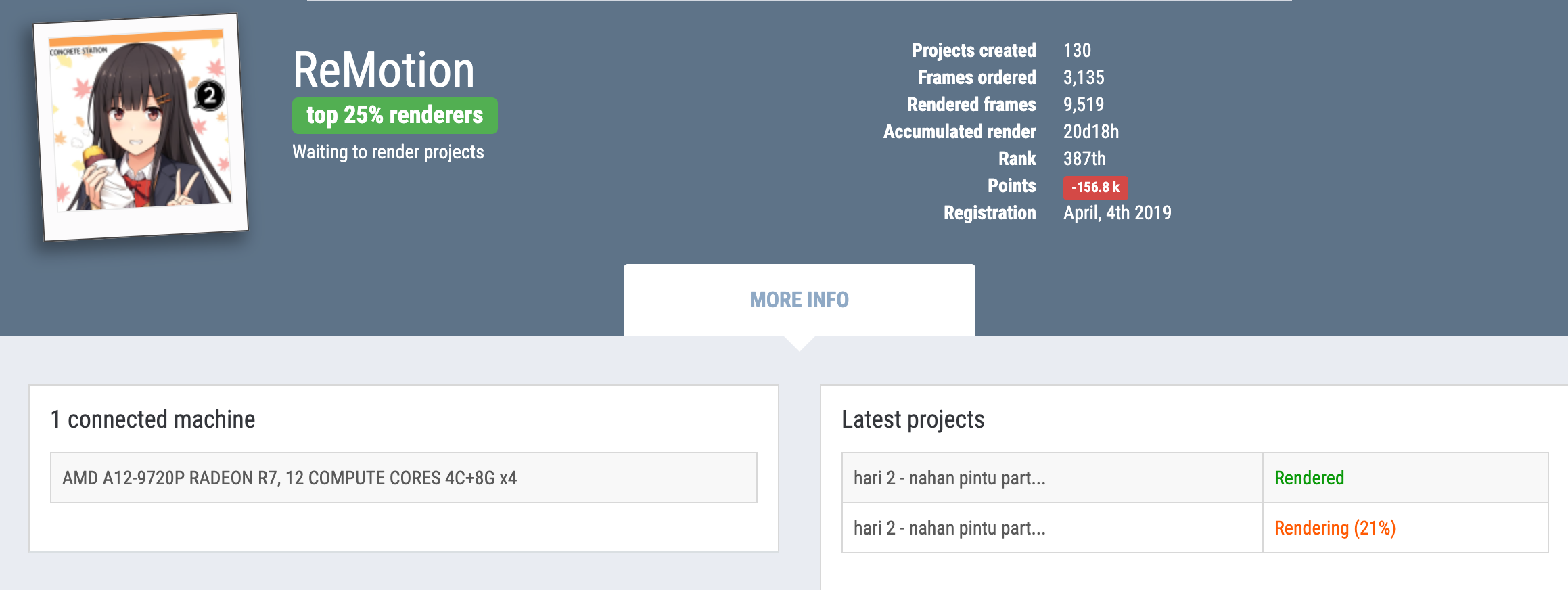
As Omar does not currently have a project being rendered, I took a screen shot of someone that is. On the bottom right it shows in orange “Rendering (21%).” The project being rendered is named “hari 2 – nahan pintu part…”
In your SheepIt client, look in the “name” field. This will show you the project that you are rendering. SheepIt will give priority to render projects from people on your team. However, it is still going to ensure that your system’s RAM/CPU/GPU can meet the rendering requirements of the team member’s rendering project.

