
Reply To: BC1-1808 Homework, Yukino Hatake
Forum Archive › BC1-1808 Homework, Yukino Hatake › Reply To: BC1-1808 Homework, Yukino Hatake

@yukinoh1989 Okay, there are a *lot* of ways to help reduce noise, so lets go over a few ways.
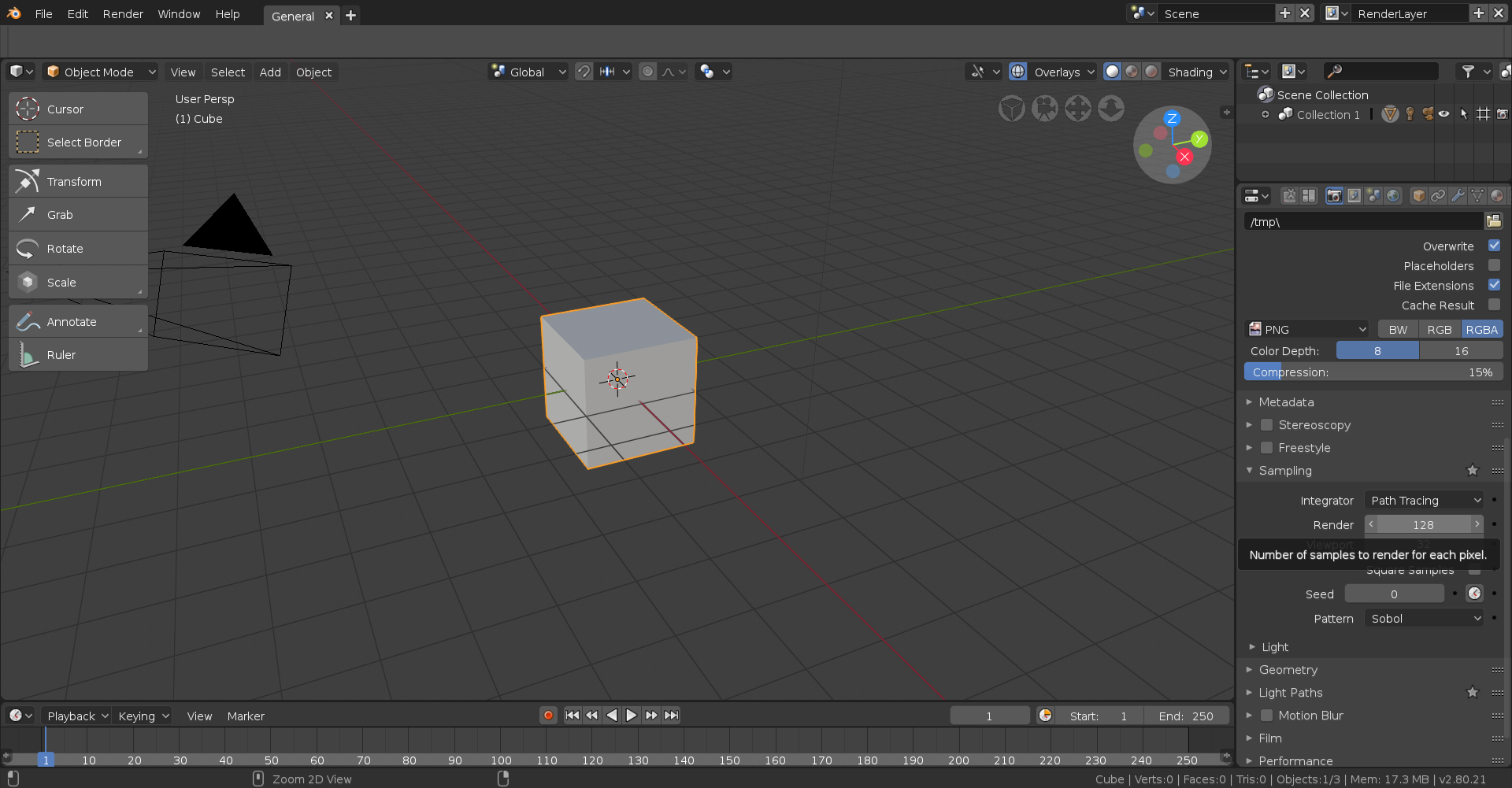
A: Increase render samples.
Probably the easiest to understand and most common method of getting rid of noise, otherwise known as “fireflies” is but simple increasing the samples. Depending on the complexity of your scene to what other options you have turned on or off you will want this anywhere between 200 and 2,500. To adjust this setting, it can be found under the Performance dropdown in the Render panel.
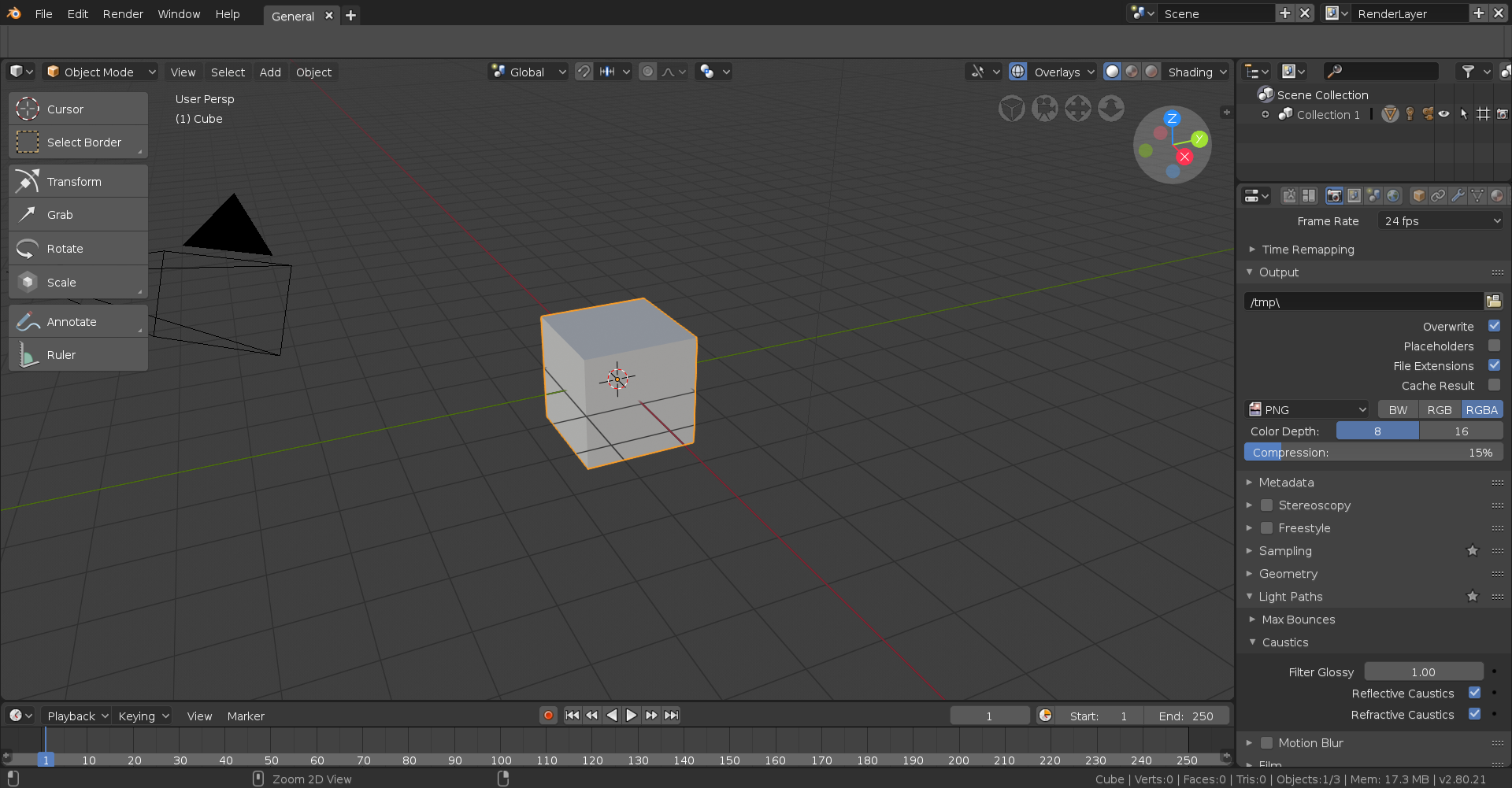
B: Disable Reflective & Refractive Caustics
Caustics are related to light paths, more specifically through translucent surfaces. Unless you’re going for photorealism you can safely turn these off and not only will it decrease noise but it will also decrease render time too. They can be found under the Caustics dropdown which is under the Light Paths dropdown in the Render panel.
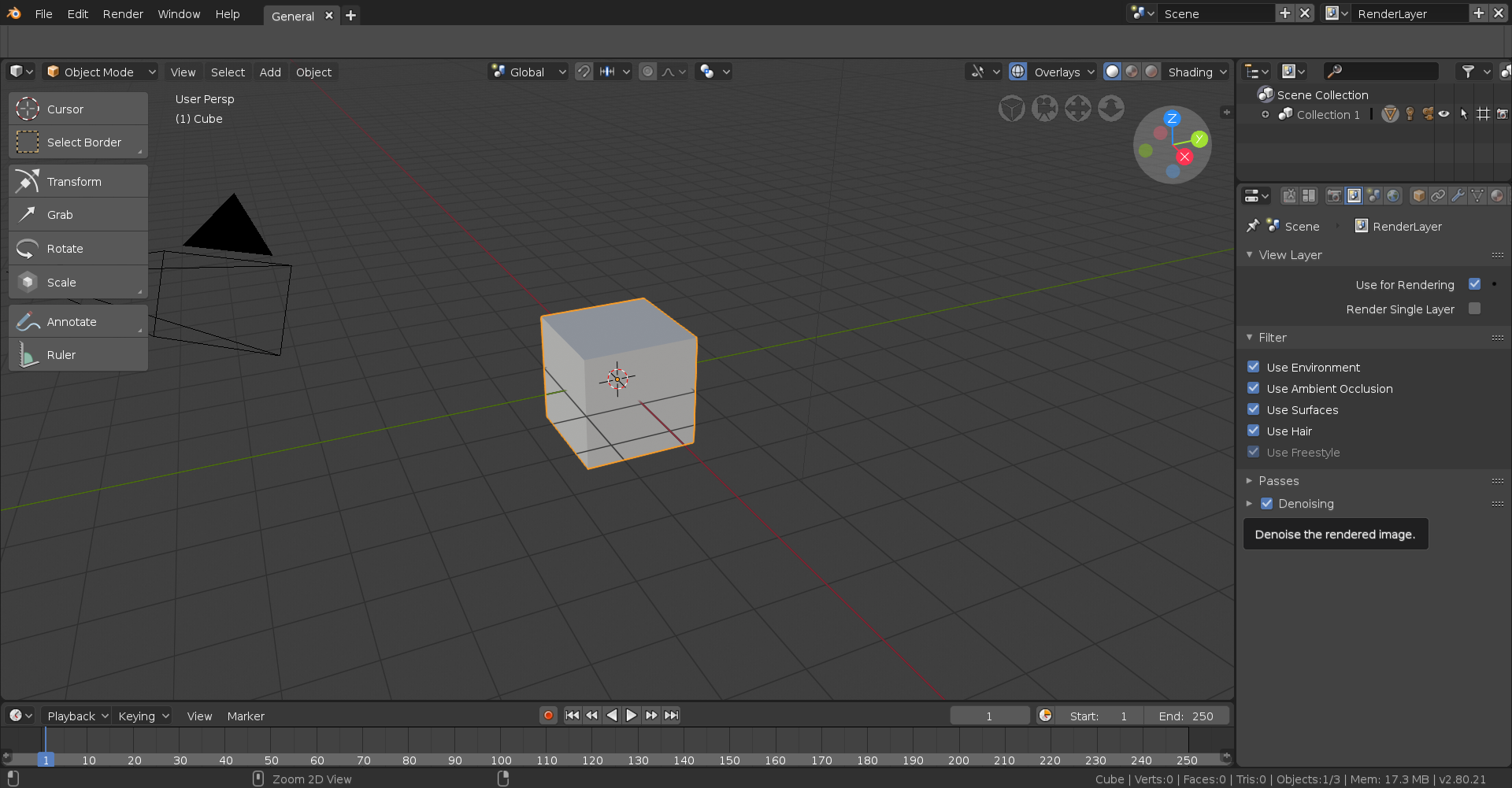
C: Enable Denoising
I’m not sure what kind of satanic black magic the people over at Blender had to invoke to get this kind of thing to work but enabling this just insanely improves noise reduction and by proxy render time, though it can admittedly look somewhat funky at times. This can be found under the View Layer panel. There are a few options to tweak but I’ve honestly never touched them.
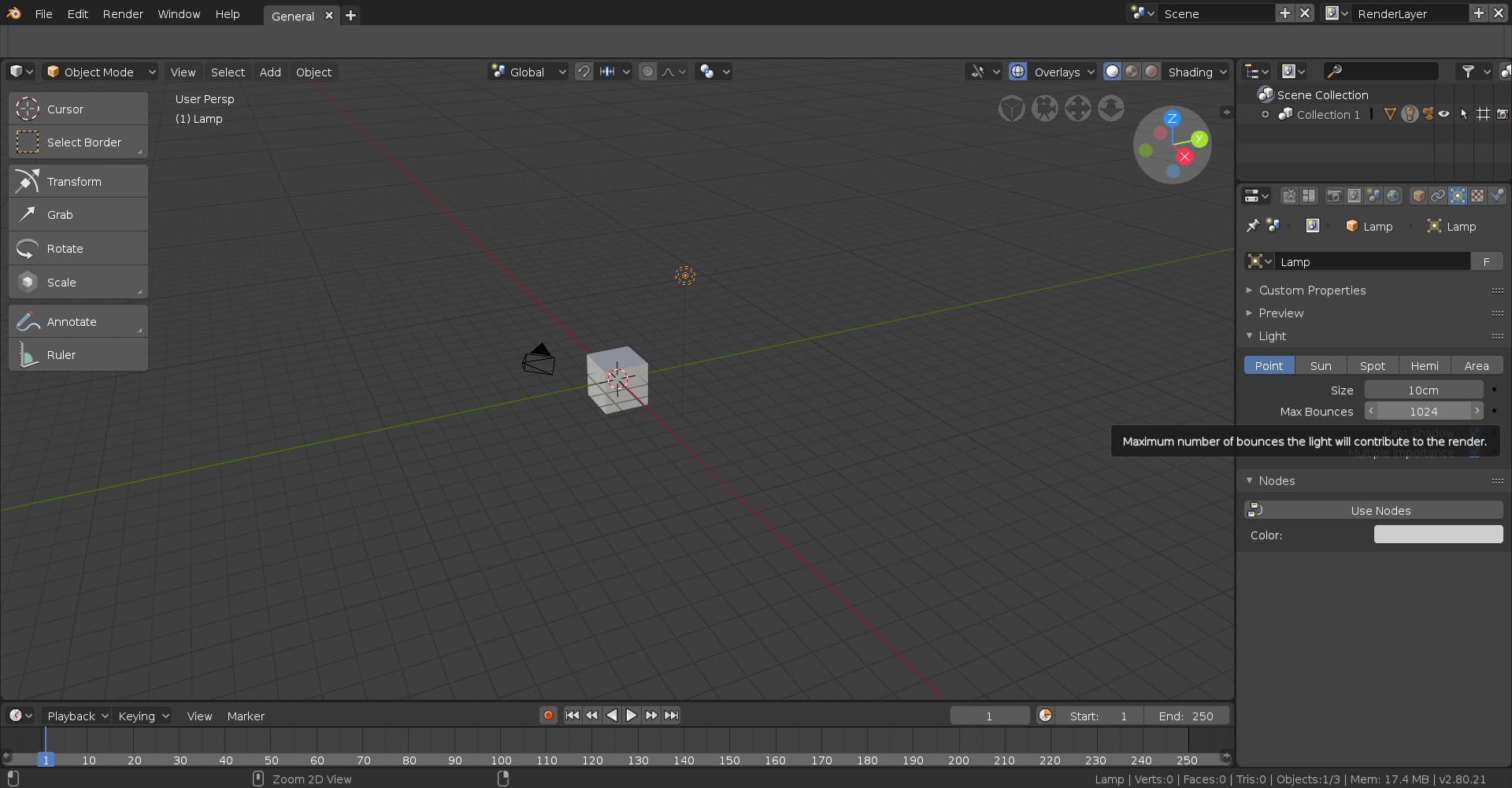
D: Increase Max Bounces
This essentially determines how many times a ray of light is allowed to bounce around in a surface, most noticeable in translucent surfaces and surfaces affected by Subsurface Scattering. I’ve honestly never really tweaked with this a lot but do be warned it can drastically increase render time depending on the amount altered and the scene itself. It can be tweaked per light source when that light source is selected under the Data panel.
There are quite a few other ways but here’s just a few ways to reduce noise in you scene, hope this helps!