
Reply To: BC1-1808 Homework, Yukino Hatake
Forum Archive › BC1-1808 Homework, Yukino Hatake › Reply To: BC1-1808 Homework, Yukino Hatake

@yukinoh1989 Well dang a lot has happened in this thread since I last popped in. As a side note another way of joining 2 or more objects together (albeit a more destructive method) is by selecting them both/all in object mode and hitting Ctrl+J. Though there’s not many times you’d want to use this over the other methods, admittedly.
But just to make sure there’s no confusion I want to try this method to see if it works. First get your object (I’m assuming a pillar) and apply the mirror modifier. After that – and with the object selected – hit Alt+A and select “Rotation”.
Then you’ll want to choose which axis it mirrors on. By default it mirrors on the X axis but I’m going to choose the Y just to change it up. You can change the axis on the modifier panel:
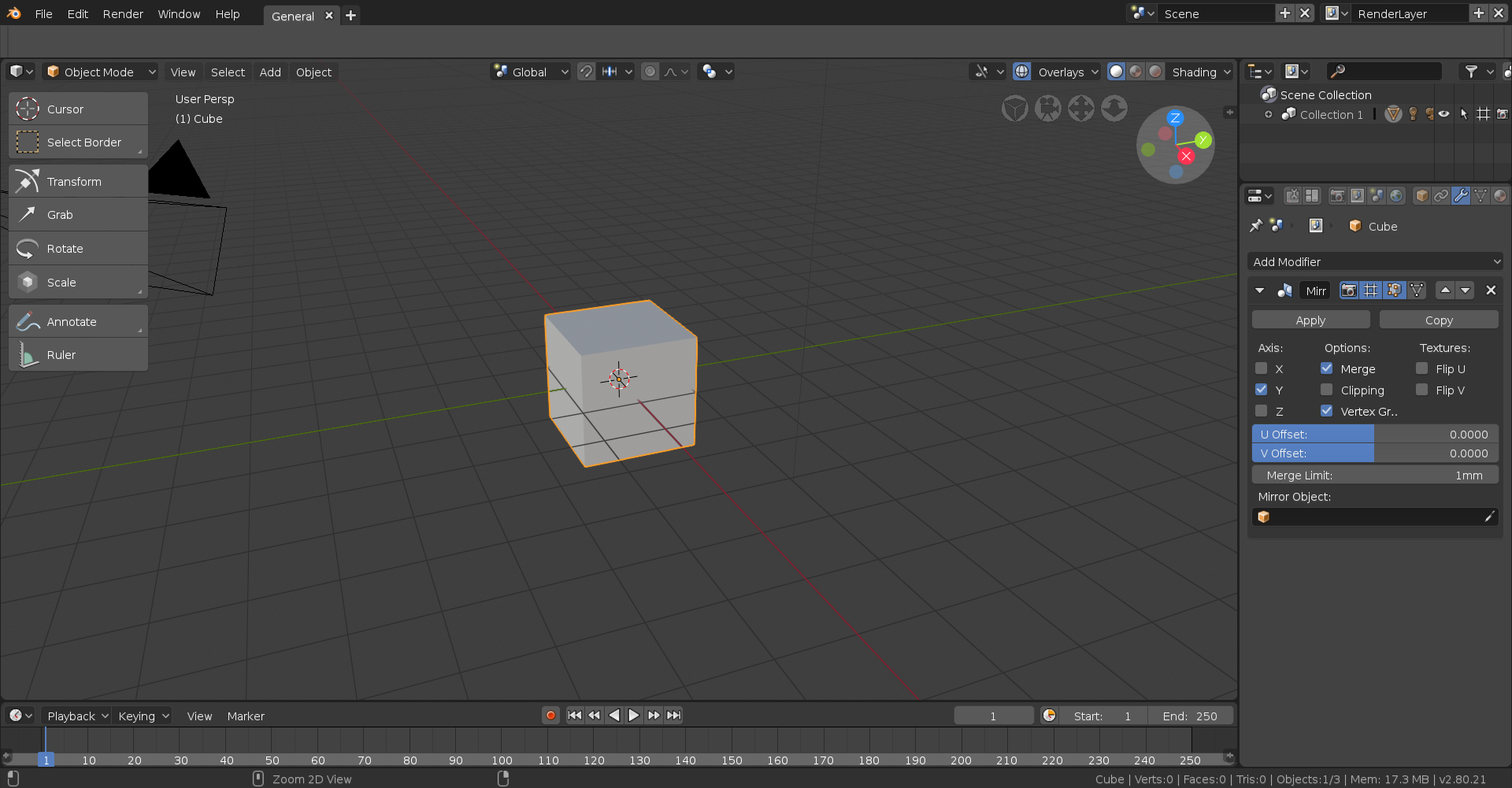
With that done, go into edit mode with the affected object and move it in the direction of the mirror modifier. In this case I’ll want to move it on the Y axis so I’ll first hit G to move and then Y to lock that movement to the Y axis, though if you were to move it along the X or Z you’d use X or Z respectively.
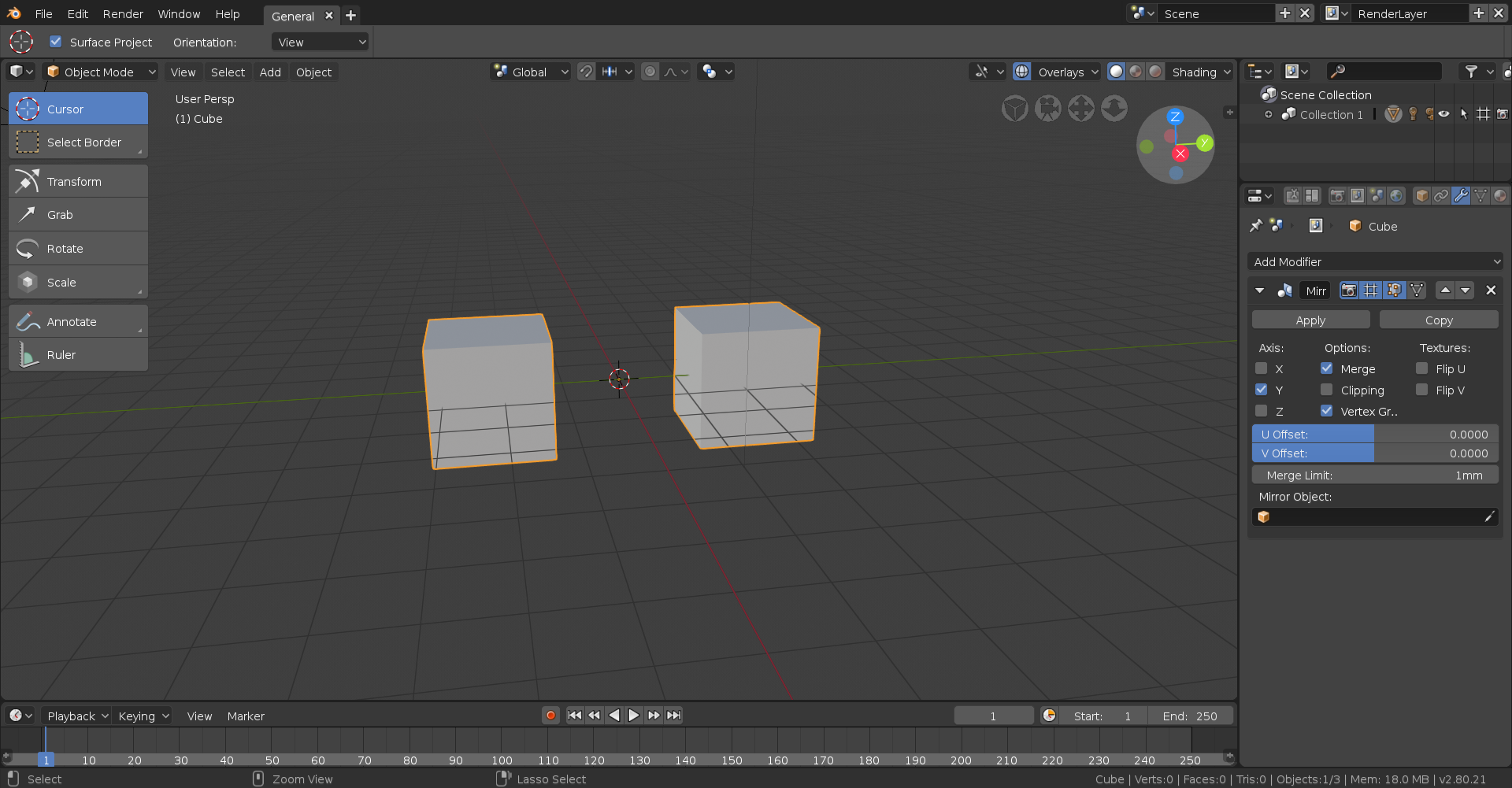
One thing I will say is that modifiers are currently broken in 2,8 and don’t display in edit mode, so even if you do everything right it won’t appear until you go back into object mode so be sure to do that to make sure you did it right!