
Reply To: Grid Fill causing corner bulges even after subdivision – how to fix?
Forum Archive › Grid Fill causing corner bulges even after subdivision – how to fix? › Reply To: Grid Fill causing corner bulges even after subdivision – how to fix?

Now I get it — thanks a lot, Omar and Martin!
From Martin I learned this:
For big meshes, only use as many vertices as needed to look smooth from a distance.
If you need it to hold up when viewed up close, you can just add one subdivision, since the base geometry already has enough vertices to look smooth. That way you avoid adding a huge number of unnecessary vertices.
For example, just by removing the subdivision from the base of the lamp, I reduced a huge number of vertices.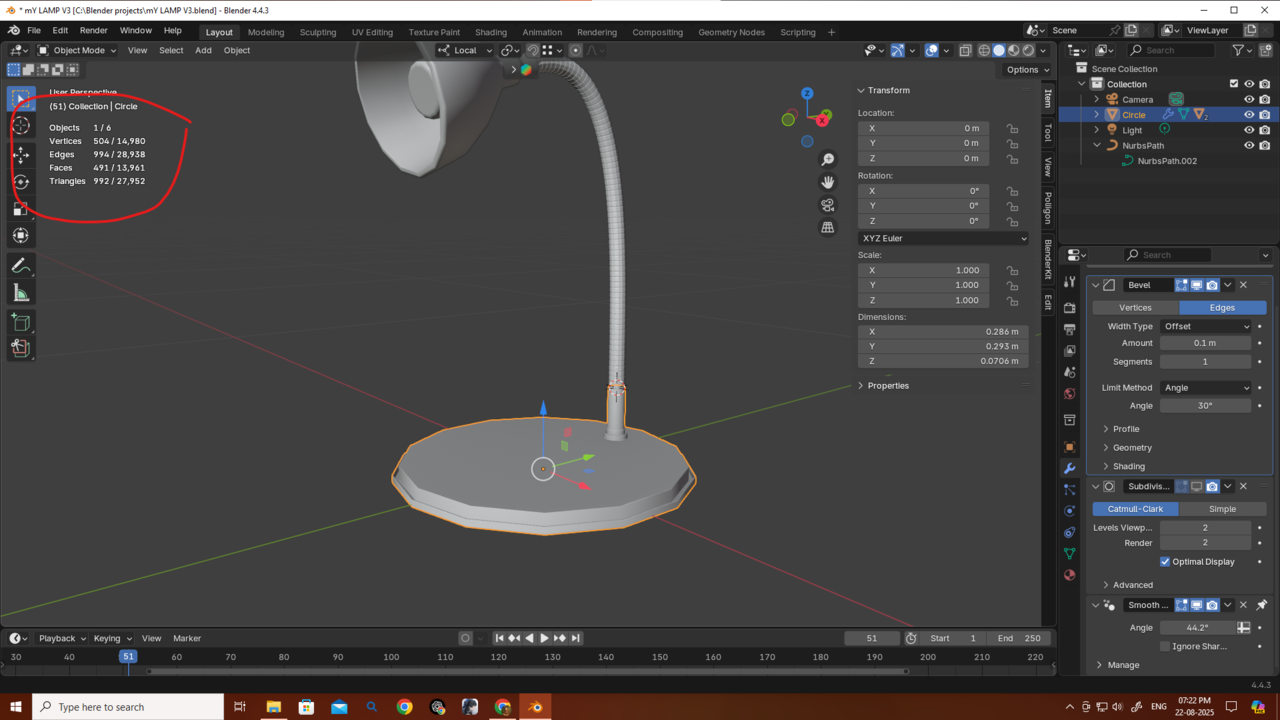
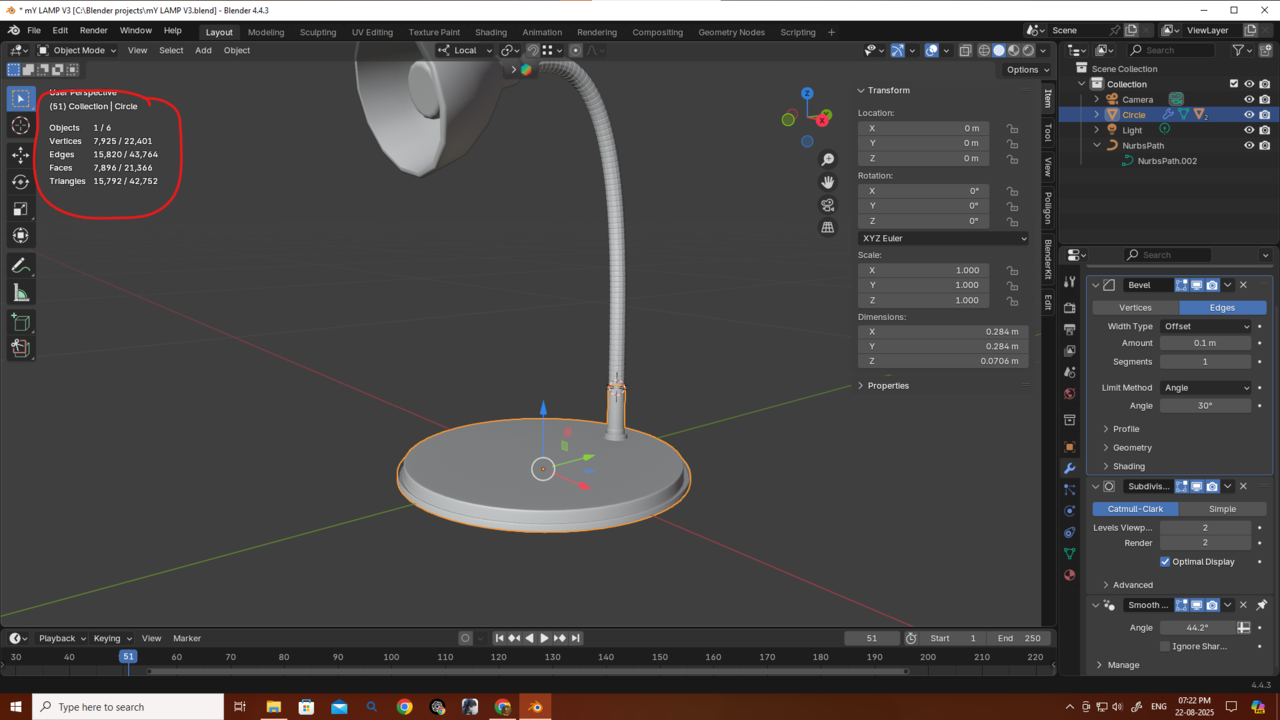
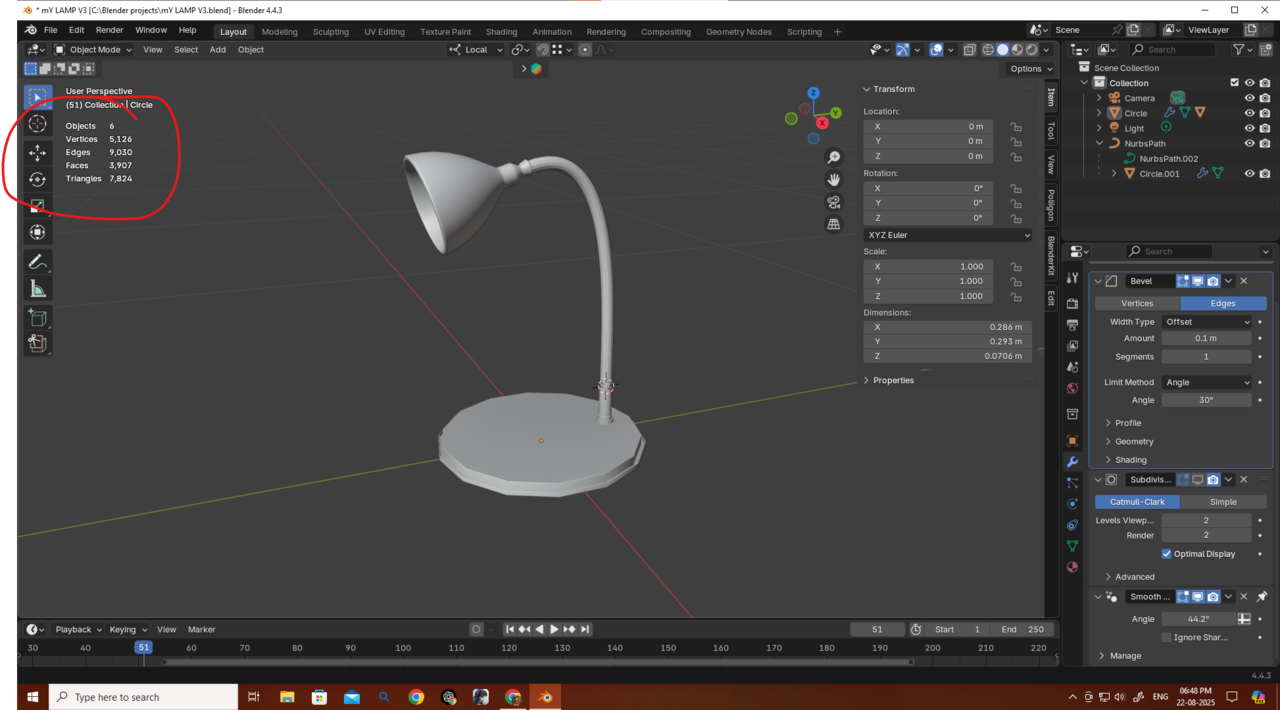 The mesh looks jagged right now, but if I had started with 32 vertices it would have looked smooth from a distance. And if it needed to be shown up close, 32 vertices could still work, or I could just use subdivision level 1. That would still be fewer vertices than starting with 14 and subdividing to level 2. So starting with a bit more geometry in the beginning can actually save vertices overall.
From Omar I learned this:
For the wire, the ridges can be done with a normal map instead of adding extra geometry and bevels.
I originally made the wire, added the ridges, and then arrayed it more than 70 times along a curve. But after removing just those ridges, the vertex count dropped massively. Also, I probably didn’t even need 14 vertices for the wire to begin with, so that’s another way to reduce vertices.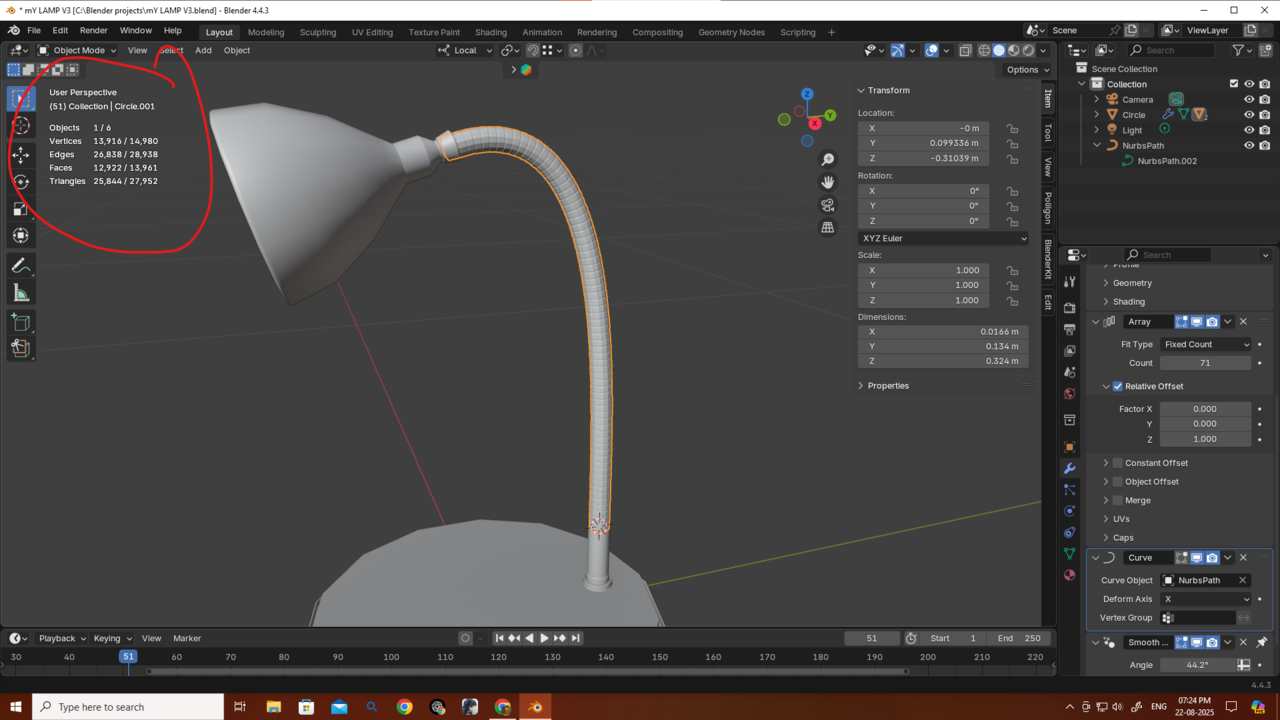
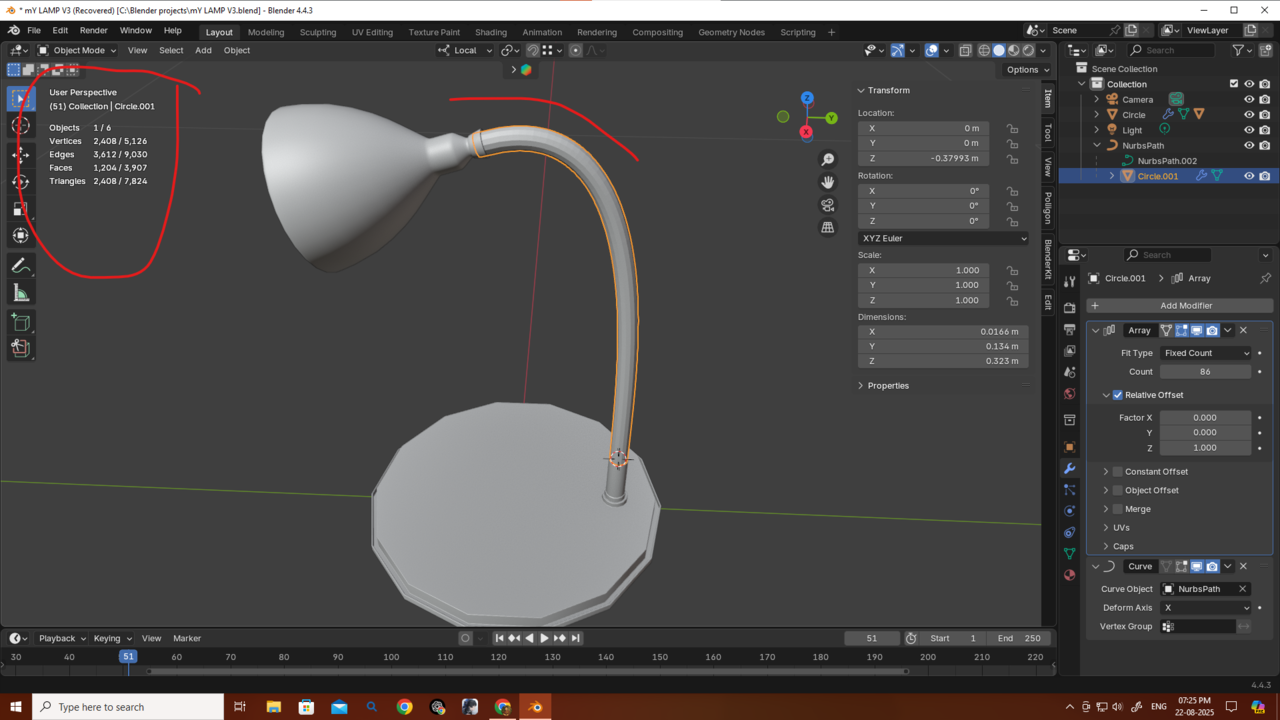
Thanks a bunch, guys, for giving me this much knowledge! If I said anything wrong, please correct me. I’ll try to remake the object using this approach. I still haven’t finished all the Core mesh modeling classes, but this one lamp has been taking all my time — I really want to finish it so I can continue my studies.
If I ever got the chance to meet you guys (though probably not in this lifetime 😅), I’d treat you all—and this awesome community—to a big banquet.
Thanks again! 🙏