A useful shortcut for the application of modifiers exists in Blender since version 2.9 (but not in the Alpha version!): Click on a modifier in the stack so that it gets highlighted with a blue frame:
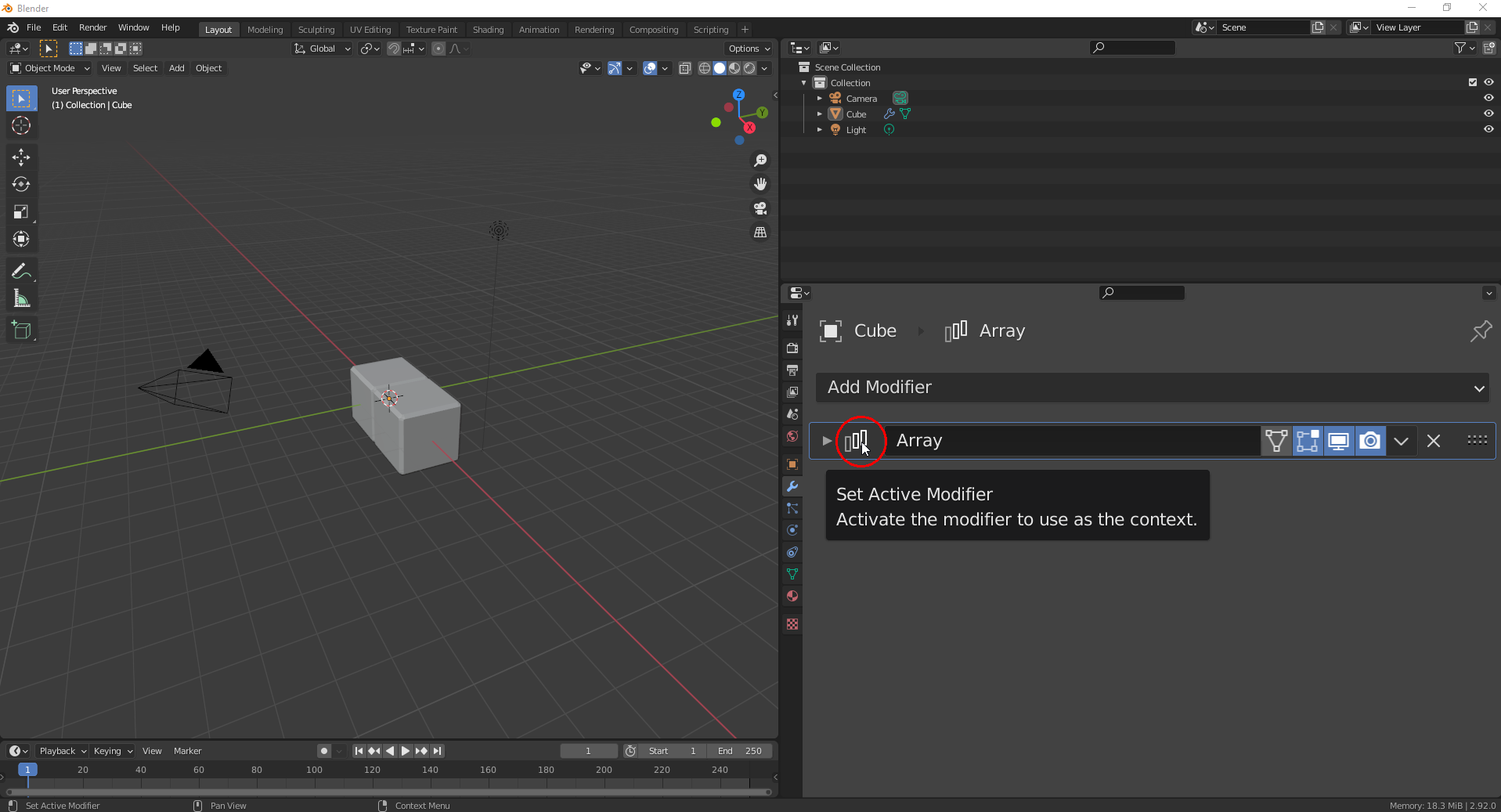
Now, you can press CTRL + A (whith your mouse pointer still in the “Properties Editor”) in order to easily apply that modifier.

