@dostovel You could do that. But that might mess up people who have the file open and rendering when you save the new version. I’d try and wait till one entire sequence is finished, then transfer and delete from G Drive.
Check out the output panel options in the Blender docs. They mention using relative paths with a brief explanation.
And here’s the results of a denoised render test:
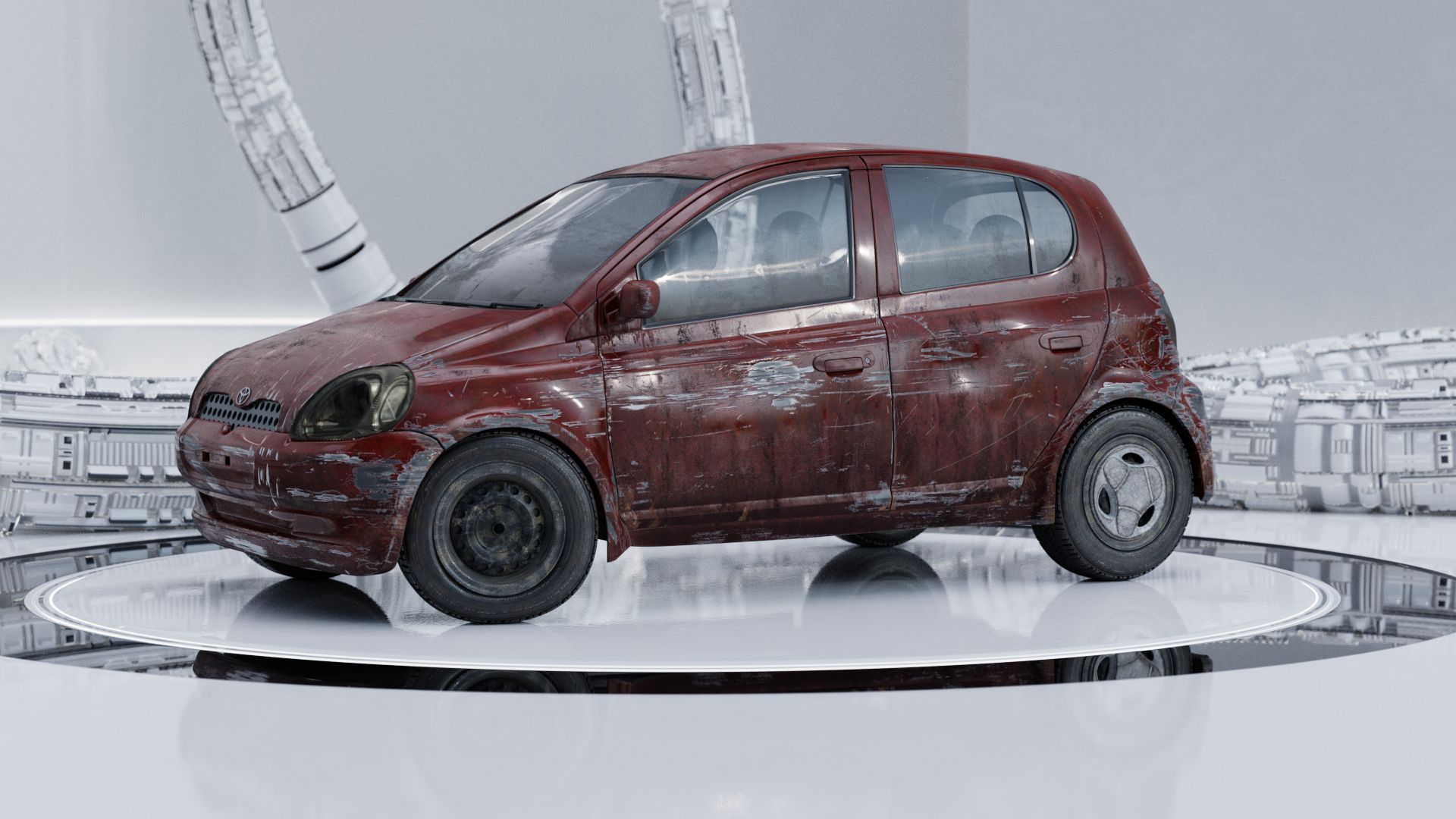

There’s barely different and definitely not muddled in my opinion; cleaner and arguably sharper. Denoised was rendered in 1/3rd the time. I think we should go with that. At least test 24 frames or so and see how it plays in animation. In fact I’ll bet you can’t even tell the denoised from the non-denoised in the sequence. So I’ll leave the frames that are already done.
⚠ I’m going to update the .blends with the denoise settings ⚠

