How do I make mesh lights (emission shader) work in EEVEE?

Forum Archive How do I make mesh lights (emission shader) work in EEVEE?

Viewing 15 posts - 1 through 15 (of 18 total)
  • Author
    Posts
  • #12201
    Ingmar Franz
    Participant

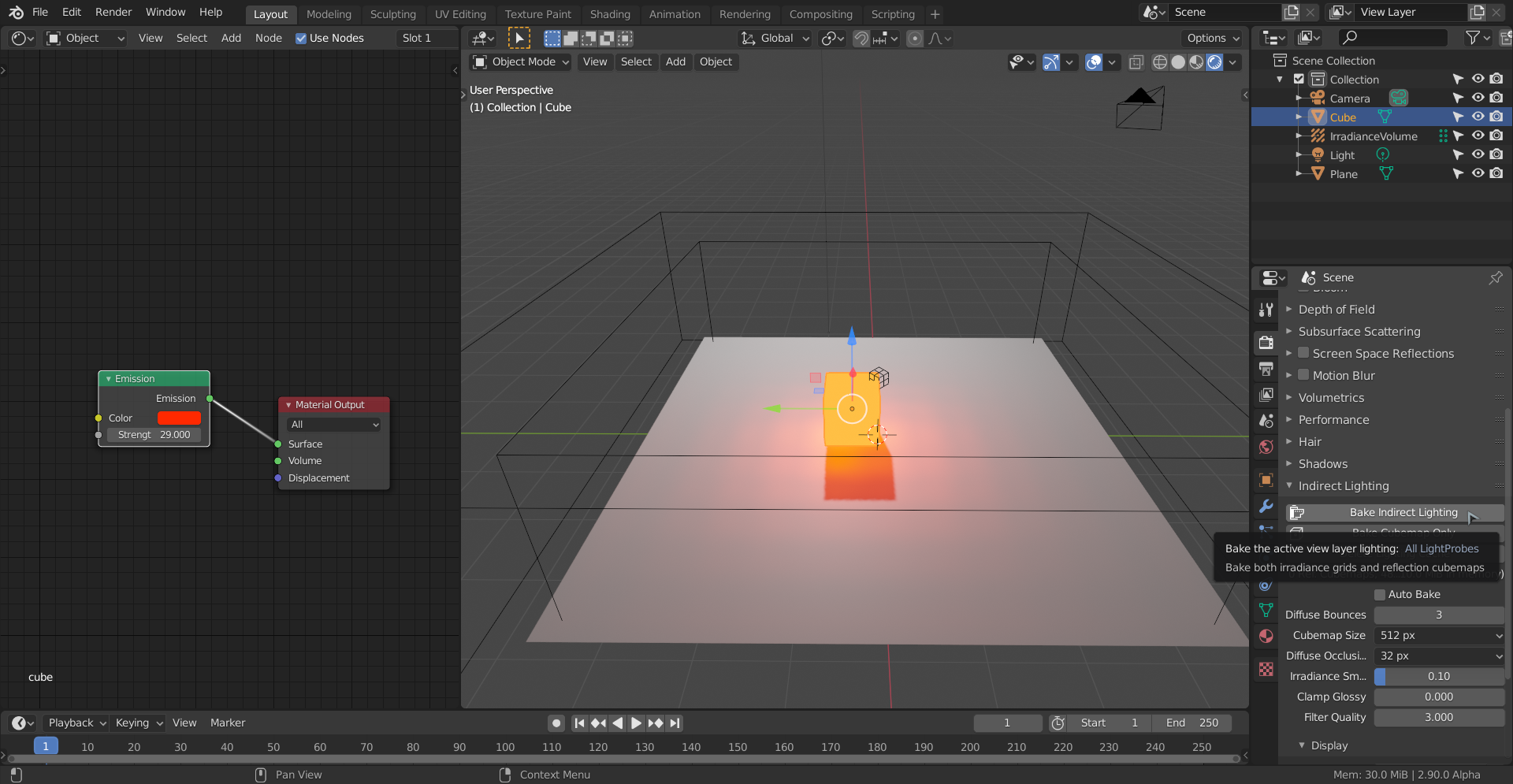
      @jlampel Maybe I’ve just missed in this chapter, but could you please explain how I can make mesh lights (emission shader) work in EEVEE?

      #58261
      spikeyxxx
      Participant

        I think you need an Irradiance Volume:

        #58262
        Ingmar Franz
        Participant

          Thanks, @spikeyxxx, once again 😀.

          #58263
          Ingmar Franz
          Participant

            It works:

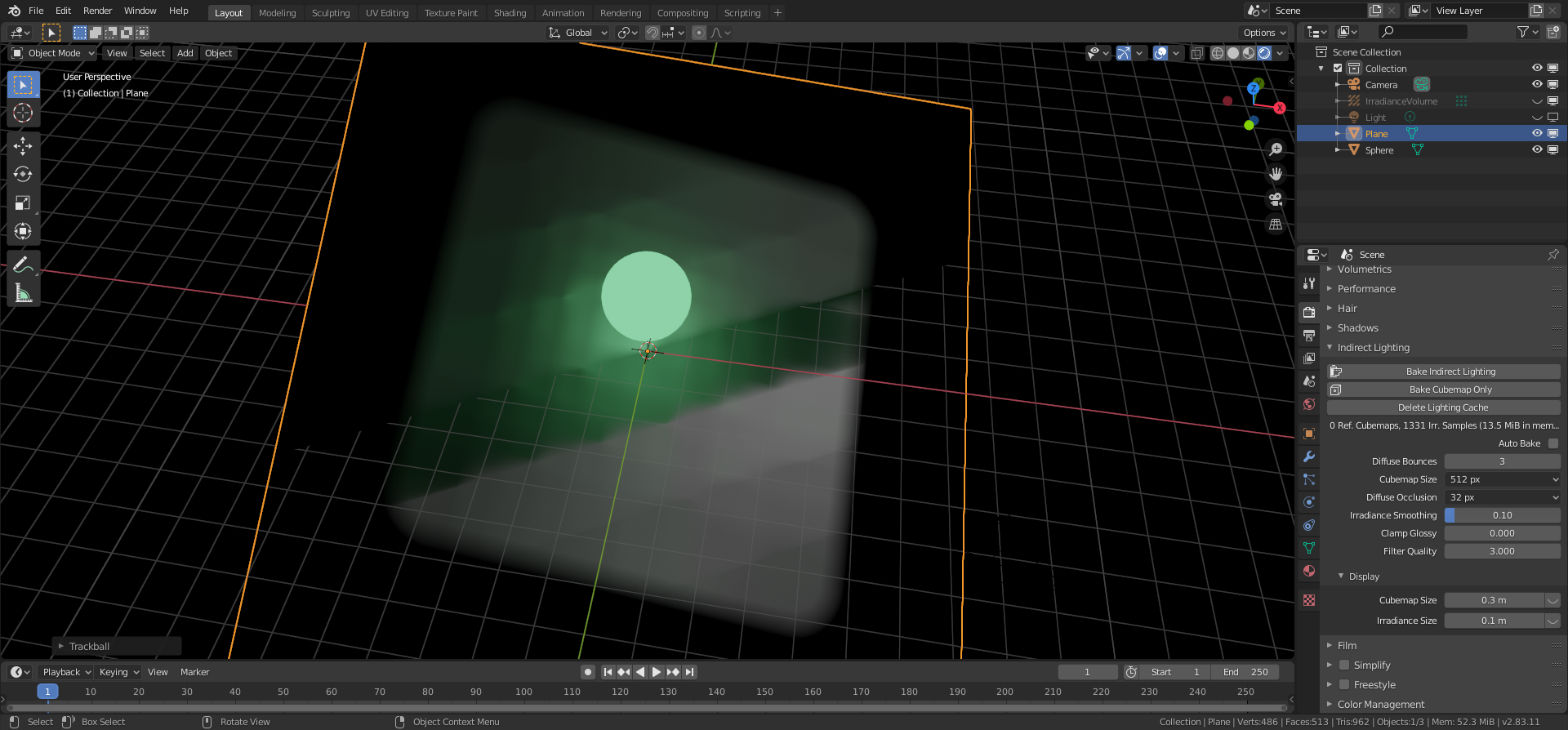
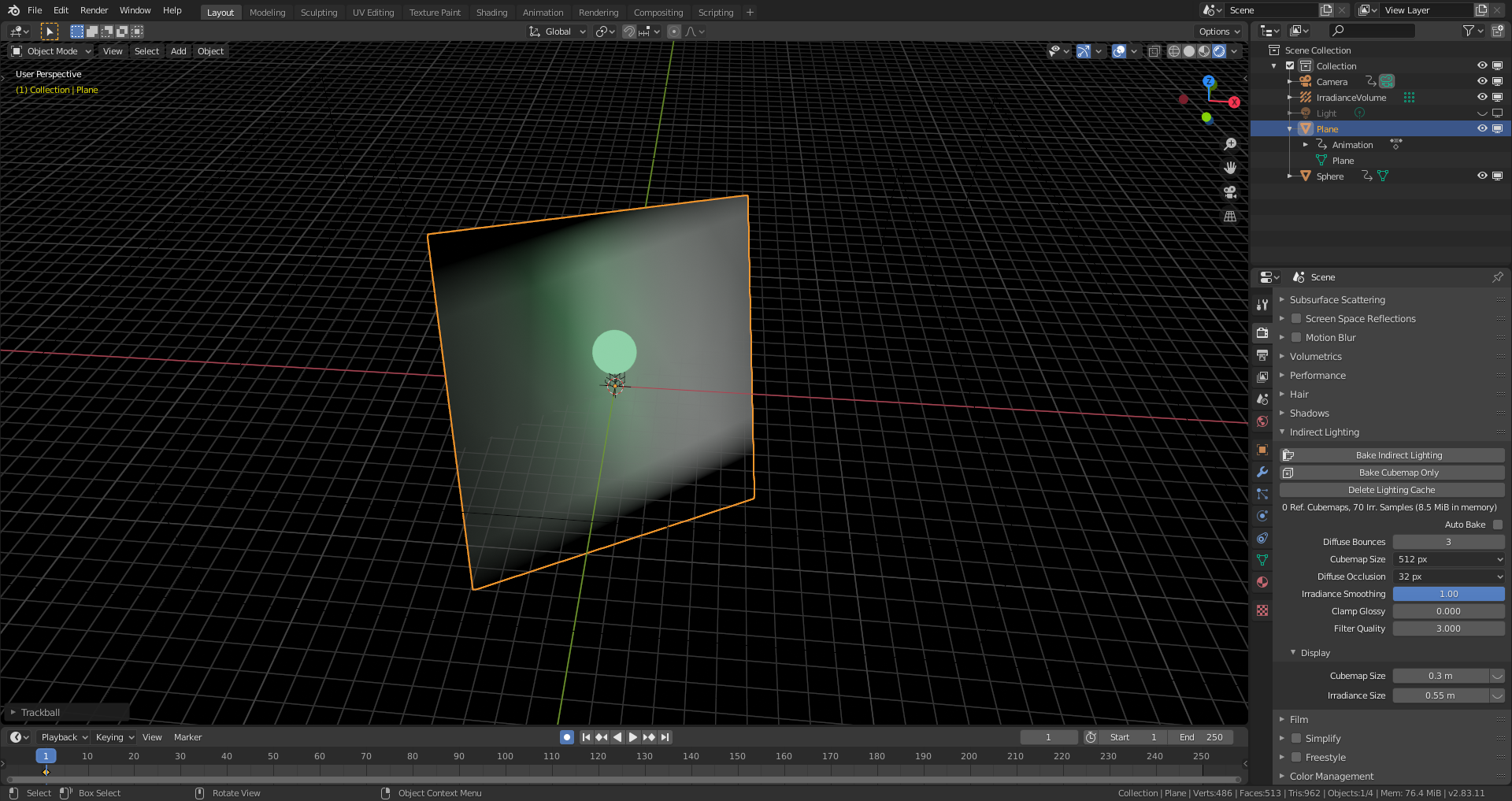
            But when I tilt the plan, I get some wired shading errors:

            I probably have to tweak the settings for the irradiance volumes or change the dimensions and the position of the light probe cuboid. File is here.

            #58264
            spikeyxxx
            Participant

              I’m not very good with Eevee, but it looks to me, that you might need a higher resolution of the volume…

              #58265
              spikeyxxx
              Participant

                If I remember correctly, you shouldn’t have light probes outside the room/below the plane. The ones below the plane wouldn’t get any light any way..

                Maybe the Irradiance Smoothing could help as well?

                Jonathan Lampel will surely know more!

                #58266
                Ingmar Franz
                Participant

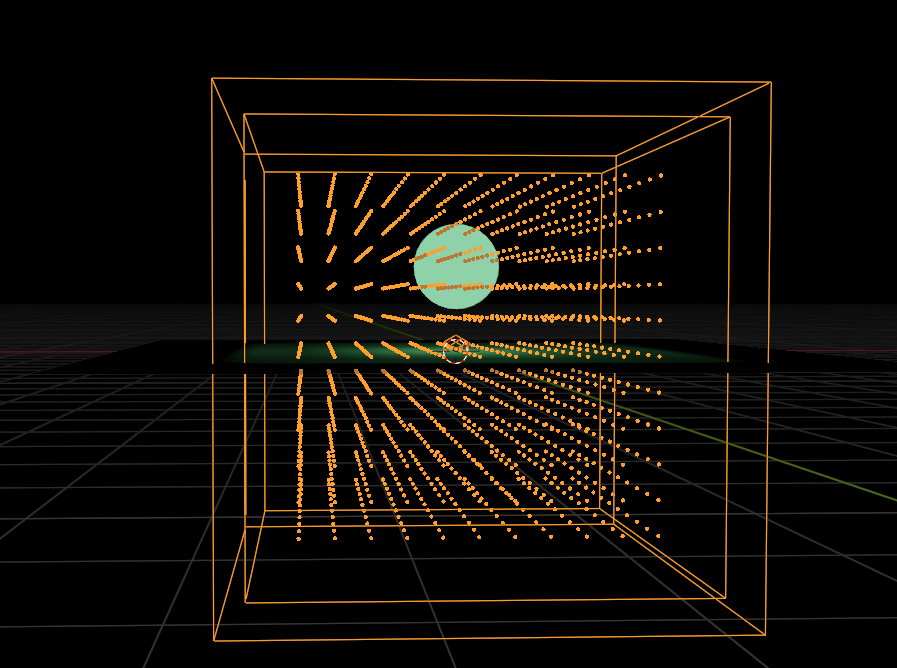
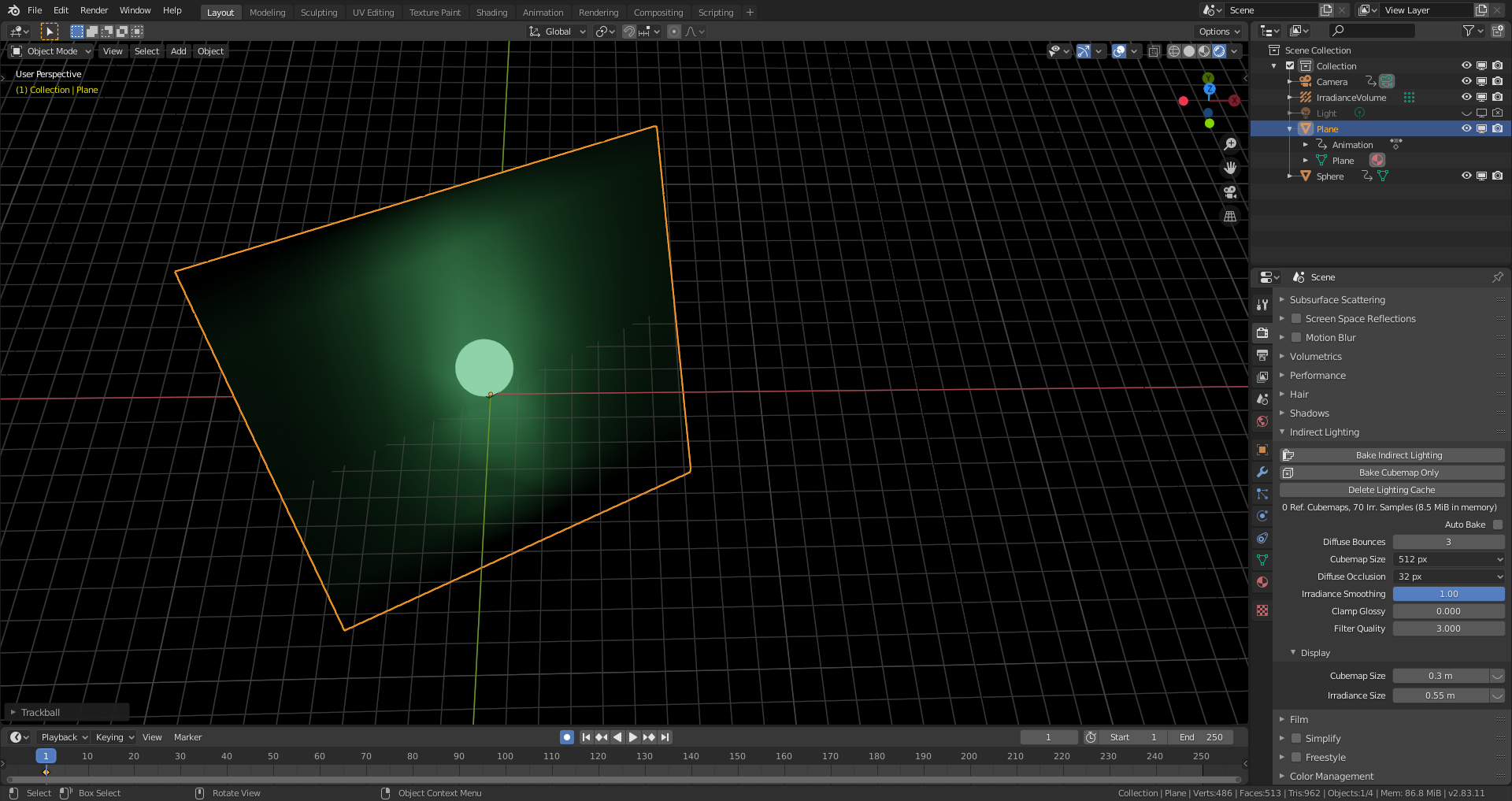
                  I’ve reduced the grid in Z-direction to 1 and set “Irradiance Smoothing” on the “Render Properties” tab to “1”:

                  With a tilted plan, I still get white spots allthough there is not other light than the mesh light:

                  The ground plane only has the default material.

                  #58267
                  spikeyxxx
                  Participant

                    I do not understand this!

                    I’d at least expect the right and left side of the rotated plane to be lit the same…

                    …but the left side is more greenish and the bottom left appears to be see through…

                    I think I’m spoiled by Cycles…

                    #58268
                    Ingmar Franz
                    Participant

                      Hm, I think I have the solution: The white we’re seeing is from the ground plane itself in its original orientation. The light probes took each a 360 degrees image around them during the baking process. Now, these probes are acting as projectors of the situation before the rotation of the ground plane. We’are simply to much used to thinking  the way Cycles works.

                      #58269
                      Ingmar Franz
                      Participant

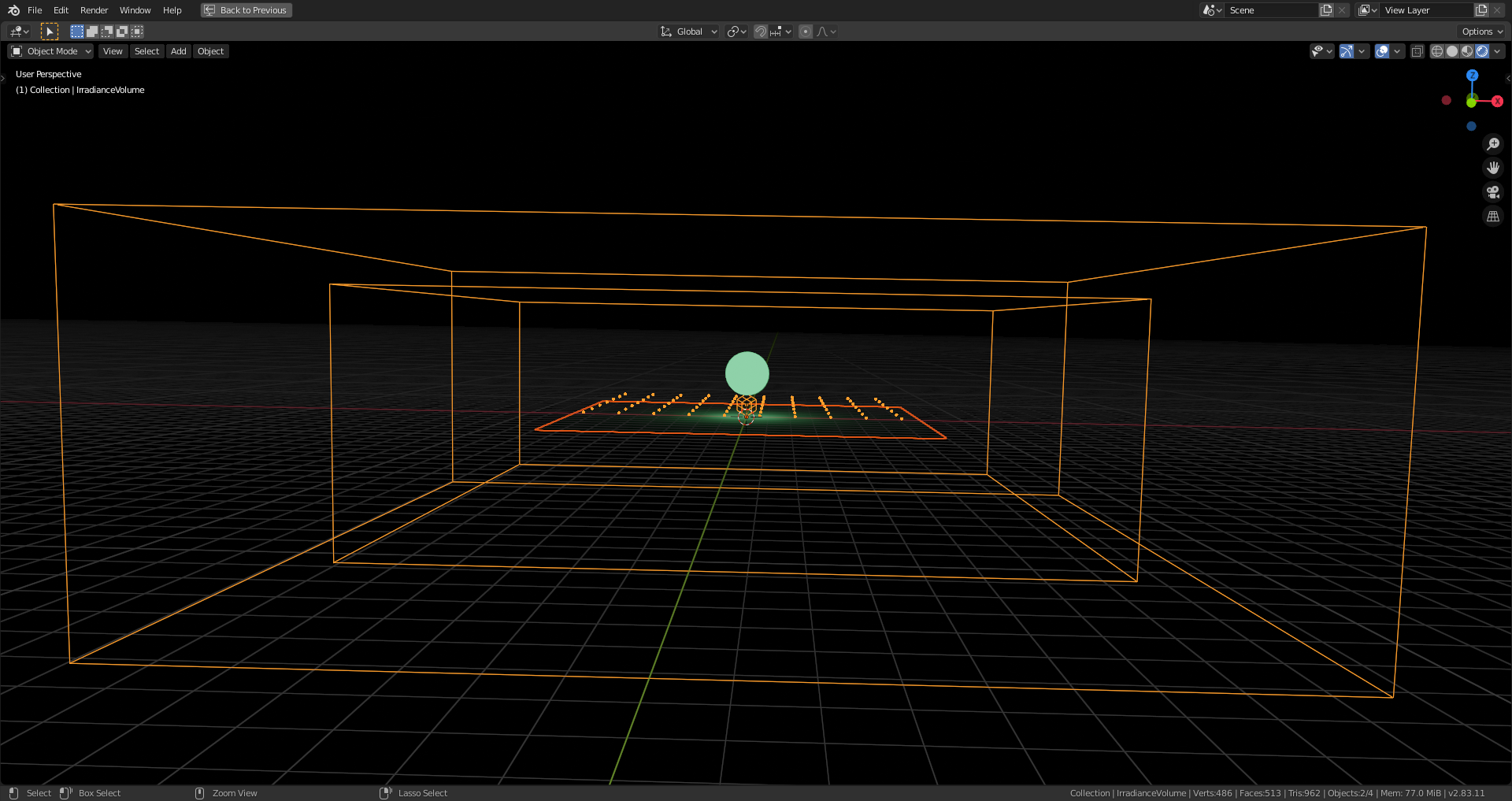
                        Commands back! There was a white point light hidden from preview but not from rendering. Due to the fact that the camera icon for enabling/disabling the rendering of an object isn’t visible in the “Outliner” per default, I forgot to disable the point light. Now it works as expected:

                        But parts of the white light before nevertheless originated from the light that the (default material) grey plane reflected in its original orientation.

                        #58270
                        spikeyxxx
                        Participant

                          Oops. I must be loosing it; I thought I checked that Point Light, but that was indeed only the Viewport visibility, not the rendering (both are sort of square-ish icons…I always have that render icon visible in my files, but loading someone else’s file per default loads their UI and that messes me up sometimes, when I don’t realize that;)

                          #58271
                          Ingmar Franz
                          Participant

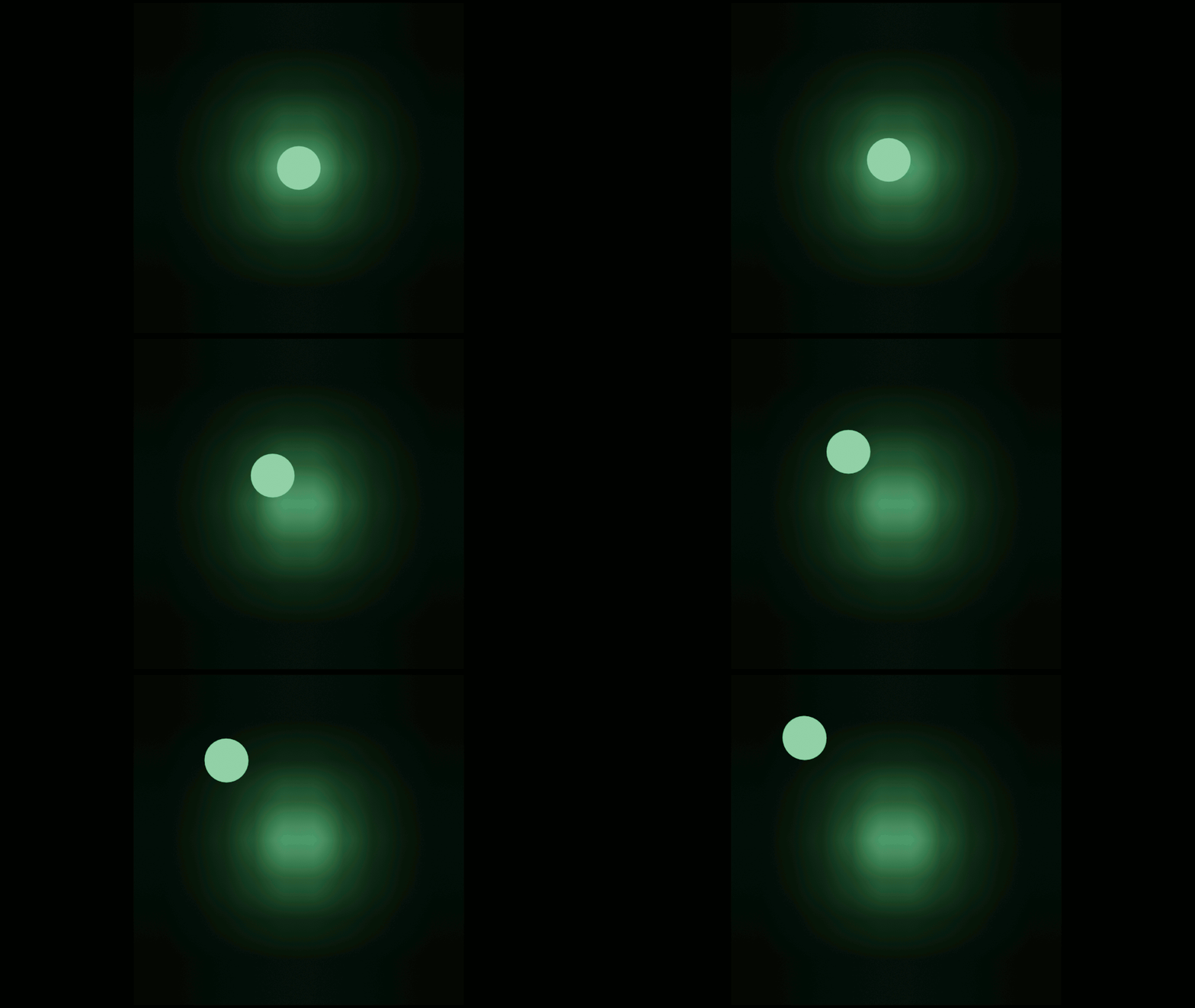
                            Another point with Eevee is that the light baking isn’t  yet for animated mesh lights:

                            #58272
                            Jonathan Lampel
                            Participant

                              Nice, thanks @spikeyxxx ! You’re spot on. I generally don’t use mesh lights at all when rendering with Eevee since the result will always look a bit grid-like, but I’m sure it’s helpful in some situations. 

                              #58273
                              spikeyxxx
                              Participant

                                You’d need to bake the indirect light per frame and that is not (yet?) possible.

                                #58274
                                Ingmar Franz
                                Participant

                                  Interesting facts the Blender 2.83 manual:

                                  As of now the light cache is static and needs to be computed before rendering. It cannot be updated per frame (unless via scripting). This limitation is being worked on and will be removed in future versions.
                                  l

                                  Hm, I’m wondering how this scripting stuff works 😉.  Allthough I have some Python knowledge, I haven’t dived in very much.

                                Viewing 15 posts - 1 through 15 (of 18 total)
                                • The topic ‘How do I make mesh lights (emission shader) work in EEVEE?’ is closed to new replies.