

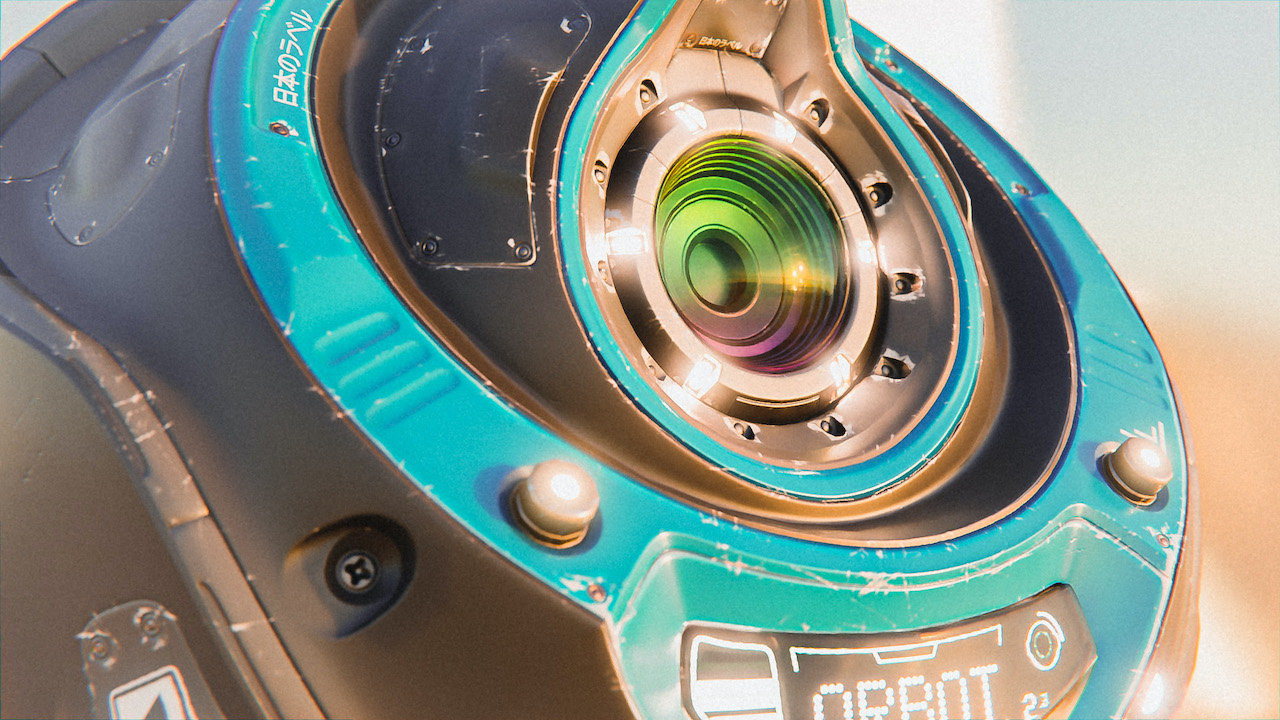
How do you create materials in Blender?
Without shaders, even the best Blender model will look, well…pretty washed out.
So knowing how to create professional shaders – realistic or stylized – is a key part of computer graphics.
Watch the Materials and Shading course now: first 4 lessons are free
Shaders and Materials = essential to any Blender worfklow
Because this topic is so huge, Jonathan Lampel, CG Cookie’s modeling trainer, went all out with this Blender megacourse.
In 40+ lessons, this course covers everything you need to know about creating believable Blender materials.
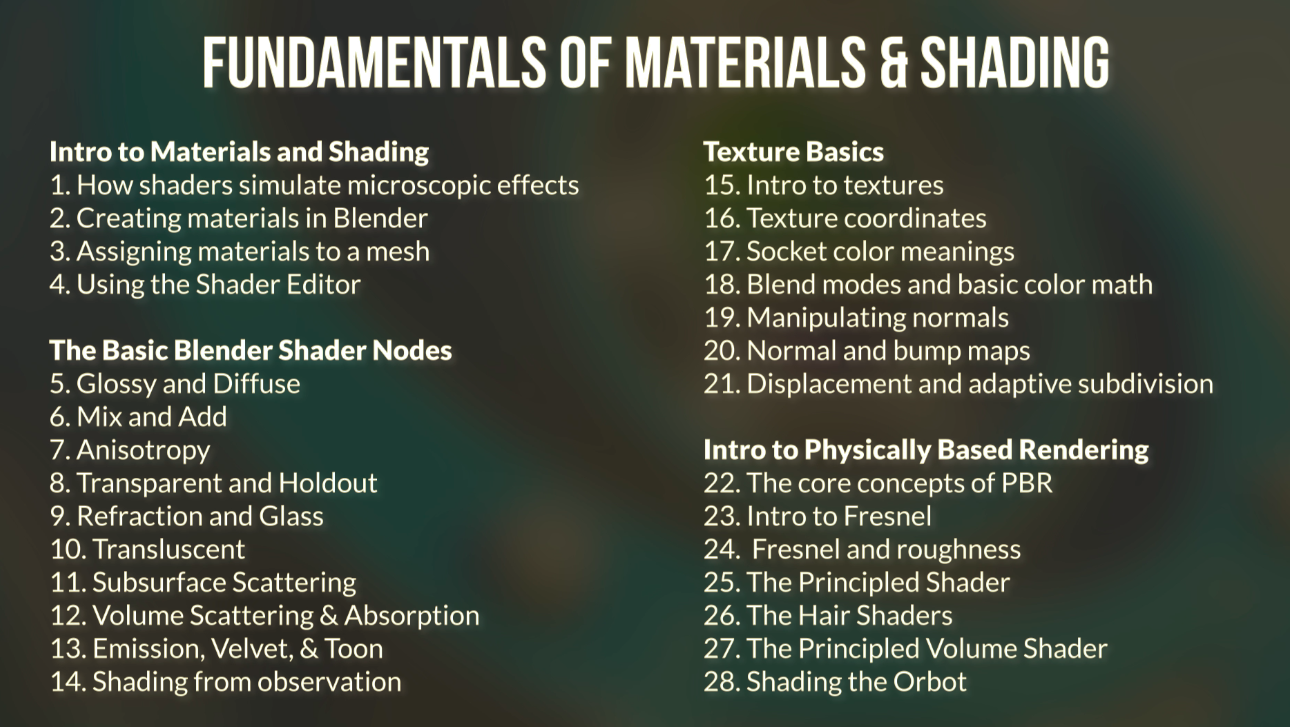
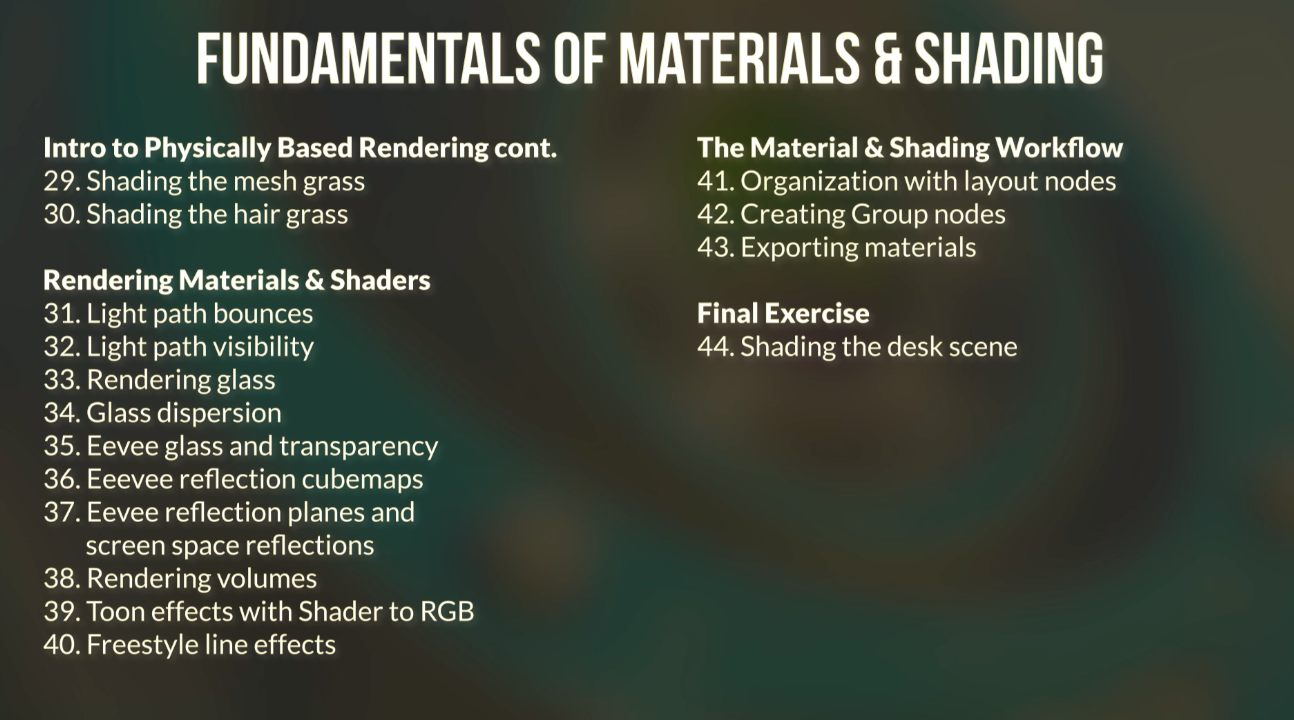
And if the lesson plan is looking a little black-and-white, just wait until you see it all come to life!
With real-life examples, practical tips, common pitfalls to avoid plus a final exercise to challenge your newfound skills, this course is your ticket into a lifetime of creating professional materials in Blender.
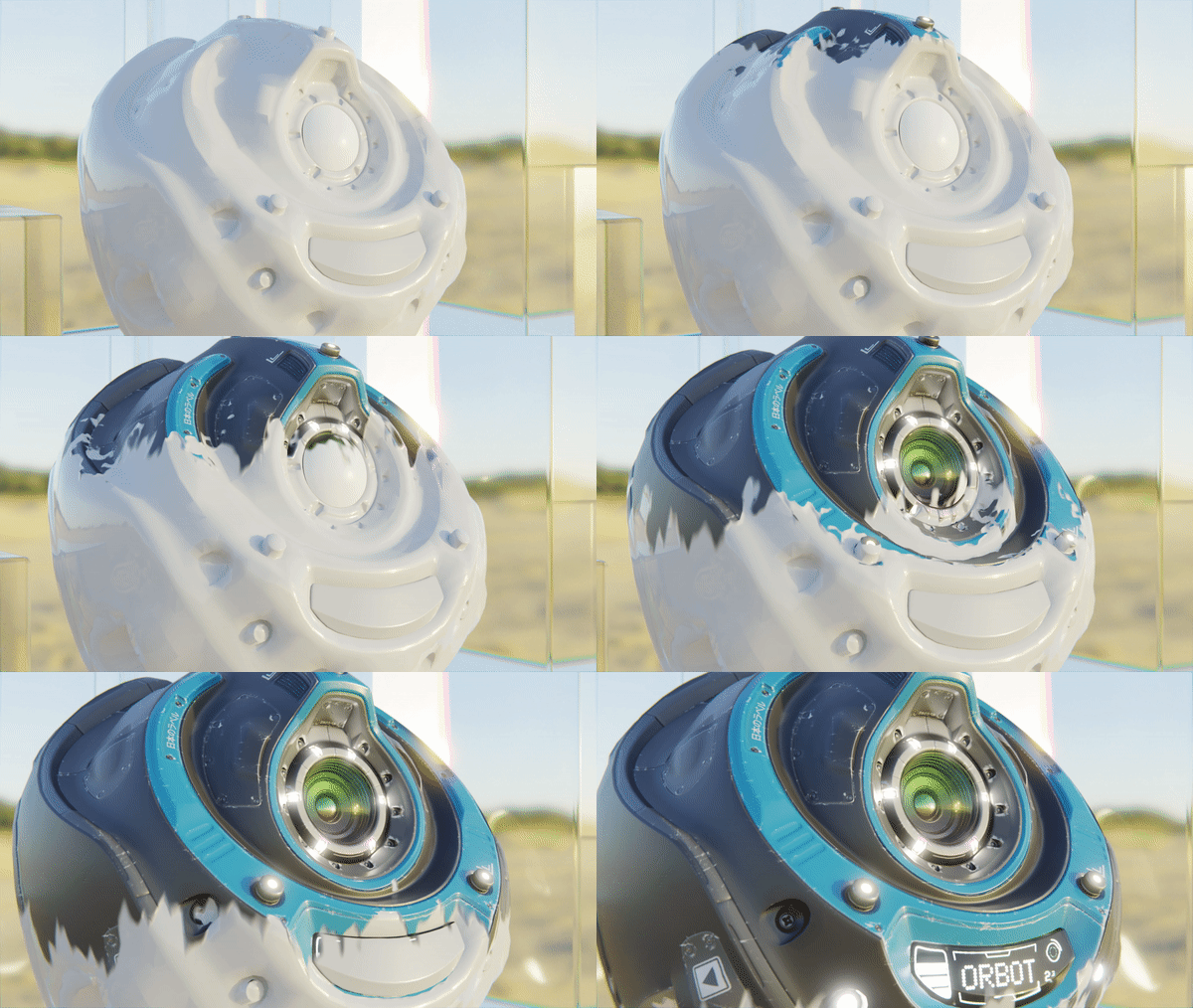
What you’ll learn in this course
- different shaders in Cycles and Eevee
- the basics of adding textures
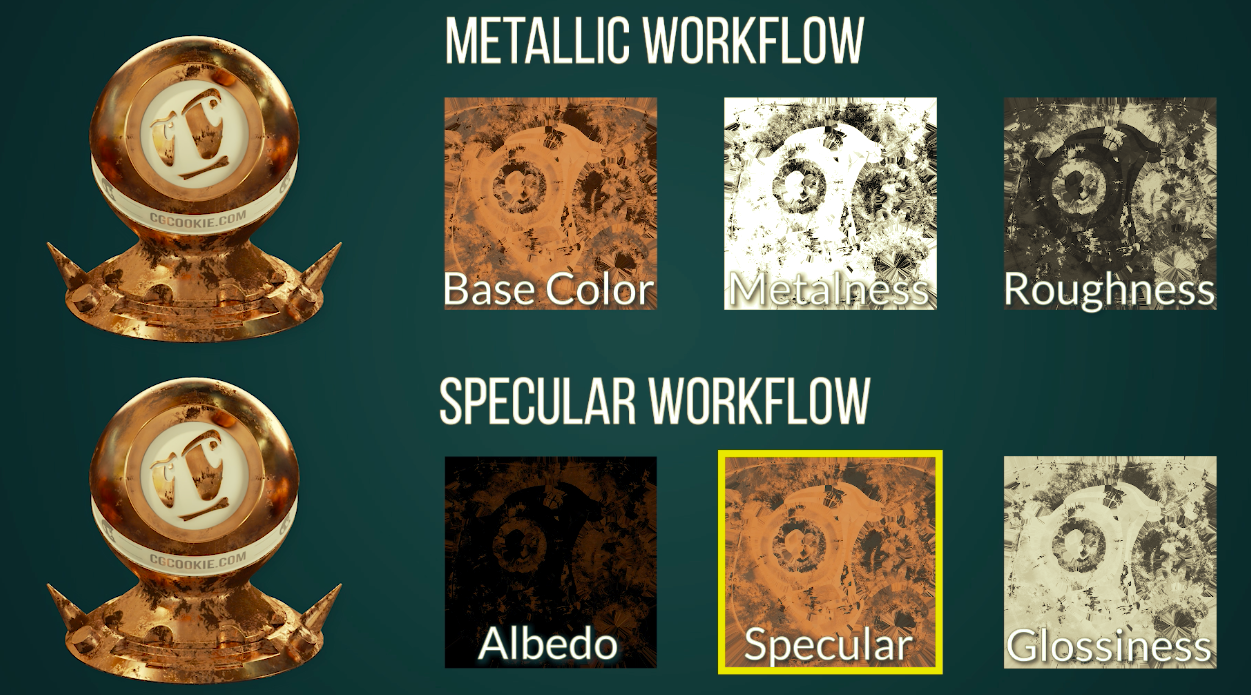
- the principles of physically-based rendering
- how to render different material effects
- how to create custom shaders (that are actually user-friendly)
When does the course arrive?
With 40+ lessons split into 7 chapters and a final challenging exercise, the course will be released in two parts:
- Part 1 lands September 1st (published!)
- Part 2 lands September 13th
Save the date: Shady Blender Livestream
 Livestream: Working with Materials and Shaders
Jonathan Lampel, the author of the course, critiques your exercise submissions – plus, any questions you have about materials and shader nodes going forward. Be there on September 22nd!
To submit a question, render, or blender scene for review, post it to this topic in the Community forum.