
Natalia Tkachyk

Forum Replies Created
-
AuthorPosts
-
could not add an image to the question. I attach here
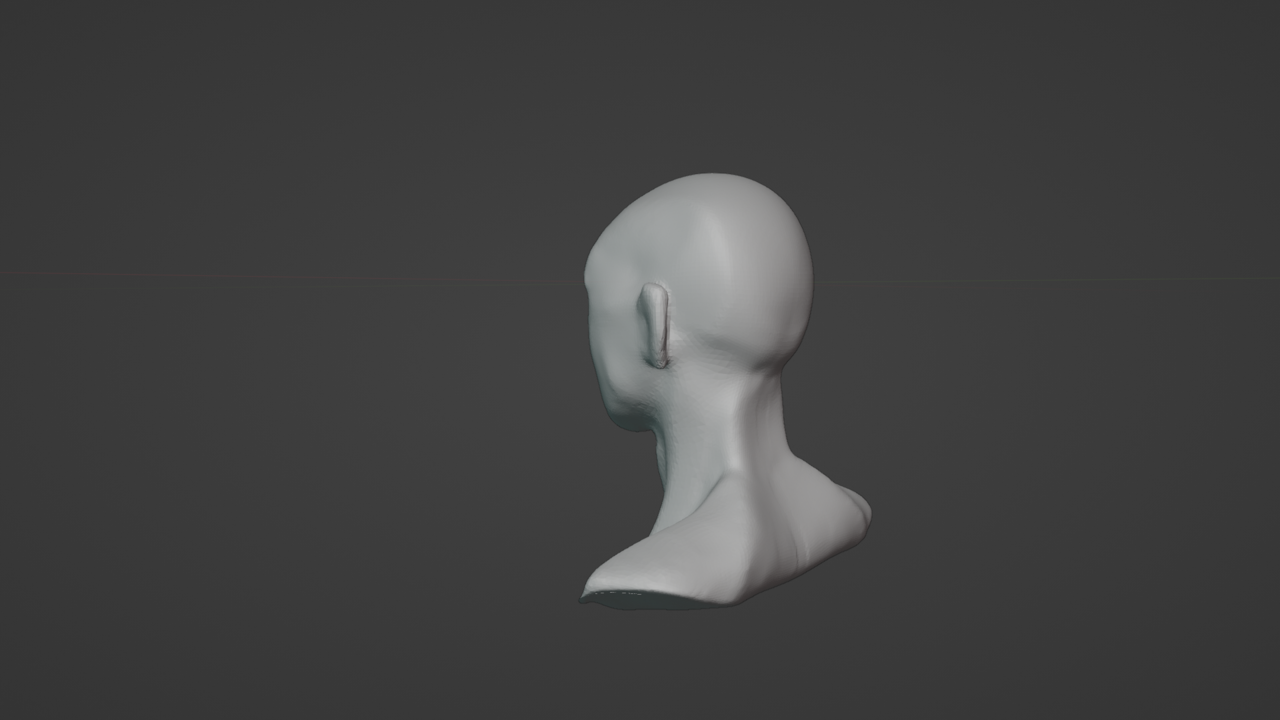
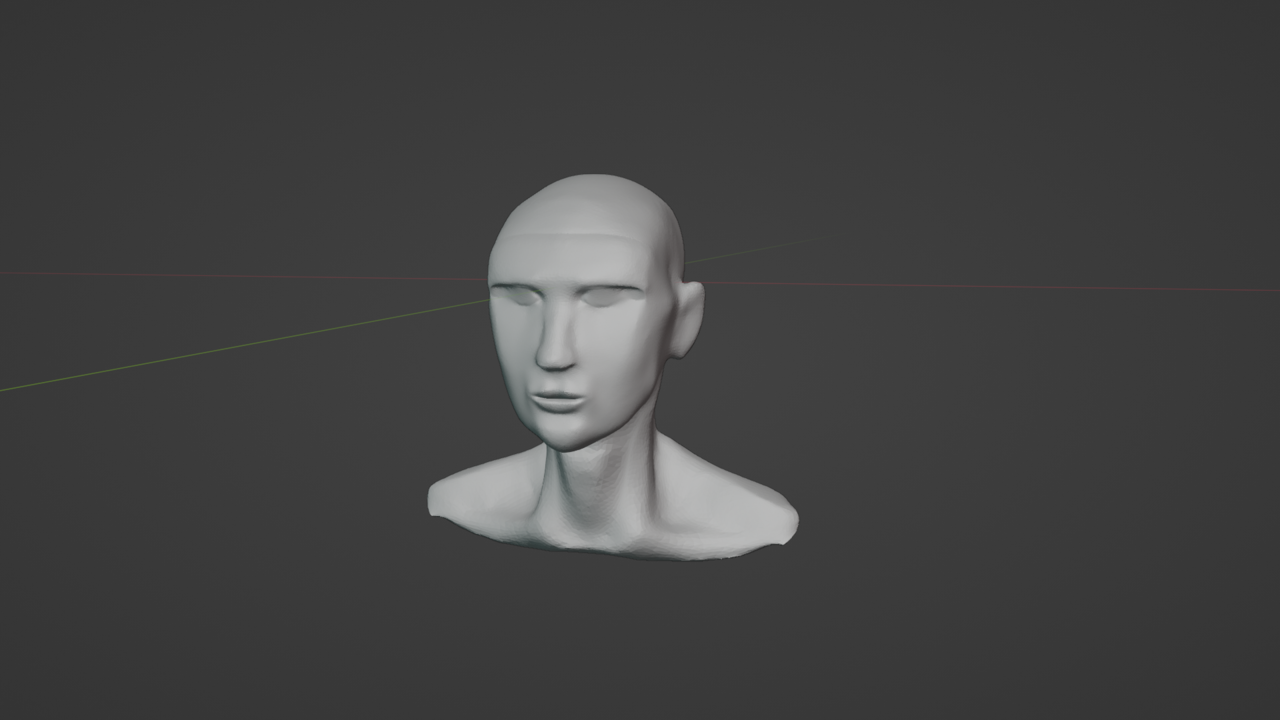
thank you for your advice. I were not notified about your responses. that’s why I thought that no one answered
yes, in other courses I watched everything and then did the project. but in this course it is different. So he is difficult for me. After all, I want to understand a little physics and mathematics of shaders. To continue creating something new with full understanding.
Thank you
a very large cup of coffee😅
I teach the work that the teacher dropped. probably few elements, but for everything else that I wanted to add, there was not enough knowledge. Thanks for your tips in the process
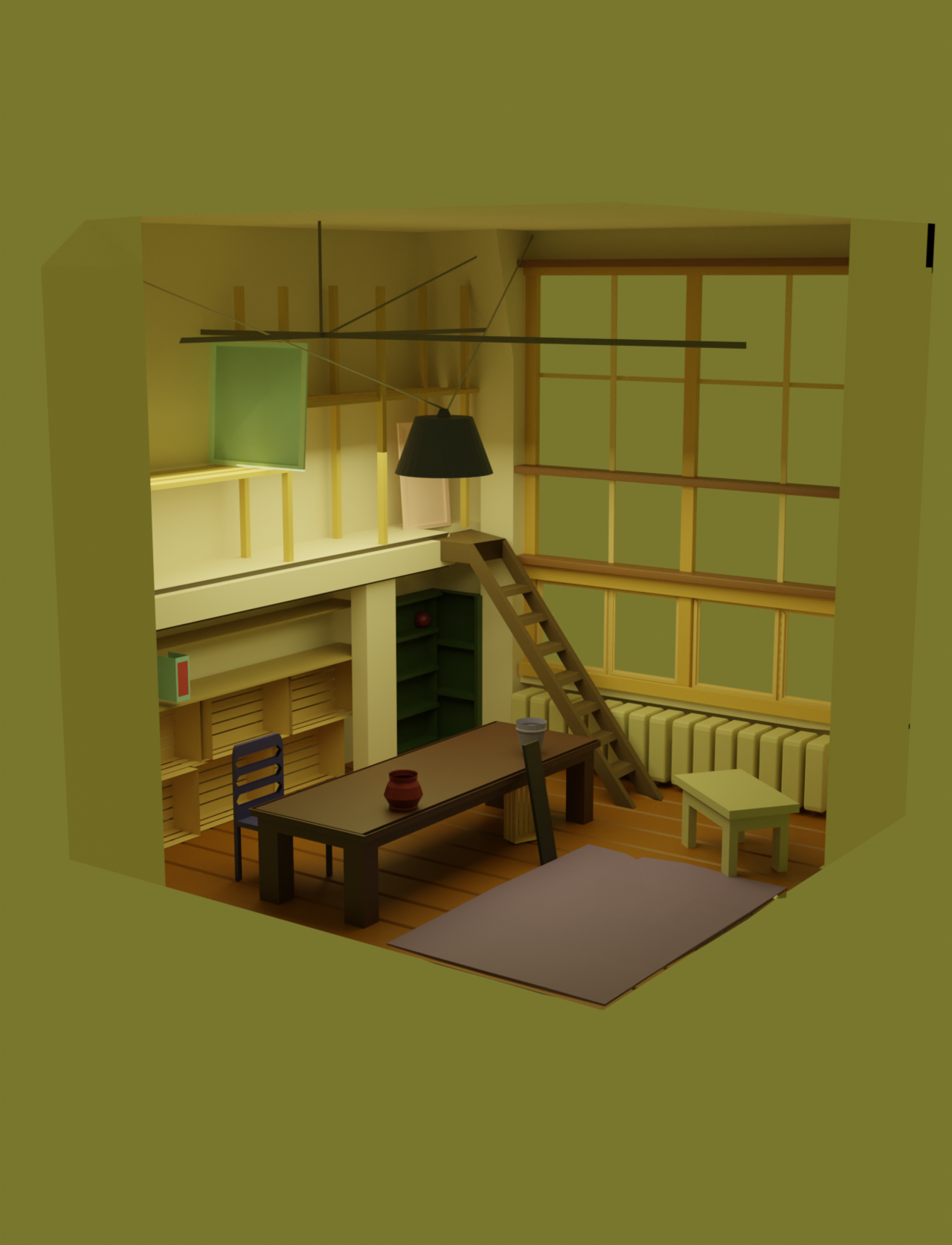
thanks for the advice, if it doesn’t work, I’ll download the file for a better understanding of the error
tell me, please, how to remove black areas? I understand that either it came out due to an overlap, or I did something wrong in the grid, or the orientation of the normals, although I rotated them and the situation did not change.
I don’t know if Google translated my question correctly, but I hope so
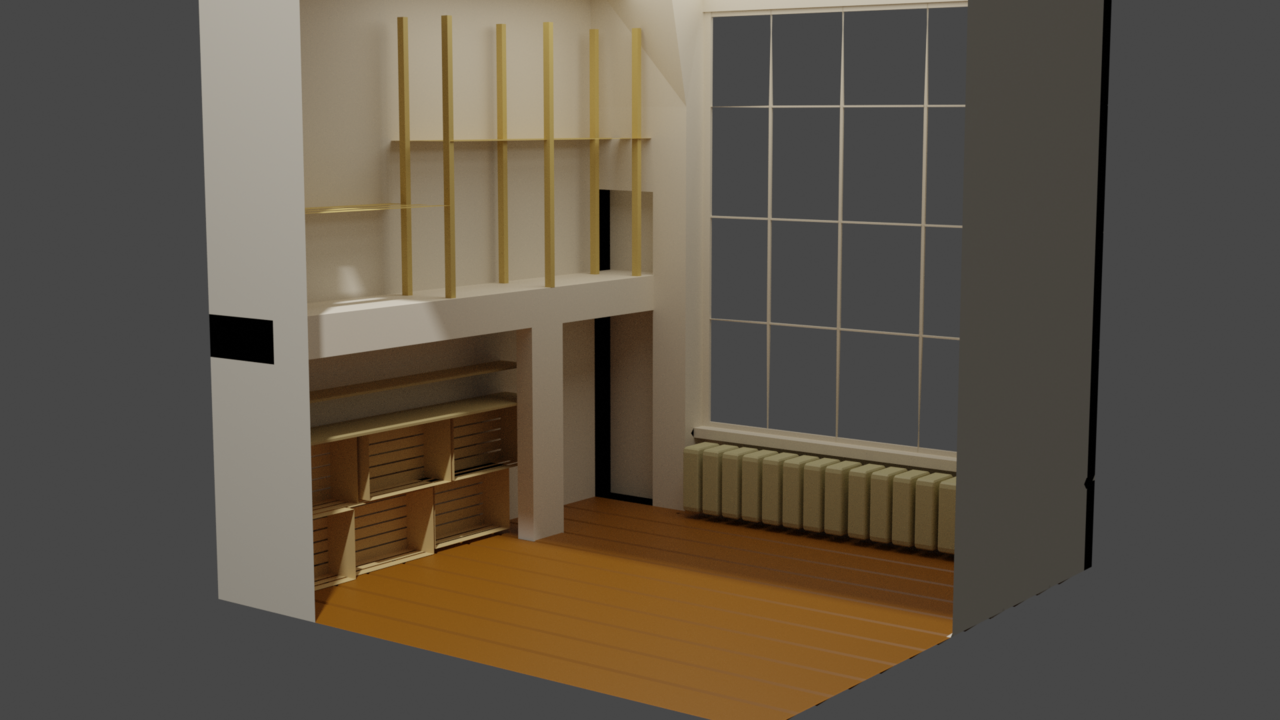
I will try to complete it as soon as possible and move completely to the next courses
I just divided the windows to understand the forms, and the frames will still be there
I am adding the next version for comments and tips.
I will add a lot more, but tomorrow
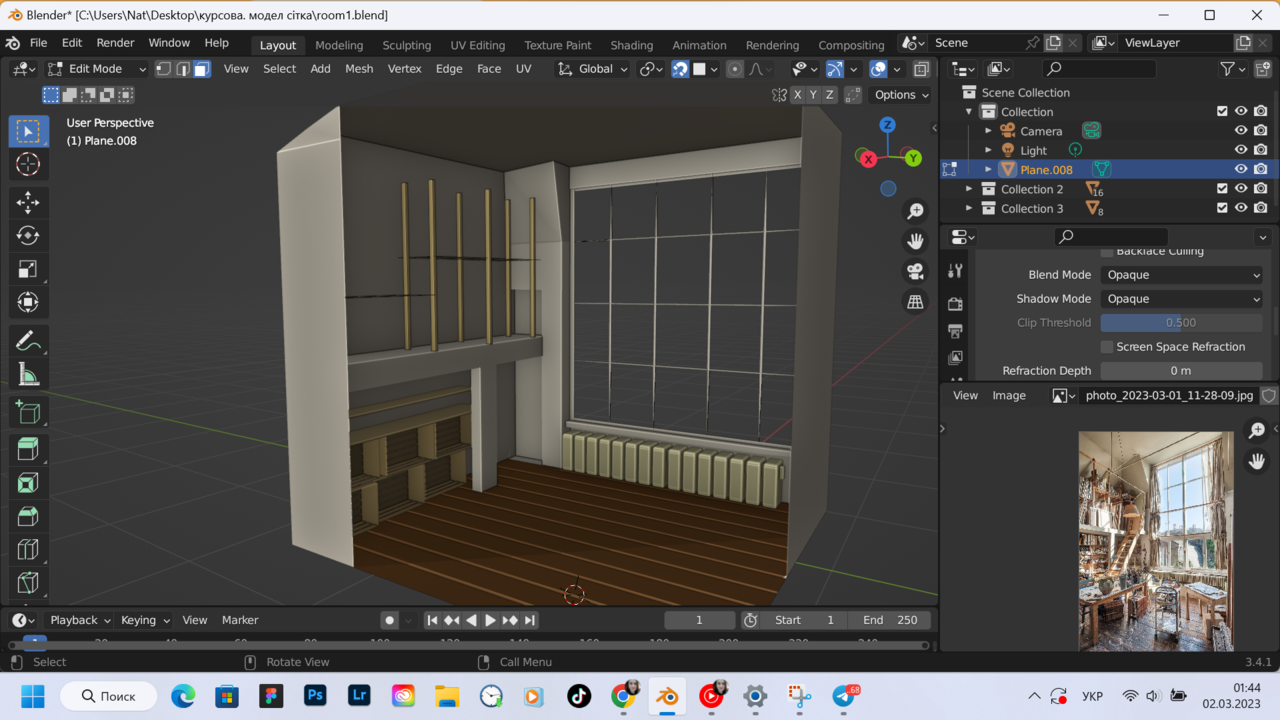
you know, when I first opened the program, I thought I would never understand it. but the hours of study are already giving some results and I like it
I understand, I’m trying
yes, I wanted to remove the overlap – it didn’t work. and then she remembered that there was a binding there, maybe because of that. as for the windows, there is still a lot to change, and I will definitely add the frames.
thank you for the radiator) I have already thought of finishing it
watched the video and realized my mistake
-
AuthorPosts
