I’ve been away, my excuses for the late reaction. Thanks for all the help.
I’ll be going with the option to move the table and camera VS moving the robot… and _maybe_ scrap the scene where it runs around in panic at seeing an empty battery icon (scaring yourself is also one of the fables to get rid of hiccups). The whole script is a minute long with several scenes, this is just the start. I have filmed myself as reference and created a reference acted movie for all the scenes and I’m not going to share my acting 🙂
I’m animating in Pose mode, but I was planning on making 100% of the walk animation myself (no automation).
Moving the robot to leave the “Robot_rig_CTRL” (four arrows on a circle baseplate) makes te rig blow up, But when I move the Robot_rig_CTRL to the table getting the feet to hit the ground without skidding is near impossible.
I have tried to add a “Floor” and tried to set it as an animated constrained to the Toe in the foot, but somehow fidling with all the FK and IK and World influences seemed to have 0 effect om the rig: the toe did not stay put on the floor whenever I tried moving the Robot_rig_CTRL
.
Either I’m doing something wrong by misusing the rig in a way it wasn’t meant to be used, or I’m missing something.
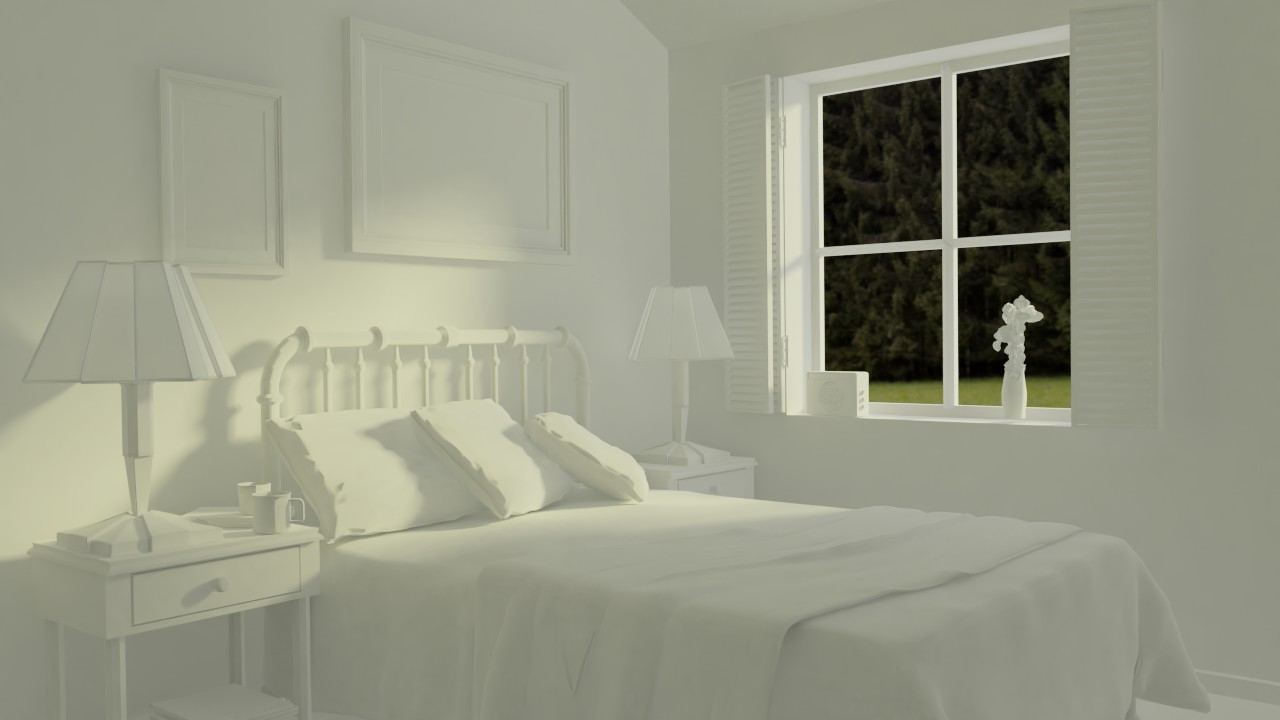
@jack07 I added an environment texture ( Glade01.exr from the blender cloud). The Background strength was set to 0.1 though.
I played with the light colors, set the background strength to 1, and this is the result:
Sadly I’ m strapped for time, and off to work ( modelling a drone in Blender, yay!). So I need the time I have left to prepare for next lesson VS fixing this one, I’ d rather skip a little fixing than be a week late on everything.



 .
.