Harsh Yadav

Forum Replies Created

Viewing 3 posts - 1 through 3 (of 3 total)
  • Author
    Posts
  • in reply to: Edge Loop (Alt + Click) not working in Blender 4.5 & 5.0.1 #98580
    Harsh Yadav
    Participant

      Thank you, CG Cookie community.

      It turned out to be a silly beginner confusion — I’m still learning.

      The issue was the n-gon pole.

      in reply to: Edge Loop (Alt + Click) not working in Blender 4.5 & 5.0.1 #98575
      Harsh Yadav
      Participant

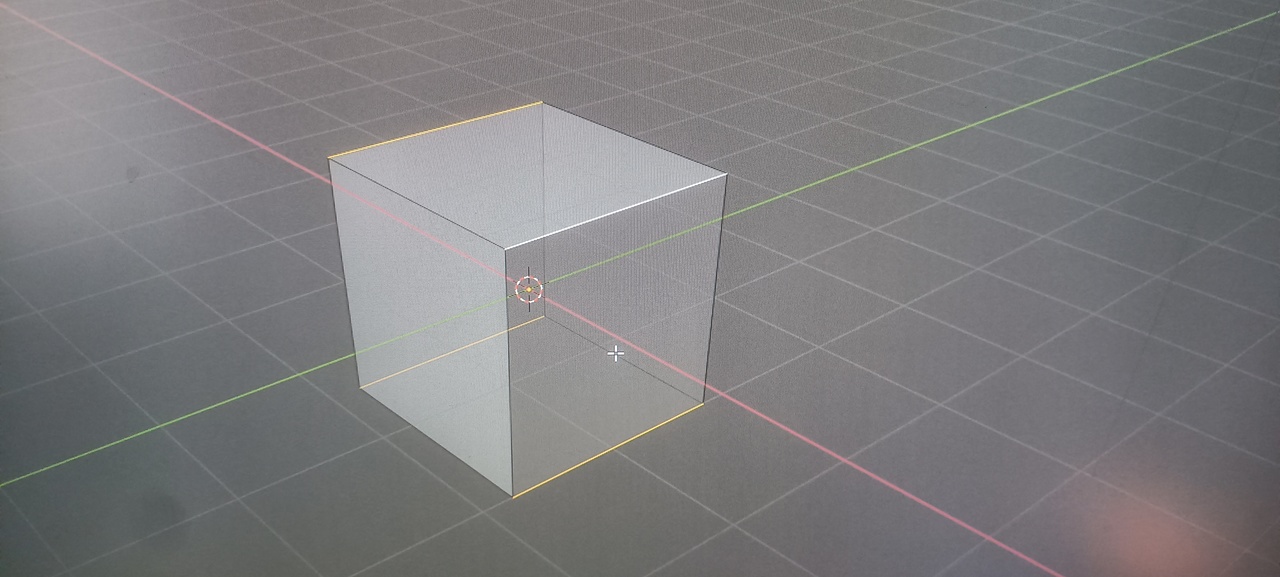
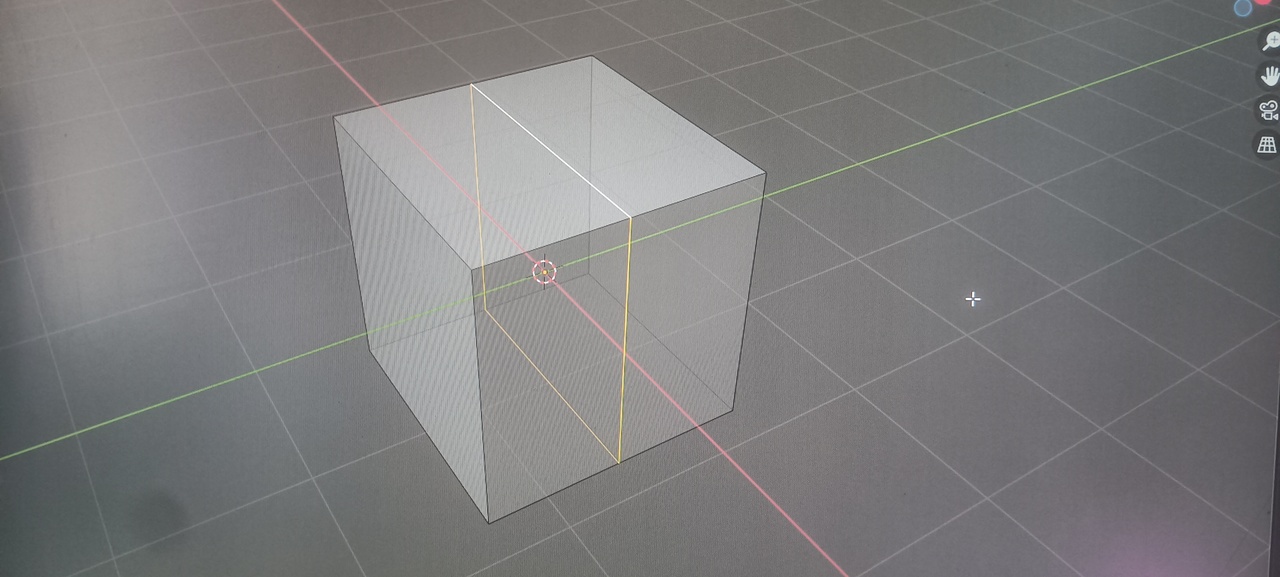
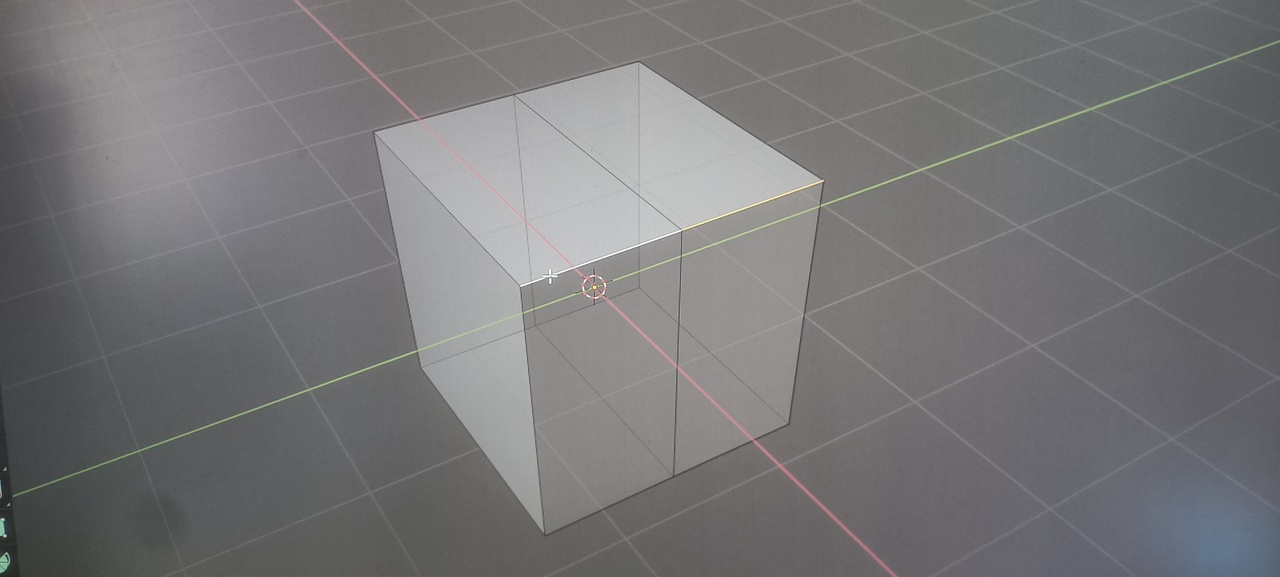
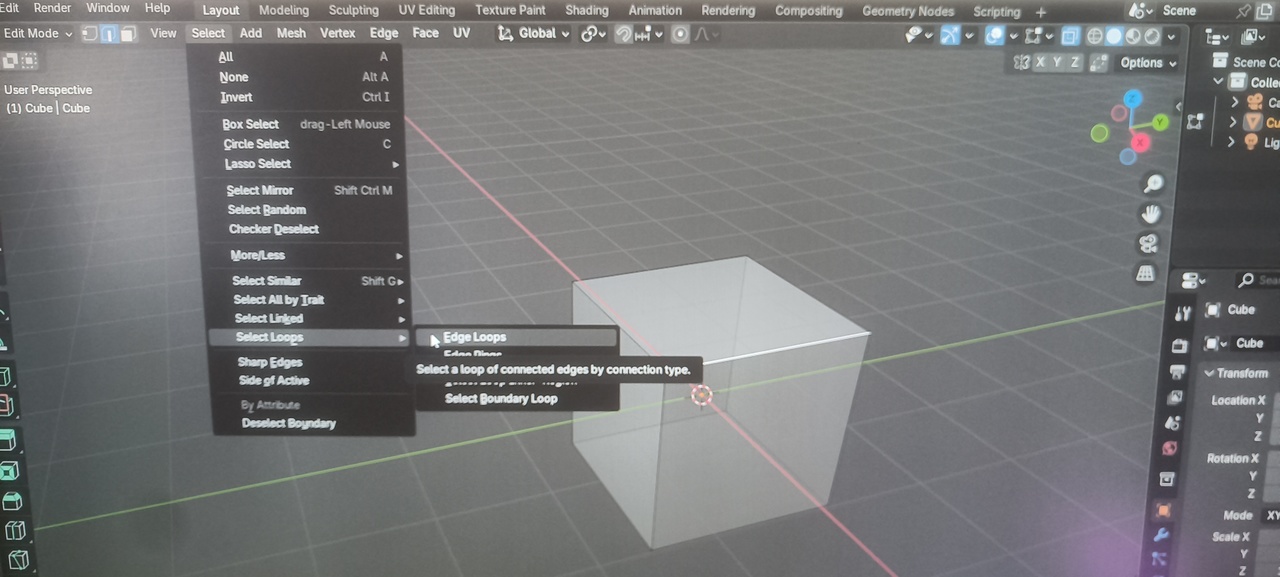
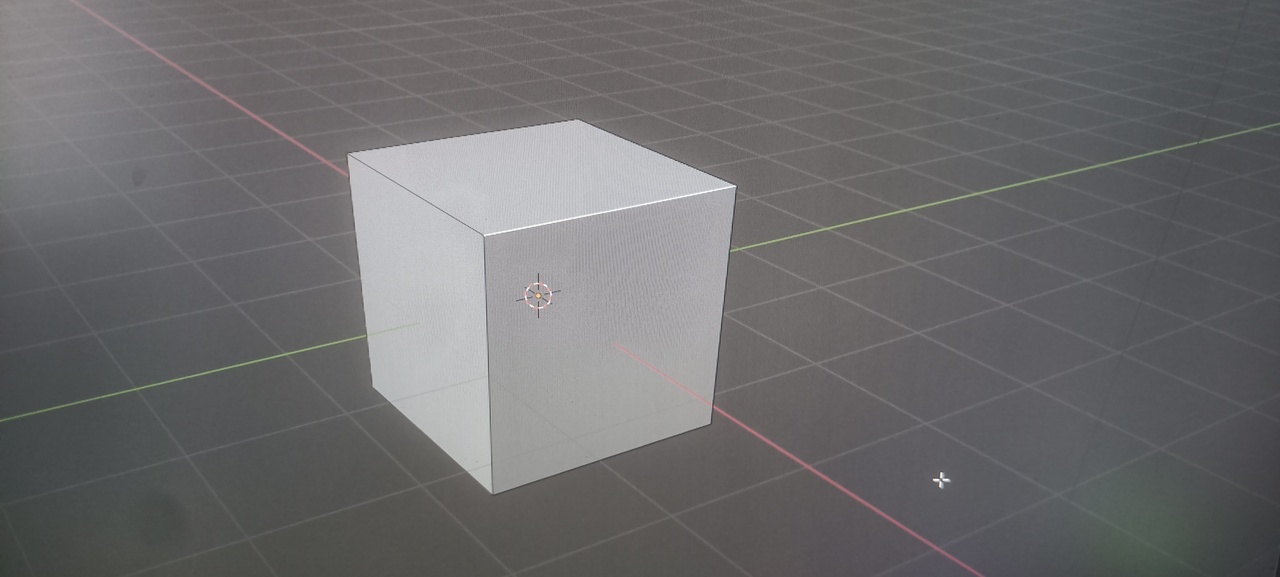
        MG20251219082654.jpgMG20251219082743.jpgMG20251219082755.jpgMG20251219082723.jpgMG20251219082639.jpg

        in reply to: Edge Loop (Alt + Click) not working in Blender 4.5 & 5.0.1 #98574
        Harsh Yadav
        Participant

          What is happening (tested on default cube)

          Alt + Left Click does NOT select an edge loop

          Select → Edge Loop (menu) also does NOT work

          Loop Cut (Ctrl + R) inner loop selection works

          Edge Ring selection (Ctrl + Alt + Click) works

          Selecting edges connected on the same axis/plane works

          Happens on a fresh default cube, no extra geometry

          What I have already tried

          Tested on Blender 3.6, 4.5 LTS, and 5.0.1

          Changed mouse (hardware test)

          Checked Emulate 3 Button Mouse

          Reset preferences to factory defaults

          Verified Blender Default keymap

          Disabled Xbox Game Bar and Windows overlays

          Disabled NVIDIA in-game overlay

          Issue started recently (was working earlier)

        Viewing 3 posts - 1 through 3 (of 3 total)