X-Ray in viewport even when X-Ray is off. . .

Forum Archive X-Ray in viewport even when X-Ray is off. . .

Viewing 12 posts - 1 through 12 (of 12 total)
  • Author
    Posts
  • #16597
    Austin Dunham
    Participant

      Hi All,

         I’m having a problem I only noticed with 3.6, though I’m not certain if my issue is with that or something I’ve inadvertently toggled.  I think it’s something I’ve toggles since it doesn’t happen with a new file, but I can’t find it.

         I have something very close to x-ray mode when I’m in edit mode, even with x-ray turned off.  It’s not the clipping distance, but it’s a bit inconvenient.

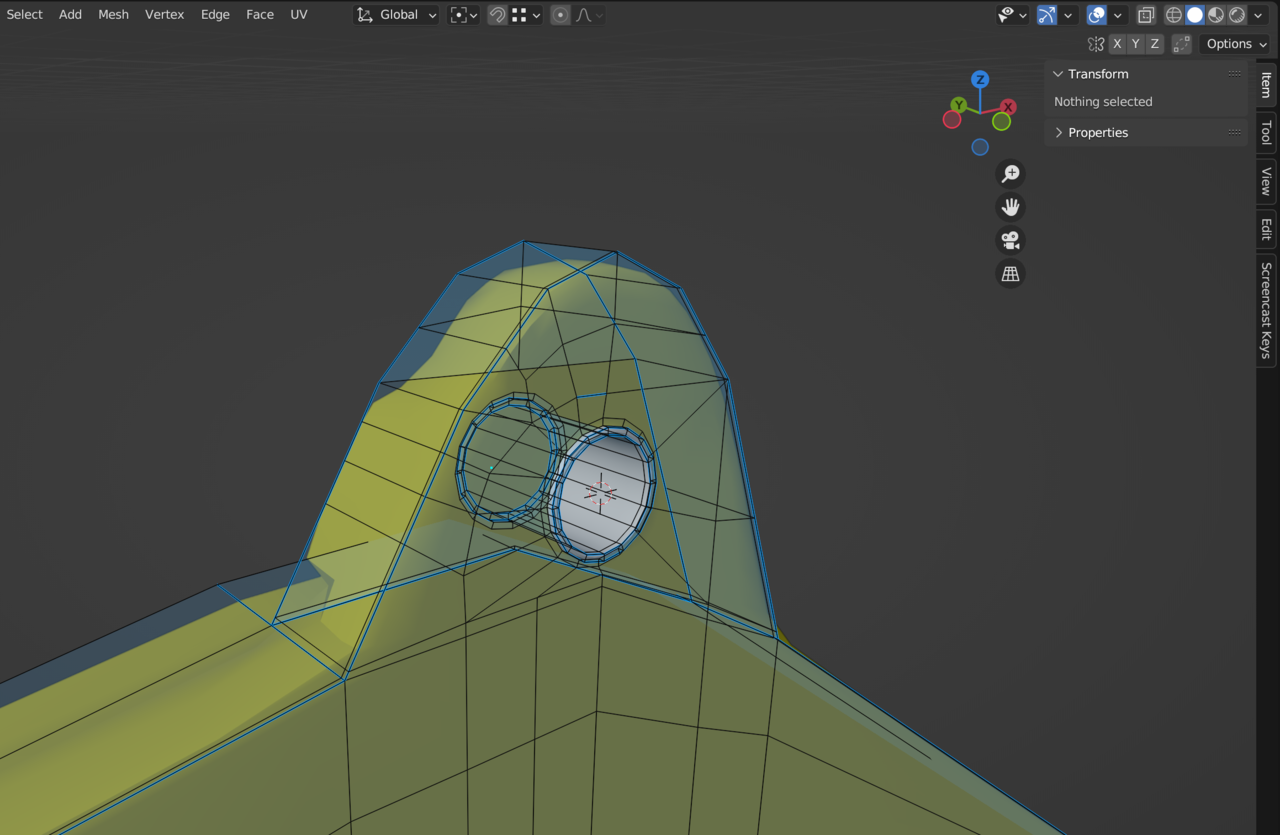
      Here is x-ray off:

      05 at 3.08.48 PM.png

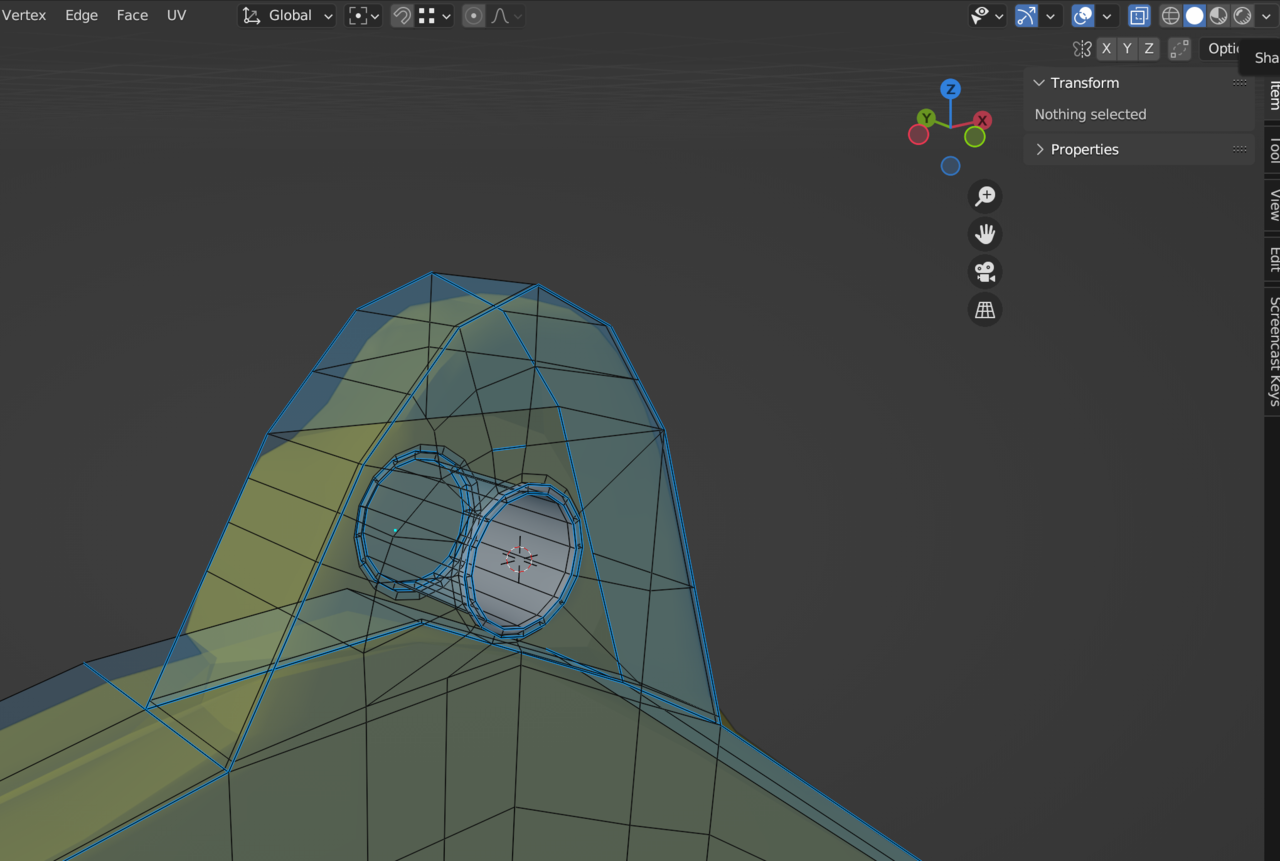
      Here is x-ray on:

      05 at 3.09.00 PM.png

      You can see a few more edges, and you get a more transparent gray, but even with x-ray off you can see through the object, which I’d like to avoid.

      I’m not sure what I’ve switched on to give me the always on transparency.

      #80153
      Omar Domenech
      Participant

        Could you upload that file please? It’s time to do some science.

        #80154
        Austin Dunham
        Participant

          This should be the file: Hanger Boom.

          #80155
          Austin Dunham
          Participant

            Yeah,

               I think it was my messed up scale.

               I had to take the clipping distance way, way down.

               When I scaled things up to the “proper” scale, I got all sorts of artifacts until I increased the clipping distance again.

            #80156
            Austin Dunham
            Participant

              To be clear, my object was way smaller than it should’ve been.  I’m not sure when I did that, but the manta ray was shrunk down like it was going to do a Fantastic Voyage through a person’s veins.

              #80157
              Martin Bergwerf
              Participant

                Hi Wardred,

                I can’t believe I’m saying this to an experienced user like you, but did you check your drivers?

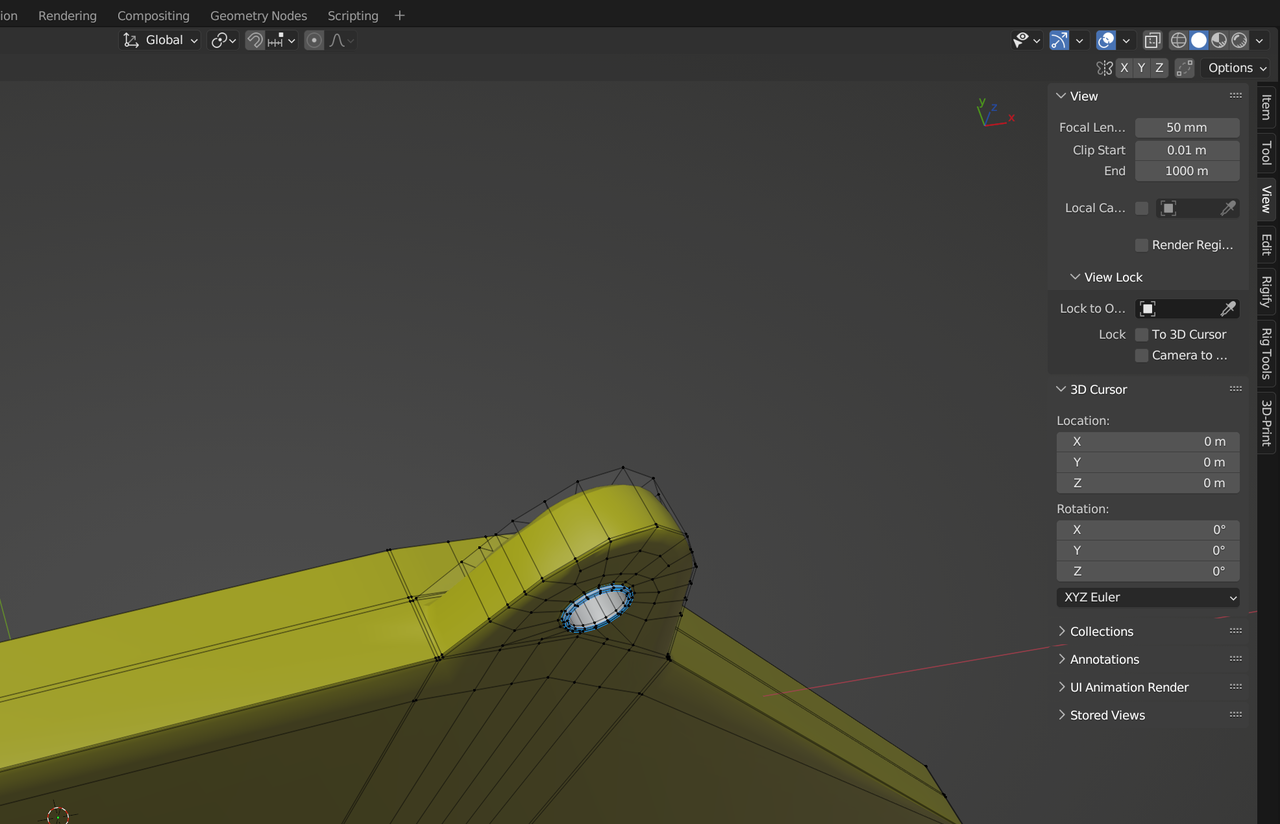
                this is 3.6 (no changes made to size or scale or anything):

                Hangar.png

                #80158
                Austin Dunham
                Participant

                  Hey Spikey!  I’m on a Mac, so there’s not too much to do on the drivers front.  I am using 3.6.

                  If you look at the object it’s rather small.  0.05929 m by 0.002143 M by 0.012373 m.

                  To get things to work I had changed my clipping distance fairly severely.  I’d also, I think, made the bevel and merge distances really small too.

                  That should’ve been a clue to me that my scale was really small.

                  That same object at the proper scale is well over a meter long.  (It’s even longer now, I’m trying to make it a hydraulic boom for the door, so it’s tricky to say just how long it is when compared to what I sent.)

                  Correcting the scale and clipping distance, on an M1 Mac, did the trick.

                  #80159
                  Austin Dunham
                  Participant

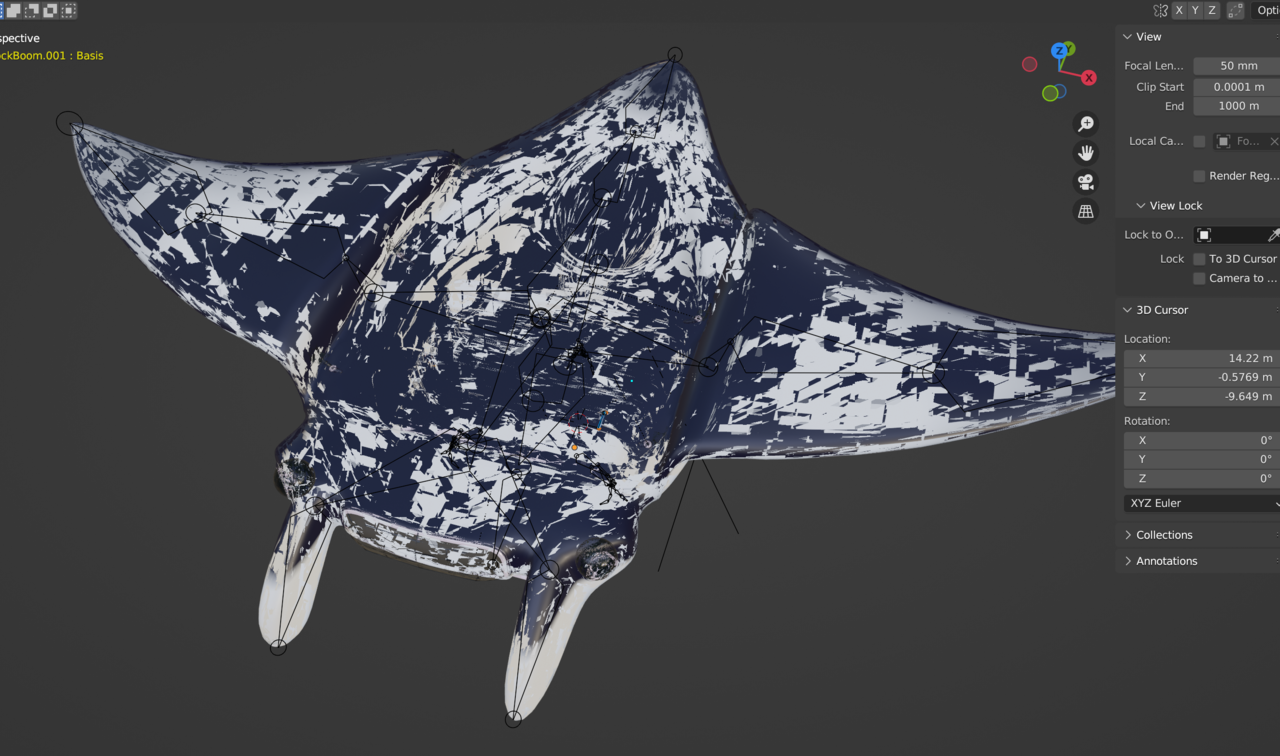
                    Ironically, when I enlarged everything I had a different clipping issue in that the wings and everything started clipping all over the place.  Having a larger ship with a really small clipping distance didn’t play well with the M1 Mac.  Increasing the clipping distance again corrected that.  It didn’t impact orthographic view, but perspective view was really unhappy.

                    #80160
                    Austin Dunham
                    Participant

                      It looked like this:

                      05 at 6.49.37 PM.png

                      #80161
                      Martin Bergwerf
                      Participant

                        It’s not so much the Clipping values per se, but the fact that the End Clipping is about 10 000 000 times the Start Clipping.

                        This is because a ‘float’ only has a certain ‘size’ and if you divide a meter in 1000 pieces, you can see the difference between 3 and 4 mm, but if you divide a kilometer in 1000 pieces, 3 and 279 mm are indistinguishable….

                        I hope this makes some sense at least…It’s ther middle of the night here and I am having problems explaining things clearly 😉

                        #80162
                        Austin Dunham
                        Participant

                          Hi Spikey,

                             It definitely felt like a variable overflow, and having too big of a range definitely makes sense.

                             I don’t know if this is true of graphics drivers, but I can definitely see an issue where some systems may have more bits for their float that an issue could happen on one system that doesn’t happen on another.

                             I don’t know why I had the scale of my object so far off, but it’s all corrected now.

                             Thank you!

                          #80163
                          Omar Domenech
                          Participant

                            Noted in my brain, the scale of the mesh in Blender can mess up tits transparency in the viewport. Blender is a weird box of unexpected surprised.

                          Viewing 12 posts - 1 through 12 (of 12 total)
                          • The topic ‘X-Ray in viewport even when X-Ray is off. . .’ is closed to new replies.