Would some kind soul explain this to me?

Forum Archive Would some kind soul explain this to me?

Viewing 6 posts - 1 through 6 (of 6 total)
  • Author
    Posts
  • #14817
    brianbuckman
    Participant

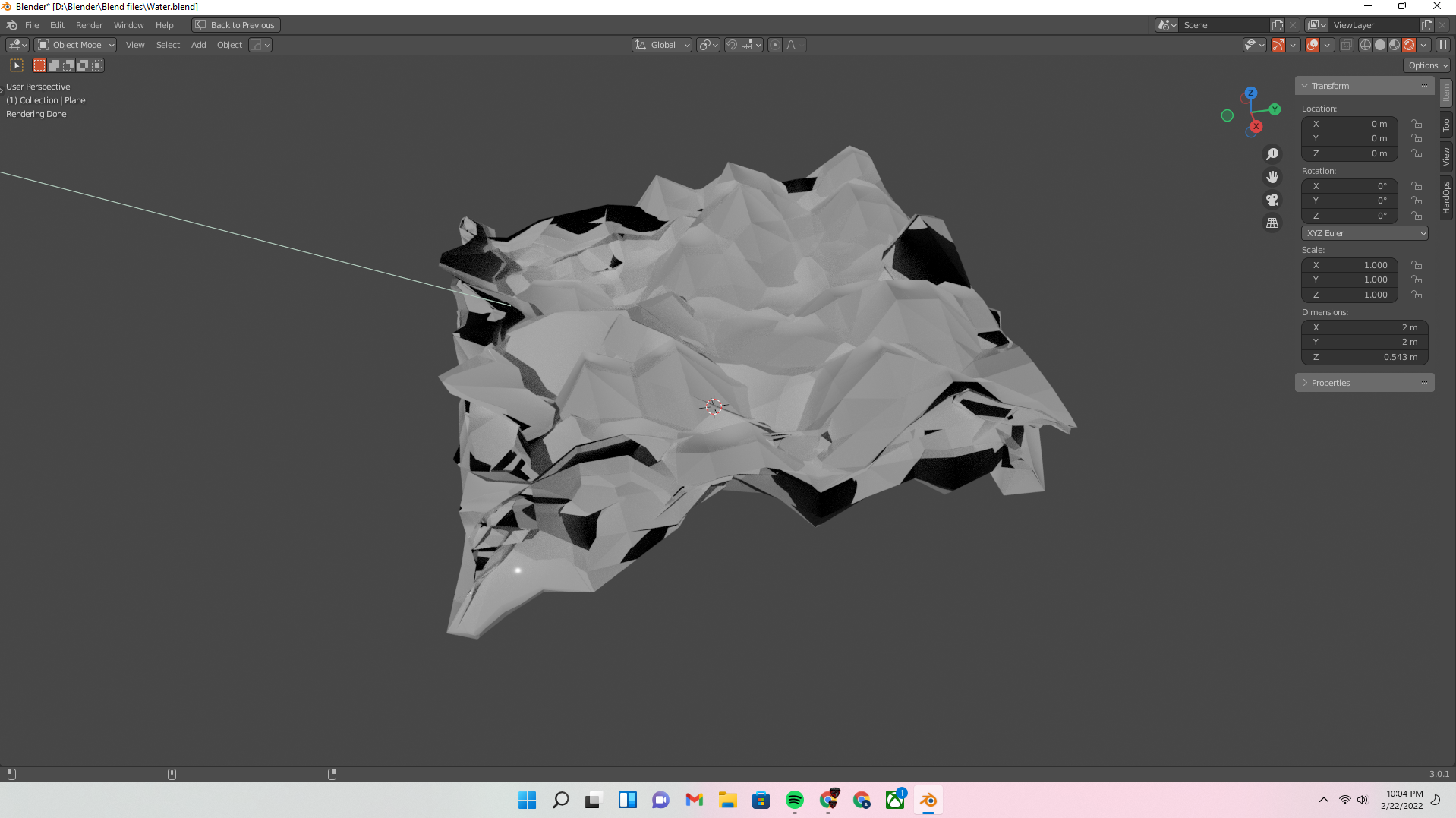
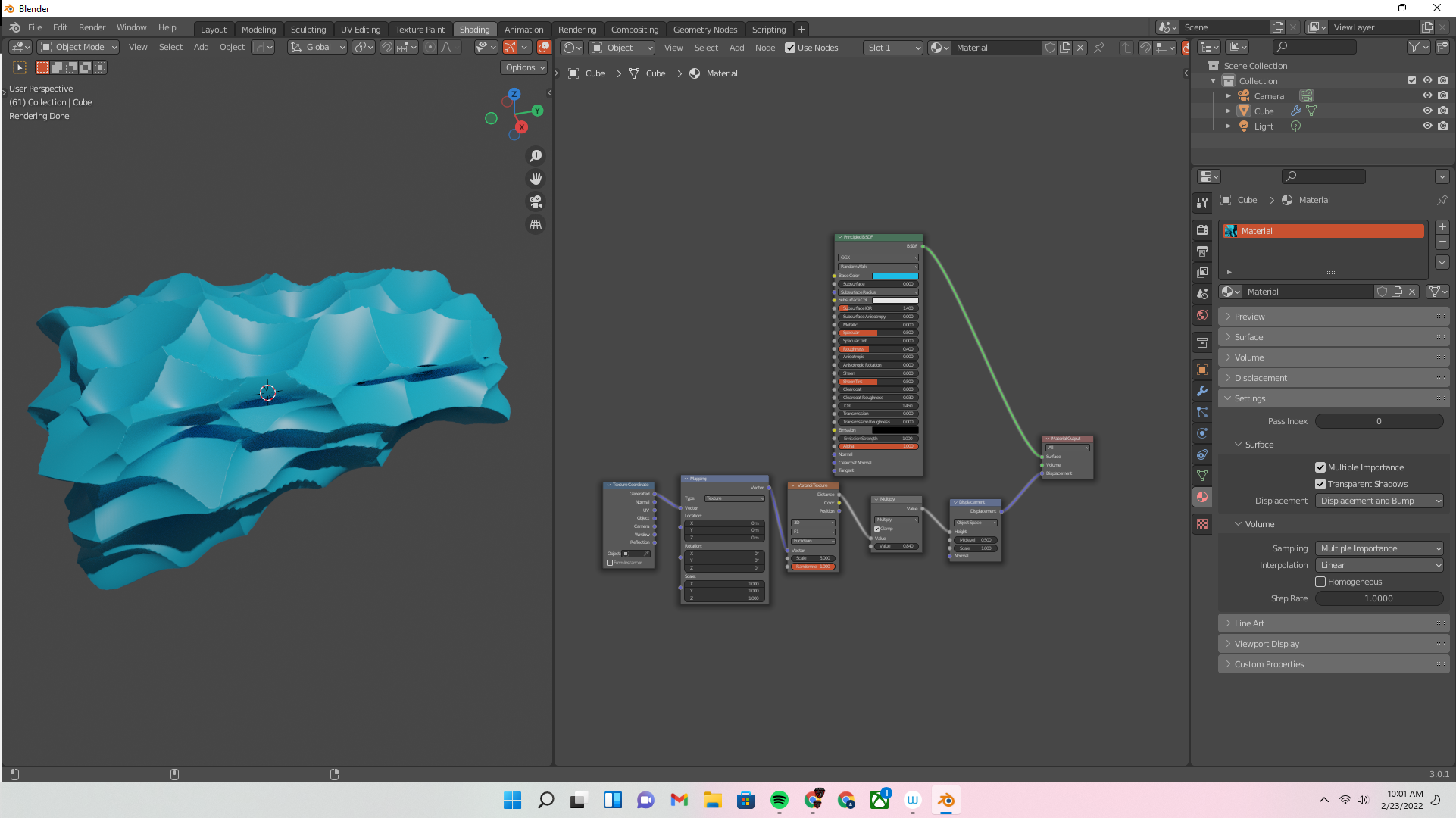
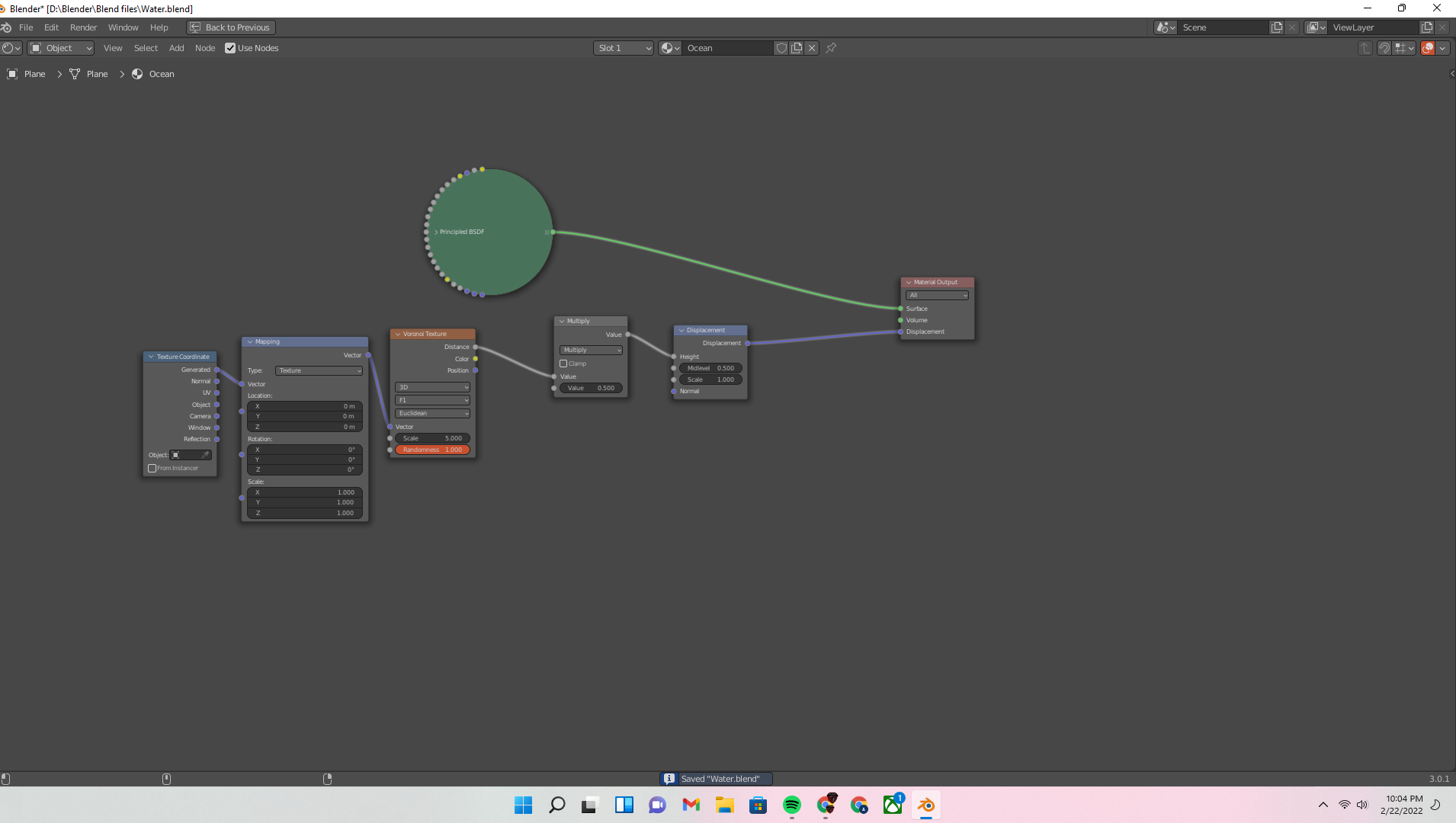
      Hey everyone, I’m following along and obviously Blender has evolved quite a bit since this tutorial. I have managed to work around most of the issues that I was having, but I’m not quite sure how to properly manipulate my displacement node so that it doesn’t cut into my sides so much. Here’s my issue and my node setup for reference

      #73248
      spikeyxxx
      Participant

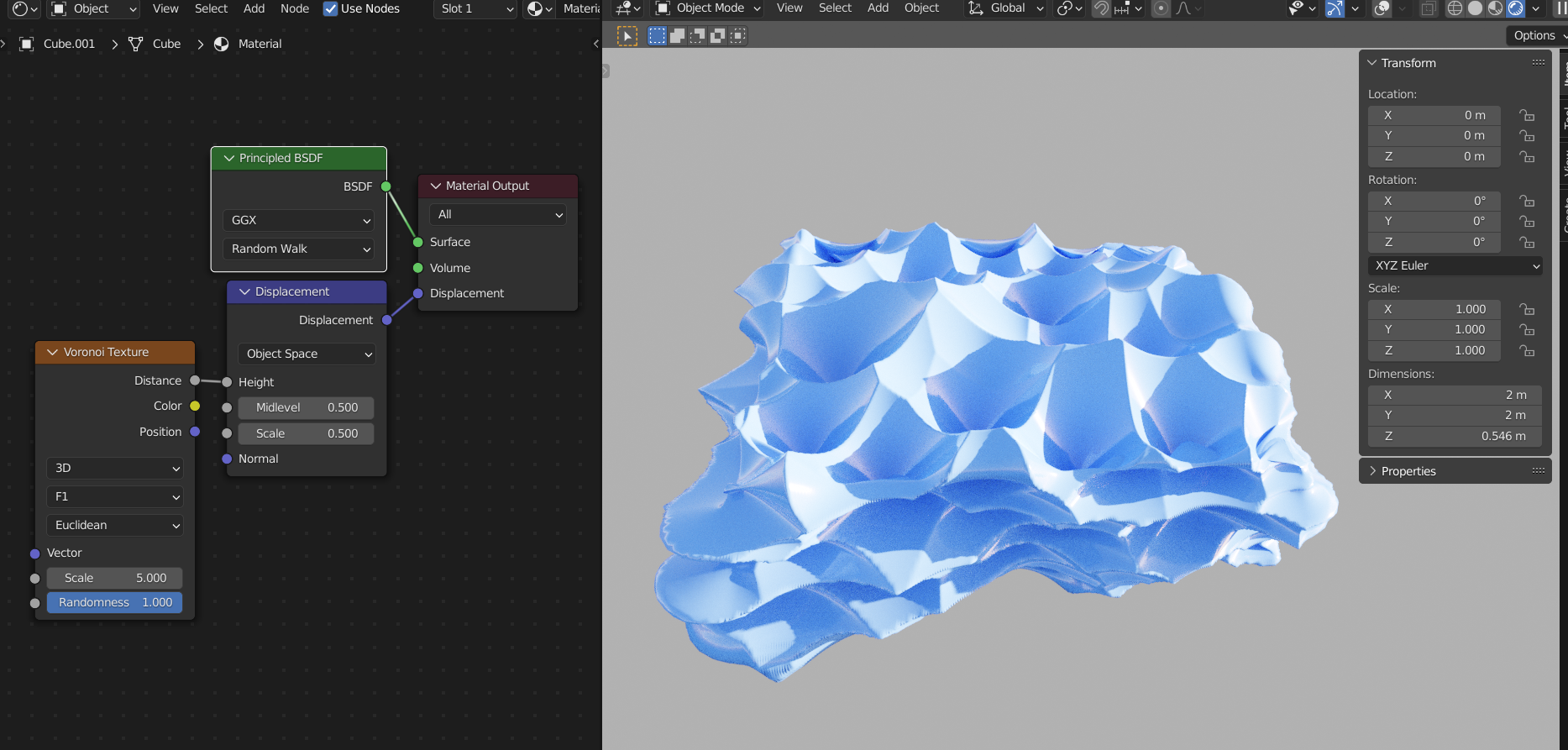
        I can’t even get close to your result, with the same Settings:

        Might be your Geometry, it was created from a Plane; how subdivided is it?

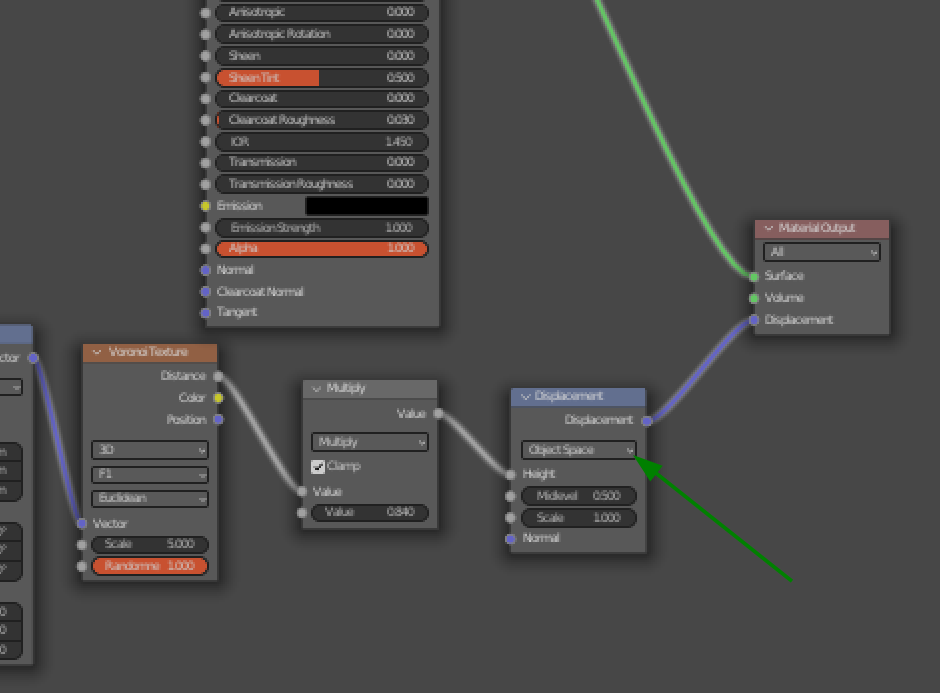
        What I did notice, is that your Displacement Node looks different and could that be because of an old graphics driver? If that were the case, that could also cause the weird displacement.

        #73249
        brianbuckman
        Participant

          I’m not sure exactly what I did to change my results, but I recreated my node setup and got a very similar result to the one that you showed me. I did update my graphics drivers, so maybe that was the issue? I’m not 100% sure, but I really appreciate the help!

          #73250
          spikeyxxx
          Participant

            I did update my graphics drivers, so maybe that was the issue?

            Well, seeing that you now also have the Displacement Node showing correct,

             that might indeed have been a driver issue…

            #73251
            brianbuckman
            Participant

              Yeah, that’s a setting that you can toggle off now. I don’t know why you would want to, but you can right click on any node and then select “Toggle Node Options,” which will hide certain options. Frustrating issue, but I figured I would share in case that ever happens to you / anyone else 🙂

              #73252
              spikeyxxx
              Participant

                you can right click on any node and then select “Toggle Node Options,”

                Oh, thanks! I use CTRL+H all the time, but didn’t know this one. Not sure if I’ll ever use it, but good to know. 

                When you use RCS, you need to press W to access that menu.

              Viewing 6 posts - 1 through 6 (of 6 total)
              • The topic ‘Would some kind soul explain this to me?’ is closed to new replies.