
Workspace – missing toolbars
Forum Archive › Workspace – missing toolbars
- This topic has 12 replies, 5 voices, and was last updated 3 years, 5 months ago by
Omar Domenech.
-
AuthorPosts
-
March 17, 2023 at 11:16 am #16100
Hello,
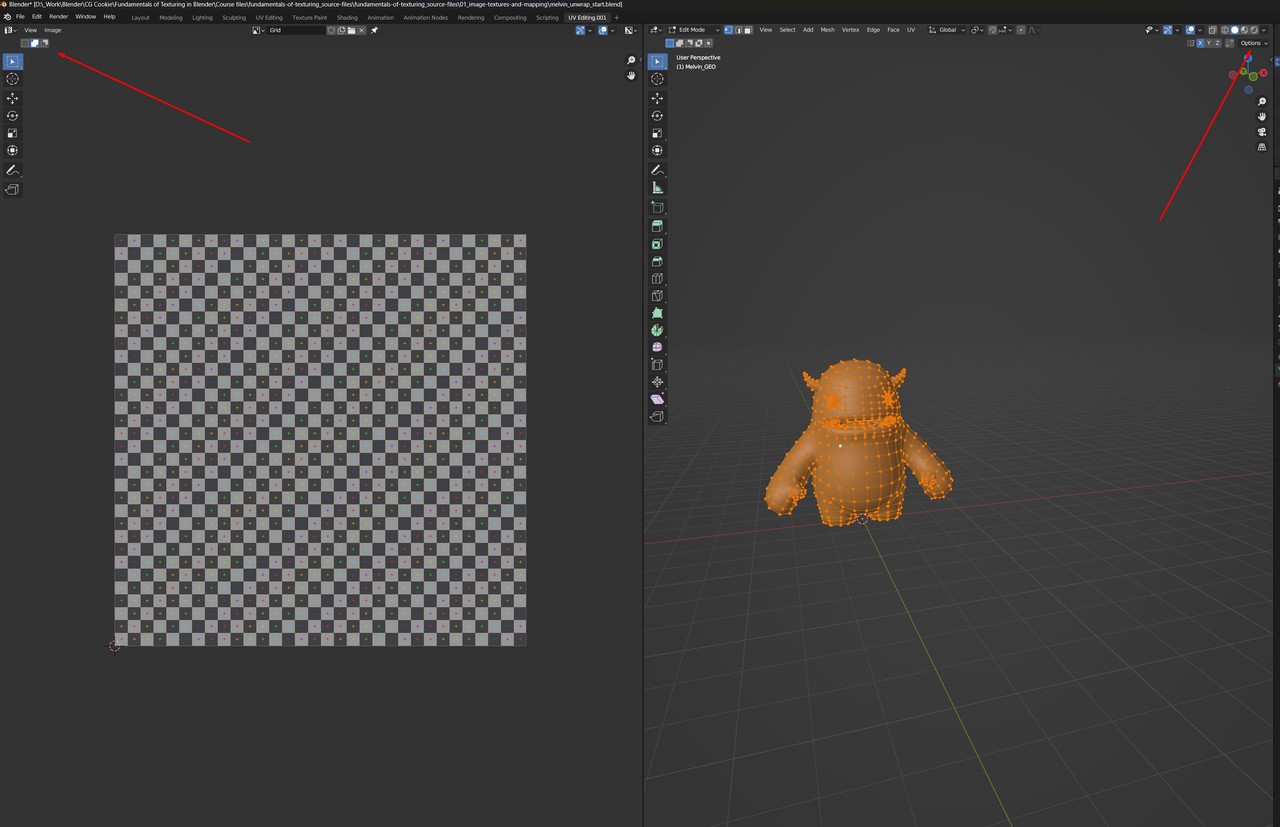
I want to attempt to unwrap the Melvin character, but when I open the UV Editor things don’t look as I expected them to.
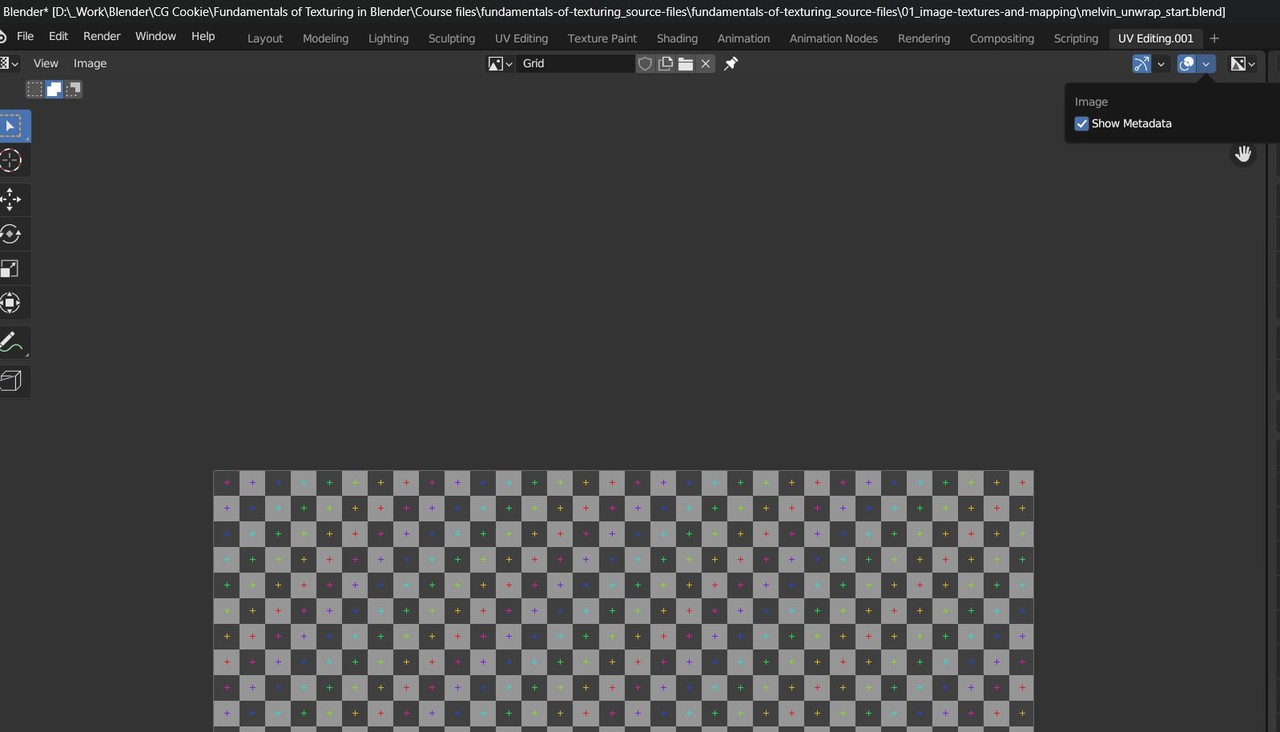
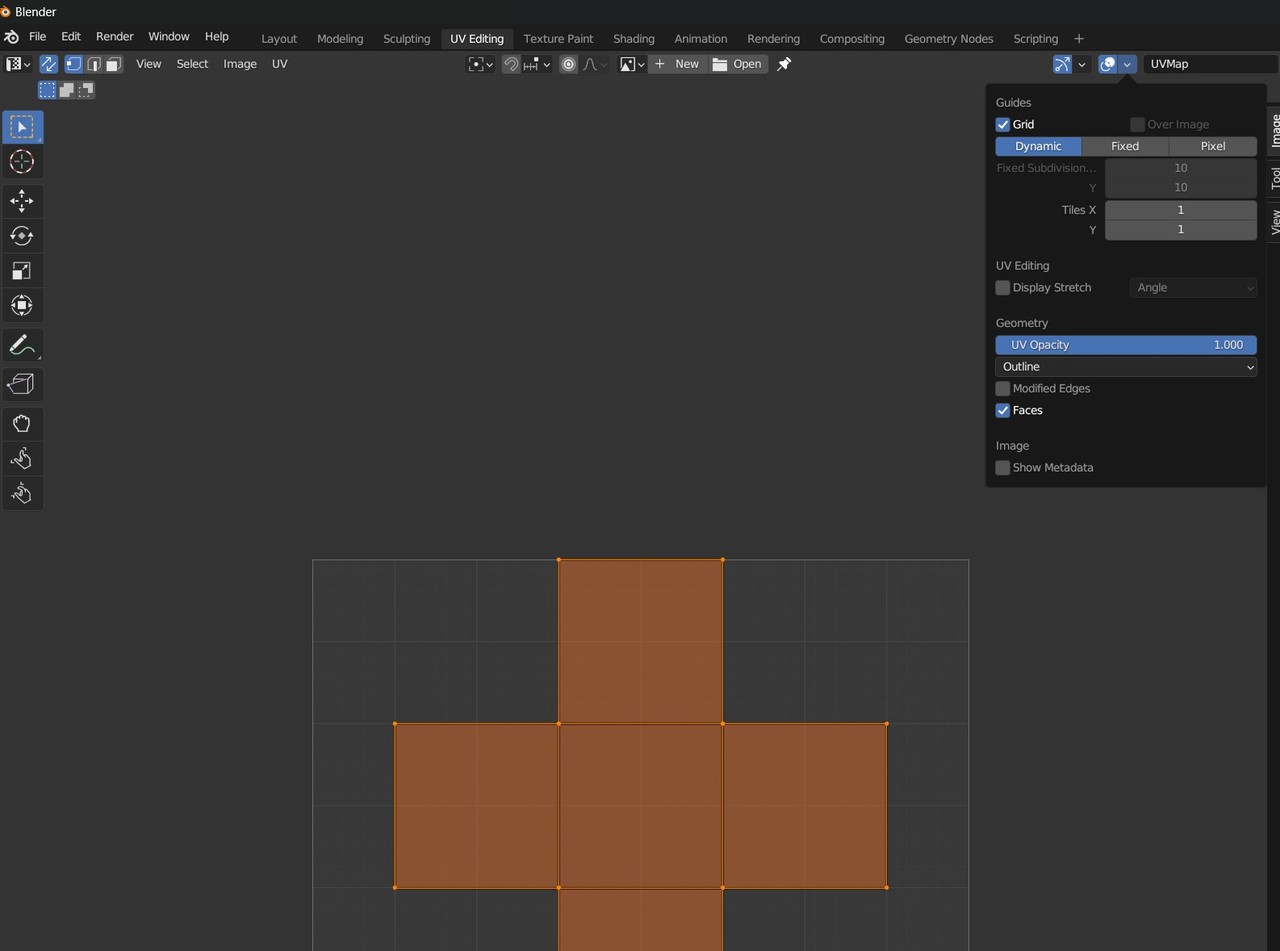
As you can see in the image, in the UV Editor (although I have everything selected) the selection mode disappeared (vertex, edge, island, face). I tried everything I know, I even asked chatGPT, but I don’t know how to get them back. Also, the Show Overlays menu hss a lot more options in a new opened file than in the one provided in the course – screenshots provided
Plus, in another video, when I opened a file from this course, my Options Toolbar from the 3D Viewport was not there also. Again, everything I did would not get the toolbar back.
I want to know how to make them visible again and where do you normally change this things? If it’s possible. Thanks
 March 17, 2023 at 12:16 pm #78149
Hey Ox!
The options in the overlay menu are different (more options) in edit mode.
For the selection modes, you say you have everything selected!
If you have a curve selected for example, and the active object, you won’t see any selection modes.
And the options toolbar can be enabled via the view menu, its called the Tool SettingsHope this helps!
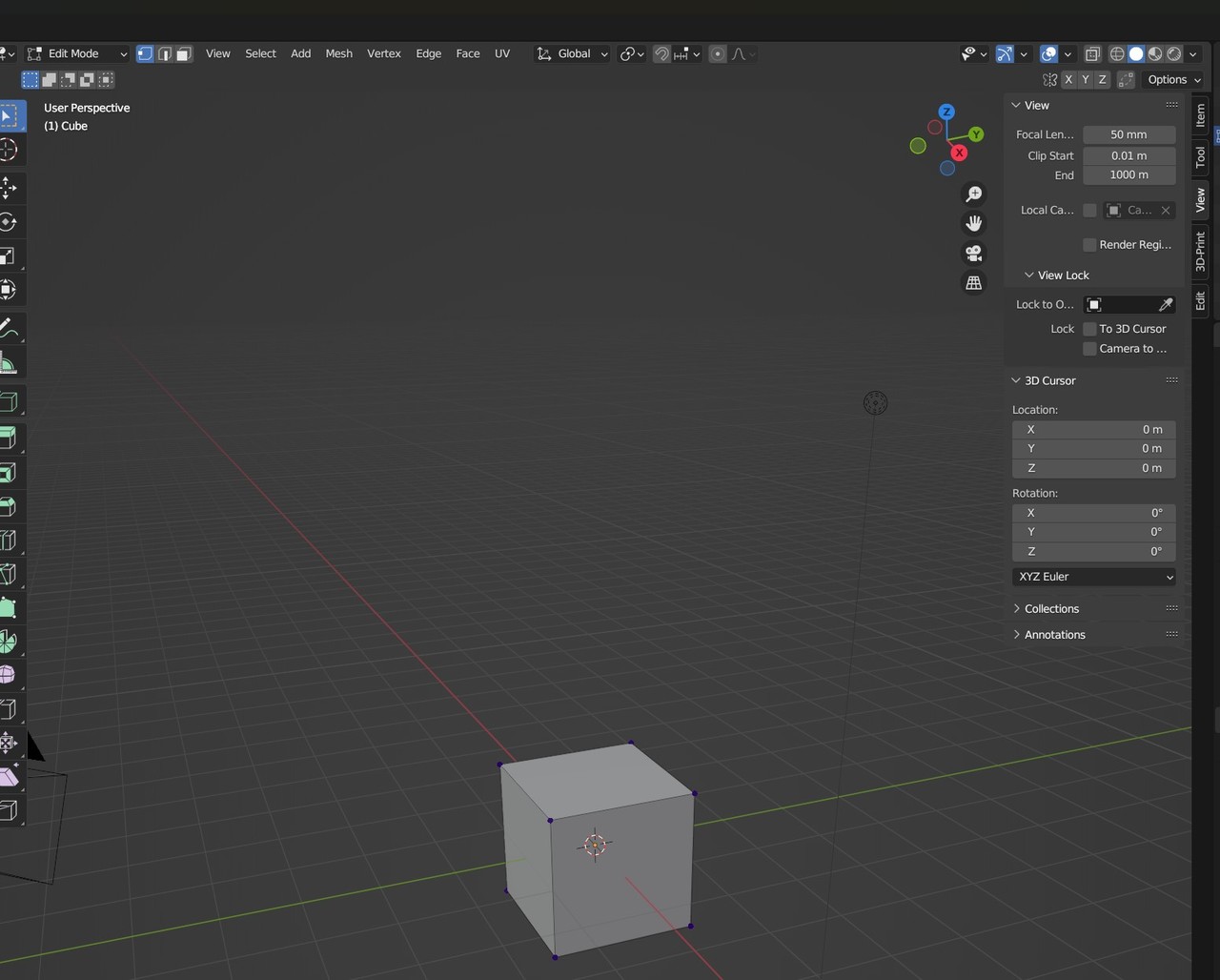
March 17, 2023 at 12:30 pm #781501. I don’t knw how to enter Edit Mode in the UV Editor. I tried TAB, but it just switches modes in the 3D viewport.
2. I tried deselecting everything, the UV Syn Selection, Vertex Select, Edge Select etc still don’t show up.
3. I hit N, I found the View Menu, but there’s no “tool settings” there.
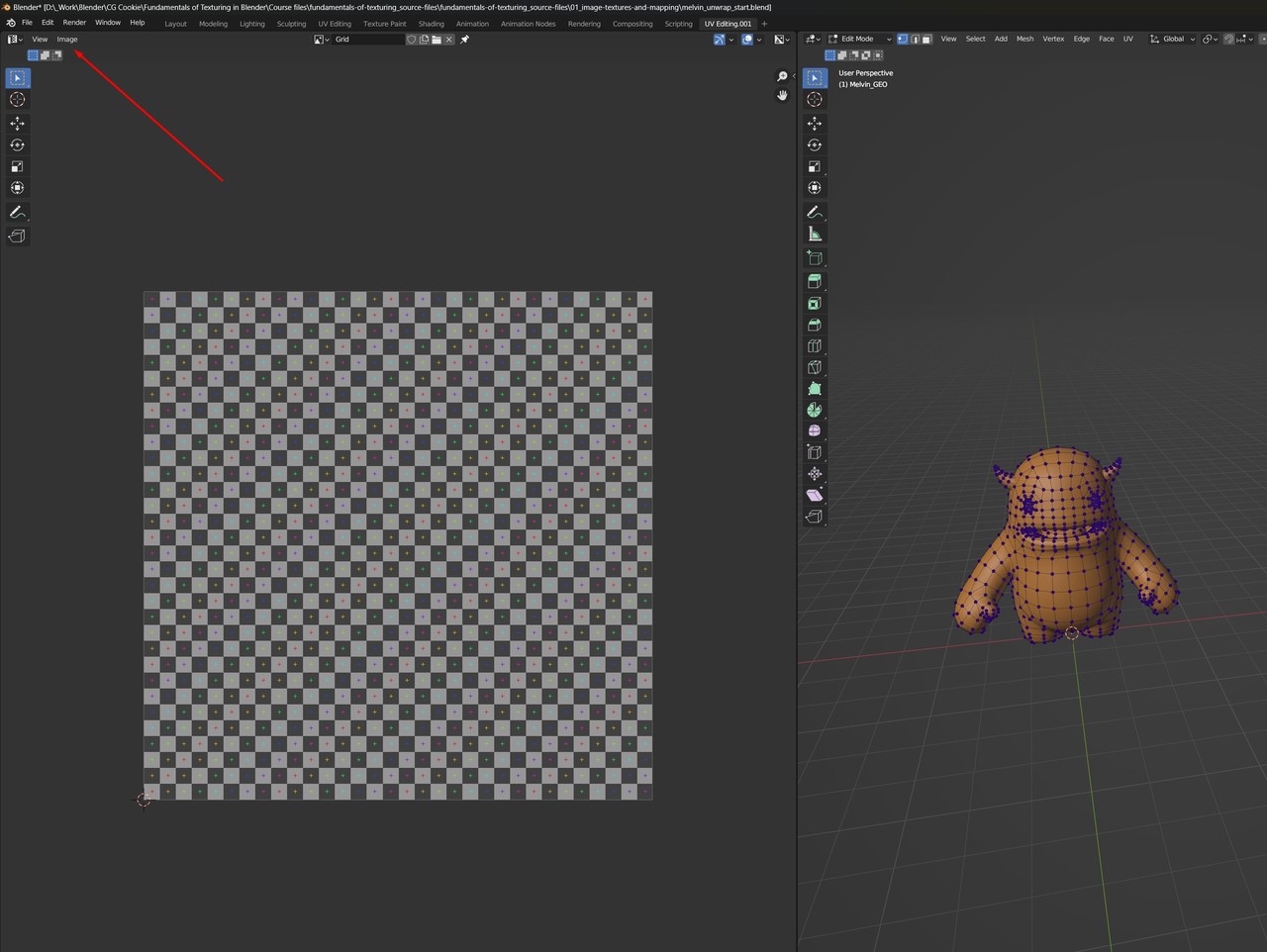 March 17, 2023 at 12:44 pm #78151
Hi Roxana,
That is really weird, and I have no idea why, but for some reason, the UV Editor doesn’t seem to recognize when Melvin goes into Edit Mode. I tried earlier Blender Version (even before 2.90, when this was made), but the result is the same each time.
A work-around is: use the ‘melvin_unwrap_result.blend’ and immediately press CTRL+E > Clear Seams.
Then you can start fresh.
March 17, 2023 at 12:46 pm #78152Thank you!
March 17, 2023 at 12:54 pm #78153Woah that is weird.
One additional thing that may be helpful. I have “Load UI” turned off in my Blender user preferences.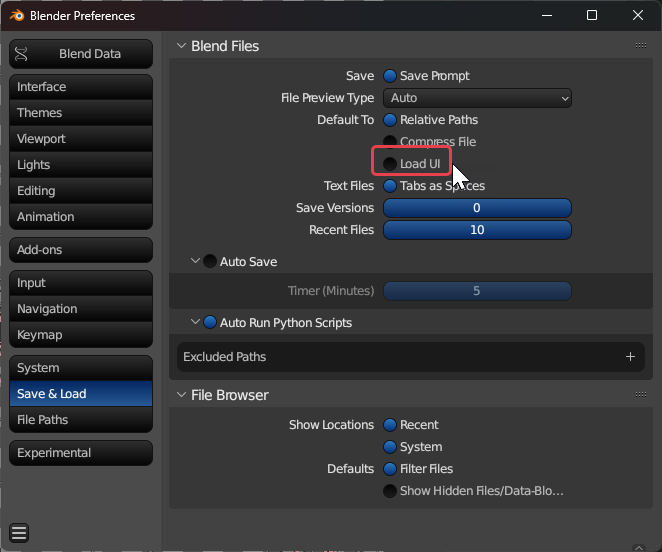
and I just downloaded the start.blend file and everything seems to work fine for me because I kept my standard UI settings (I’m even using blender official 3.4.1 and it still works).
I can see the edit mode stuff in the starting file just fine (note: I did do an unwrap already when I took this picture but that was all I did)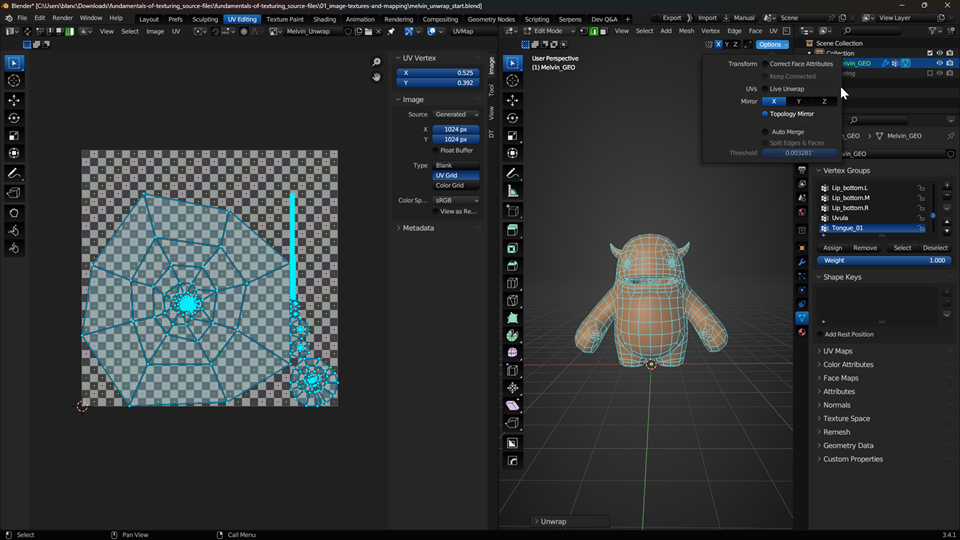
If you want to do similar. I recommend saving your work, closing the file. Opening a fresh blend file and navigating to user preferences and turning that Load UI off.
I personally don’t like my UI changing to whatever someone else’s is when I open their file.
March 17, 2023 at 1:07 pm #78154awesome @blanchsb That’s a great advice! Thanks!
March 17, 2023 at 1:09 pm #78155March 17, 2023 at 1:15 pm #78156Woah that’s super strange Martin. I literally downloaded the file today and had no issues as far as I can tell.
ooooohhhh…… you have to unwrap first in order for the edit mode stuff to show up though….. Is that perhaps the original issue???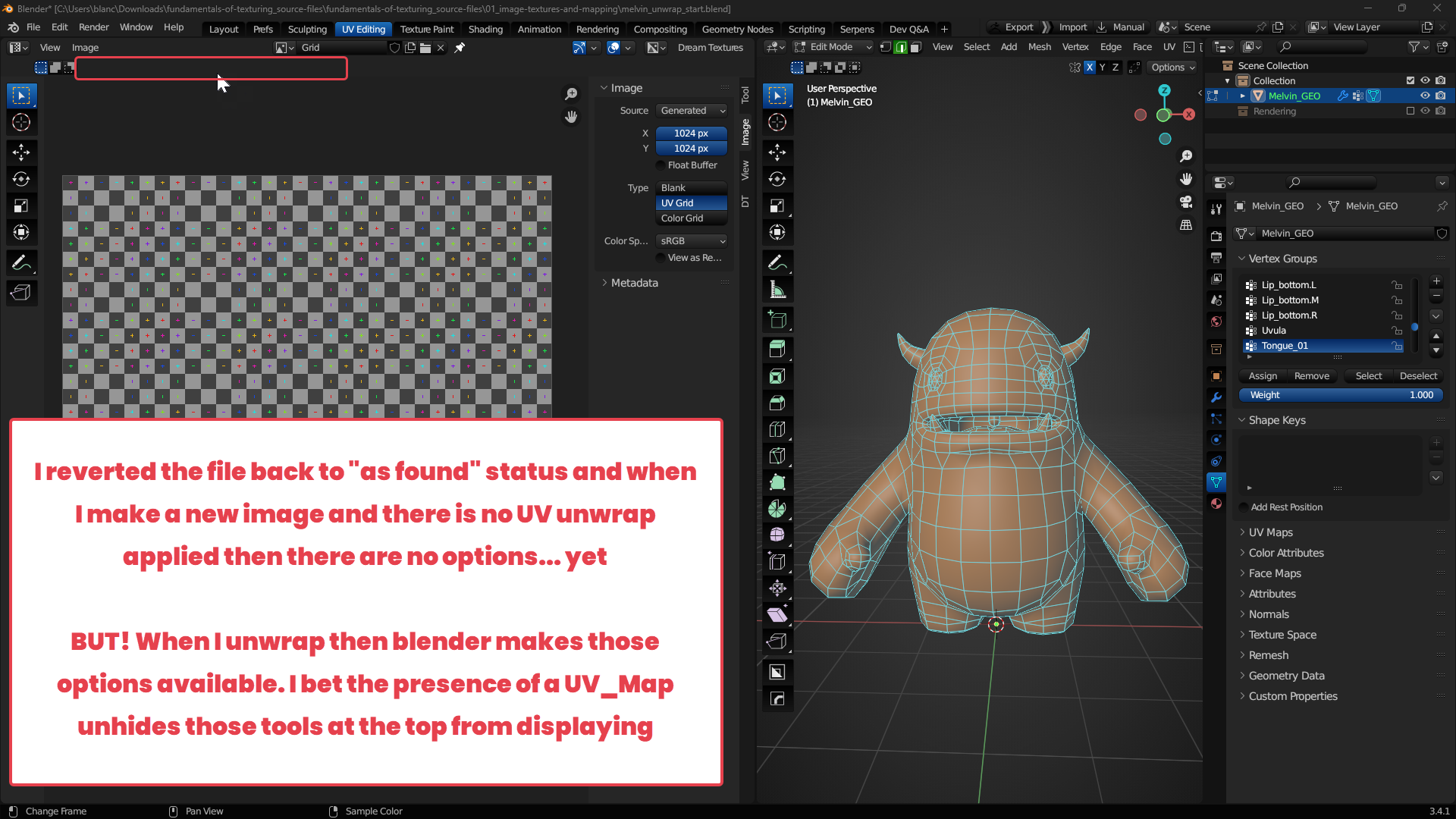 March 17, 2023 at 1:20 pm #78157
Yup as soon as I add a UV_Map the options appear. Even if I manually add one without unwrapping.
March 17, 2023 at 1:43 pm #78158Yes, THAT DID IT!
March 17, 2023 at 1:43 pm #78159Yeah, that’s it Shawn! You solved it! Now I will be able to sleep tonight, thanks!
New file, delete the UV Map of the Default Cube and go to the UV Editing Workspace…
March 17, 2023 at 1:59 pm #78160I’m late to the party and the wall of text is already very tall. So yay Shawn for pulling a Sherlock.
-
AuthorPosts


- The topic ‘Workspace – missing toolbars’ is closed to new replies.