@ndoell and @beatawa I believe the color corresponds to the actual area that object takes up in blender space. If your object is small. Then the UV should also technically be small. Best way to really see this is add a cube to your scene and select the cube and another object and go into edit mode and get their UV’s on the UV image editor. The cube size is going to be perfect in the UV image editor so you don’t need to mess with that. But try to get your other object to scale in a similitude of it’s size compared to the cube in the 3D view. You should see the area weight go blue once you have the correct size ratio.
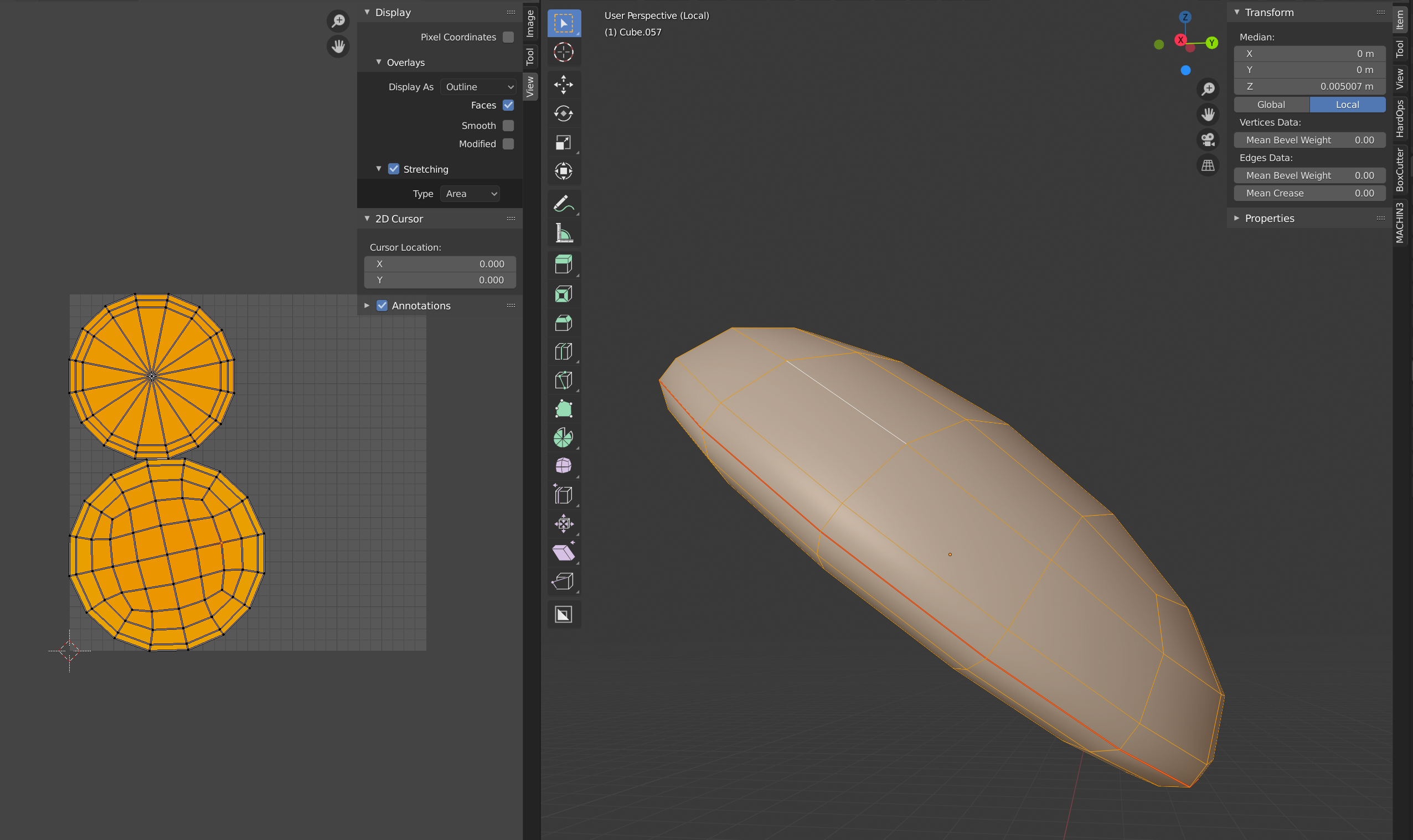
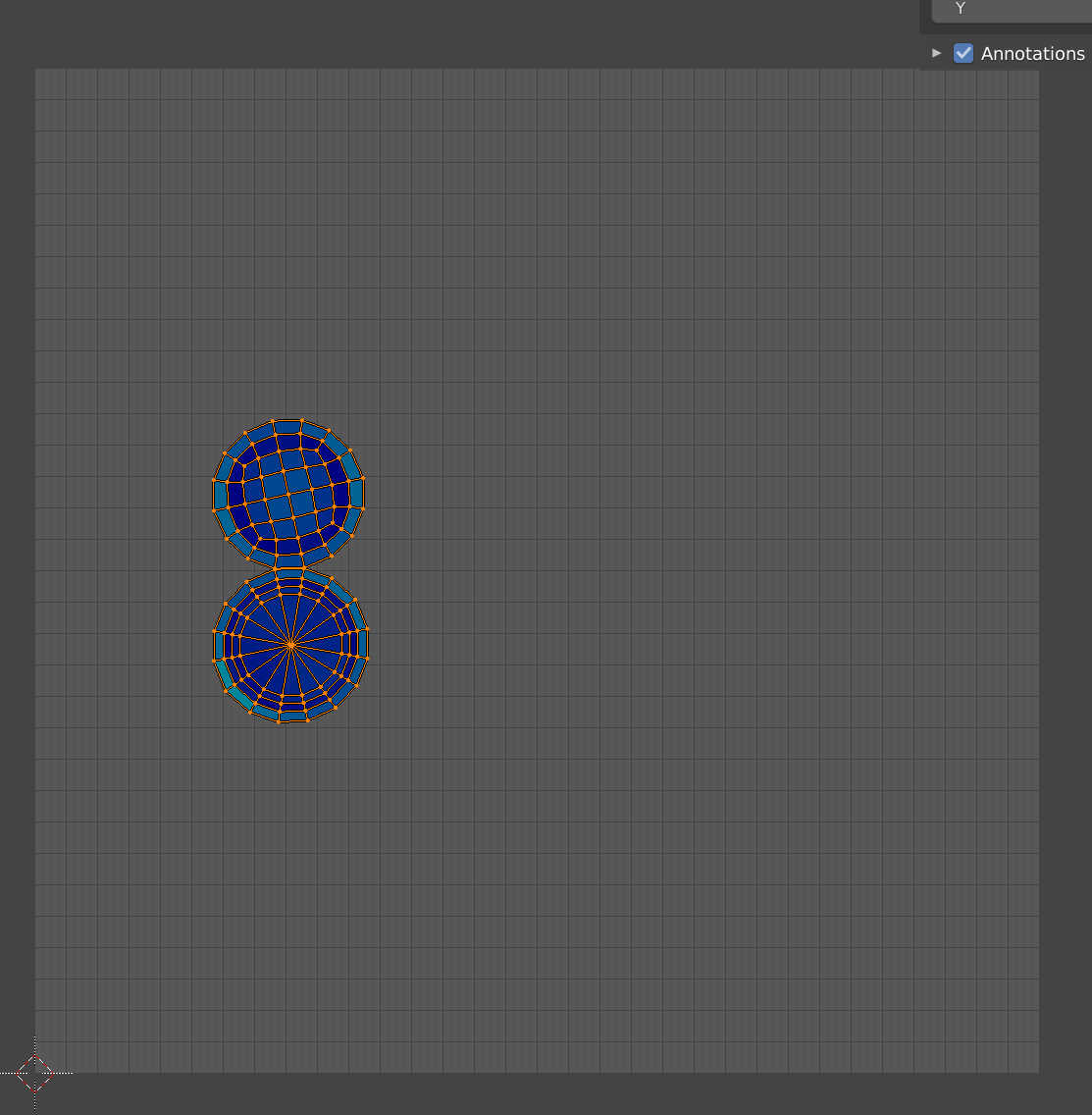
Example below: Here’s an extremely small object that was completely red when it was alone in the UV image editor. I added a cube to the scene and went over to the UV editor again and set a similar size ratio. The small object turned blue once I got that ratio correct in the UV editor.
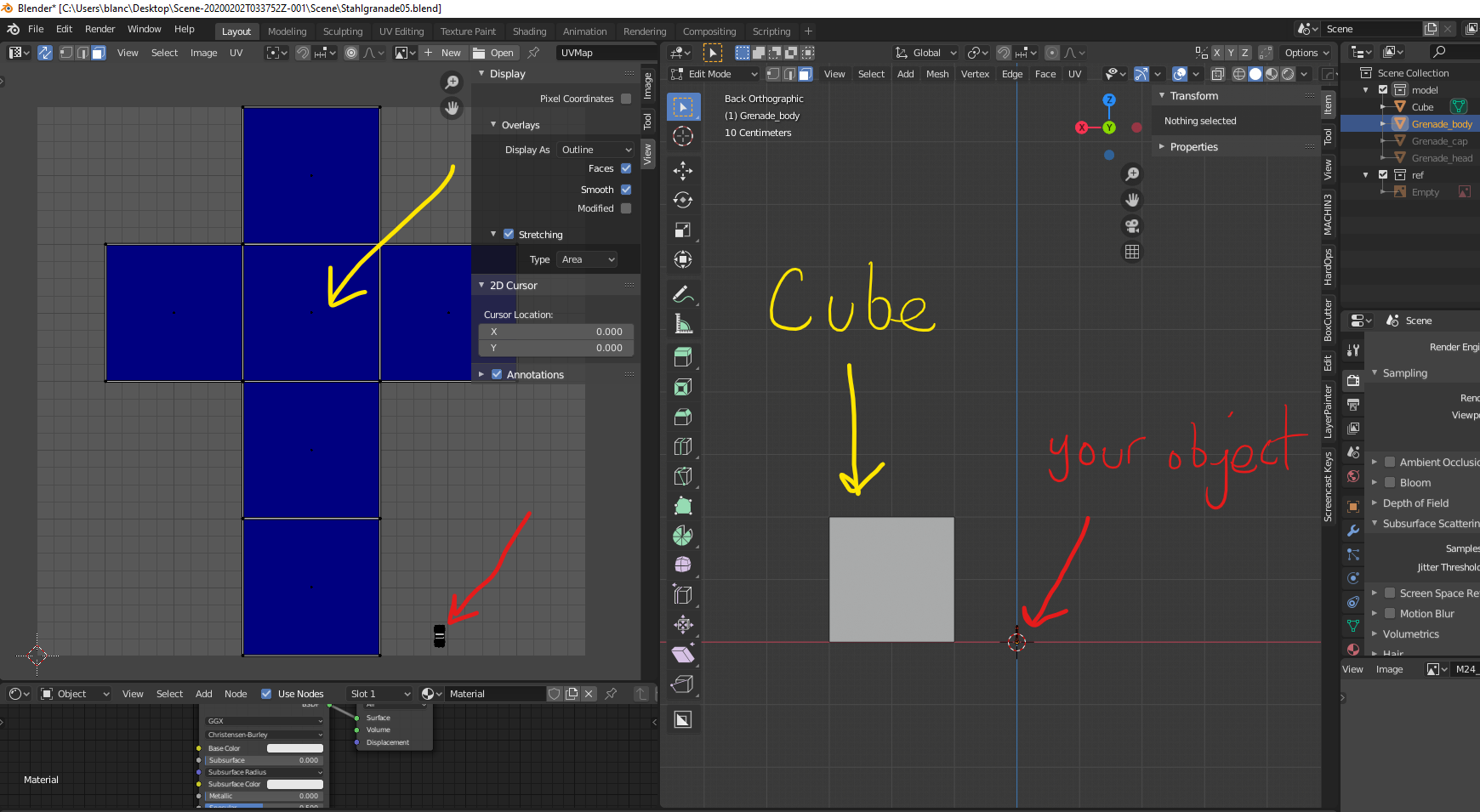

.