Why does my subdivision modifier appear to ignore some creases?

Forum Archive Why does my subdivision modifier appear to ignore some creases?

Viewing 4 posts - 1 through 4 (of 4 total)
  • Author
    Posts
  • #13309
    deadpunkdave
    Participant

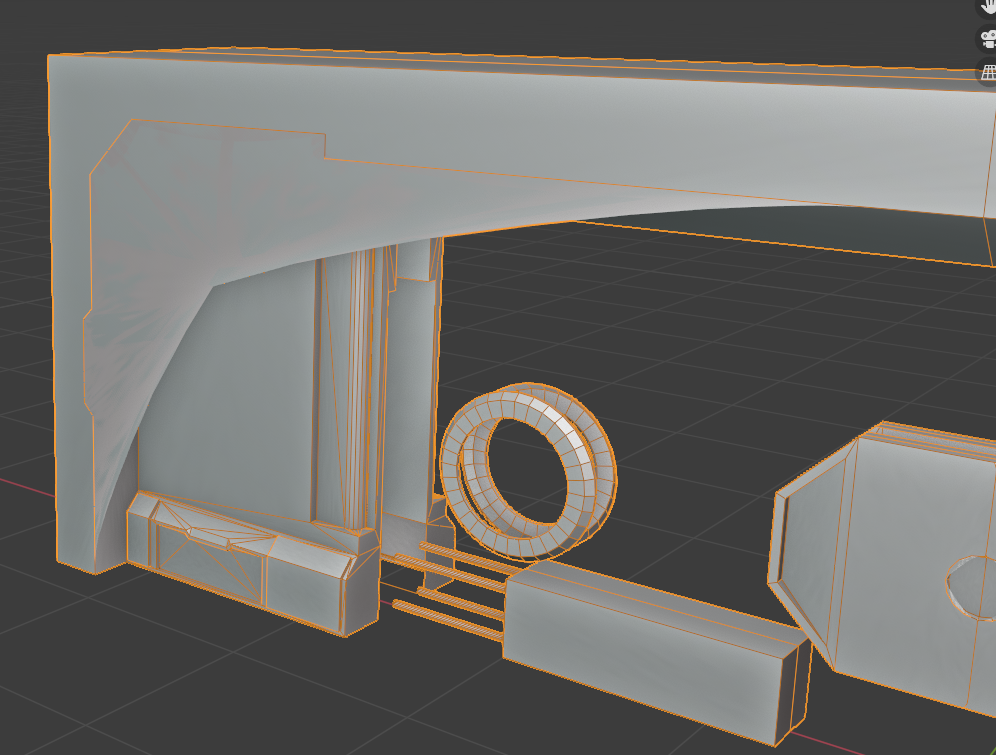
      I am applying the subdivision modifier to my low poly mesh, ready for baking. With every edge set to mean crease 1, I end up with this: 

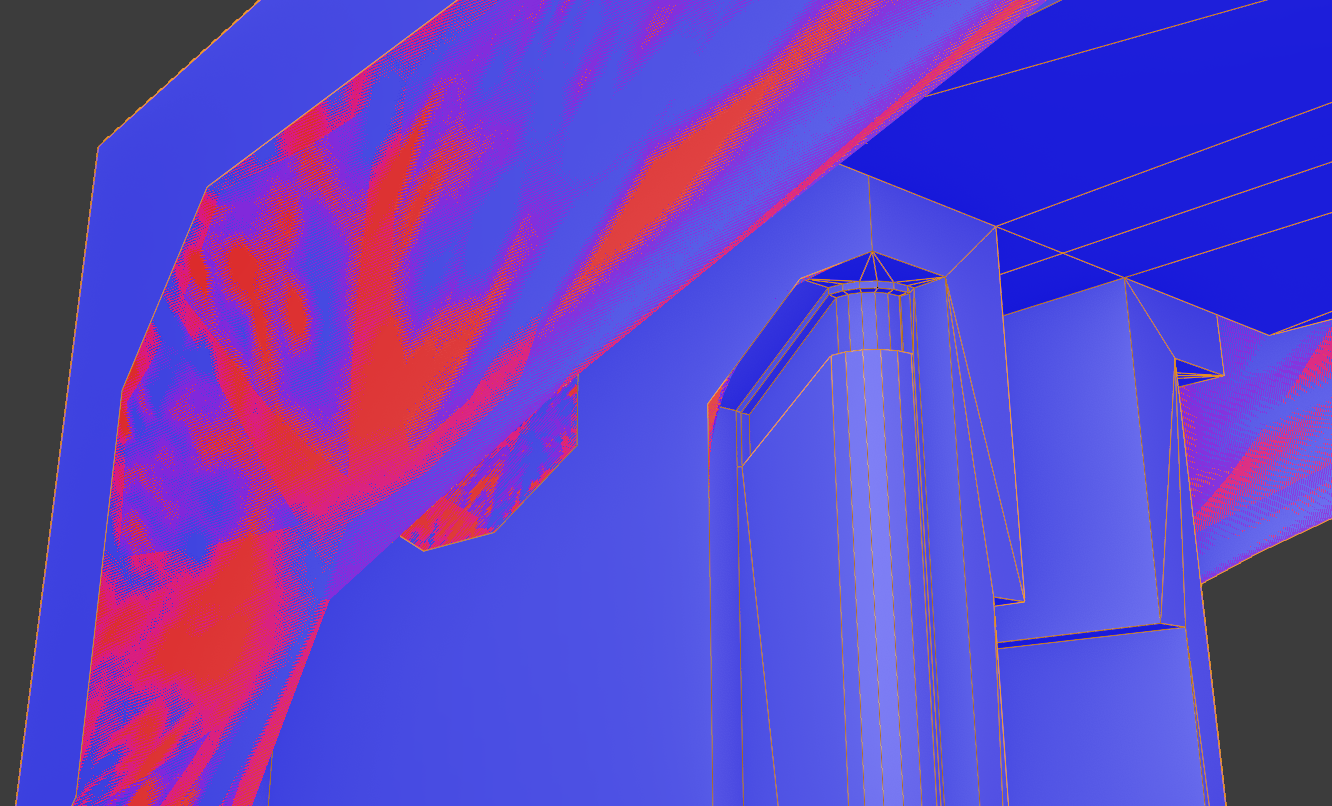
      Almost everywhere the creasing is working properly, but the subdiv is clearly ignoring it for the largest front face and in a few other places. 

      Wherever this occurs, it looks as though the subdiv is resulting in 2 faces on top of each other with conflicting normals, as turning on face orientation looks like this:

      Any ideas as to what could be causing this?

      #62363
      deadpunkdave
      Participant

        After thinking some more I realised that subdiv really wants to work with quads so I have started to cut up the n-gons around the problem areas and this is fixing the problem. I’m adding a few vertices to the model but I think I will live with that.

        #62364
        Jonathan Lampel
        Participant

          That would do it! Tris or quads help hold the perimeter in place. 

          #62365
          deadpunkdave
          Participant

            Oh you’ve made me realise, I removed the triangulation modifier when I added the subdiv, if I had just applied it instead I would never have had this problem, and I wouldn’t have needed to add any vertices. Well I feel silly but at least I’ll know for the future, thanks Jonathan.

          Viewing 4 posts - 1 through 4 (of 4 total)
          • The topic ‘Why does my subdivision modifier appear to ignore some creases?’ is closed to new replies.