Why does displacement rip my mesh apart?

Forum Archive Why does displacement rip my mesh apart?

Viewing 5 posts - 1 through 5 (of 5 total)
  • Author
    Posts
  • #14097
    wanttolearn3d
    Participant

      #69215
      Adrian Bellworthy
      Participant

        Hi @wanttolearn3d ,

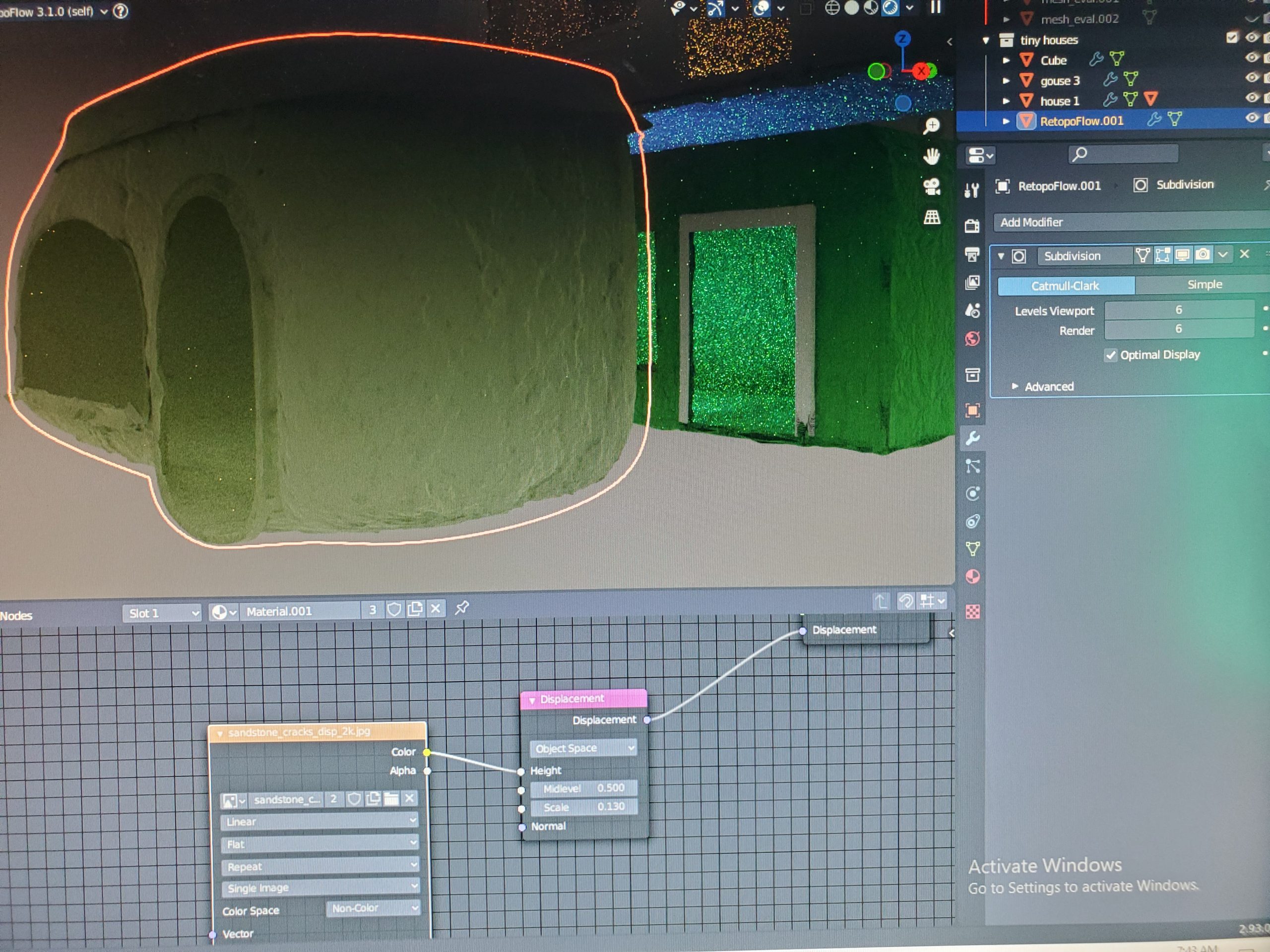
        You probably need more geometry in your mesh. Just adding a Subdivision Modifier probably wont be enough.

        To test this try adding another Subdivision Modifier.

        Also a tip:

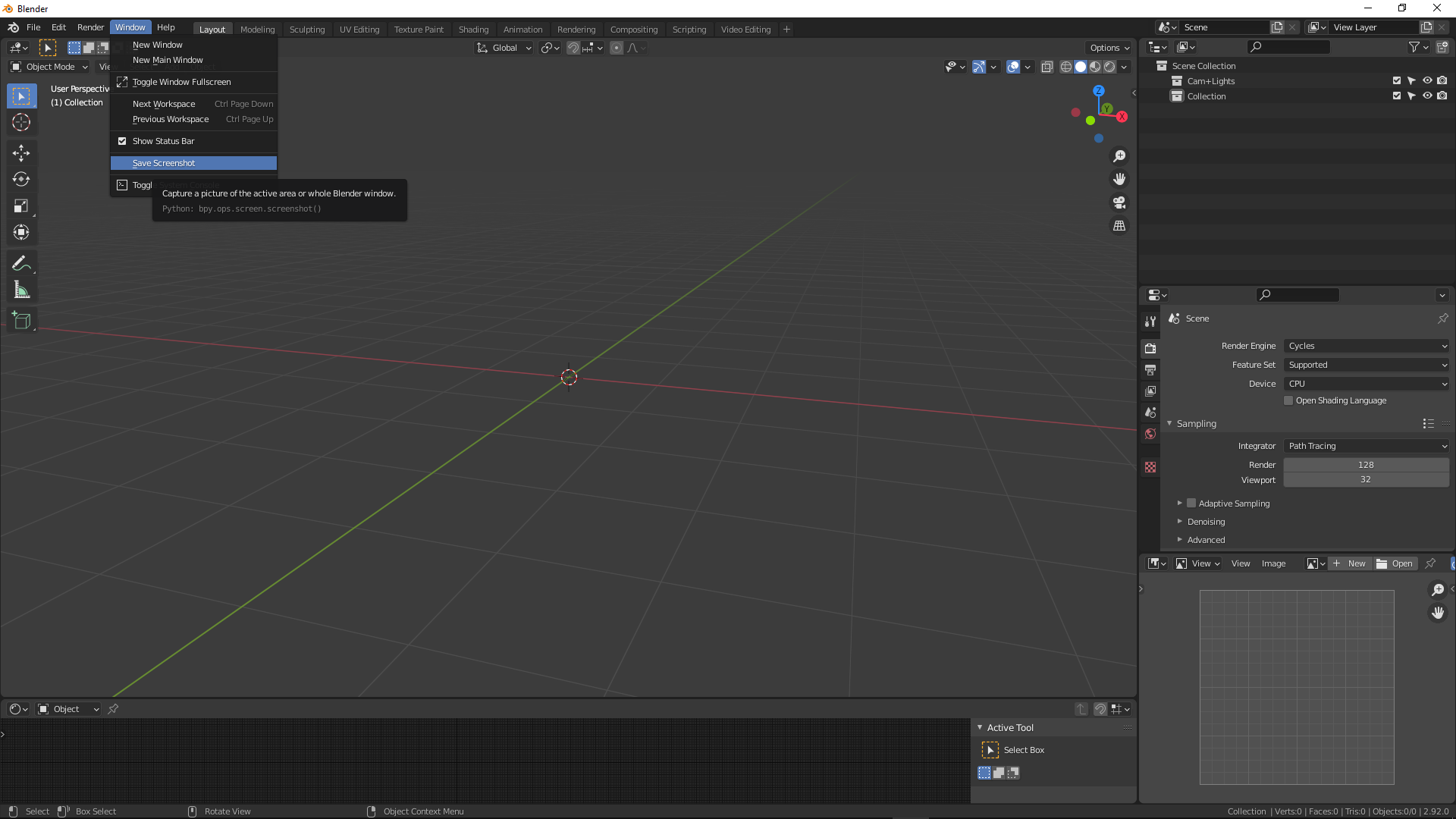
        To take a screenshot you can click window > save screenshot.

        #69216
        wanttolearn3d
        Participant

          But I put the subsurf level on 6, and I even applied it twice to the point where you couldnt see individual vertices and it would freeze up for a bit and that still didnt help.

          #69217
          Adrian Bellworthy
          Participant

            There maybe an issue with the geometry, check for double verts or holes in the mesh. In edit mode select everything and press M and by distance.

            Can you post a screenshot of the object in edit mode.

            #69218
            Mark Smith
            Participant

              just a side idea maybe check that location, rotation and especially scale are applied (if they have been altered)

              if left unapplied they cause problems

              hope this is helpful

            Viewing 5 posts - 1 through 5 (of 5 total)
            • The topic ‘Why does displacement rip my mesh apart?’ is closed to new replies.