why does array modifier work with object offset?

Forum Archive why does array modifier work with object offset?

Viewing 8 posts - 1 through 8 (of 8 total)
  • Author
    Posts
  • #11409
    shan jay
    Participant

      when I click on the eyedropper and click on another mesh in order to make my array go in a circle but the array goes crazy. is this an error? is there any another way to do this?

      #53307
      spikeyxxx
      Participant

        Use CTRL+A > Apply All Transforms (on both meshes). If there still is some offset left when the ‘other mesh’ is not rotated, make sure that Object Offset is the only thing checked (so no Relative or Constant Offset!).

        #53308
        shan jay
        Participant

          it doesn’t work 

          #53309
          shan jay
          Participant

            is there any other way?

            #53310
            spikeyxxx
            Participant

              Could you provide us with a screenshot?

              #53311
              shan jay
              Participant

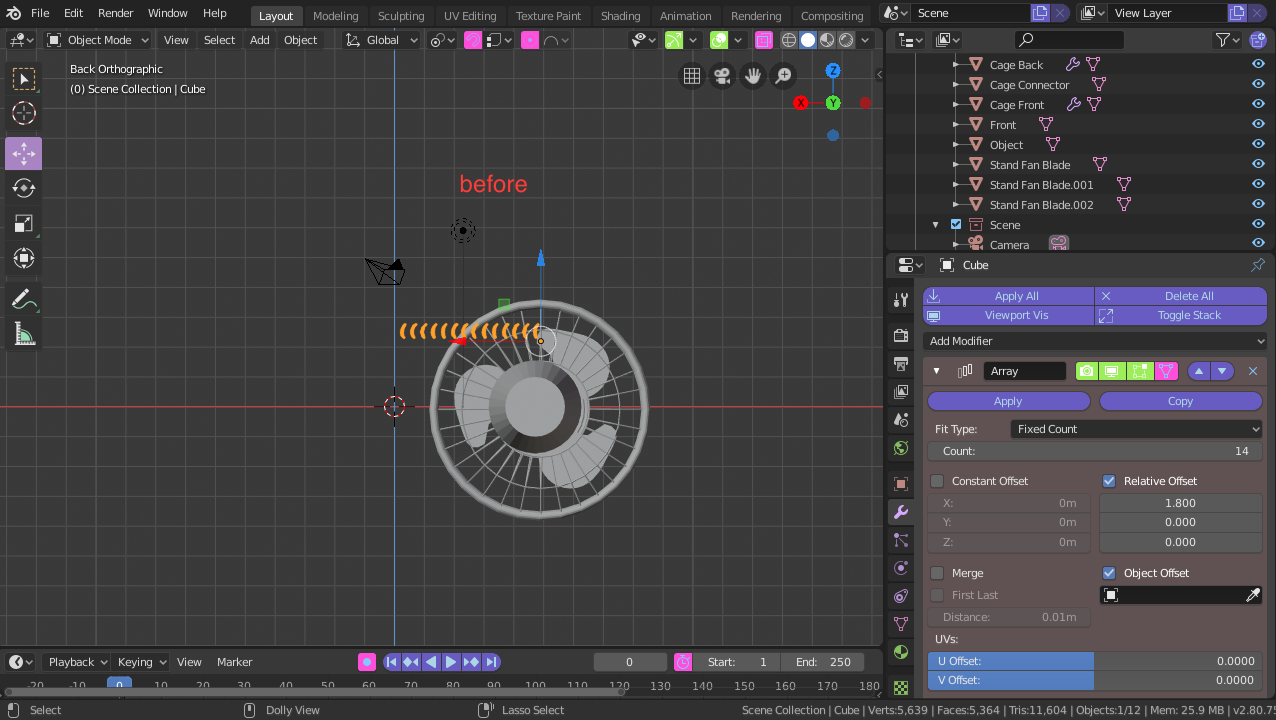
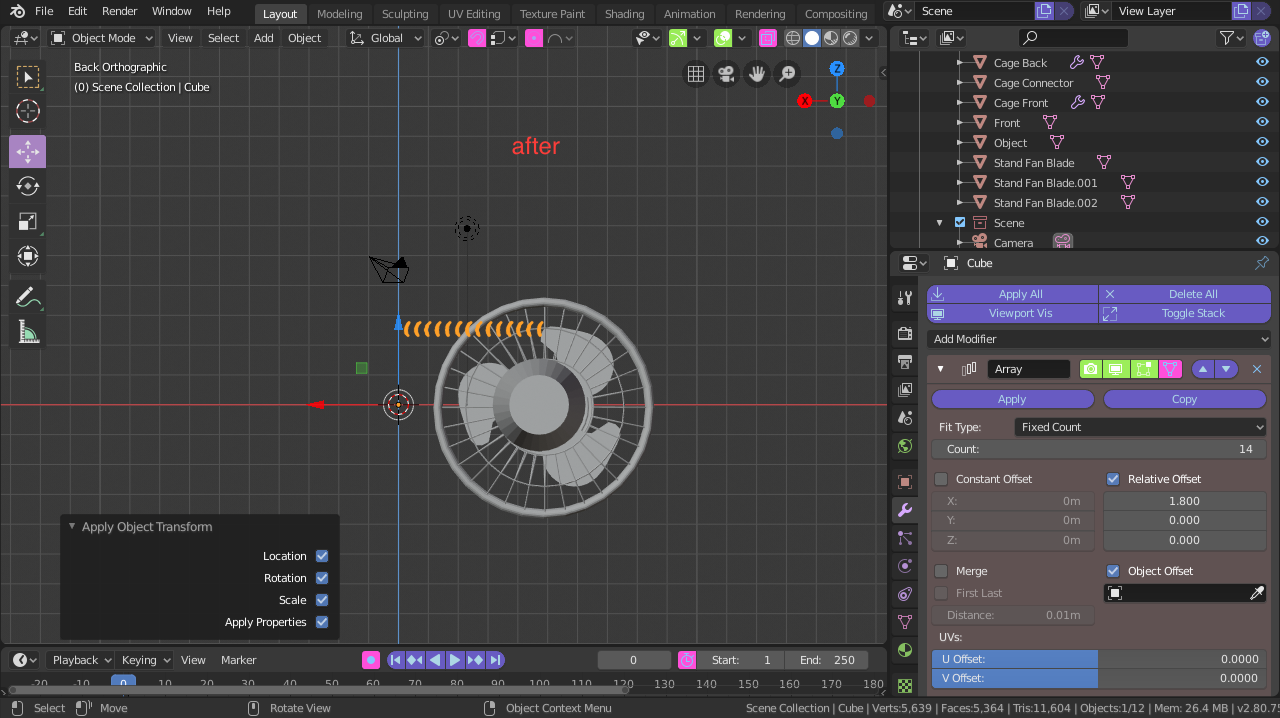
                Here’s two a before and after

                #53312
                shan jay
                Participant

                  it hasn’t changed at all

                  #53313
                  spikeyxxx
                  Participant

                    Uncheck the Relative Offset and put an object in the Object Offset field (it’s still empty in the screenshots).

                    Then you should see only one of the arrayed objects, because all 14 of them are at the same place, but when you then rotate the ‘Offset Object’ the array should go round.

                  Viewing 8 posts - 1 through 8 (of 8 total)
                  • The topic ‘why does array modifier work with object offset?’ is closed to new replies.