When snapping the bottom lock to the top lock, the bottom lock “crosses over”

Forum Archive When snapping the bottom lock to the top lock, the bottom lock “crosses over”

Viewing 3 posts - 1 through 3 (of 3 total)
  • Author
    Posts
  • #12375
    kallenboone
    Participant

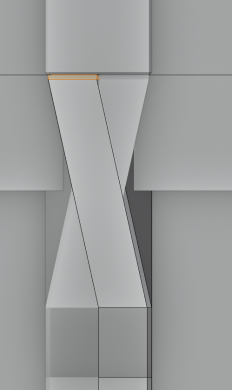
      When I attempted to snap the bottom lock to the top lock, it looked fine from side orthographic view, but once I went back to normal view, I noticed it had snapped to the wrong side of the top lock, like so:

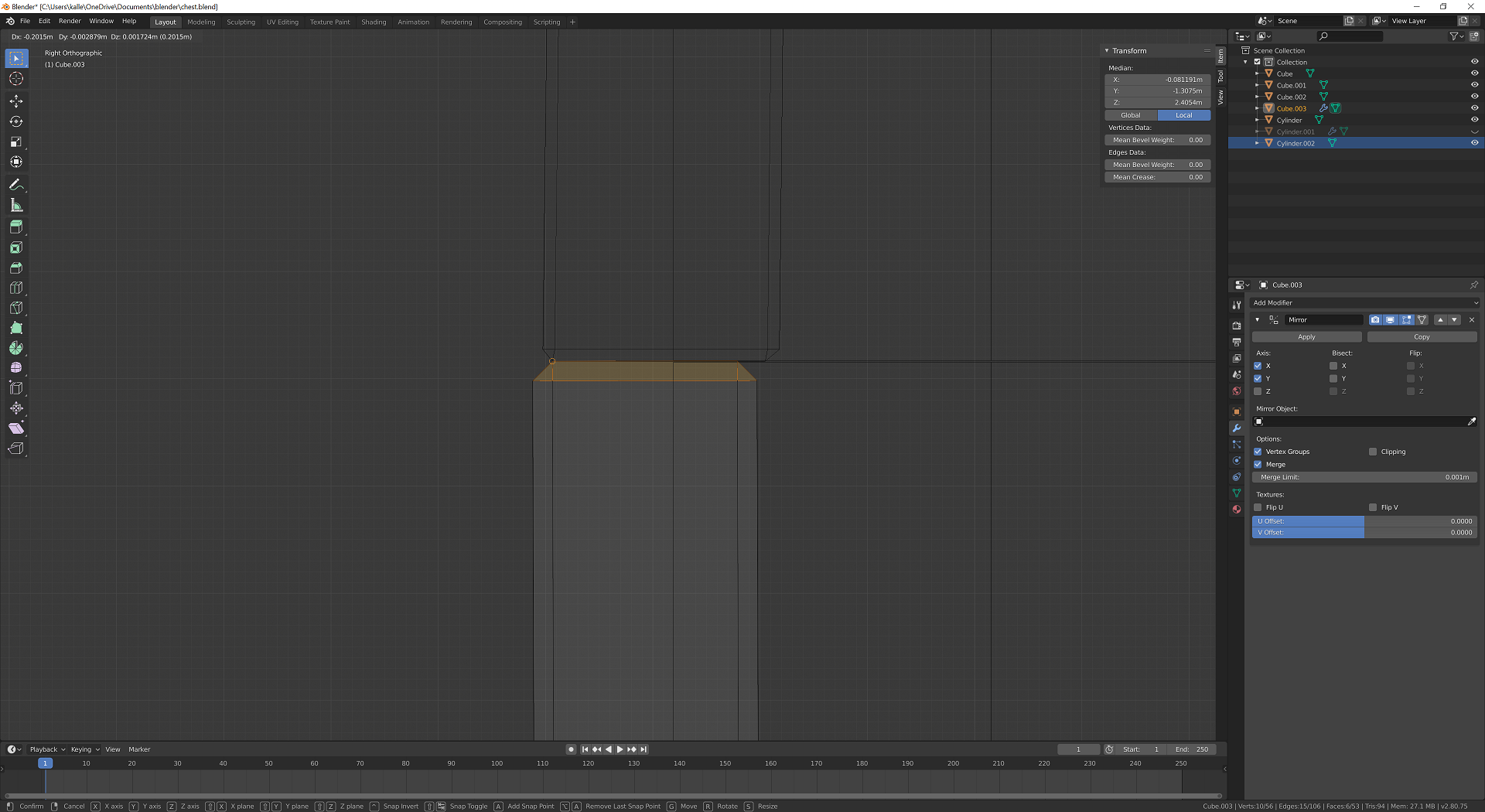
      I moved it the same way it looked like it was done in the video: (in wireframe, right orthographic view) box selected the top edges, pressed g to move them up, and hold ctrl and moved my cursor to the front of the top lock. Illustration:

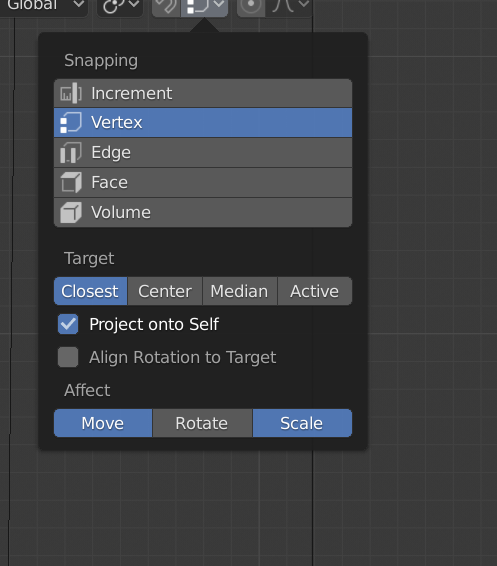
      And here’s a look at my snapping settings:

      Any idea what I’m doing wrong? 

      #58867
      Kent Trammell
      Participant

        Try limiting the movement according to axis. Since it snaps horizontally (in the X axis I believe) you can hit G + Z to limit the movement to up and down, eliminating the option to move in the unwanted horizontal axis.

        #58868
        kallenboone
        Participant

          Awesome, thank you. That solved it. 

        Viewing 3 posts - 1 through 3 (of 3 total)
        • The topic ‘When snapping the bottom lock to the top lock, the bottom lock “crosses over”’ is closed to new replies.