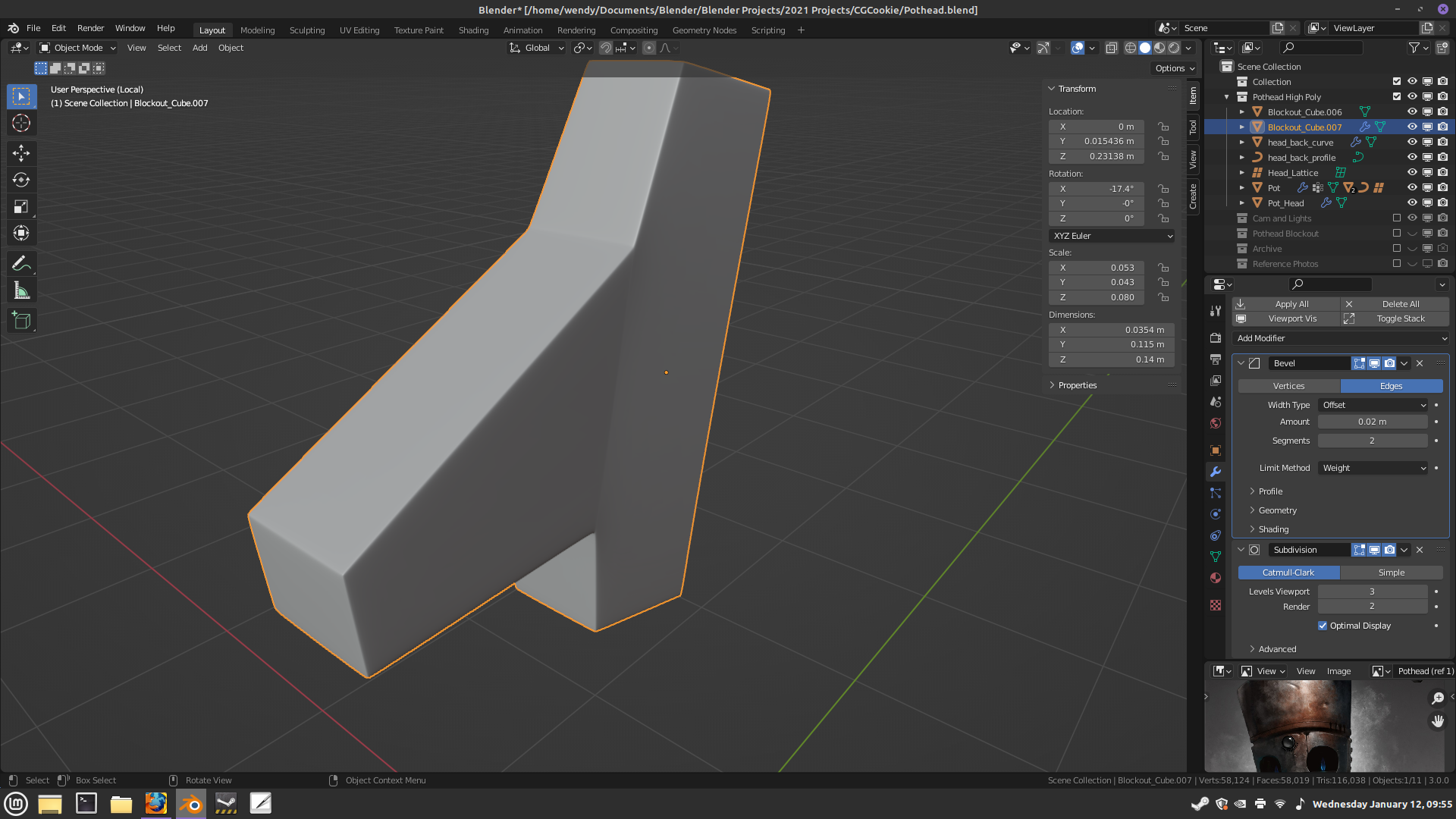
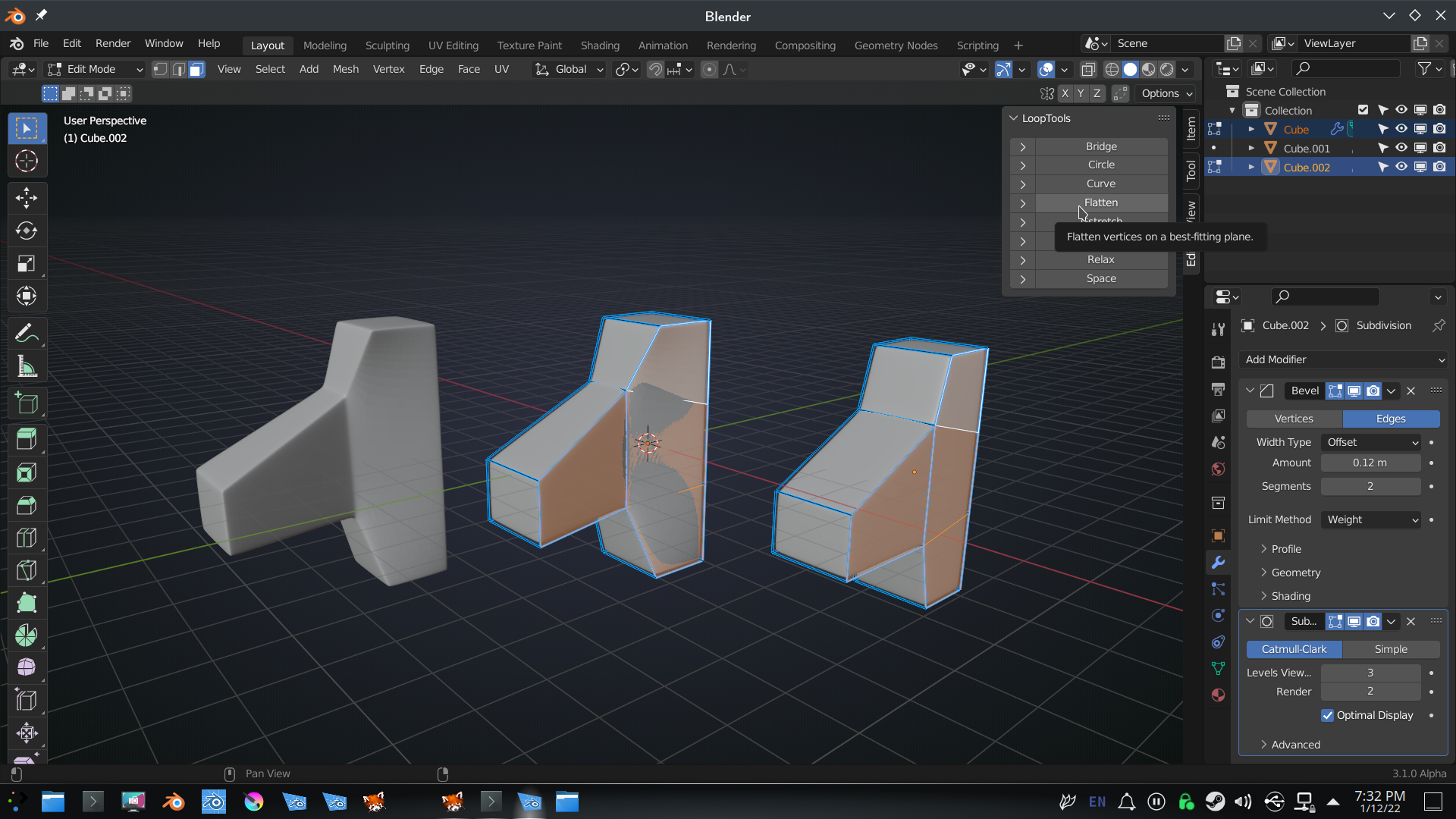
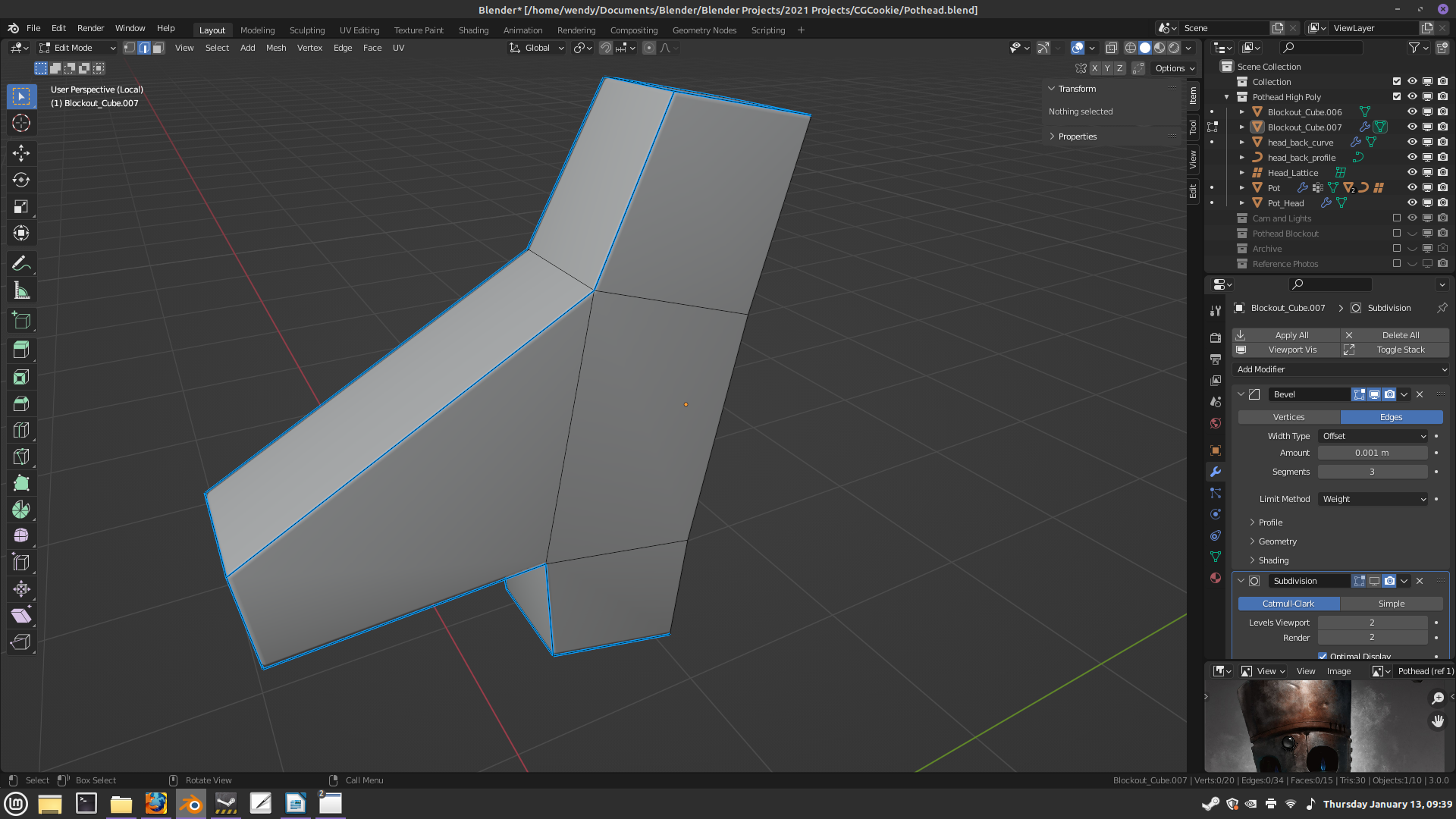
STEP ONE:
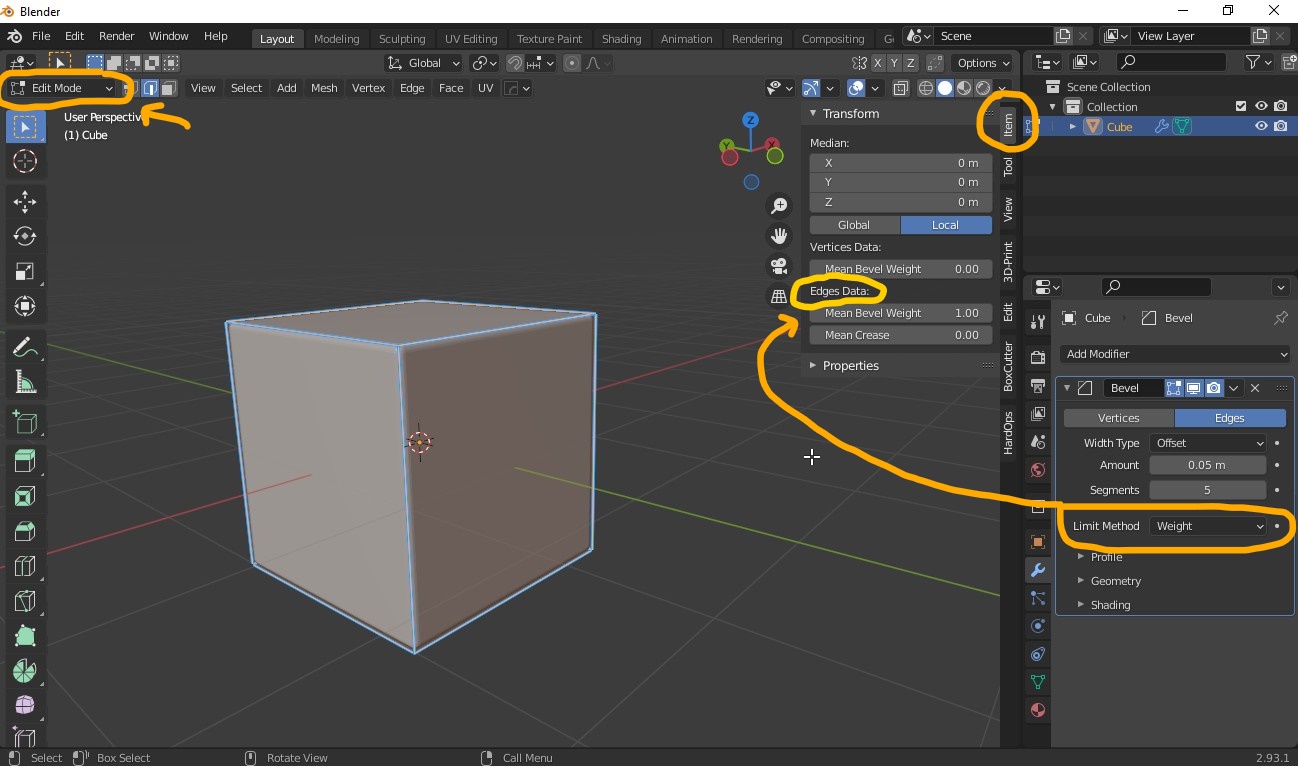
Go to edit mode and press A to select all the edges. Press N to bring out the side bar. Go down to the list where Mean Bevel Weight is located under Edge Data. Its default value is zero so you had to increase the value up between 0.5 and 1 to see the result you want.
The selected edges will turn their colors from yellow (no bevel) to blue (heavily bevel) depending on the intensity. Exit out to object mode after you made the choice. Make sure you had the object’s shading to smooth and auto smooth turn on before moving on to step two.
STEP TWO:
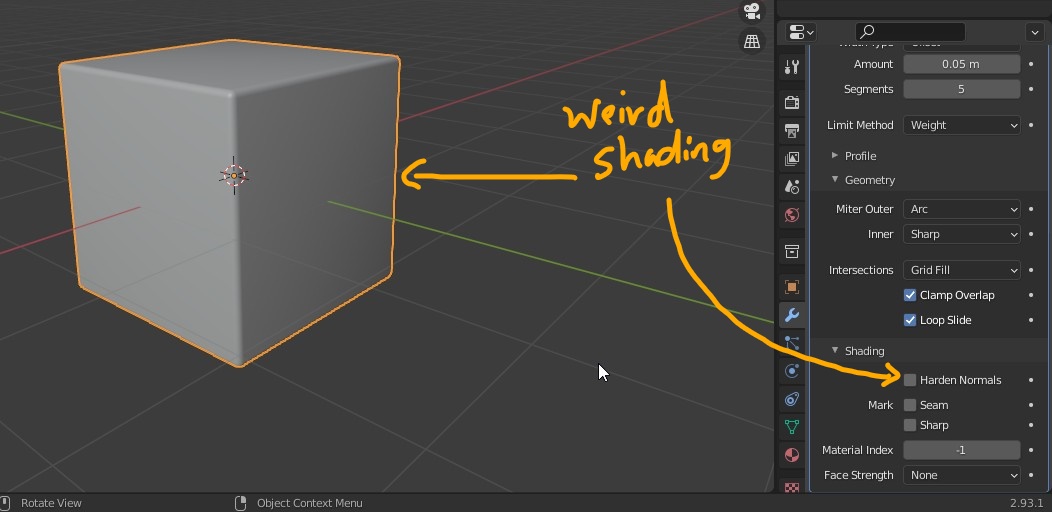
If the object has a weird shading or artifact, that means you haven’t turned on Harden Normals in bevel property.
STEP THREE:
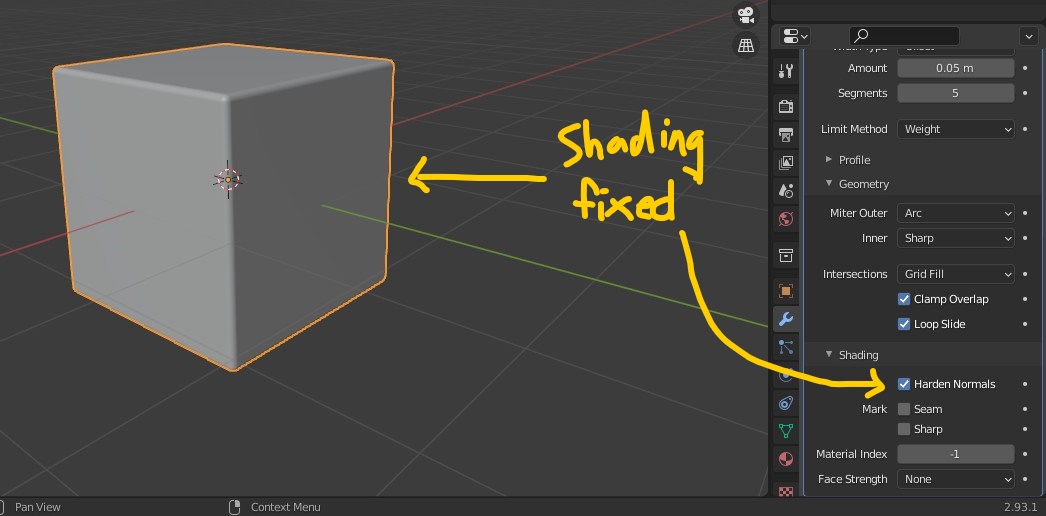
Have the checkbox ☑ turn on and the object’s shading will be fixed.

.