When I add the Bevel modifier, nothing happens.

Forum Archive When I add the Bevel modifier, nothing happens.

Viewing 6 posts - 1 through 6 (of 6 total)
  • Author
    Posts
  • #14983
    Ethan Stroupe
    Participant

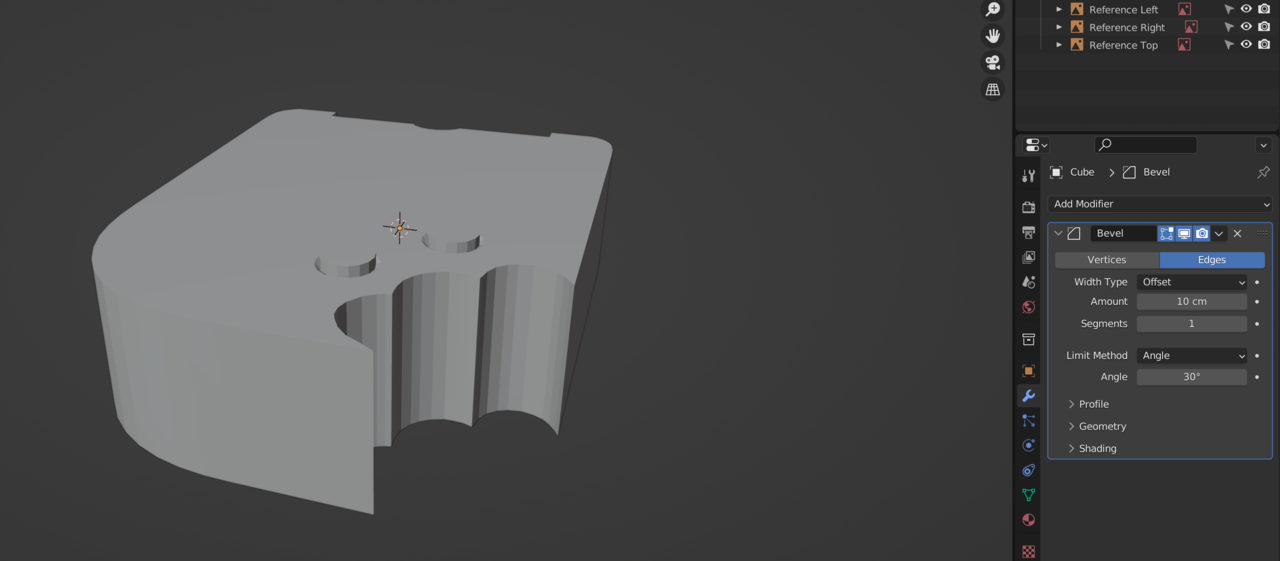
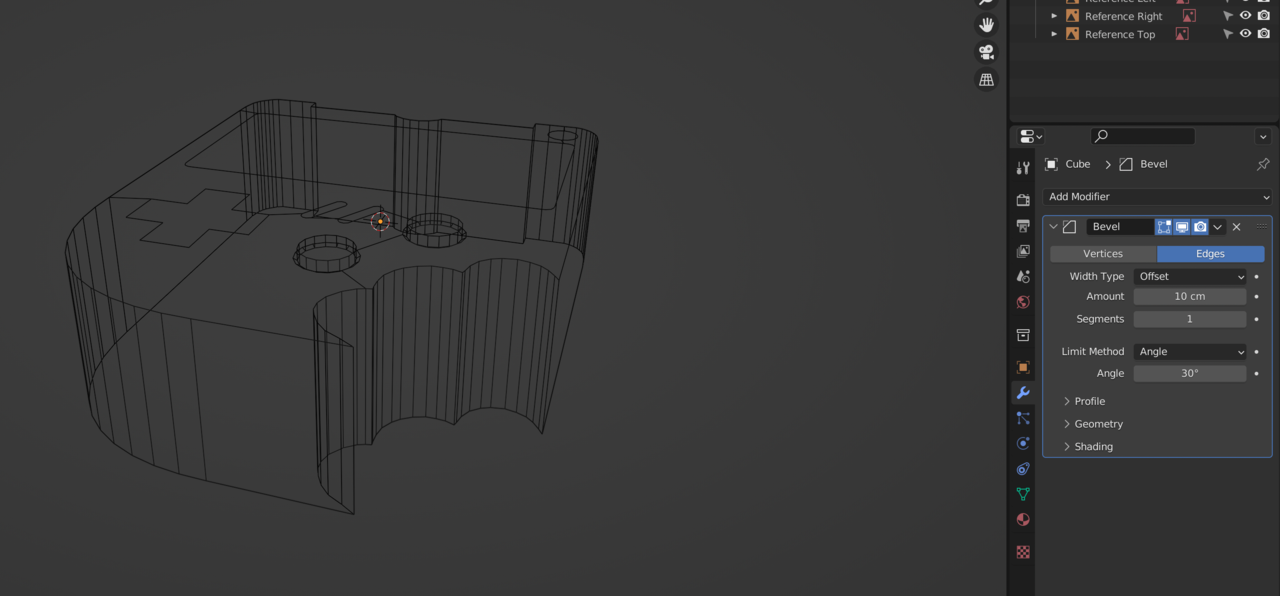
      Hi! When I add the Bevel modifier to the object right after creating the buttons, nothing seems to happen. Do you know any possibilities for why the bevel does not apply any changes? It seems like as soon as you add yours it bevels the entire object, so not sure what I’m doing wrong. It looks like I have all the same settings and selections on my modifier that you have. Thanks!

      #73863
      Ethan Stroupe
      Participant

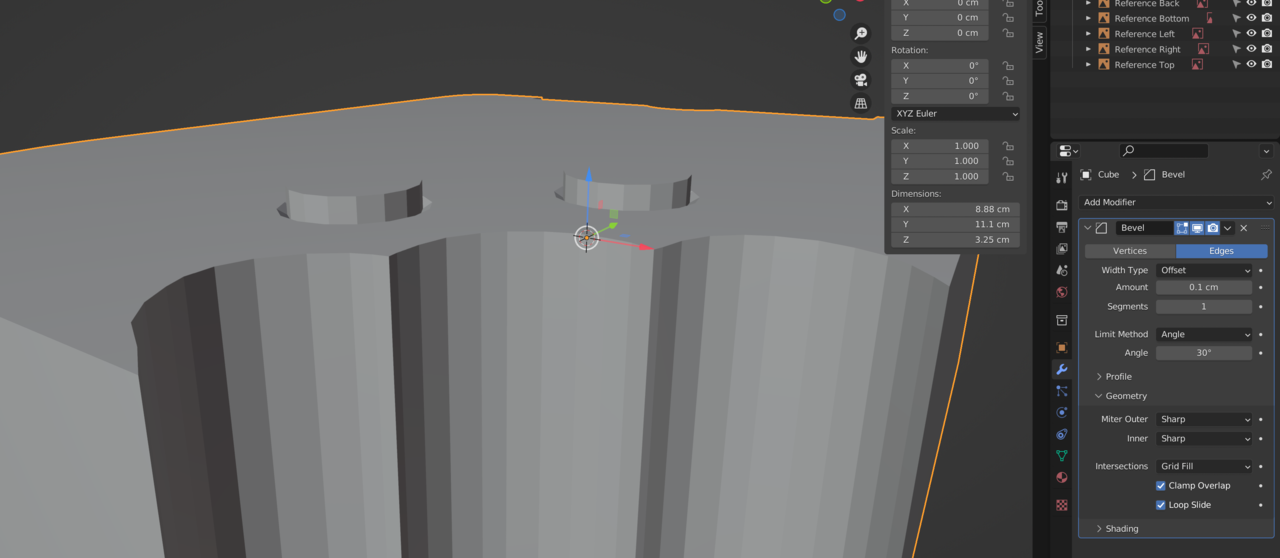
        Here are the images, for some reason when I try and edit my post to add them it kicks me back the main home page.Screen Shot 2022-03-29 at 4.49.33 PM.pngScreen Shot 2022-03-29 at 4.49.25 PM.png

        #73864
        Jonathan Lampel
        Participant

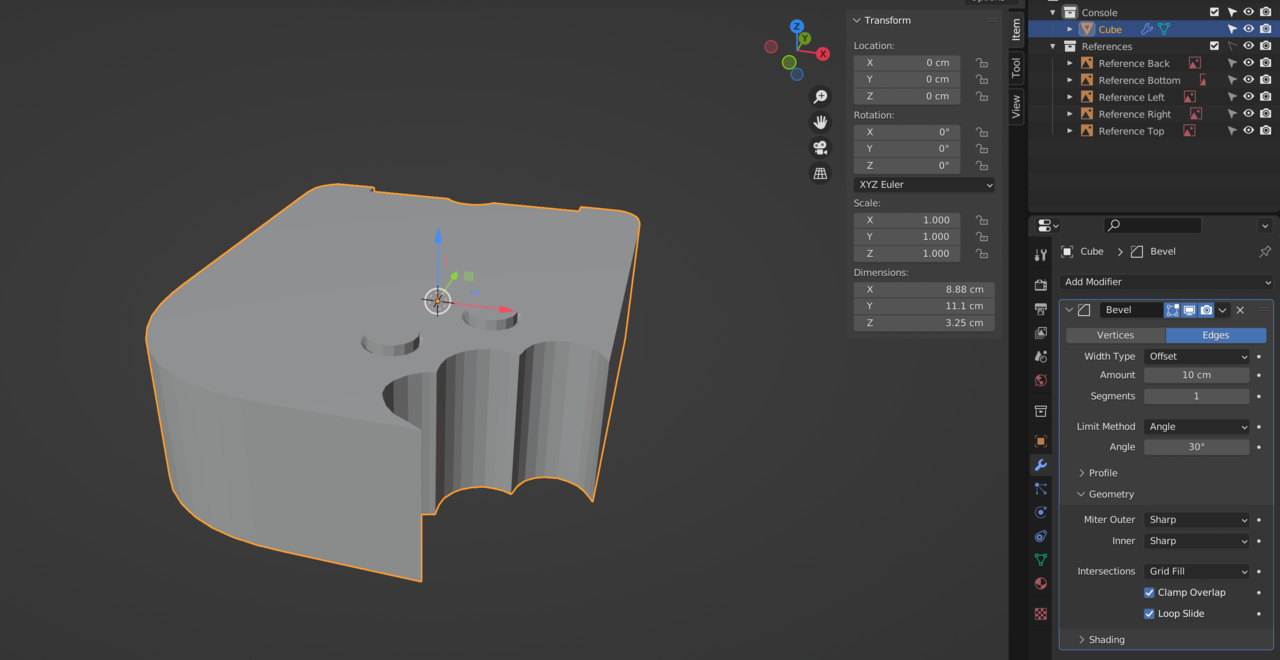
          Hmm, the only thing I can think of off the top of my head is merging by distance or fixing the scale if it’s too large or too small. What happens if you turn off Clamp Overlap under geometry and what are the dimensions of the object (listed in the sidebar)? 

          #73865
          Ethan Stroupe
          Participant

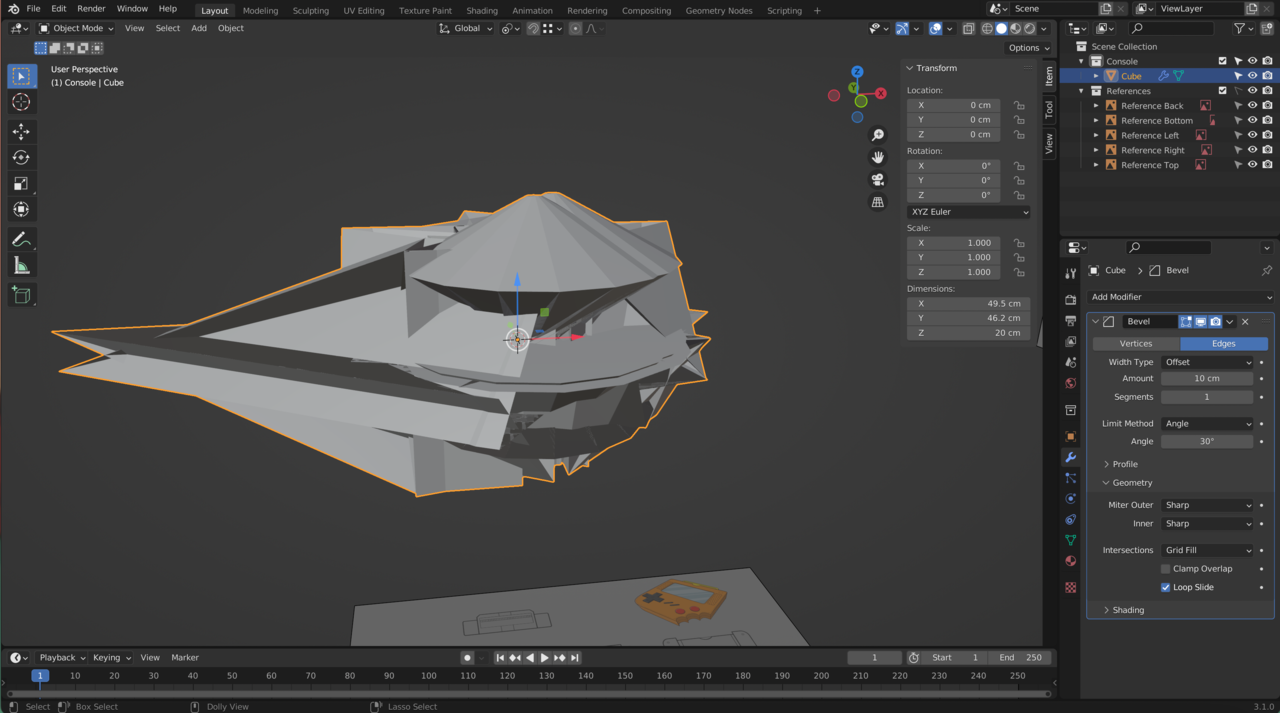
            Thanks for the response! So my dimensions (before unchecking clamp overlap) are X: 8.88cm Y: 11.1cm Z: 3.25cm.  When I turn off clamp overlap it goes crazy looking like in the photo.Screen Shot 2022-03-29 at 10.01.55 PM.pngScreen Shot 2022-03-29 at 10.02.27 PM.png 

            #73866
            spikeyxxx
            Participant

              Clamp Overlap takes the smallest Edge and tries to bevel that, but as soon as two Vertices meet, it stops. As your Object is 3.25cm high, it cannot bevel 10cm, in fact there are many much smaller Edges in your model (and it would only need one).

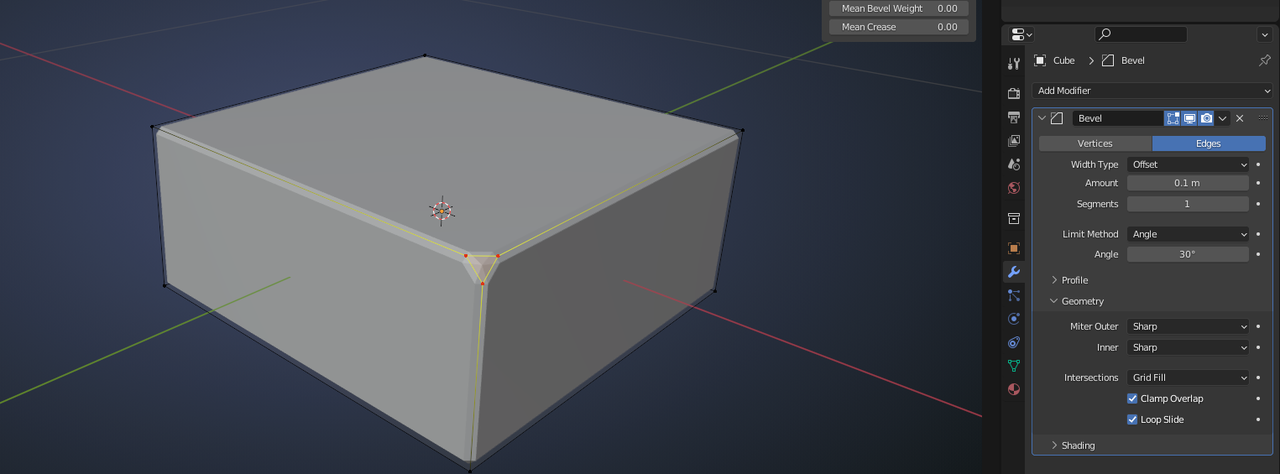
              Here the smallest Edge is 20cm, so there is no clamping with a 10cm Bevel:

              Clamp1.png

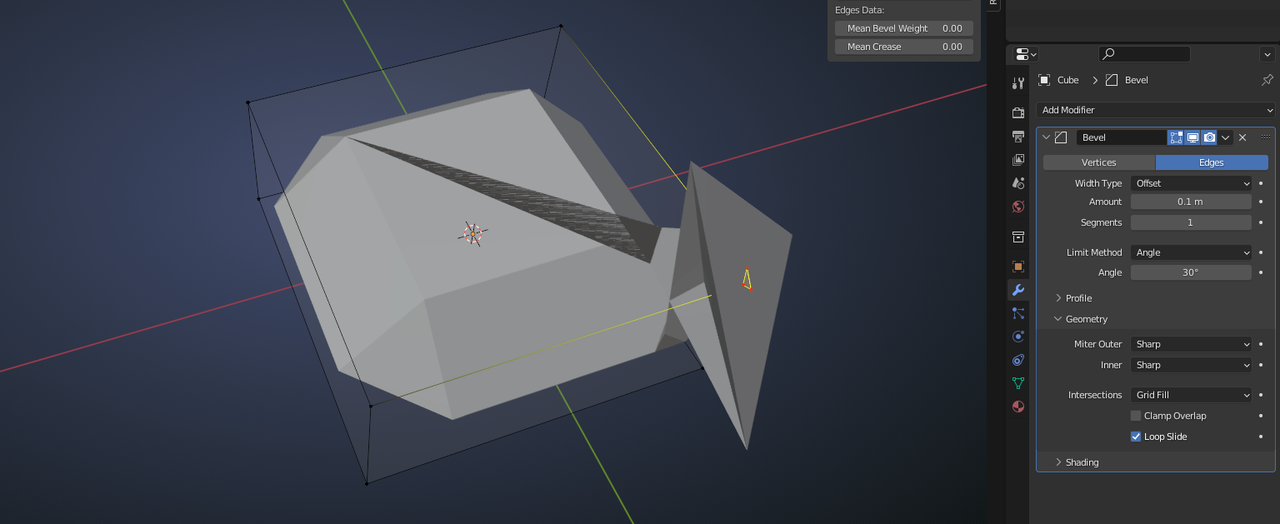
              But When I Bevel one corner Vertex, Clamp Overlap kicks in:

              Clamp2.png

              Of course that part will ‘explode when turning off Clamp Overlap:

              Clamp3.png

              #73867
              Ethan Stroupe
              Participant

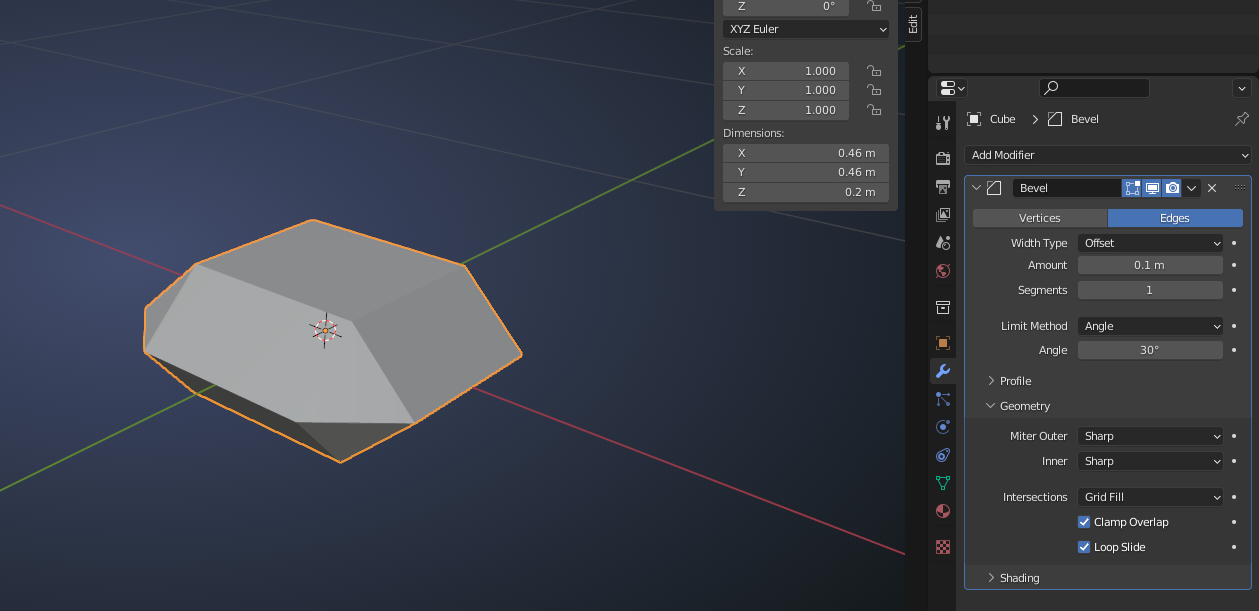
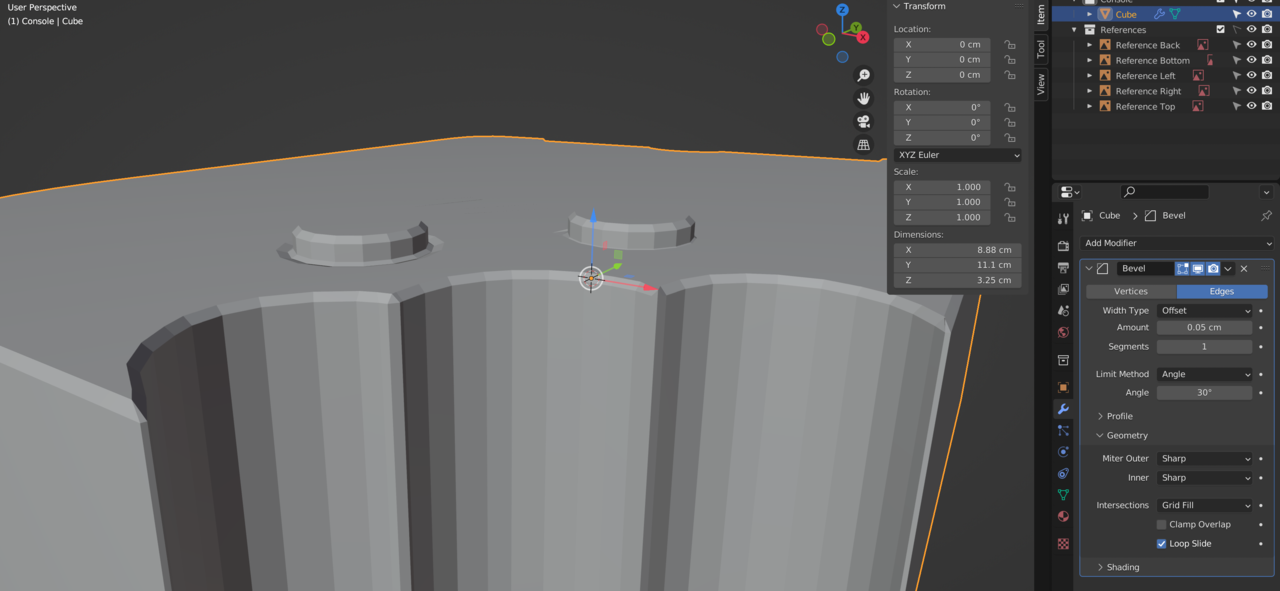
                Looks like making the size smaller and unchecking clamp overlap  did the trick! For some reason I wasn’t ever able to get any changes at all unless I unchecked clamp overlap, not sure what I did different since in the video it looks liked the model changed with the default bevel modifier settings. Maybe I made my model a little smaller or something. But it is working now, so thank you all for your help!

                Screen Shot 2022-03-30 at 9.19.24 AM.pngScreen Shot 2022-03-30 at 9.20.34 AM.png

              Viewing 6 posts - 1 through 6 (of 6 total)
              • The topic ‘When I add the Bevel modifier, nothing happens.’ is closed to new replies.