What’s the reason for this?

Forum Archive What’s the reason for this?

Viewing 3 posts - 1 through 3 (of 3 total)
  • Author
    Posts
  • #12112
    joebods
    Participant

      Hey everyone, I’ve got another question.  I’ve followed the tutorial closely several times now, and have followed along every step (to my knowledge, seems I missed a few things), and have finally made a render.  But it’s not quite ‘finished’ to my taste, anyway.  Here are some photos for reference: 
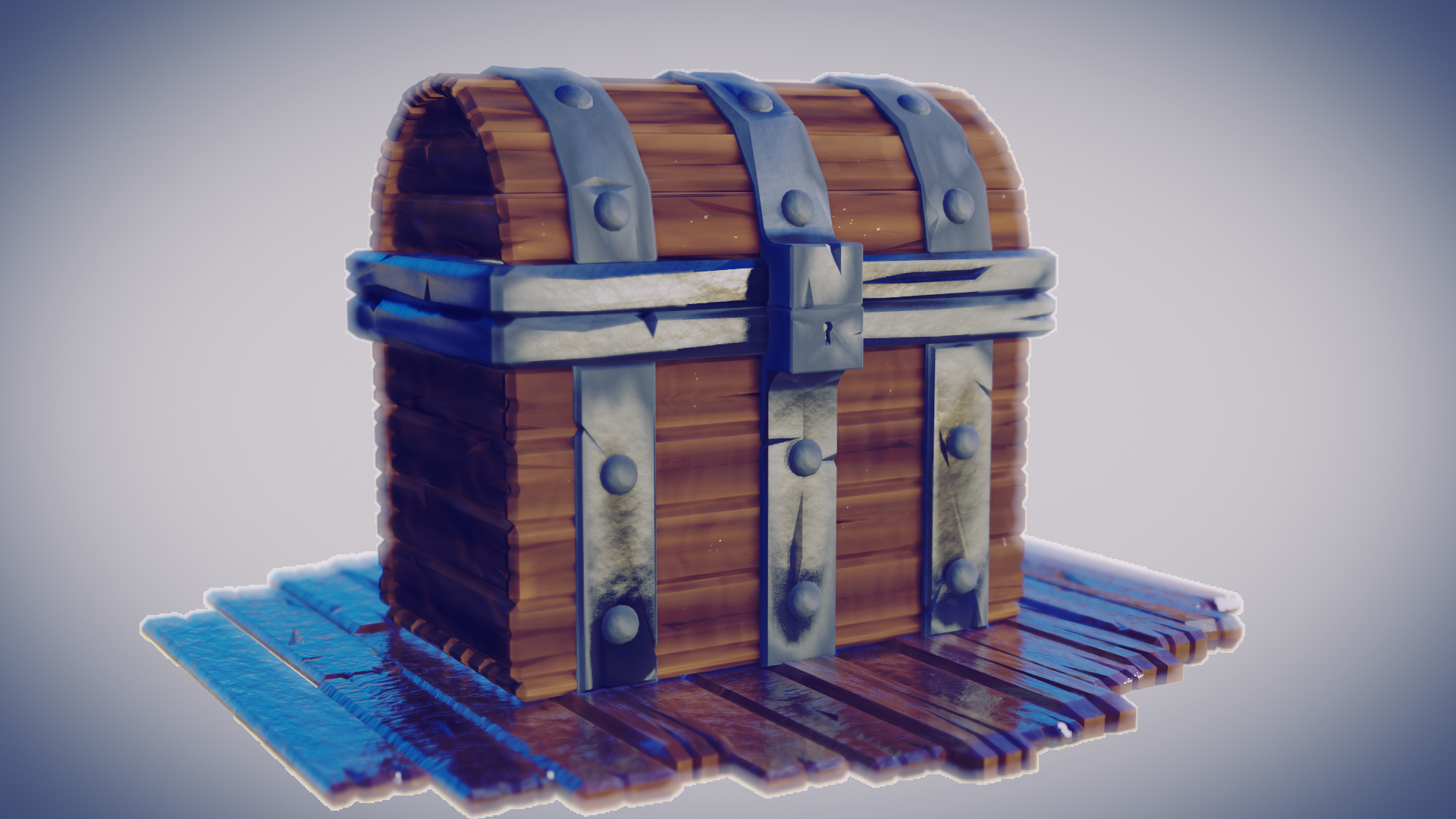
      I want the chest to look like this in the final render.

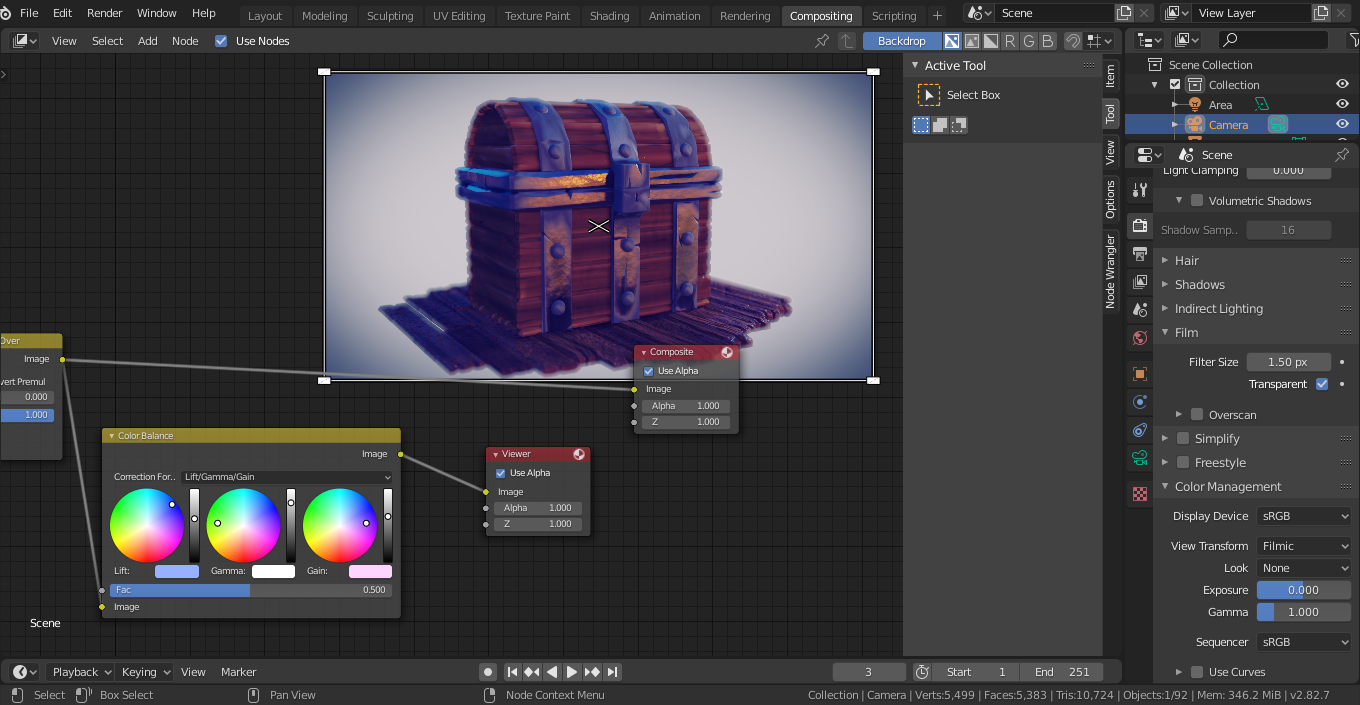
      However, it always looks like the following: 
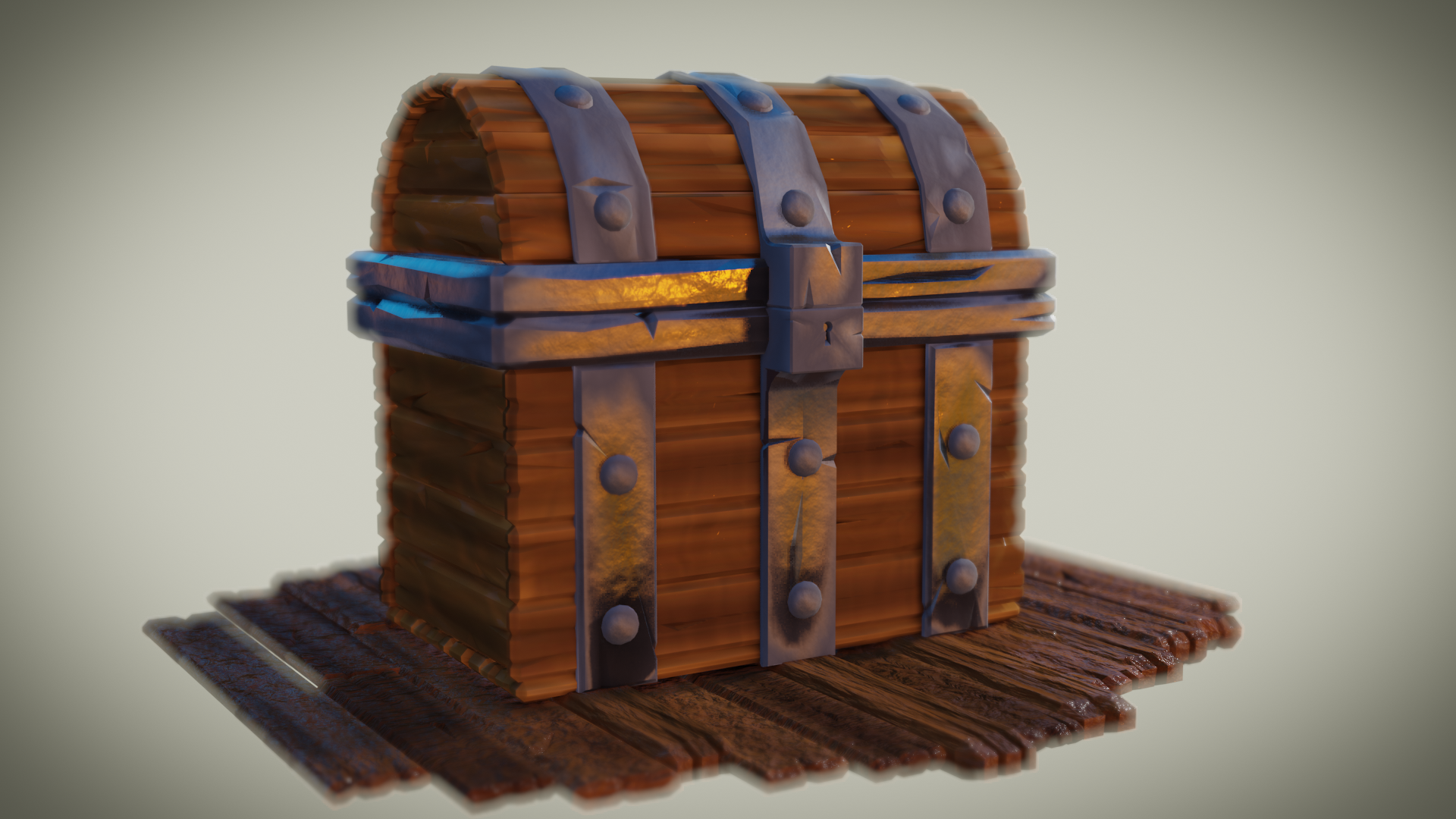
      I’m not displeased with it; I think it’s a good execution of the tutorial, except for two things, besides the aforementioned stuff.

      The wood will NOT reflect the chest no matter what I do.  I’ve tried changing the values on the color ramp from their default 0 a 1 between .1 and .9, dragging them around, and nothing happens.  Seems the shadow cast from the light is missing, too.  The second thing is the bloom – turned it on and off and there was no change in light.  Turned every setting all the way to max and saw no difference.  Is there a setting I’m missing or something?  I really want to be done with this so I can continue learning with other projects.  

      Drive and save for reference: 

      Here you go!

      Thanks to everyone.

      #57400
      spikeyxxx
      Participant

        Good work Joe!

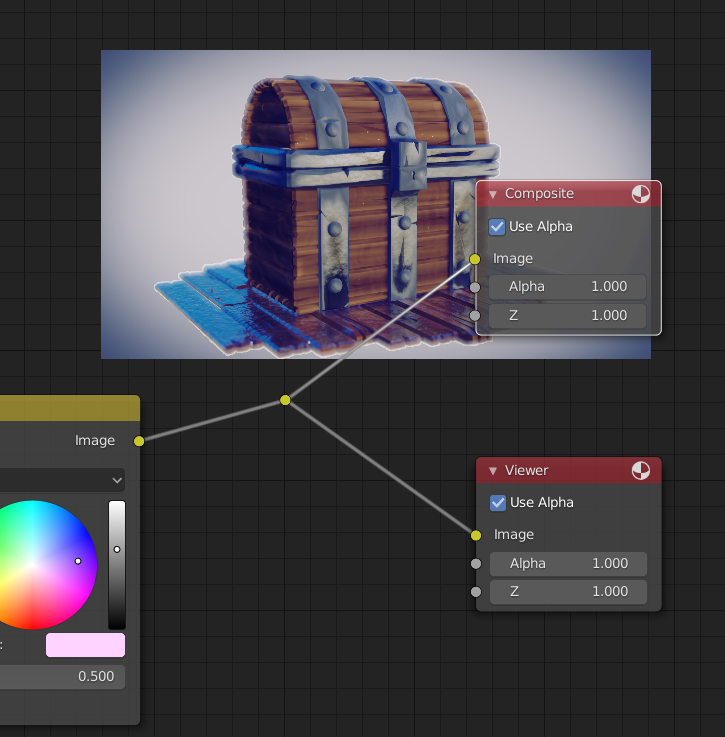
        First, you forgot to connect the output of the Color Balance Node to the Composite node:

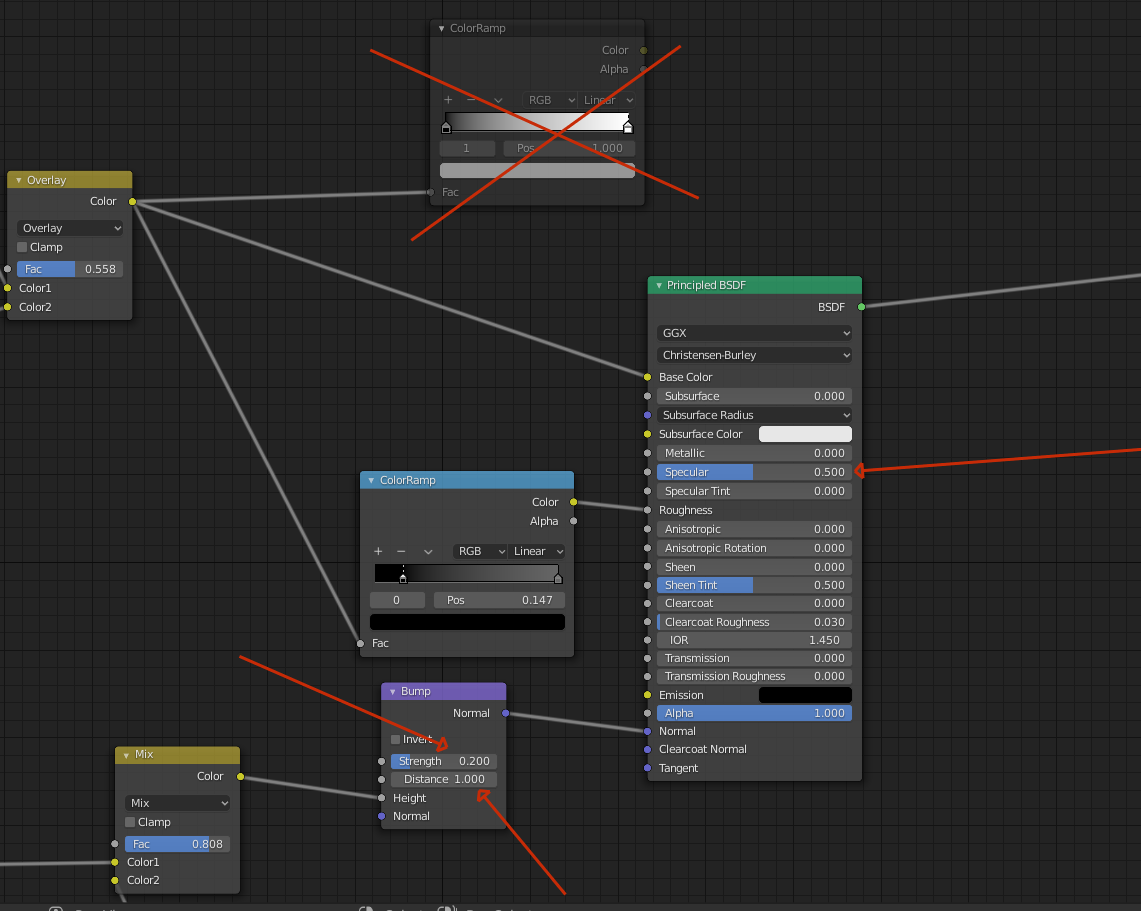
        The wood doesn’t reflect the chest, because you feed a very dark map into the Specular input of the Principled Shader.

        The Specular Value depends on the IOR of the material and for a lot of materials that is an IOR of 1.45 and a Specular of 0.5.

        You can of course change that value and even feed in a greyscale image, but know that that is not realistic.

        So I removed that connection and brought back some Roughness and also reduced the Bump a bit.

        I reduced the Treshold of the Bloom, because the higher you set that, the brighter a pixel needs to be to get some bloom effect and this is the result I got with those tweaks:

        Play around a bit with your settings, but overall a great result!

        I’d say you learned a lot from this course;)

        #57401
        Kent Trammell
        Participant

          Spikey is exactly right about the fixes and the fact that you’ve done a great job executing the tutorial result!

        Viewing 3 posts - 1 through 3 (of 3 total)
        • The topic ‘What’s the reason for this?’ is closed to new replies.