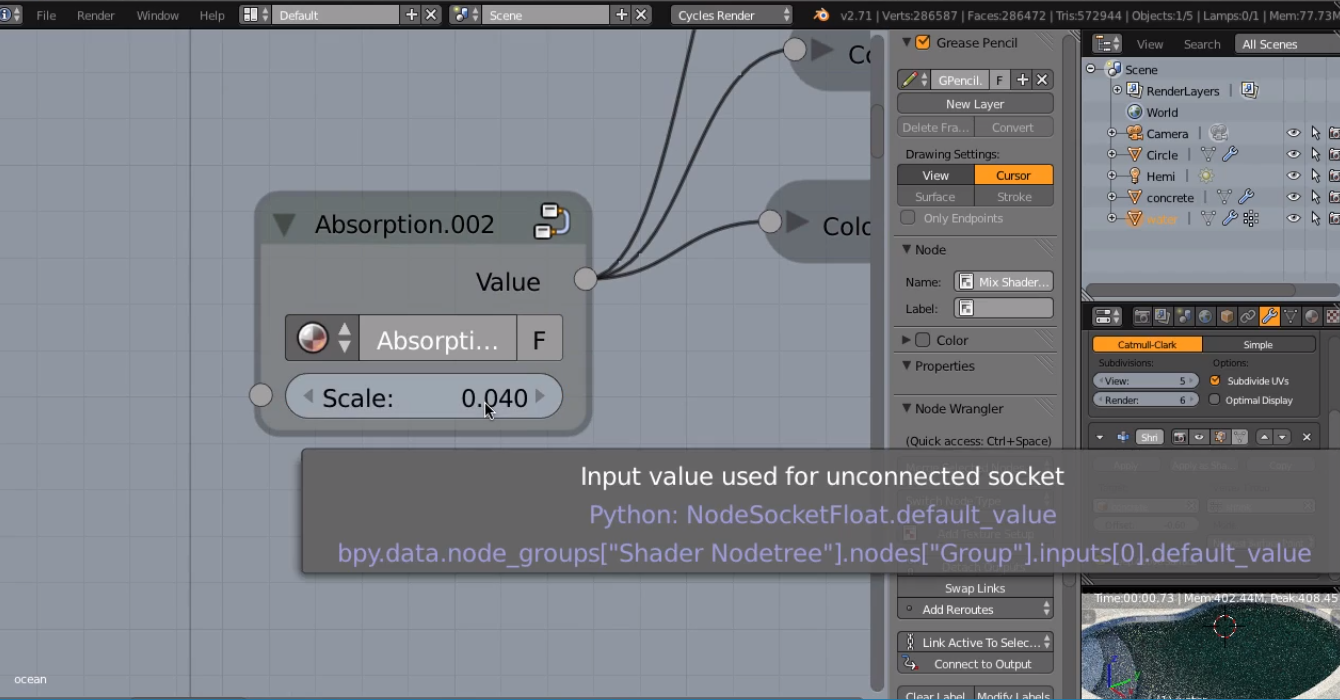
This means that when an input socket is not connected (unused), the value (or values, when it’s a non-grey socket) in that field is used.
All input sockets have a default that is used, when nothing is plugged in: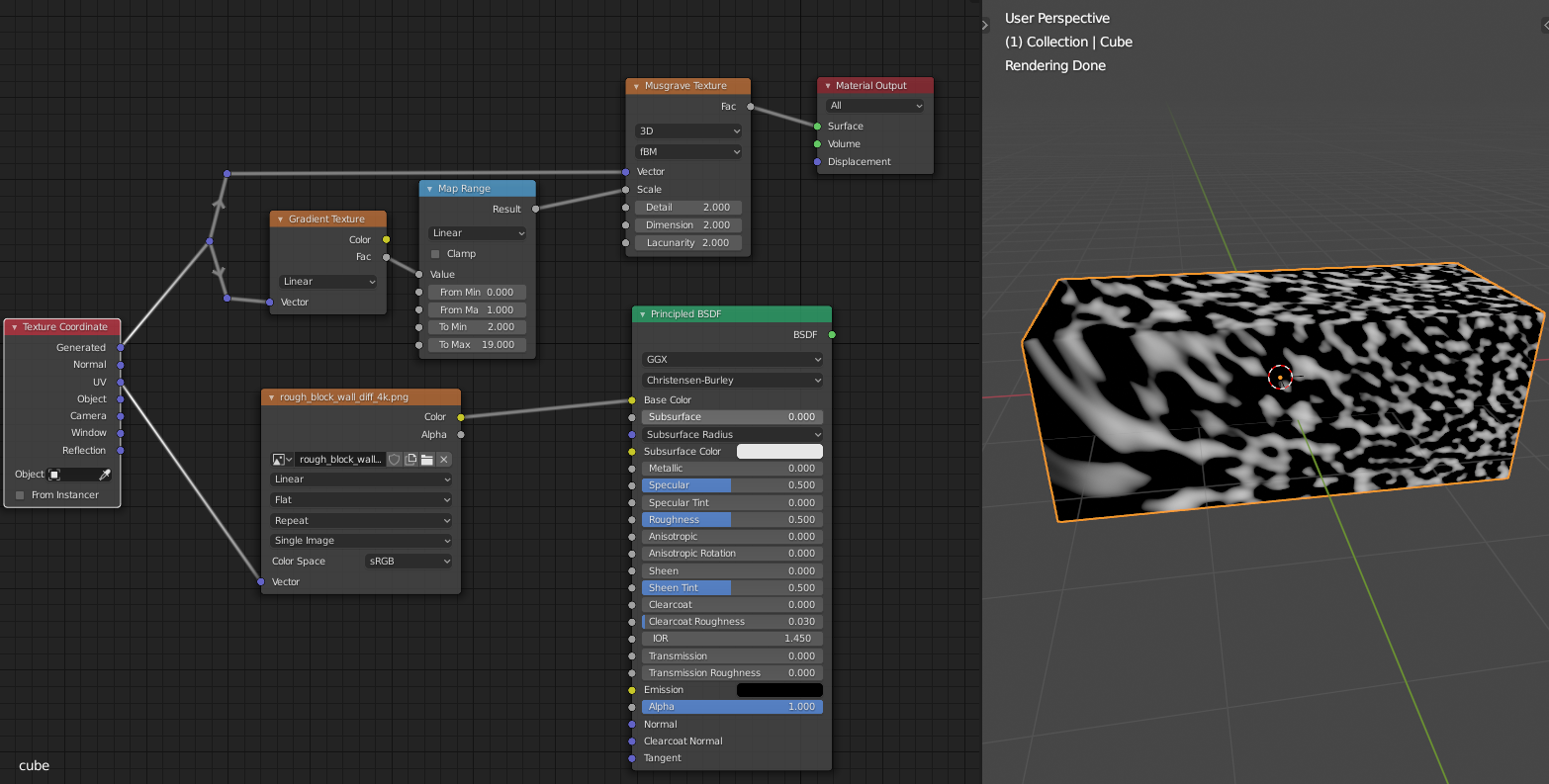
Mostly (grey sockets) a single value that is written in the field right of that socket and sometimes a default color (yellow socket), which is also called value in the tooltip, but sometimes, when there is no field, just a name (usually only with purple sockets), there is not just a single vector or value. In the above example the Musgrave and Gradient Textures use Generated Coordinates when nothing is plugged in and the Image Texture Node uses UV Coordinates by default.
It can be that you don’t want to use a single value for something and then you can plug in a texture, like in the screenshot, I plugged a Gradient Texture into the Scale of the Musgrave, so the scale changes from left to right.
I hope this helps a bit in understanding and is not too confusing 🙂

.