Weird shading issues

Forum Archive Weird shading issues

Viewing 8 posts - 1 through 8 (of 8 total)
  • Author
    Posts
  • #19600
    Ondřej Madeja
    Participant

      Hey

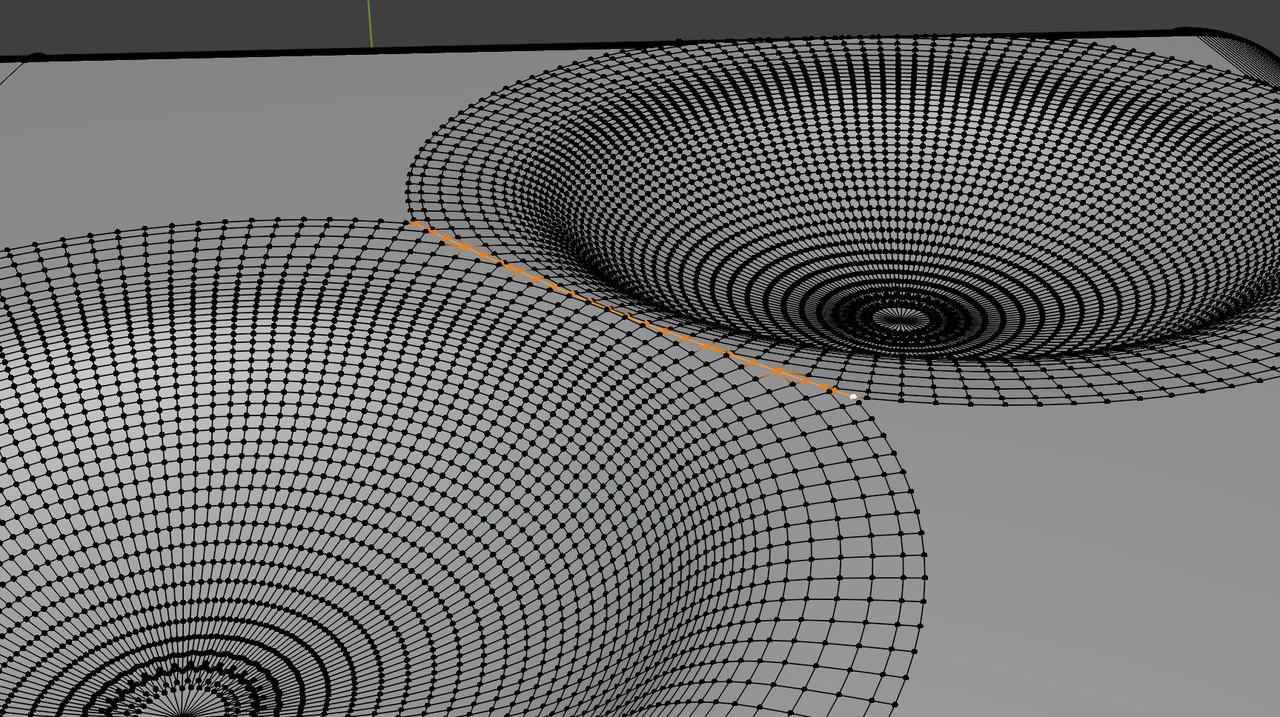
      I’ve been trying to model the cube in a same way as shown in the course, but I have been running into these weird shading issues while trying to create more dimples. Here is the image 

      #92826
      Dwayne Savage
      Participant

        I think you’ve got your dimples(Cutter objects) to close together. It looks like they are overlapping and causing the weird triangulation. 

        #92827
        Martin Bergwerf
        Participant

          Hi Ondřej  @Paker ,

          Is your Cube set to Shade Smooth, maybe? (Doesn’t look like it, but…?) Shade Smooth By Angle would then be a better option.

          There’s actually quite a lot that can go wrong with Booleans, but this doesn’t look like a major thing. But I can’t reproduce the result, so maybe you can post a link to your .blend file (via Dropbox, GoogleDrive, or so). That is if Dwayne didn’t already solve the problem, of course.

          #92828
          Omar Domenech
          Participant

            Yeah, post a link to your file so we can take a close look at it. Put our Sherlock hats on. 

            #92829
            Ondřej Madeja
            Participant

              Okay, so I have tried to put them further apart and that had created another shading issue :D. Also, when I try to join the dimples, the cube and the dimples move into a weird wireframe form when the boolean is used. I have weird boolean issues in this course overall :D. You can get the file here

              #92830
              Martin Bergwerf
              Participant

                Hi Ondřej,

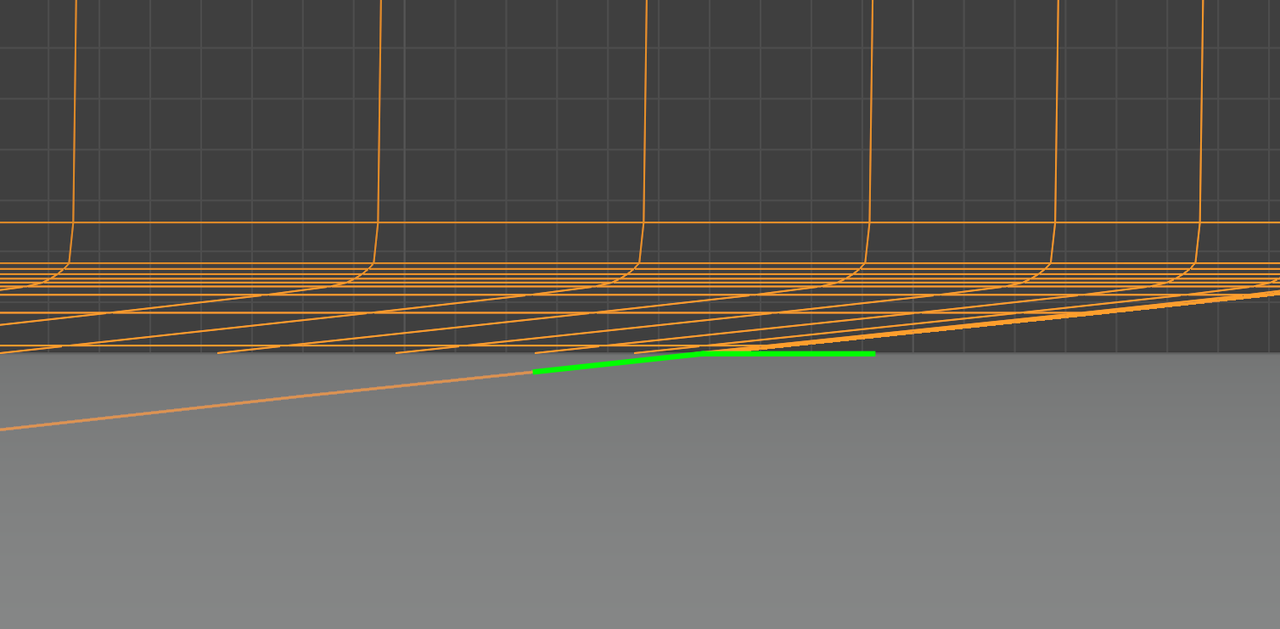
                The issue is, that the intersections of the dimples are not a straight line (the middle is not flush with the Cube, if that makes sense):

                Dice.png

                This image is after Applying the Boolean Modifiers.

                So basically, the size of the dimples is too large, as Dwayne suggested.

                #92831
                Ondřej Madeja
                Participant

                  Hey!

                  I made the size much smaller so that it doesn’t touch at all. But now there are weird outer rings around the dimples and also weird shading issues that I hope are visible from the image. I thought this won’t make much issues when I apply some texture to it, but sadly it is quite visible. I also applied all the transforms, but that didn’t do anything. Here is the image

                  Thanks for your help, guys!

                  #92832
                  Martin Bergwerf
                  Participant

                    Hi @Paker ,

                    That’s this angle:

                    Dice_01.png

                    You might need to play with your Smooth By Angle Settings…

                  Viewing 8 posts - 1 through 8 (of 8 total)
                  • The topic ‘Weird shading issues’ is closed to new replies.