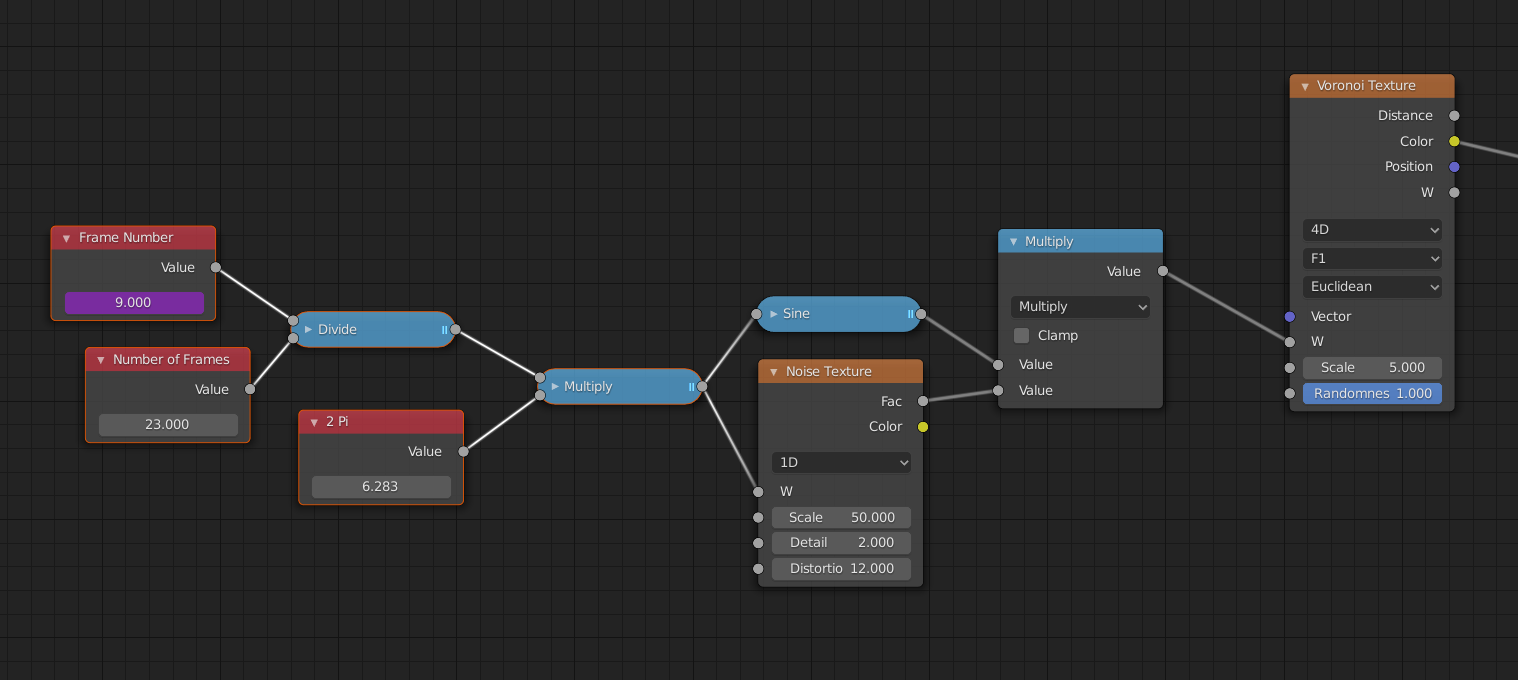
One of the great advantages of procedural textures is, that they do not repeat themselves. There is no ugly tiling.
But what if you want to make a procedural fire like @theluthier and you are driving the flame with a Noise Texture and want to make a looping animation of it?
What you can do is this:
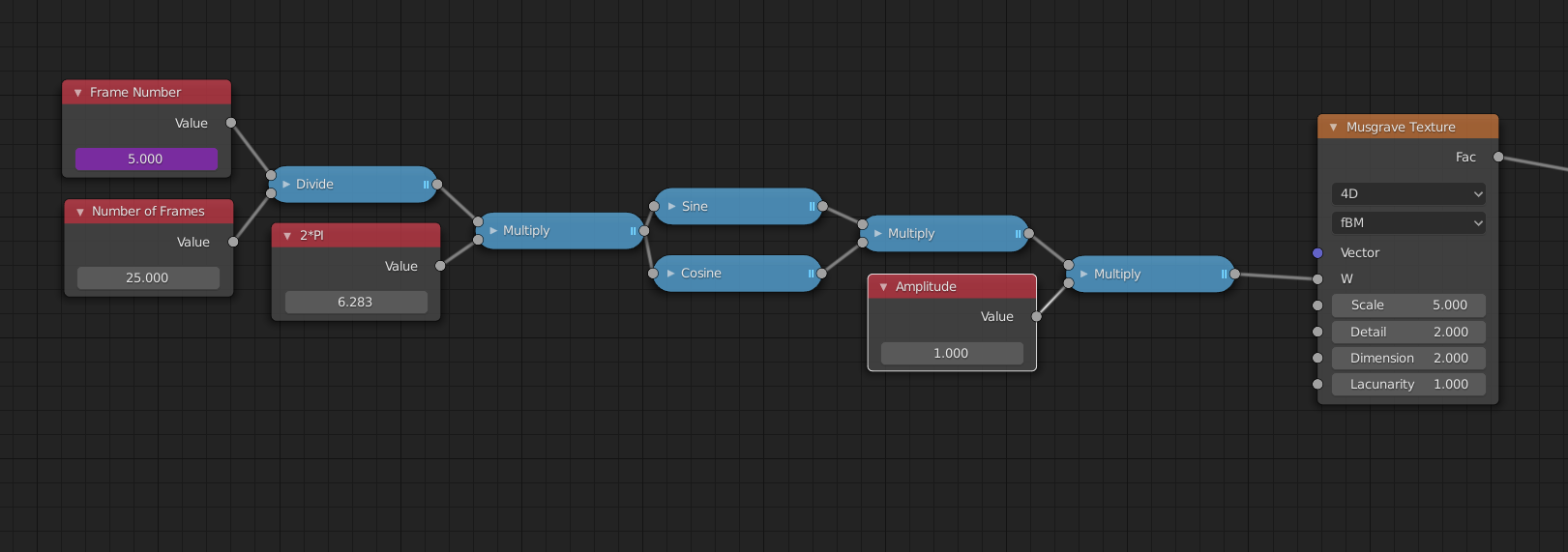
Technically it is not a loop in the sense that it goes around, but more like a wave, going up and down, but it will be repeating anyway, so who cares.
From left to right: Make an Input Value Node and type #frame in the field. This makes a driver so that it will output your frame number. We divide this by the number of frames in your loop, resulting in a number between 0 and 1. Multiply this by 2 Pi (because Sine and its brothers take Radians as an input). We could also use a Converter > Map Range for this. (And in 2.82 we could use a To Radians conversion in the Math Node…)
I then combine a Sine and a Cosine. Here I multiplied them, you could also add them. This is just because Sine and Cosine have an almost flat part, resulting in a few consecutive frames, that might be the same…
Then multiplying it by a ‘speed’ factor. It is basically how far two textures in neighbouring frames are apart.
Works on any noise texture that has a fourth dimension (here used as time).
Maybe this is helpful to someone.

.