VonnBott Properties – can’t find? Which menu is it on? The script executed find (or it appeared to)

Forum Archive VonnBott Properties – can’t find? Which menu is it on? The script executed find (or it appeared to)

Viewing 15 posts - 1 through 15 (of 18 total)
  • Author
    Posts
  • #7453
    Joseph Stout
    Participant
      #27092
      Wayne Dixon
      Participant

        It is in the ‘properties panel’ of the 3dviewport (n)

        make sure you are not getting any errors in the info bar as soon as you open the file.

        (“reload trusted”)

        And that you also have ‘auto run python scripts’ from the User Prefs> File

        #27093
        Joseph Stout
        Participant

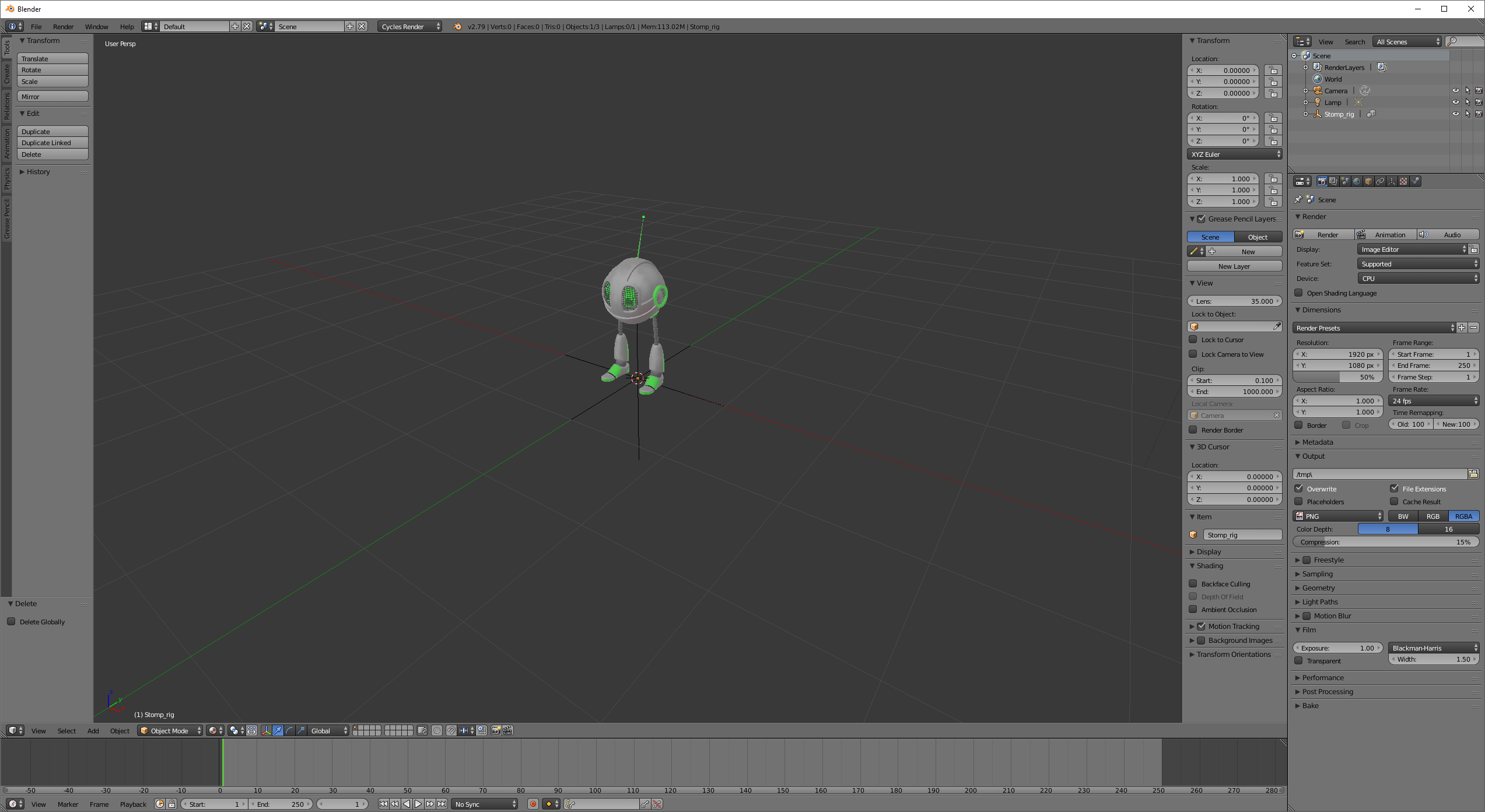
          next to global on the bottom where there are tick marks.  I show just the 1 tick indicating my vonbott is in the scene.  

          #27094
          Joseph Stout
          Participant

            next to global on the bottom where there are tick marks.  I show just the 1 tick indicating my vonbott is in the scene.  

            #27095
            Joseph Stout
            Participant

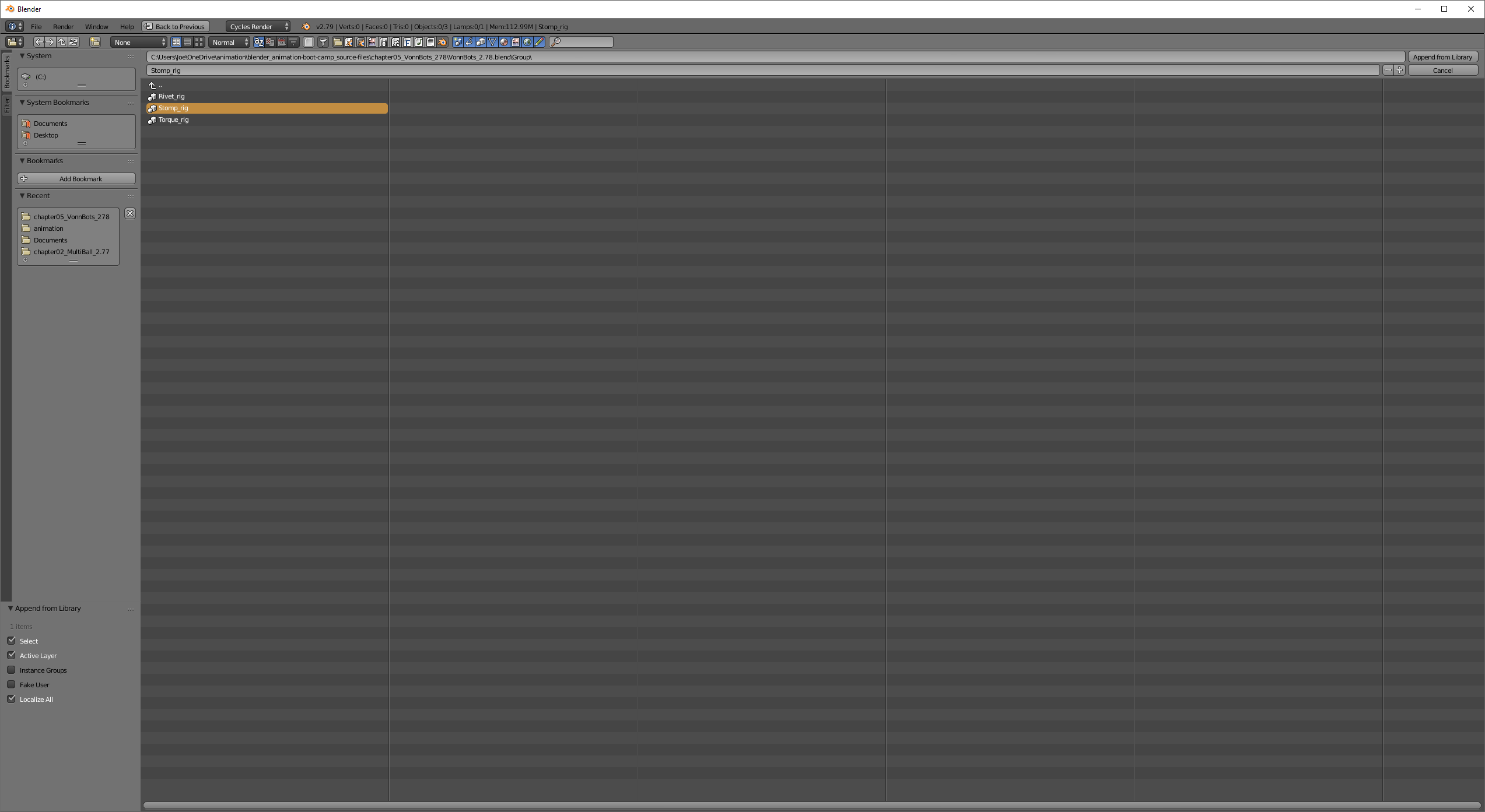
              I append the rig

              #27096
              Joseph Stout
              Participant

                Nothing different happens

                #27097
                Wayne Dixon
                Participant

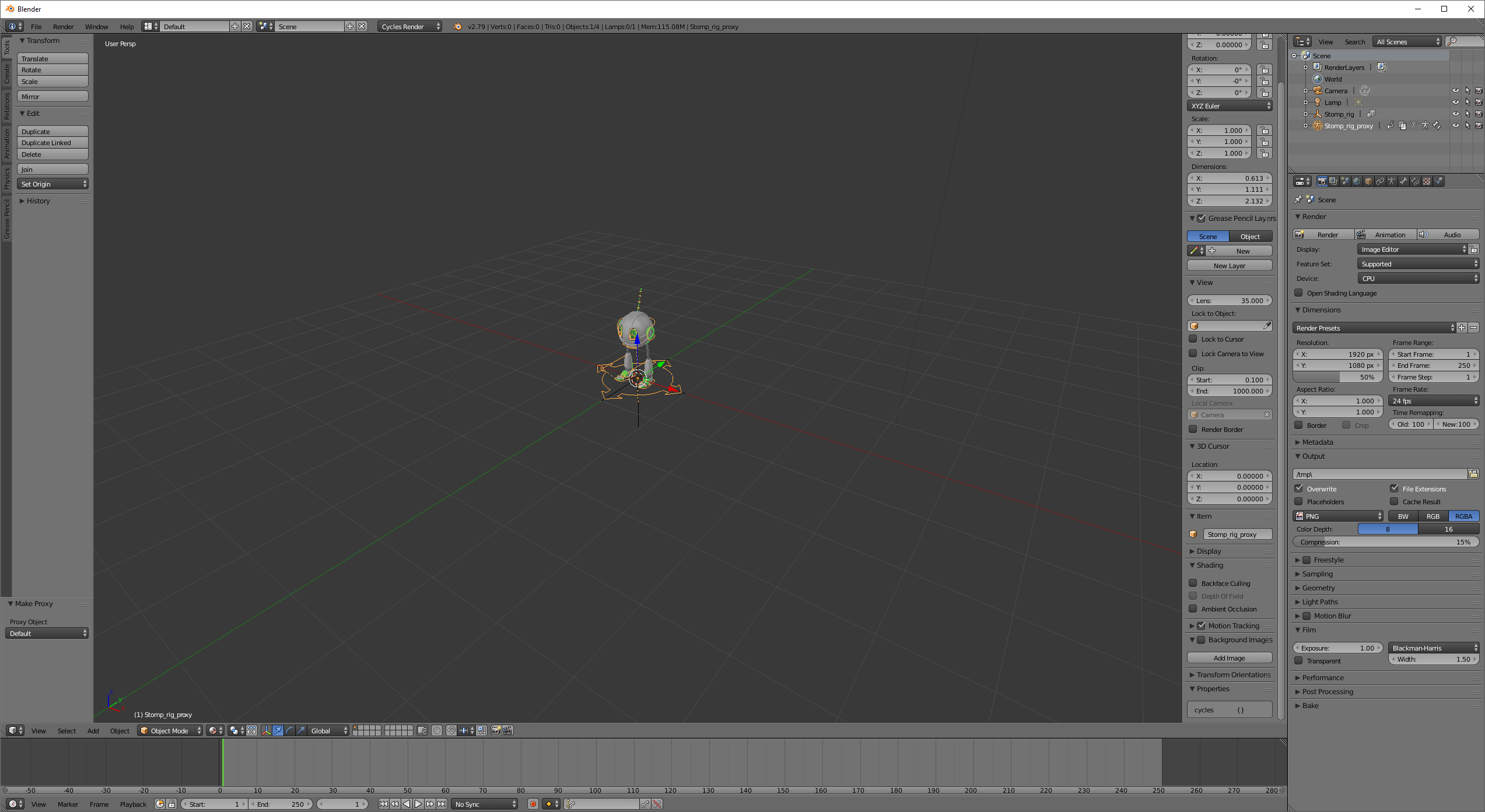
                  Ok so you have linked in the character so make sure you create a proxy and select the actual rig (not the mesh)

                  This will make a local copy of the armature, and the ui will show

                  #27098
                  Joseph Stout
                  Participant

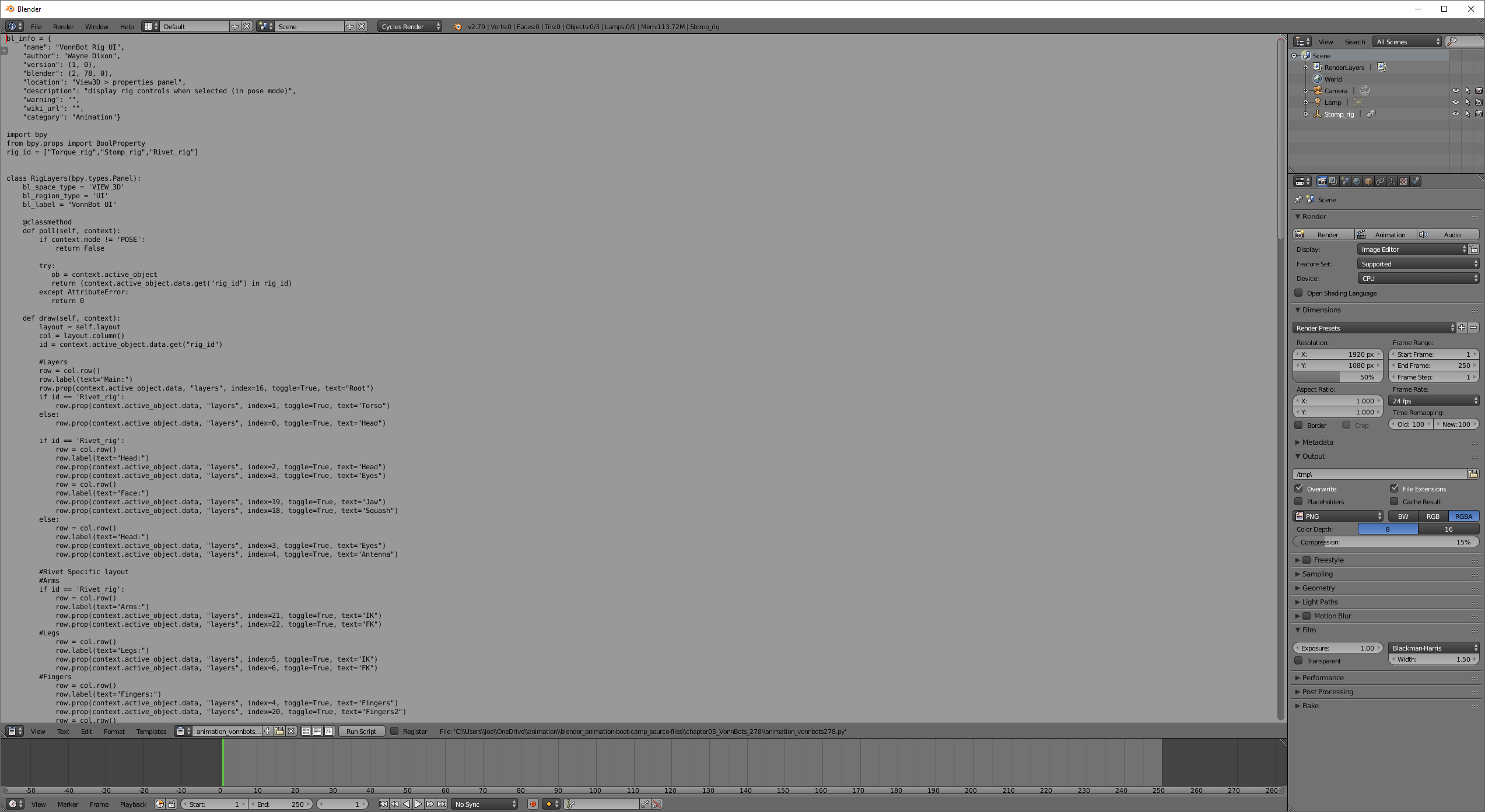
                    I open the python script in the text editor and load it :

                    #27099
                    Joseph Stout
                    Participant

                      I click run script; no errors but it doesn’t appear to do anything …

                      #27100
                      Joseph Stout
                      Participant

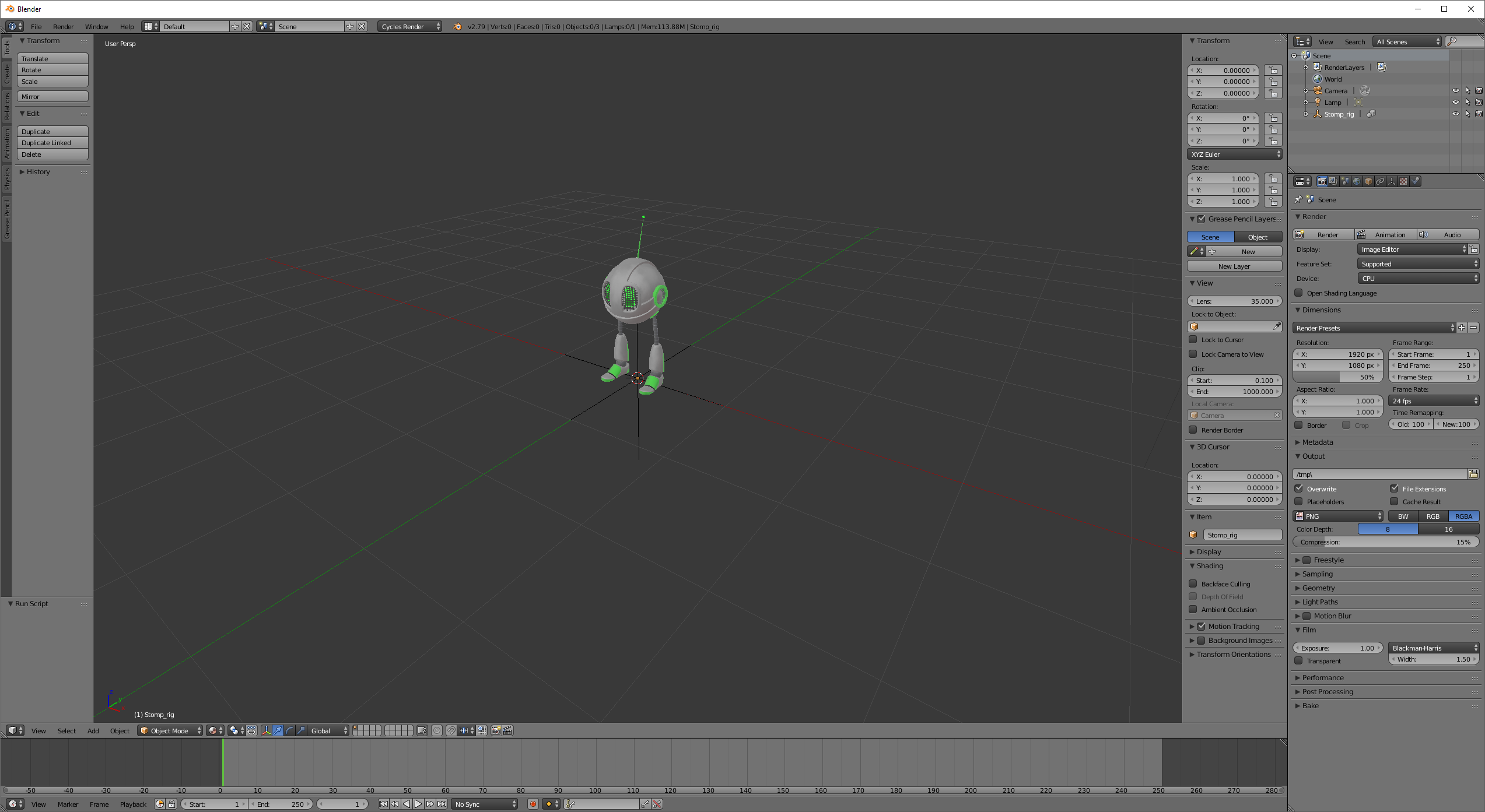
                        back in 3d view::UI doesn’t come up still and no rig will allow me to move stomp around

                        #27101
                        Wayne Dixon
                        Participant

                          Have you read my reply?

                          Create a proxy for the rig.

                          Select the linked object.

                          Then

                          Ctrl+Alt+P > Type ‘rig’ (and choose the rig object)

                          And violla, it will work.

                          #27102
                          Joseph Stout
                          Participant

                            Wayne, sorry about all of the images but I am really interested in pursuing all of your courses and I feel like I’ve gotten so much so far…hopefully you can help me get on my feet.  Let me know if I appear to be doing something wrong ; or if I am using improper terminology.

                            #27103
                            Joseph Stout
                            Participant

                              ahh I see, so when you say create a proxy….what hot key do I use?

                              #27104
                              Joseph Stout
                              Participant

                                I swear I kept scanning your videos to see how to create the proxy but I couldn’t find it…I know you say that in your video..I just couldn’t figure out the hot key

                                #27105
                                Joseph Stout
                                Participant

                                  ahhh nice; It did work!  The UI menu is still not showing

                                Viewing 15 posts - 1 through 15 (of 18 total)
                                • The topic ‘VonnBott Properties – can’t find? Which menu is it on? The script executed find (or it appeared to)’ is closed to new replies.