Course Library
Learning Paths
Free Courses
Learn Blender 3D in the way that’s right for you.
Inner Circle
Where members share progress and help each other learn.
›
The Commons
A free Blender community open to artists of all skill levels.
Forum Archive › Viewpoint
Hello,
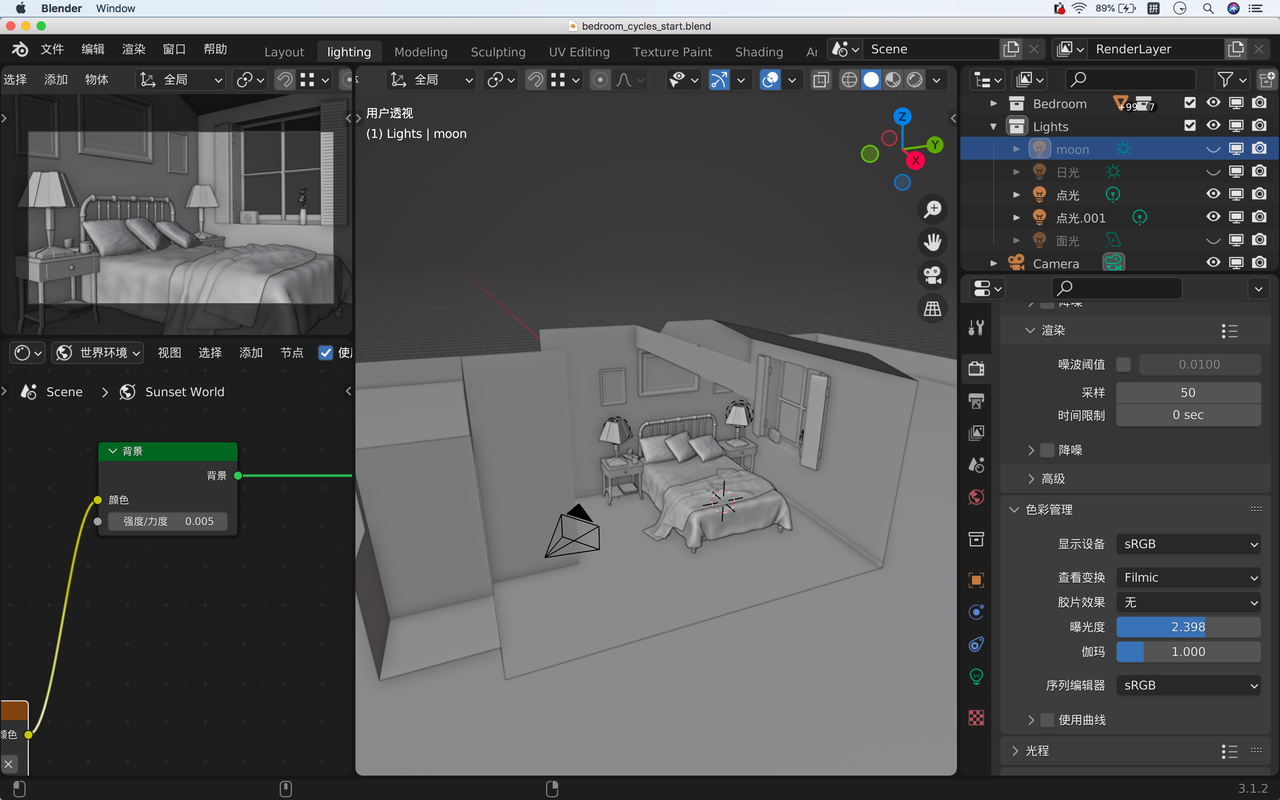
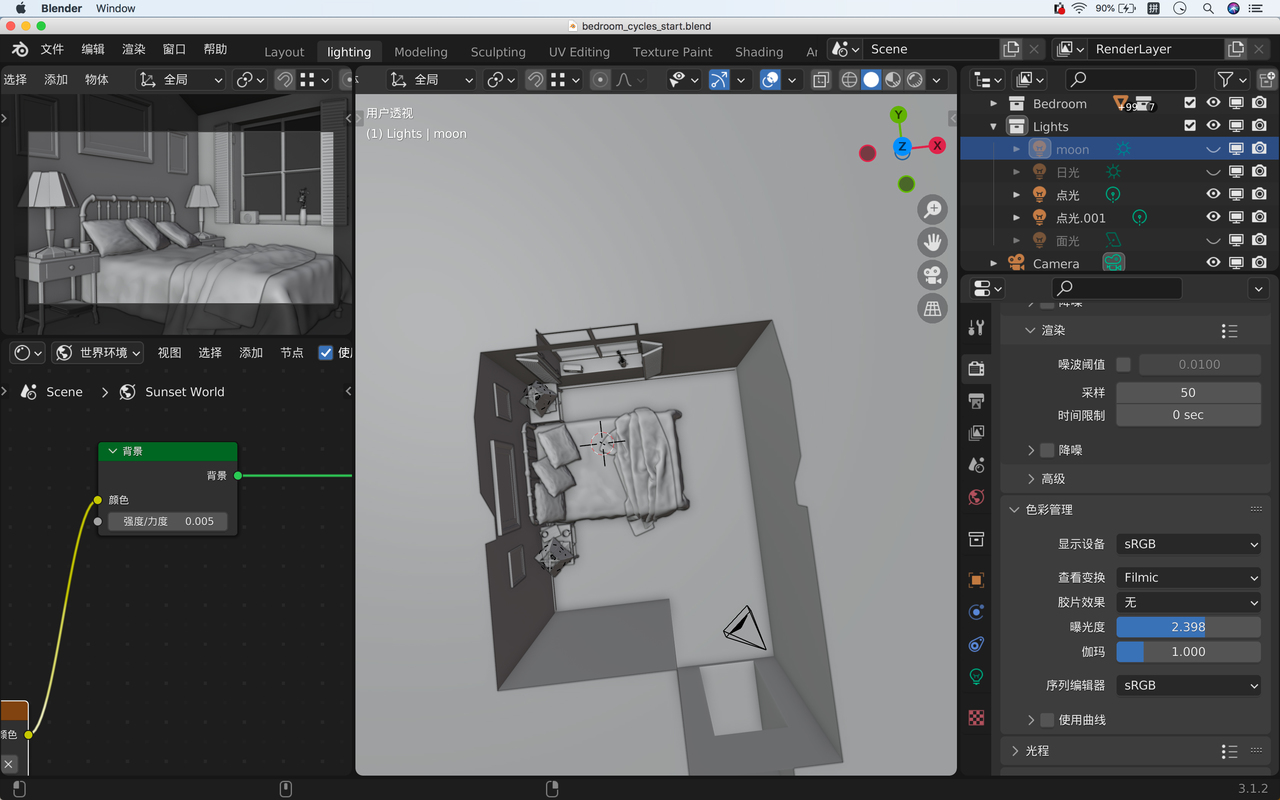
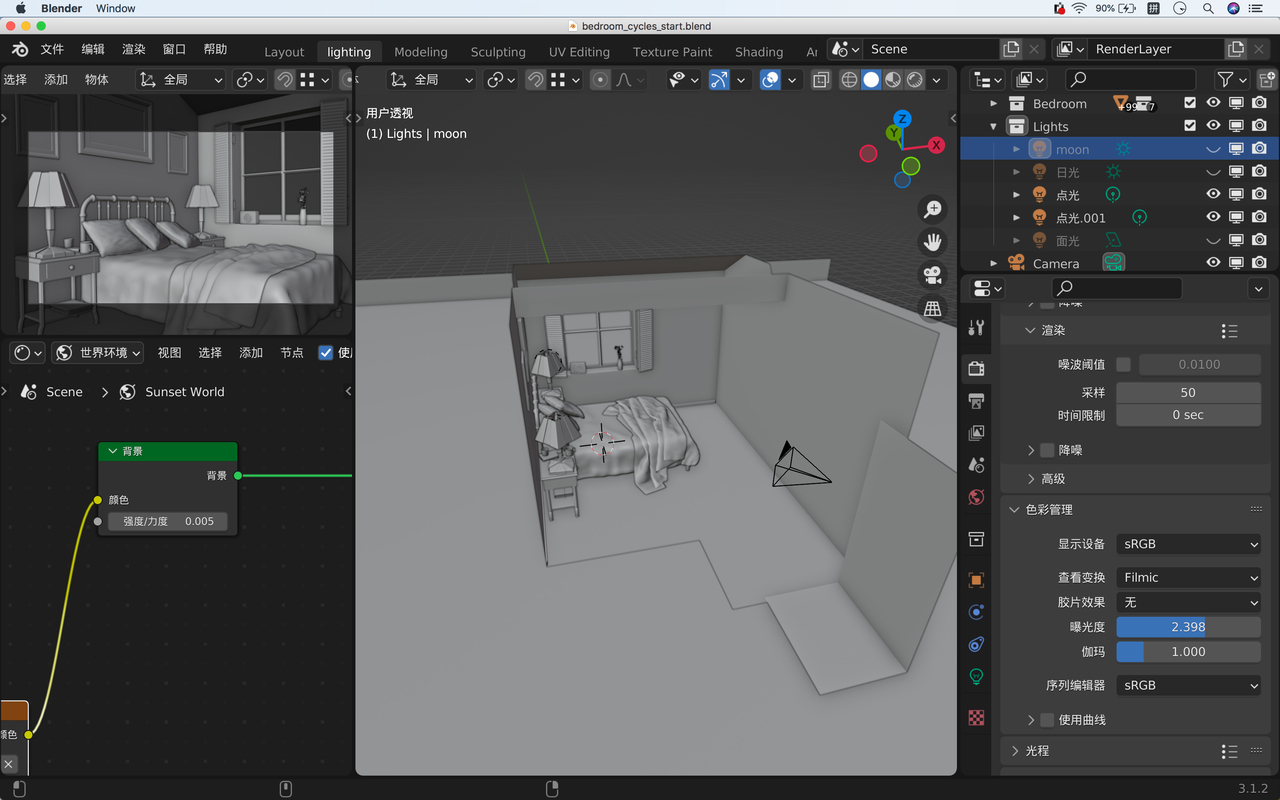
I want to know how to make the wall disappear when change the viewpoint like in the tutorial?
Thank you!
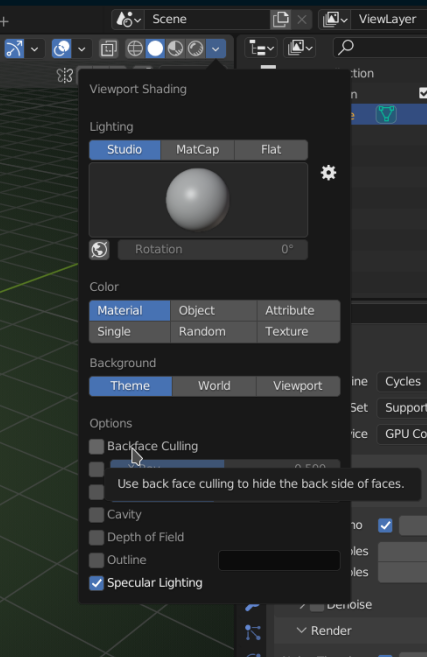
Turn the walls inside out (in Edit Mode select the walls and then ALT+N > Flip ) and enable Backface Culling in the Viewport Shading dropdown:
Thanks 🙂

.


 .
.