
UV Unwrap for the hat band

Forum Archive UV Unwrap for the hat band

Viewing 3 posts - 1 through 3 (of 3 total)
  • Author
    Posts
  • #13493
    springzephyr
    Participant

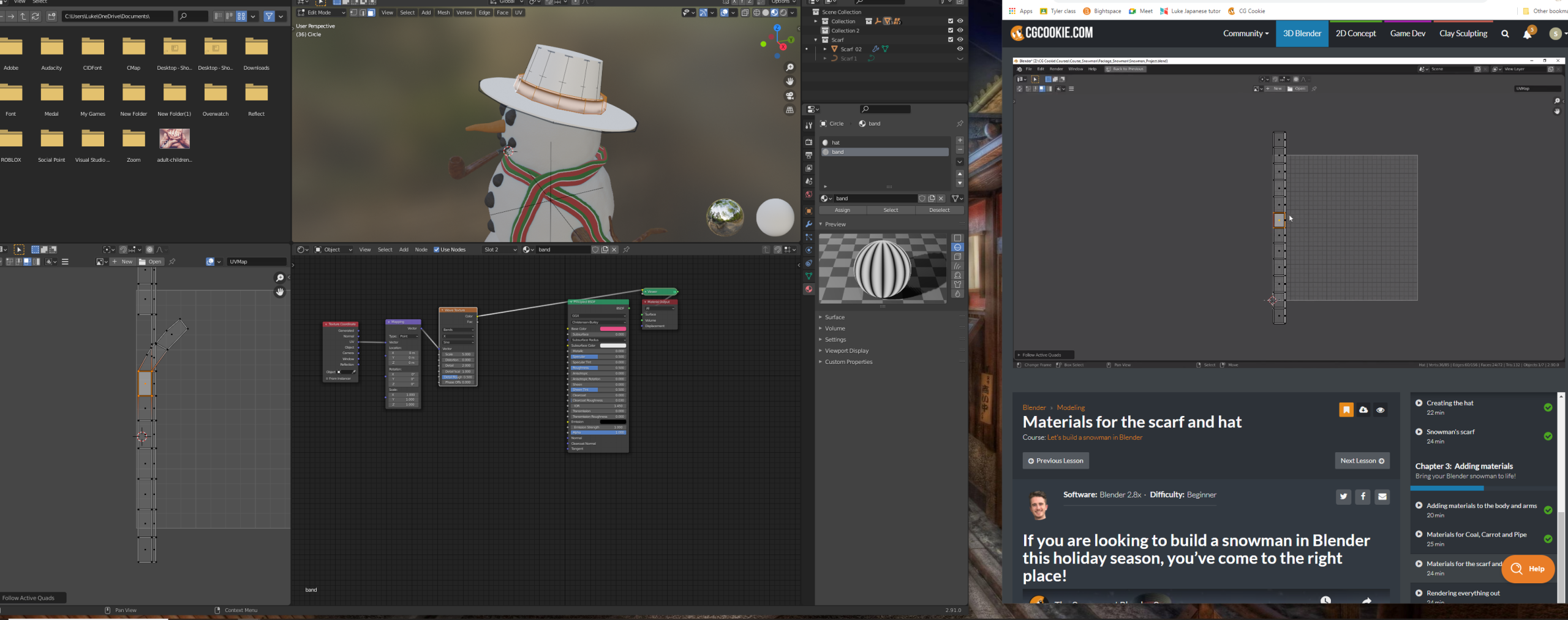
      Hi there is there anyway to manipulate the verticies manually if they don’t want to align?

      #62932
      spikeyxxx
      Participant

        In the UV Editor select the Vertices that you want straightened out (one edgeloop at the time!) and press SHIFT+W > Align….

        But that is a pain if you want everything straightened out. Follow Active Quad should work; make sure everything is selected when you try that.

        #62933
        Chunck Trafagander
        Participant

          Like spikeyxxx mentioned, you can go ahead and utilize the Follow Active Quads method as explained at timestamp 15:50. That should normally get you most of the way!

          However, if for some reason that doesn’t seem to be doing the  job, you can manually edit UVs like you would a mesh. Make sure you are in Vertex selection mode in your UV editor (top left corner) and you should be able to move any vertex you’d like. 🙂

        Viewing 3 posts - 1 through 3 (of 3 total)
        • The topic ‘UV Unwrap for the hat band’ is closed to new replies.