UV test is not displaying properly.

Forum Archive UV test is not displaying properly.

Viewing 5 posts - 1 through 5 (of 5 total)
  • Author
    Posts
  • #10707
    knightwolf
    Participant

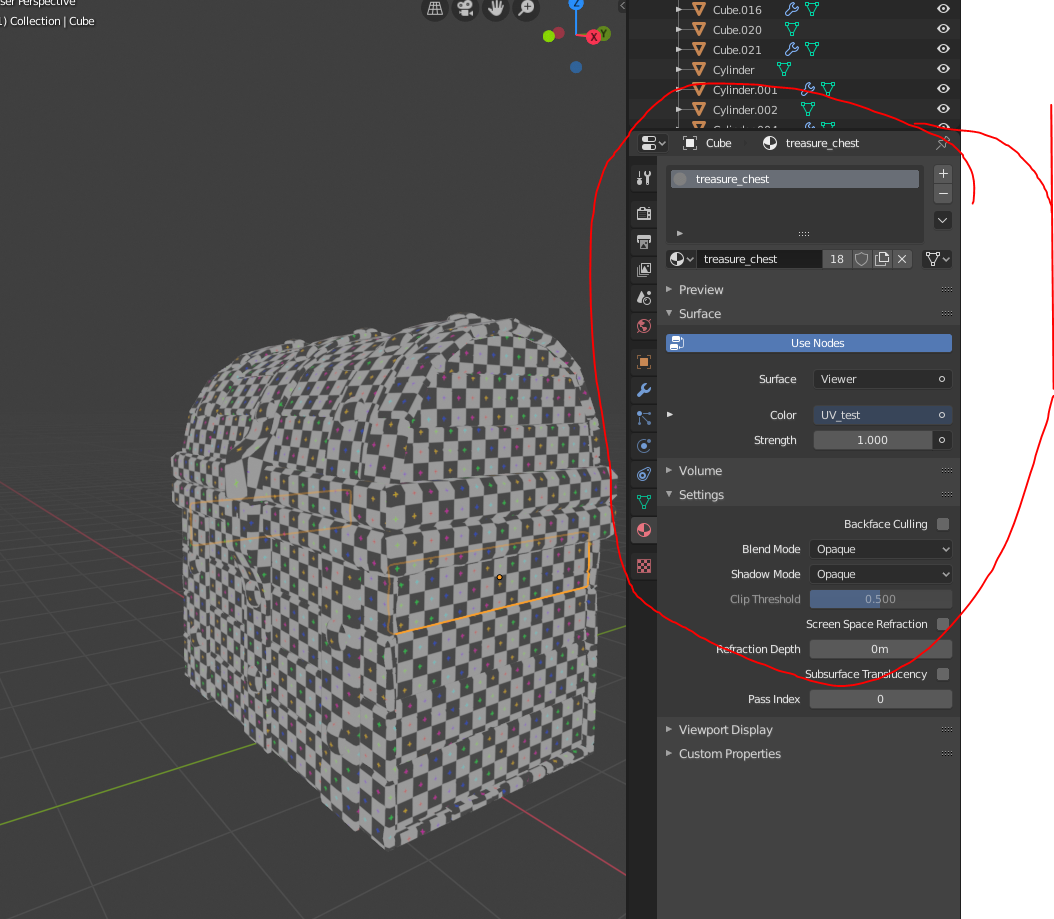
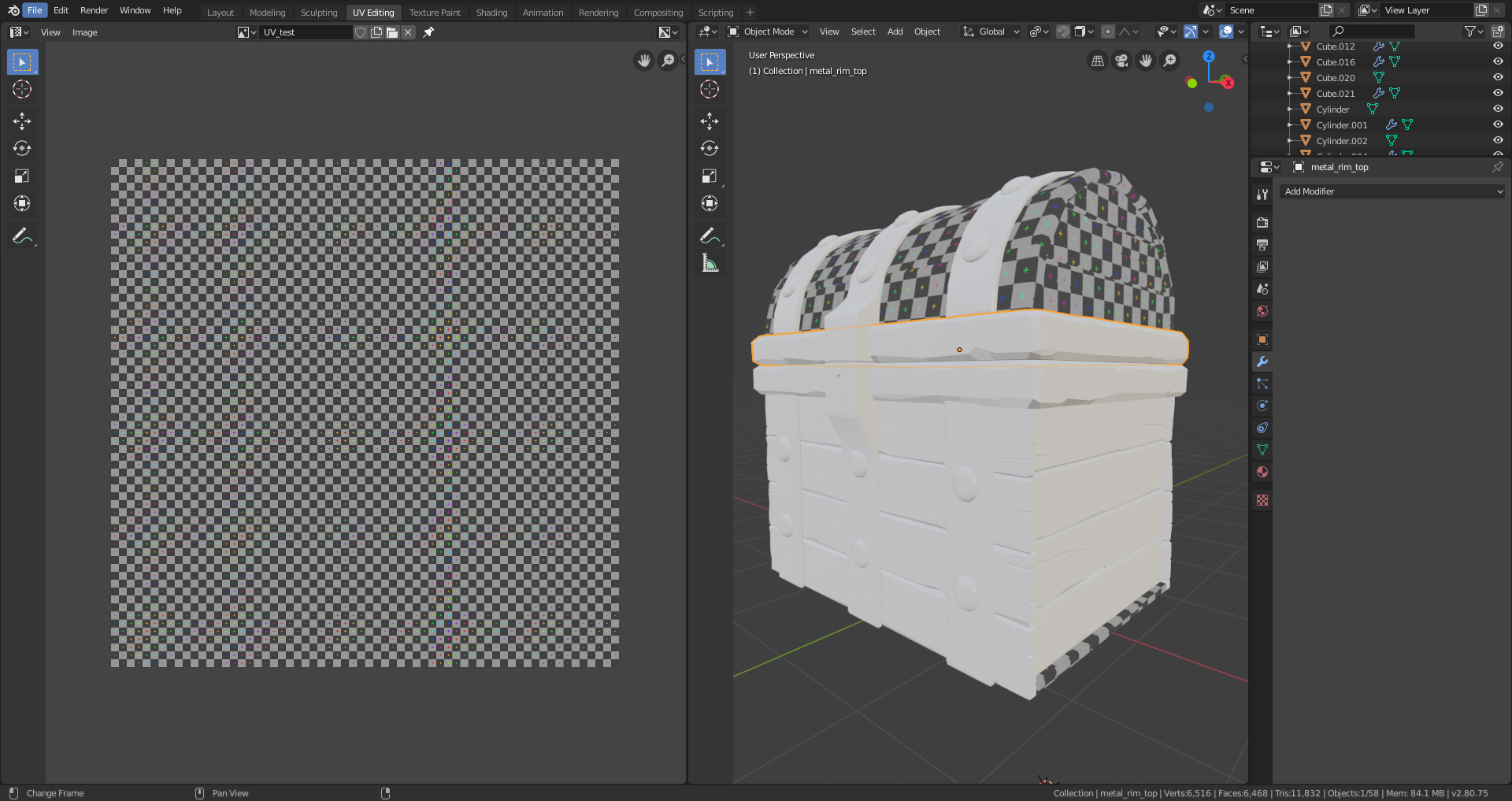
      Hi Kent, so for the UV test image. You get the image shown at 25:50, when I try to do that I get the following.

      What is happening? 

      Actually never mind about the first question, I just had to go to the materials tab and select the treasure_chest material. 

      How did you apply the same material to all the objects without going to each individual object and editing the material?

      #50908
      spikeyxxx
      Participant

        Hello @knightwolf

        Select all the objects you want to assign the material to. Make sure that the object that has the material is the active object (orange outline). Press CTRL-L > Make Links > Materials.

        #50909
        Kent Trammell
        Participant

          Spikey is correct about “Make Links”. There’s also another way:

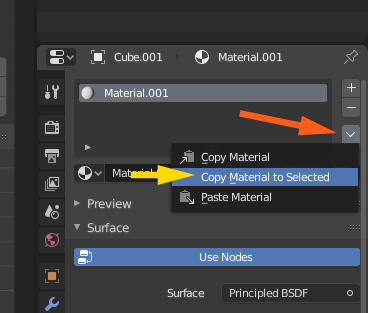
          • With all desired objects selected, select the object with the desired material last so it’s the active object. Then go to the material properties and click the down arrow bellow the + and – buttons. From that menu you can choose “Copy Material to Selected“.

          #50910
          knightwolf
          Participant

            Thanks! 

            #50911
            knightwolf
            Participant

              Thanks!

            Viewing 5 posts - 1 through 5 (of 5 total)
            • The topic ‘UV test is not displaying properly.’ is closed to new replies.