UV Stretching in 2.90.1

Forum Archive UV Stretching in 2.90.1

Viewing 7 posts - 1 through 7 (of 7 total)
  • Author
    Posts
  • #13689
    Greg McKim
    Participant

      Hello Jonathan , thanks for putting this all together I have really wanted a series like this. I have a quick question on the stretching of UVs talked about in the video Unwrapping the Shader Ball. 

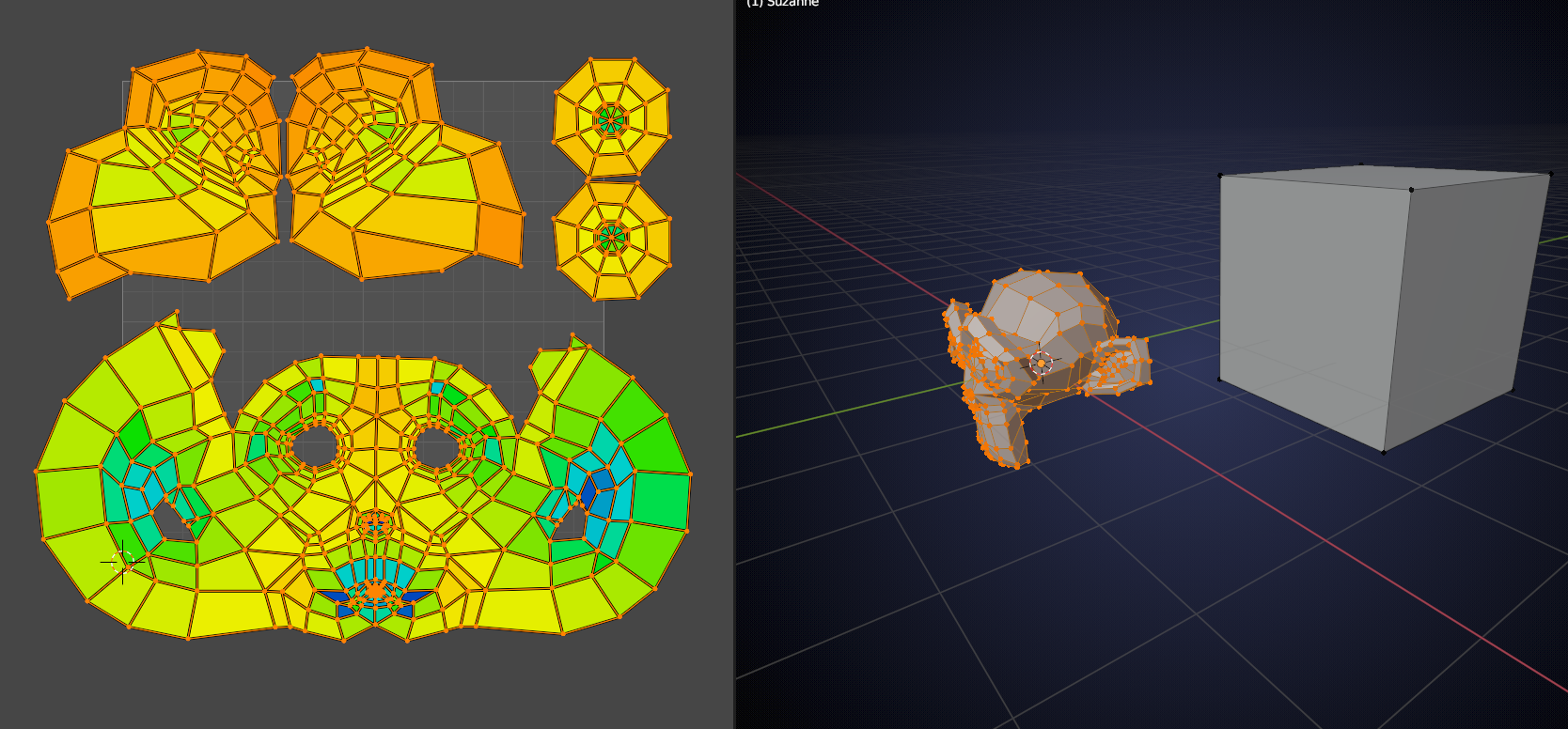
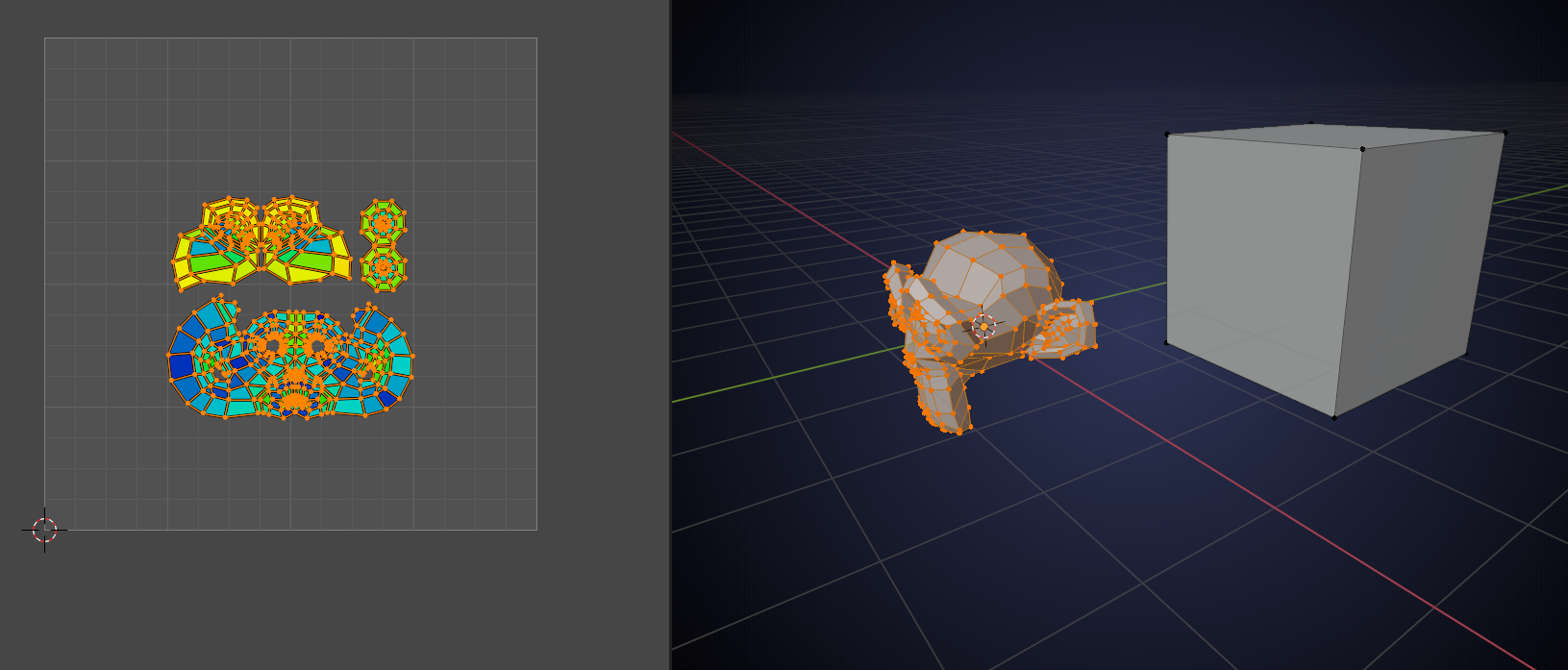
      I am using version 2.90.1 when I turn the option in the properties panel the heat map shows all of my elements extremely stretched (orange to red colors). But I followed along with the video exactly. However, if I scale down the islands in the UV editor, the heat map colors change. If I get small enough they will turn blue. 

      Is there a setting that I need to tweak to get the stretching to come out independent of the scale of the islands on the map?

      #64623
      spikeyxxx
      Participant

        Hi Greg, is it possible that there is another Object in Edit Mode, that is affecting the UV stretching.

        Like in this example:

        #64624
        Jonathan Lampel
        Participant

          My guess is that you’re looking at the area stretching rather than the angle stretching. Try switching it to angle and see if that’s what you are after! Like Spikey mentioned, area stretching takes all faces in the object and checks if they are their UV size is in proportion with all the others based on their 3d size. 

          #64625
          Greg McKim
          Participant

            Thanks Spikey, I’ll have a look

            #64626
            Greg McKim
            Participant

              The angle option works fine, perfectly blue no matter what the scale of the islands in the UV view. 

              #64627
              lucasnanni
              Participant

                Hello, I know it’s probably a bit late, but I ran into the same problem and figured it out. At the beggining of the class, Jonathan selected the sphere at the center and resized the UV, before puting it aside and hiding it. The heatmap is calculated accordingly to every mesh data in the object. If you simply hide the sphere at the center without resizing, Blender will calculate the stretching based on other faces in the same objetc (even those that are hidden) and you will get a lot of stretching. What I did was: I selected the sphere and then unwrapped that, and it got really ugly, but the streching was gone and I could finally hide the sphere.

                #64628
                joevito
                Participant

                  @Lucasnanni   You saved the day for me! Thank You

                Viewing 7 posts - 1 through 7 (of 7 total)
                • The topic ‘UV Stretching in 2.90.1’ is closed to new replies.