UV map issue?

Forum Archive UV map issue?

Viewing 8 posts - 1 through 8 (of 8 total)
  • Author
    Posts
  • #17574
    missigno
    Participant

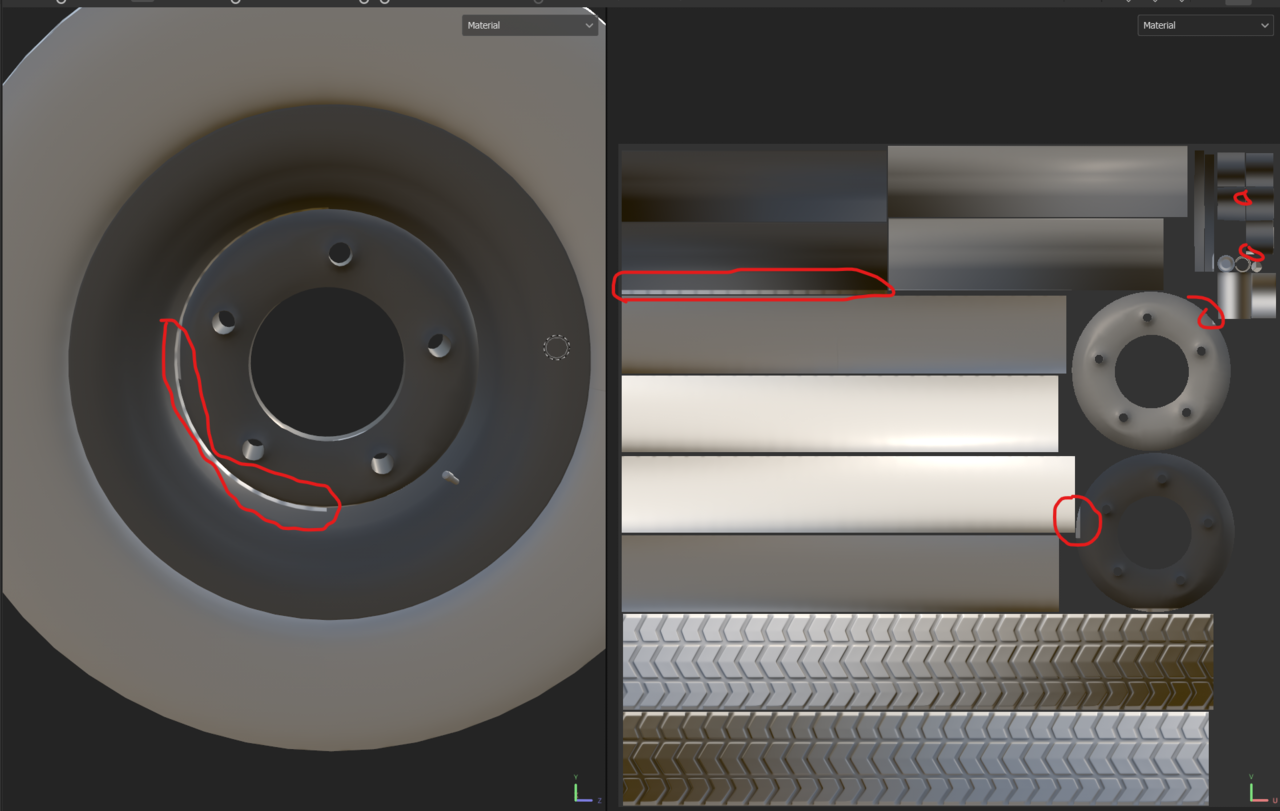
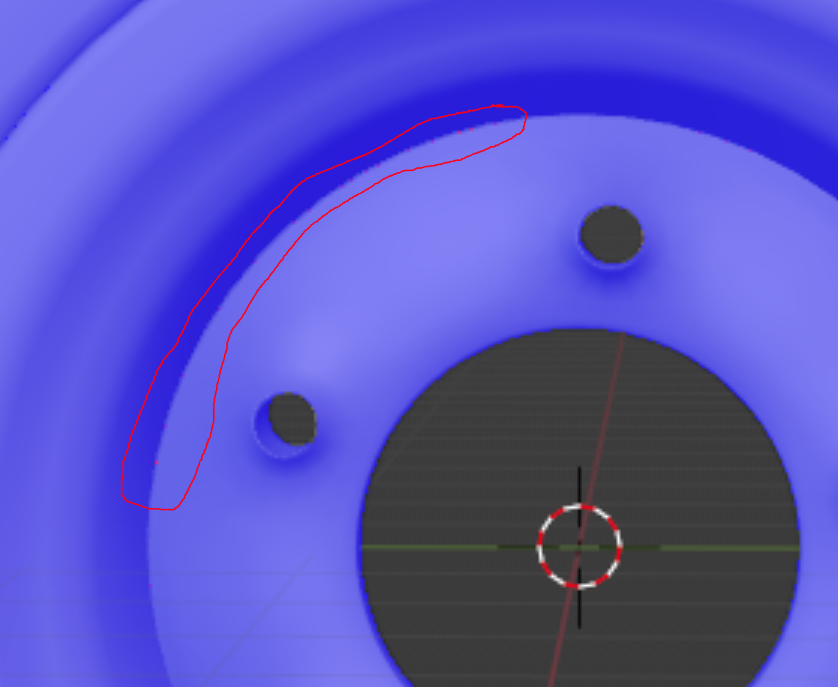
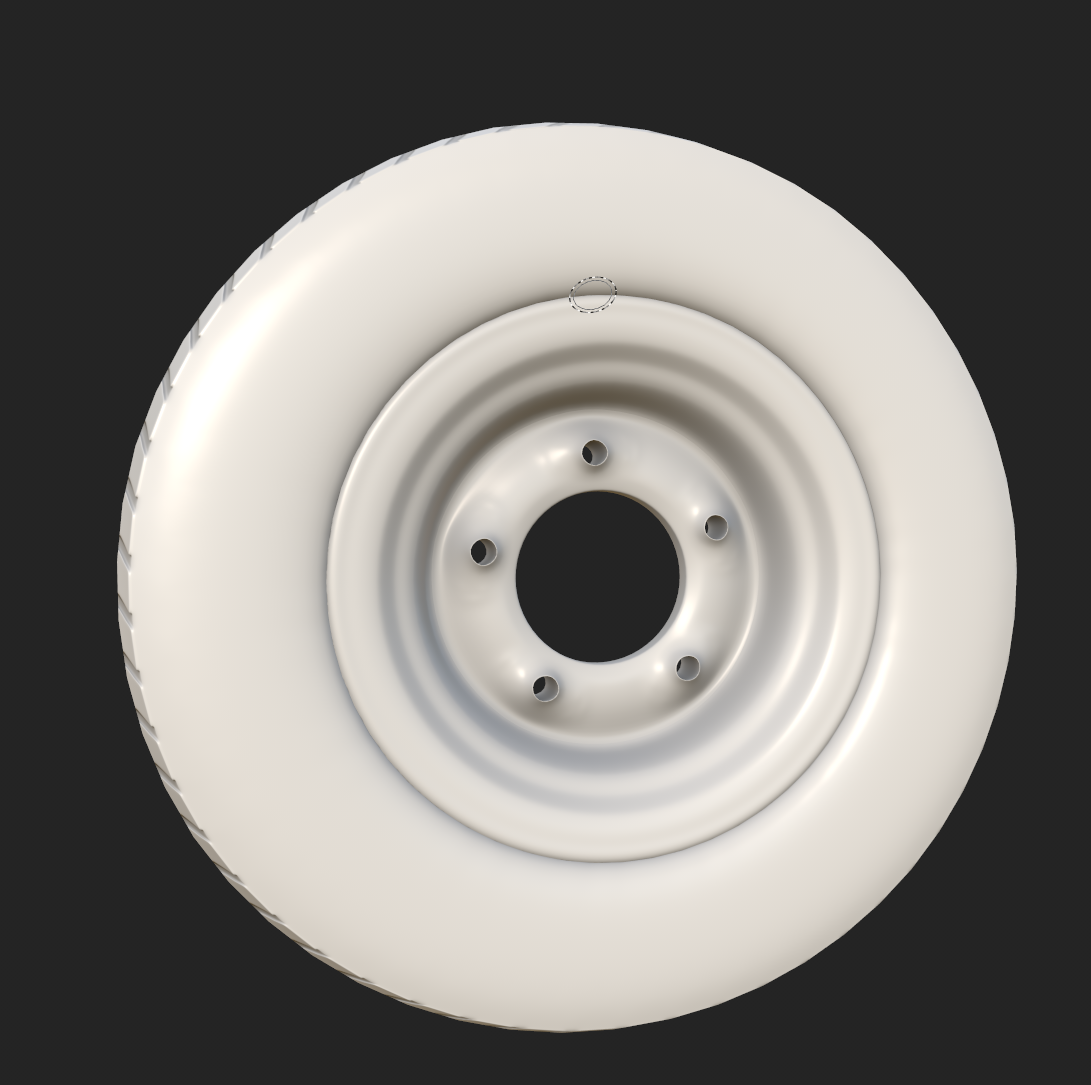
      Hey all! Having an issue in SP after baking. Some weird artifacts are appearing all over some of the textures, more noticeably in the hub, as can be seen in this screenshot. I tried redoing the hub_low from scratch and tried baking it without the hub_high in the .fbx file, but the issue persists. Any idea of what may be causing this issue?

      texturing issues.png

      #84442
      Omar Domenech
      Participant

        The only things that come to my mind are, perhaps flipped normals there?

        And maybe you have an object hidden in the viewport that is coming in at render time and it’s occluding something?

        #84443
        missigno
        Participant

          I checked and it doesn’t appear to be the issue, sadly.

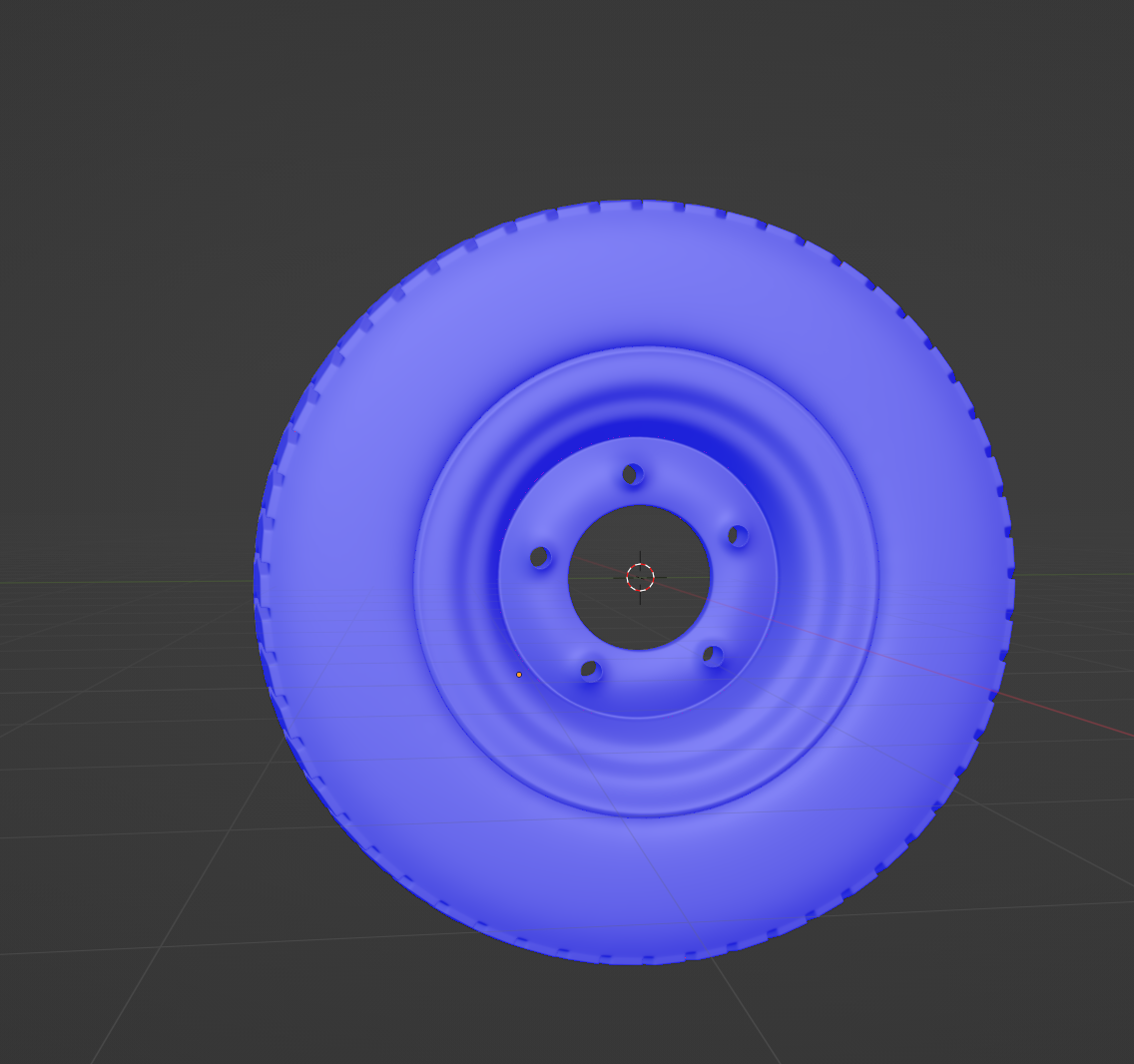
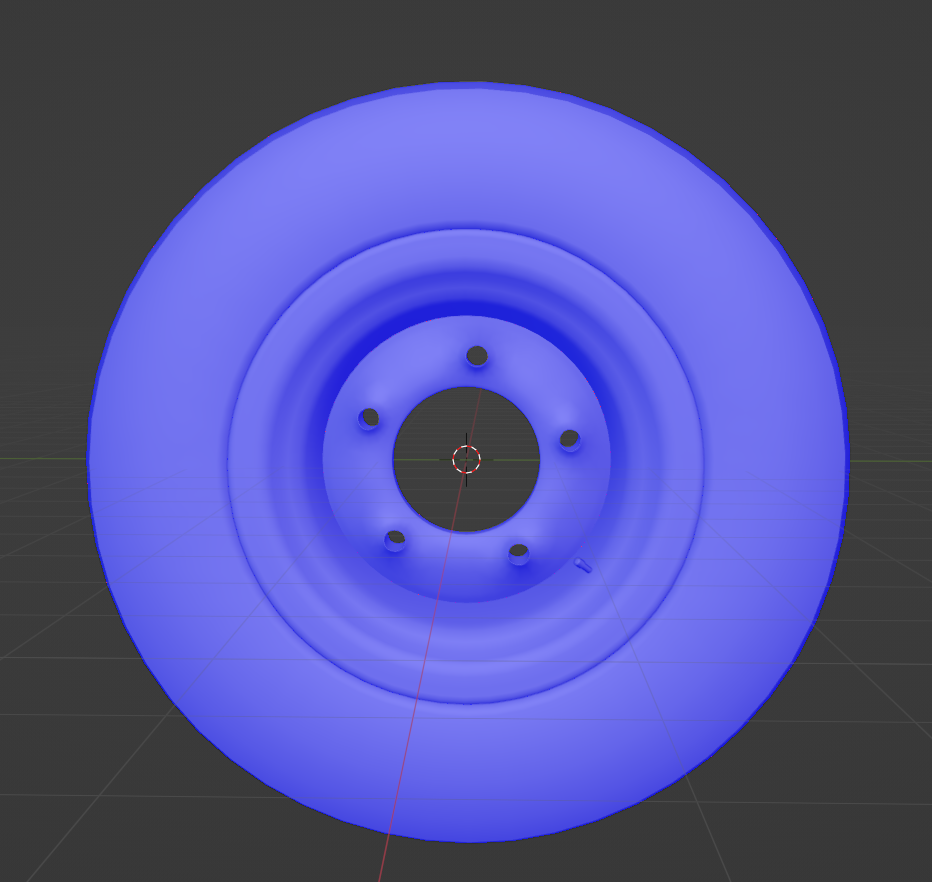
          high_normals.png

          low_normals.png

          This is how it looks like in SP when I include the hub_high in the .fbx file:exturing issues2.png

          #84444
          Adrian Bellworthy
          Participant

            I see red…

            Hub_Norm.png

            Make sure there is some thickness to the hub, it maybe picking up faces from the other side.

            #84445
            Martin Bergwerf
            Participant

              Also make sure you have the match section correct (video from ~3:30 ), that’s about intersections of different Meshes, when Baking.

              #84446
              Chunck Trafagander
              Participant

                👆 This was my initial thought. Take a look at your baking options and make sure you have “By Mesh Name” selected. You may also have some success by tweaking the ray distance in your bake parameters, perhaps the distance is set too high and may need to be dropped?

                #84447
                missigno
                Participant

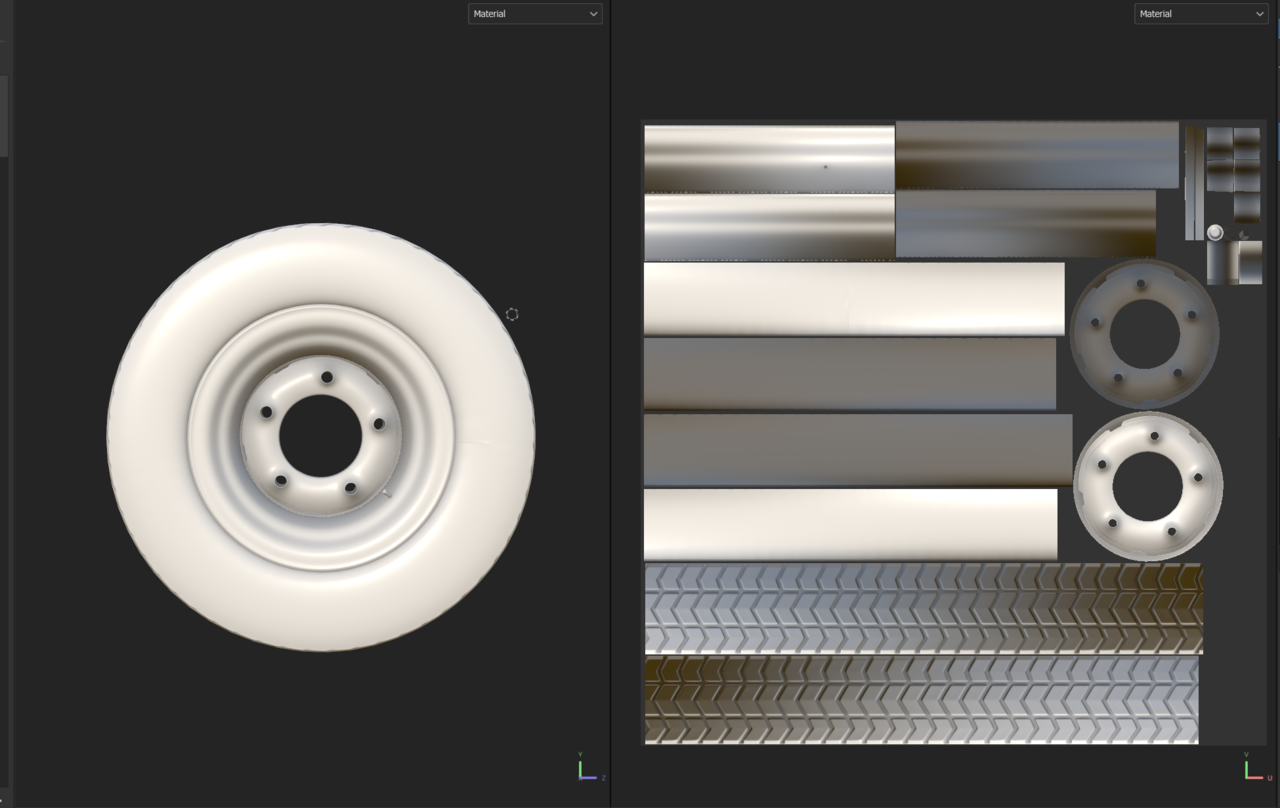
                  I fixed it! The issue was actually in the mesh itself. For some reason, I merged the two edge loops where the visual issue was appearing, but separating it again and making new UV maps fixed it. Thanks everyone 🙂

                  ing issue_FIXED!.png

                  #84448
                  Michael Joseph
                  Participant

                    It’s such a strange issue! I just spent 3 hours trying to fix this exact problem haha. I got it close enough, but it’s still slightly there for me. I even rebuilt the entire mesh, but that edge is just stubborn.

                  Viewing 8 posts - 1 through 8 (of 8 total)
                  • The topic ‘UV map issue?’ is closed to new replies.