Using the smooth brush makes surface of model look rough

Forum Archive Using the smooth brush makes surface of model look rough

Viewing 12 posts - 1 through 12 (of 12 total)
  • Author
    Posts
  • #15853
    Pietro Costa
    Participant

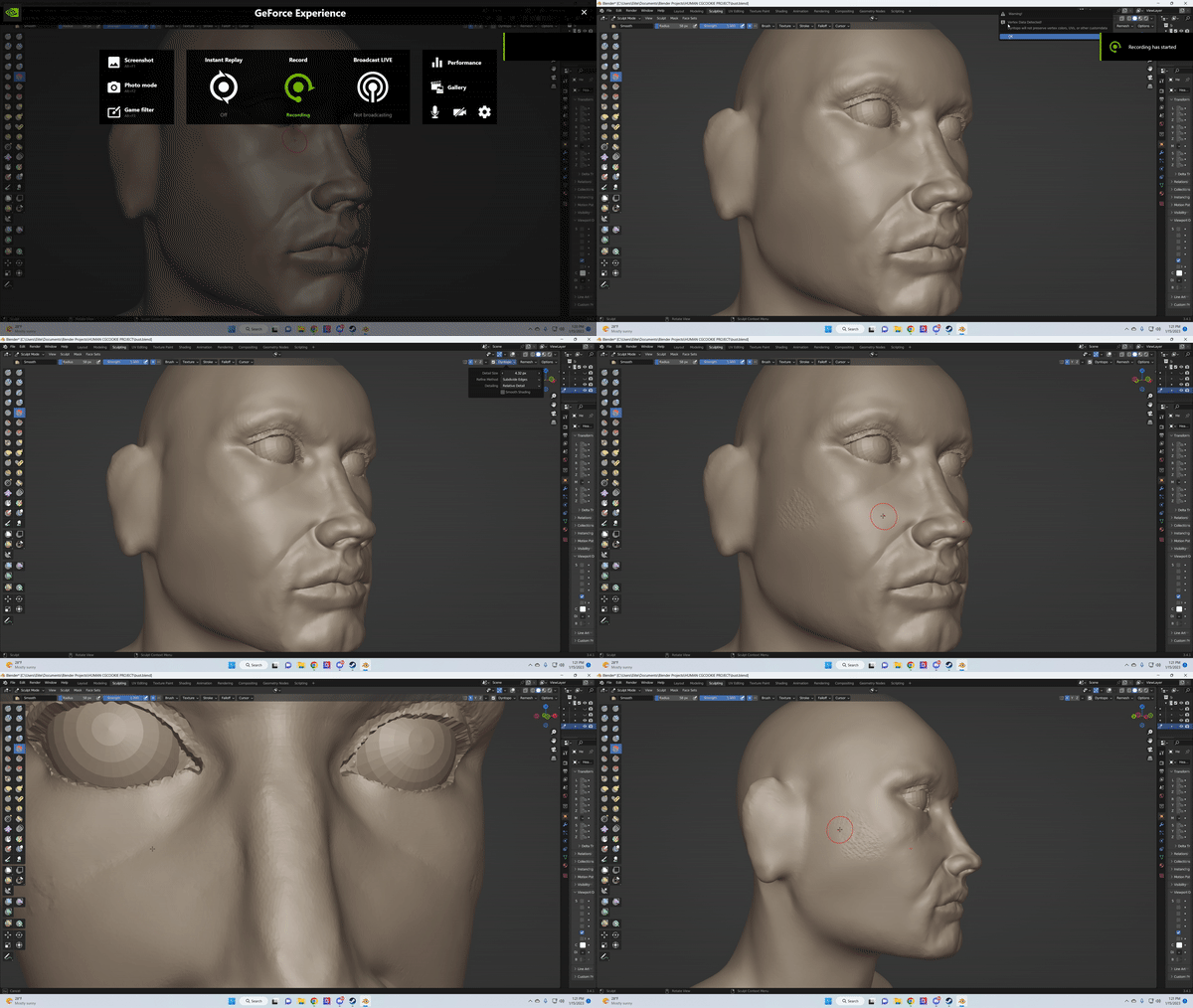
      Hey all, I’m following the HUMAN class at the moment and everything was working out well until I attempted to smooth out the areas near the model’s eyelids after simplifying the area to create more geometry. The smooth brush seems to be smoothing the area but reveals harsh geometry underneath. 

      here is the link to some screenshots:
      Screenshots
      om-gif-maker (1).gif

      #77180
      Omar Domenech
      Participant

        This looks like your dyntopo method is set to collapse instead of subdivide. Also try lowering your detail size so you have more resolution. 

        #77181
        Martin Bergwerf
        Participant

          Actually, in your second screenshot, your Dyntopo is turned off.

          #77182
          Pietro Costa
          Participant

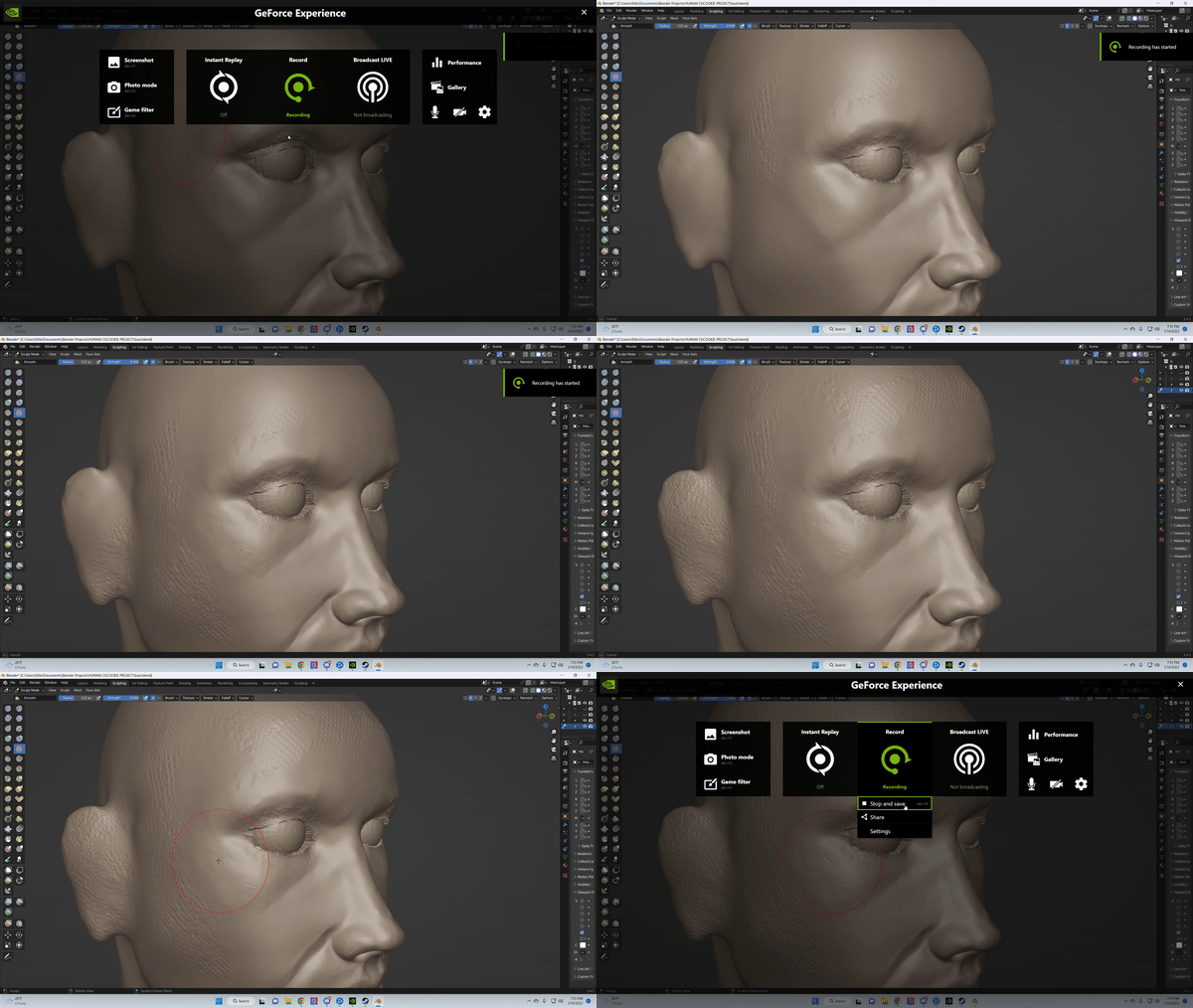
            om-gif-maker (3).gif

            its so odd, this is when dyntopo is on + and mode is on subdivide edges with low detail. Check this out – i smooth out the area near the nose with no issue, and then move on to the cheek area and it looks horrible. im so stumped.

            #77183
            Martin Bergwerf
            Participant

              The Smooth Brush doesn’t create new topology; if the cheek doesn’t have enough resolution, it will smooth like that.

              #77184
              Pietro Costa
              Participant

                i used the simplify brush prior to using the smooth brush, is there something else i should do to create more resolution in that area?

                #77185
                Martin Bergwerf
                Participant

                  Remember that if you use Relative Detail, that uses screen pixels as size; when you zoom out to Simplify the cheeks, for instance, the resulting resolution is not as ‘fine’ as when you are zoomed in.

                  #77186
                  Omar Domenech
                  Participant

                    Yeah, that stills looks like a resolution problem more than anything. If you want you can share the file to see if the same things happens to us.

                    #77187
                    Pietro Costa
                    Participant

                      Hey Omar, id love to share the file here, whats the best way to do so?

                      #77188
                      Pietro Costa
                      Participant

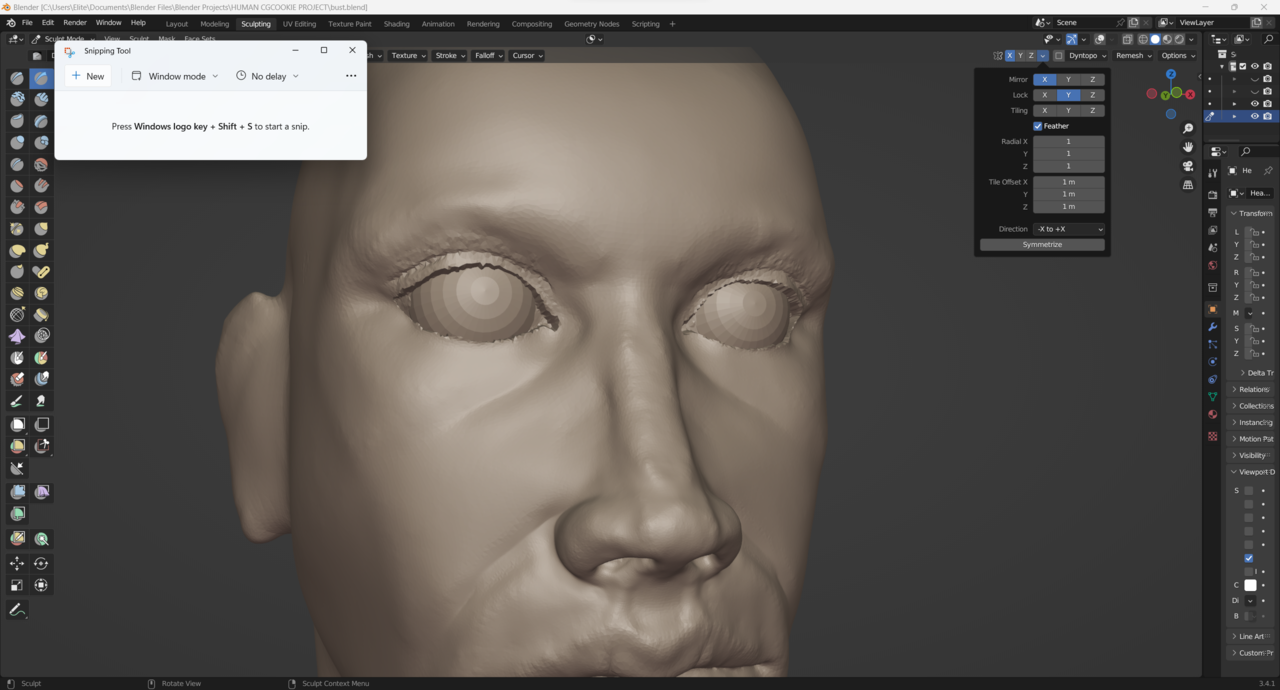
                        wellllll, sometimes its something incredibly easy that gets me. it turned out to be the Y axis that was locked -_-, wow
                        _20230117_105716.png

                        #77189
                        Martin Bergwerf
                        Participant

                          Lol!

                          That happens to me all the time when I lock an Axis…I forget about it and wonder why Brushes suddenly behave strange.

                          #77190
                          Pietro Costa
                          Participant

                            thanks for all of your help though! i really appreciate it

                          Viewing 12 posts - 1 through 12 (of 12 total)
                          • The topic ‘Using the smooth brush makes surface of model look rough’ is closed to new replies.