I’ve found a workaround to bake textures to vertex colors in Blender 2.8 and 2.9 ! Baking a UV texture into vertex colors:
You should have an object with enough vertices in order to get a sufficient resolution for your vertex colors.
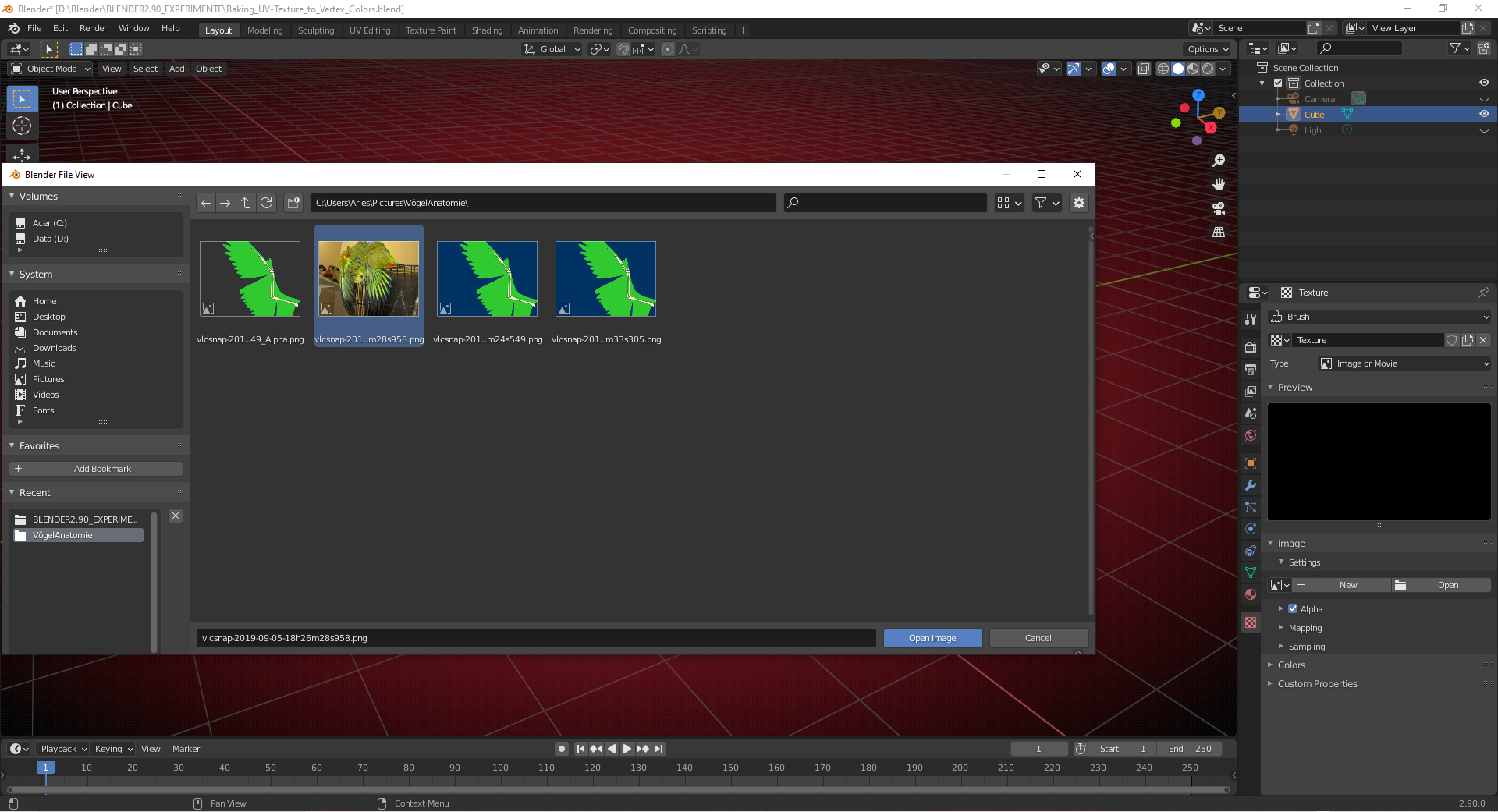
1) Set a Brush Texture in the „Texture Tab“ of your „Properties Editor“
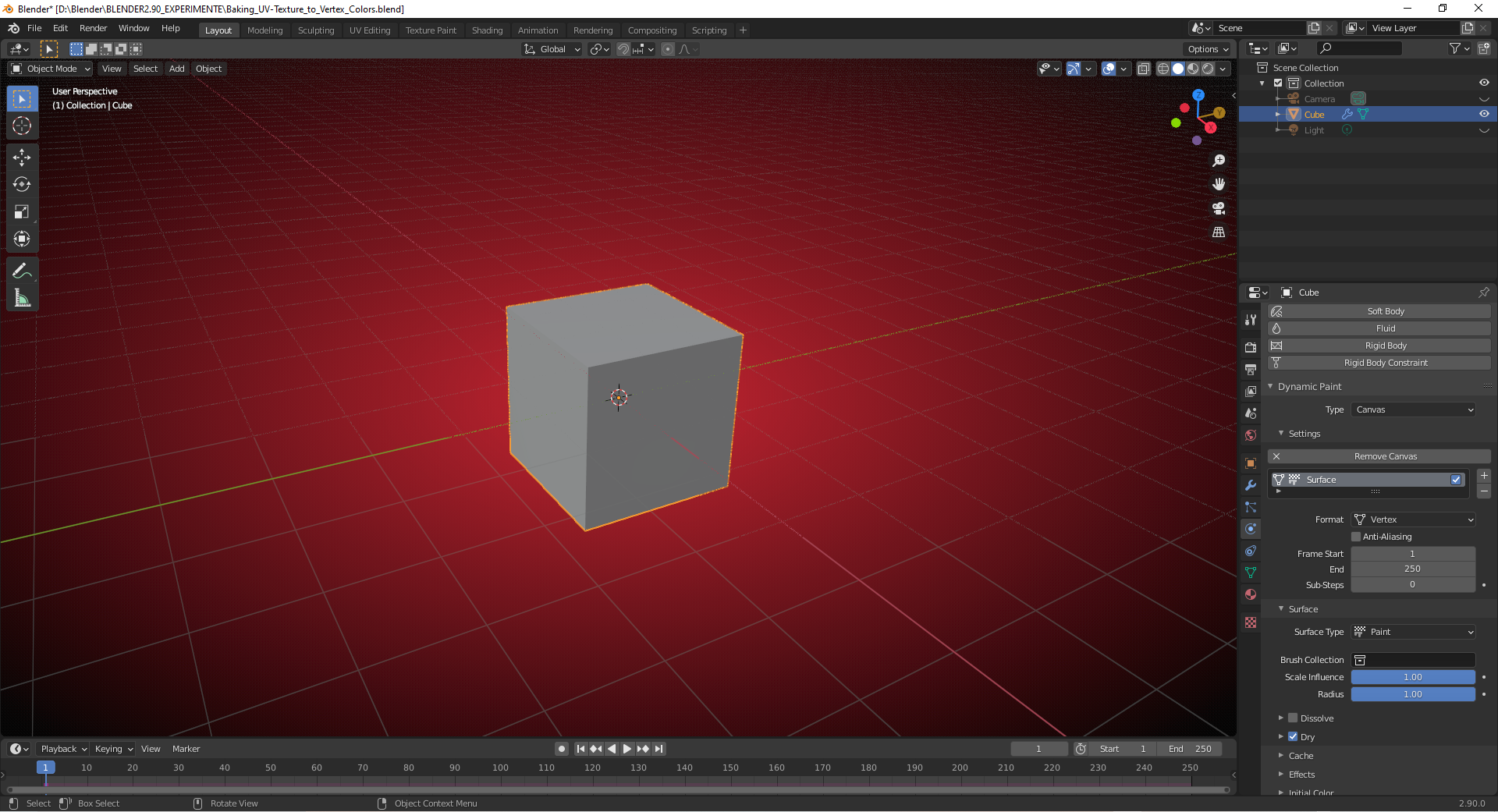
2) Create a „Dynamic Paint Canvas“ on your object
a) Set the „Format“ to „Vertex“ and the „Surface Type“ to „Paint“ (Default)
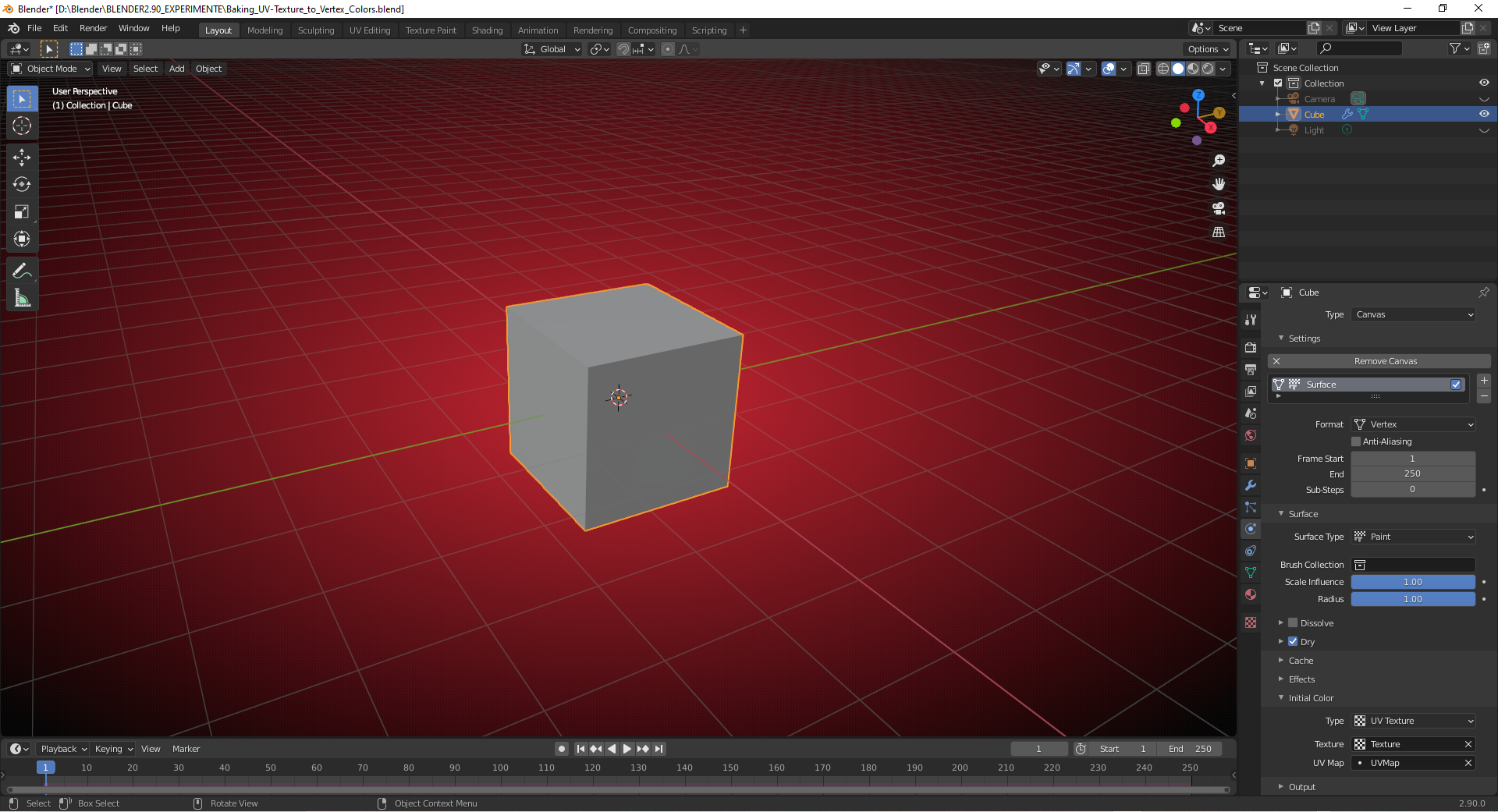
b) Set in the „Initial Color“ panel of your canvas „Type“ to „UV-Texture“ and select your „UV Map“ and the „Texture“ from the dropdown menues:
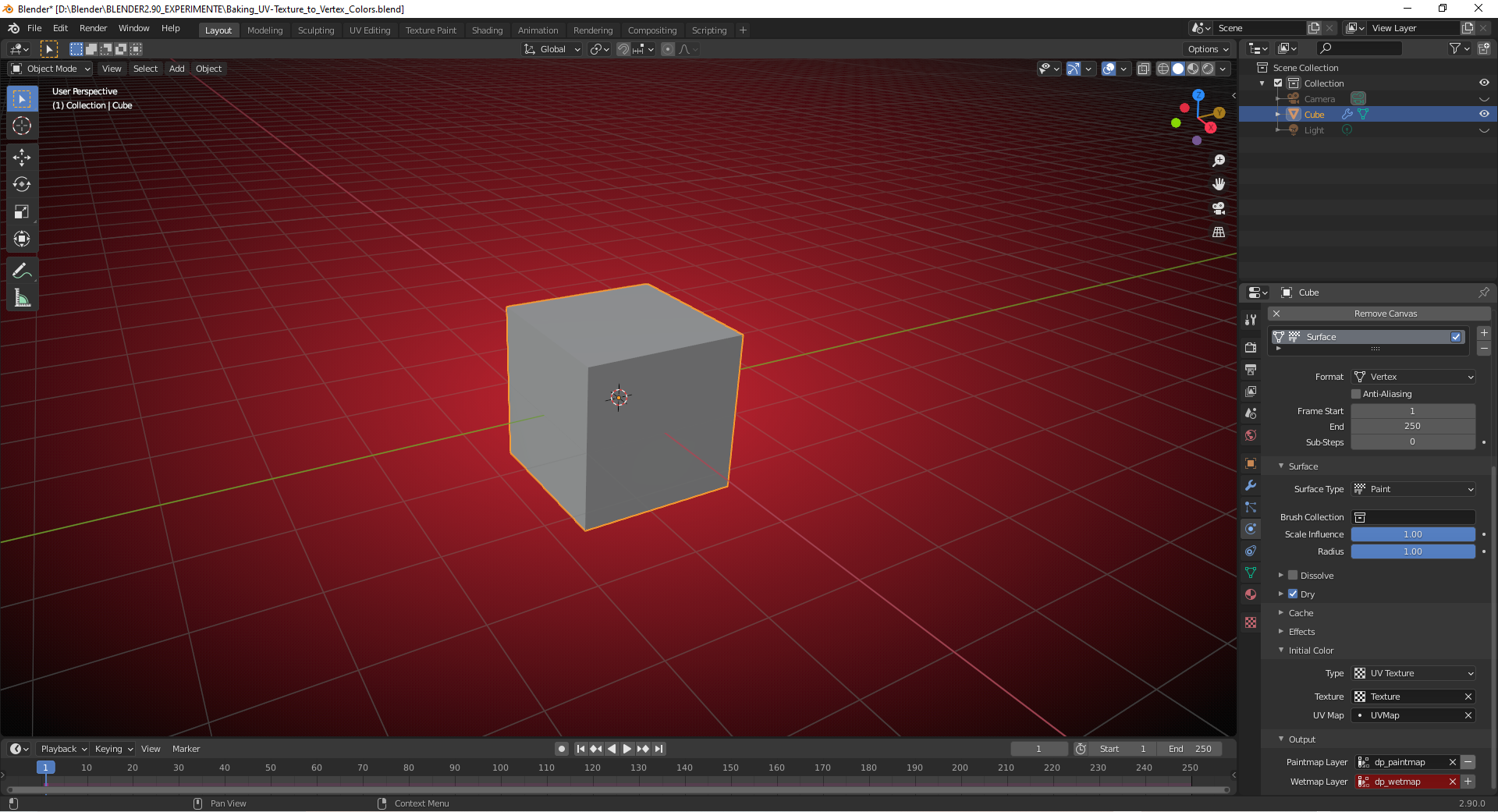
c) In the „Output“ panel create a „Paintmap Layer“ by pressing on the „+“ button on the right side:
d) In the „Modifier“ tab apply the „Dynamic Paint“ modifier:
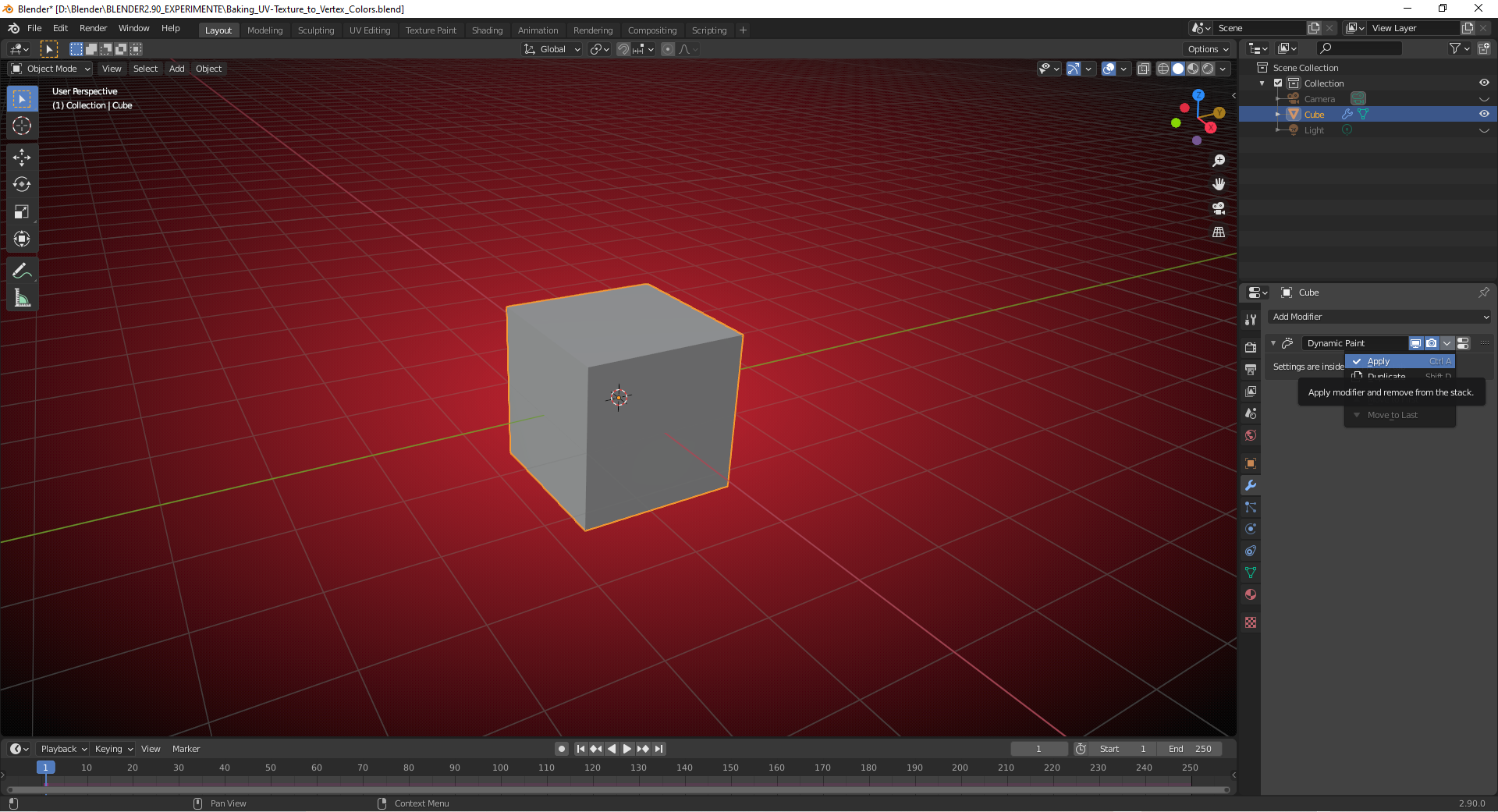
e) Switch the overlay in „Solid Mode“ to „Vertex Color“:
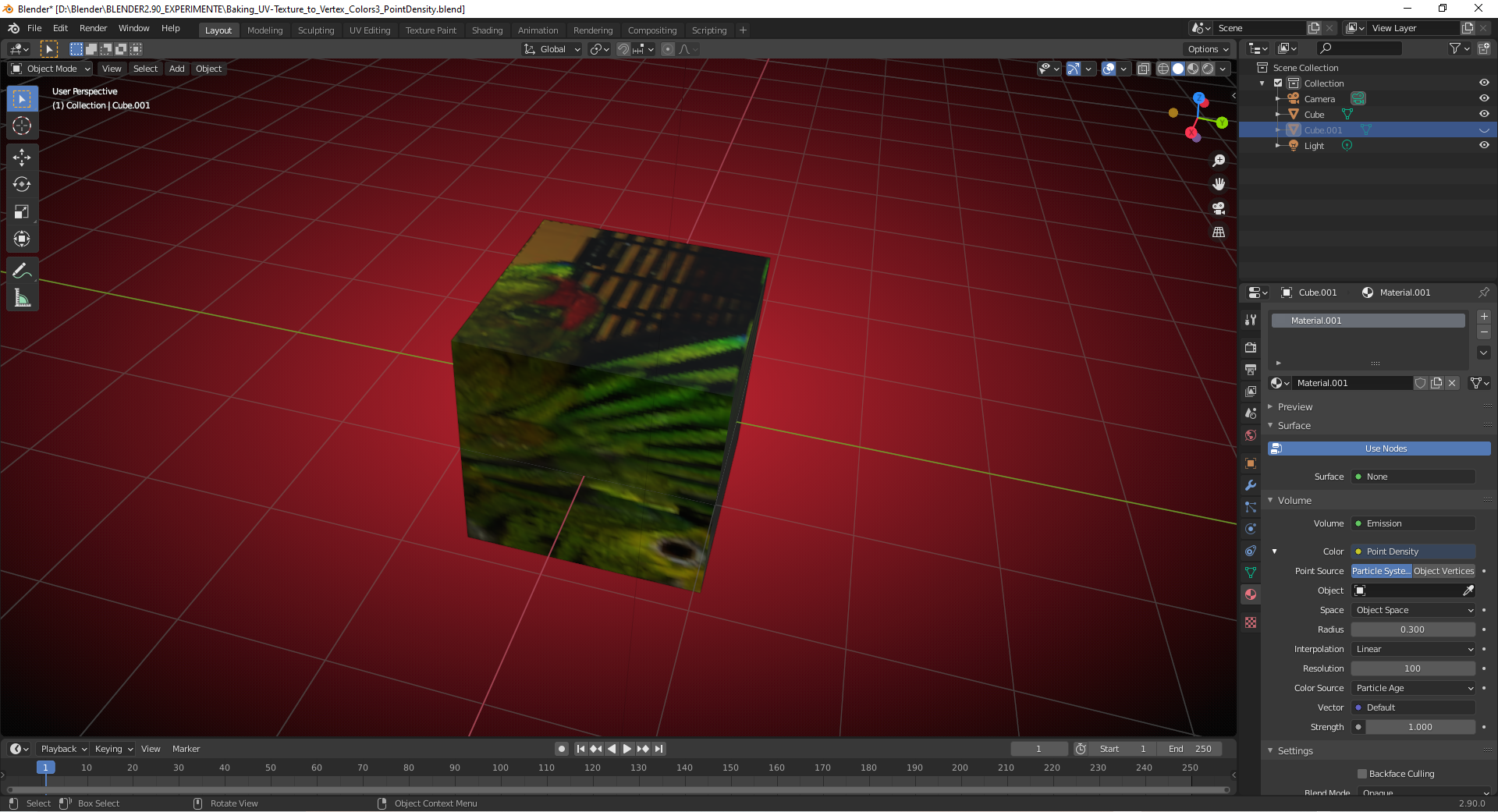
3) With „Point Density Texture“ in “Render Preview Mode”:
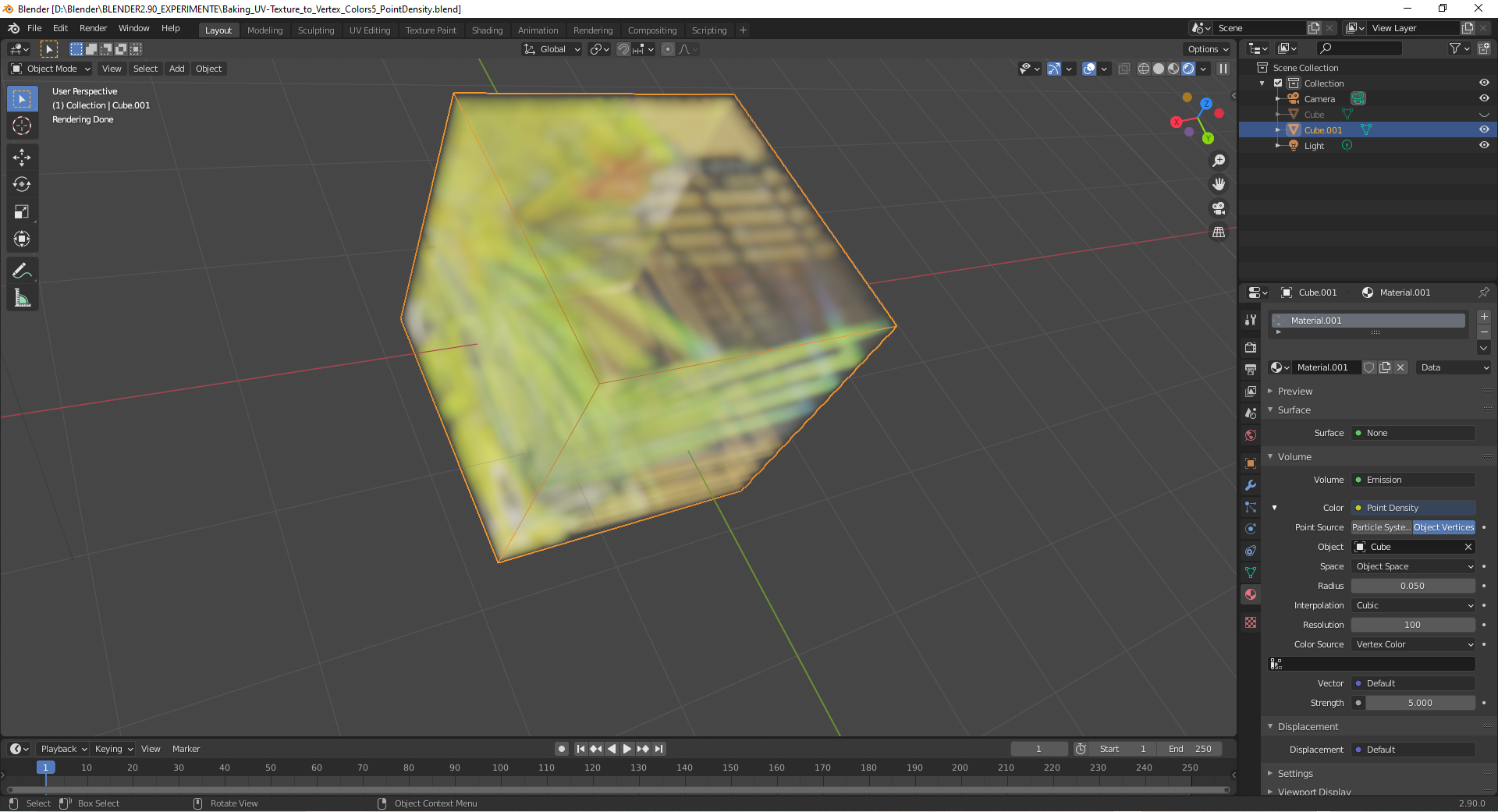
With “Space” set to “Object Space” in the “Point Density” settings (see “Volume” tab in the last image above), you can create “Point Density Clouds” by instancing your object with the “Point Density Texture” and moving, scaling and rotating these instances.

.

