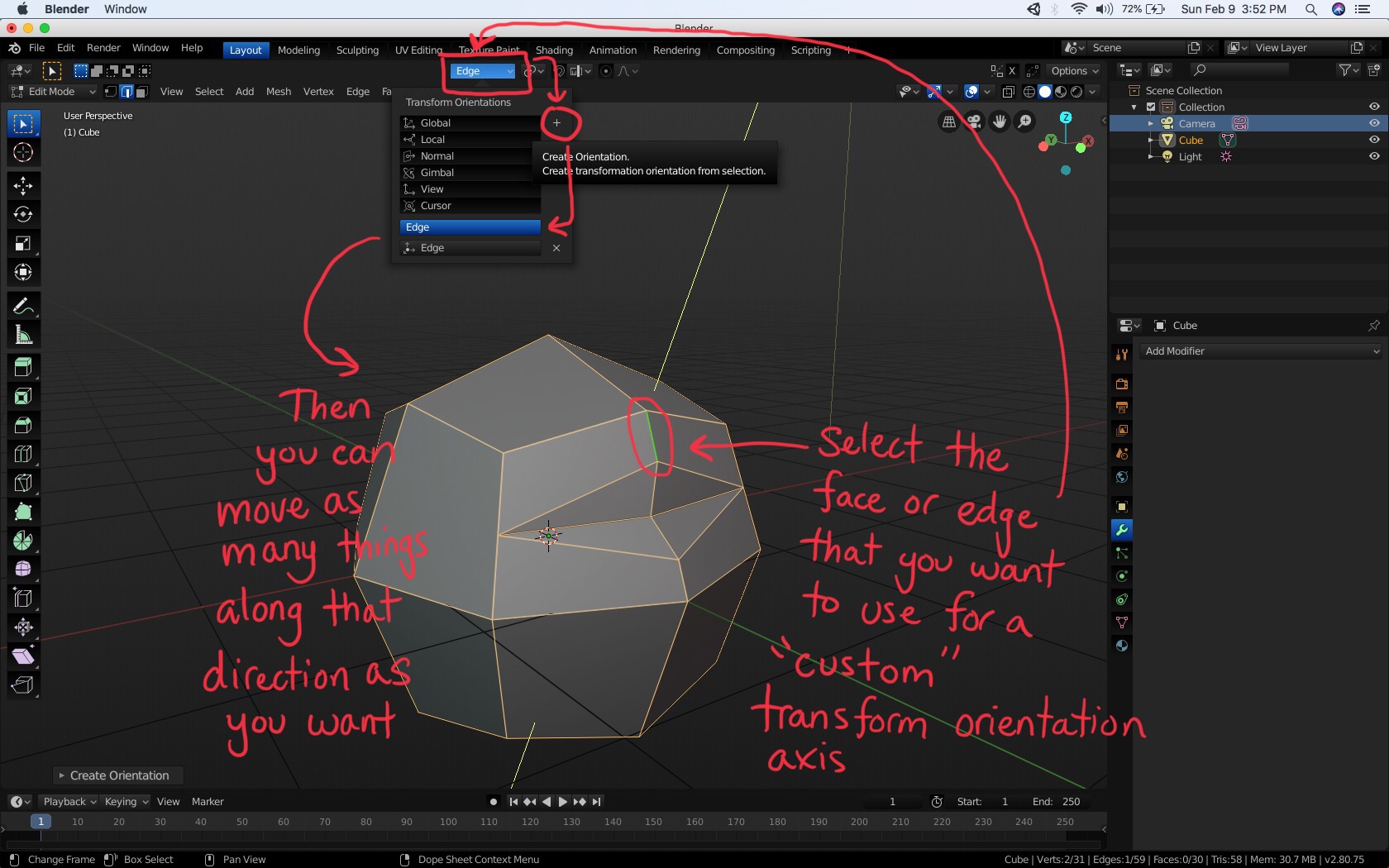
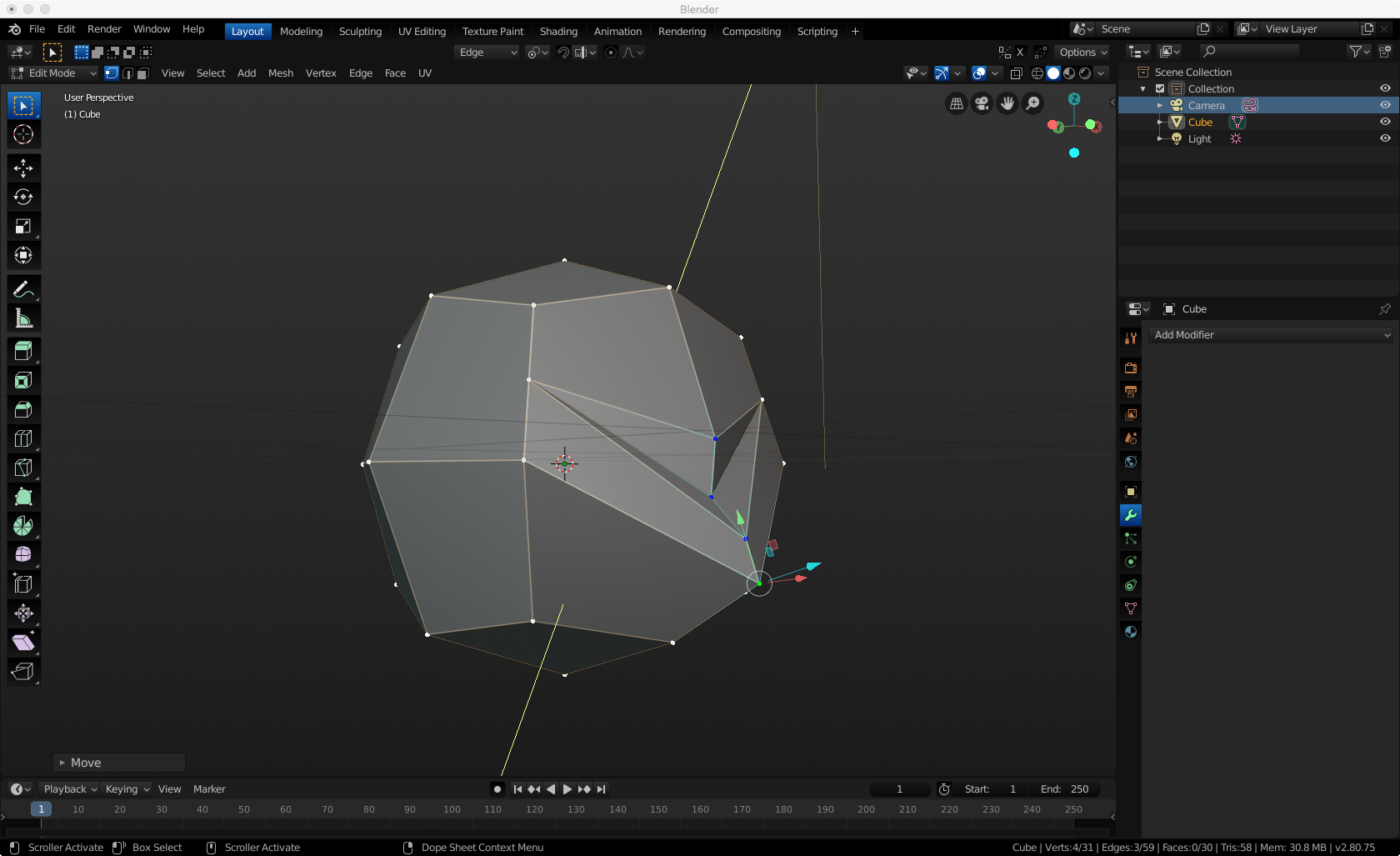
I see that you already figured out a different solution but let me explain how the local axes work.
Basically local orientation axes are the world orientation axes rotated by the rotation of the object in object mode.
Imagine that when you create a new object, the local axes are glued to it, and when you rotate it in object mode, they rotate as well.
When you apply the rotation, it resets the local axes, so they are again the same as world axes. When you select everything in edit mode and rotate, it doesnt change the orientation of local axes, because the object rotation data remain the same.
Thats probably the reason why it didnt work for you, you either applied rotation or rotated everything in edit mode.
Also, you can access the local axes by pressing the axis key twice when transforming. So if you want to move something along the local Z axis for example, you can press G and then Z twice.

.