Trying to model chest.Problem with mesh.

Forum Archive Trying to model chest.Problem with mesh.

Viewing 4 posts - 1 through 4 (of 4 total)
  • Author
    Posts
  • #13442
    jesse94
    Participant

      I’m watching the treasure chest modeling and texturing in blender course. I was working on the metal rings that wrap around the led of the treasure chest when I stumbled on a problem with the mesh. Here’s my problem in this screenshot.
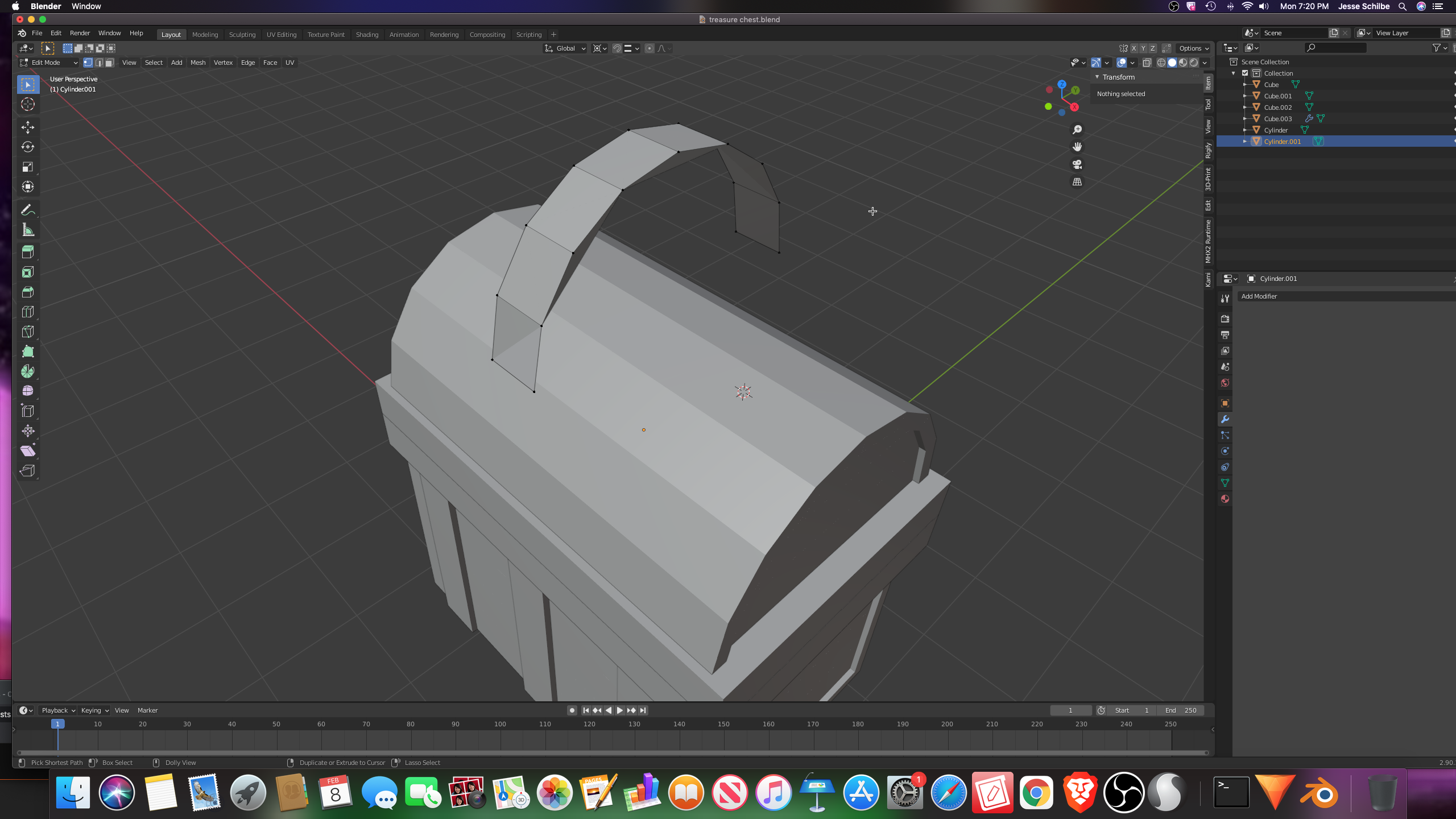
      The problem only happens when I delete the bottom half. And here is my blend file https://pasteall.org/blend/eeb55cc003f24288b1012da0e63ce90e

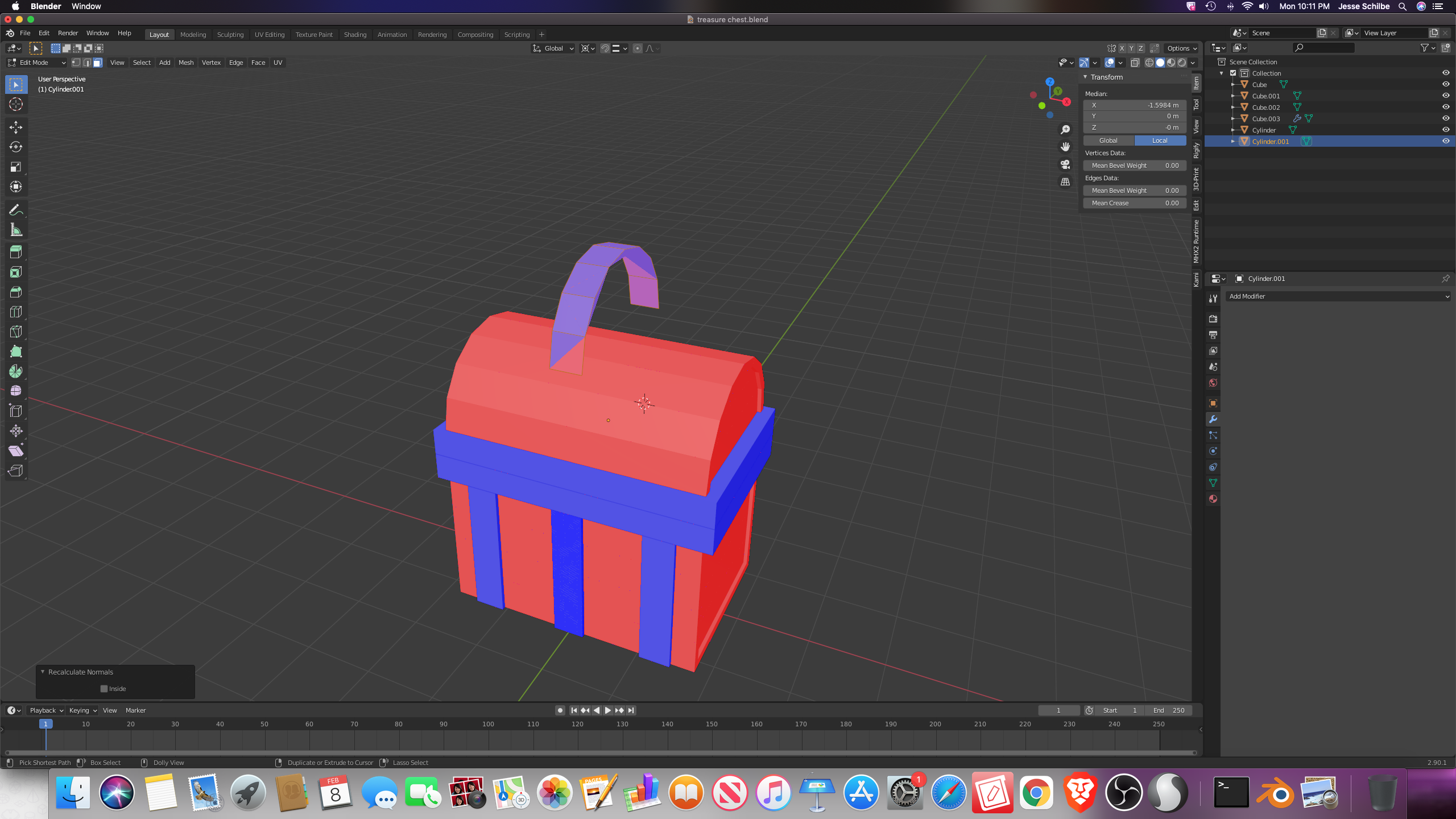
      (edited) I opened the blend file again and I found out that the normals were messed up. and pressing Shift N don’t help.
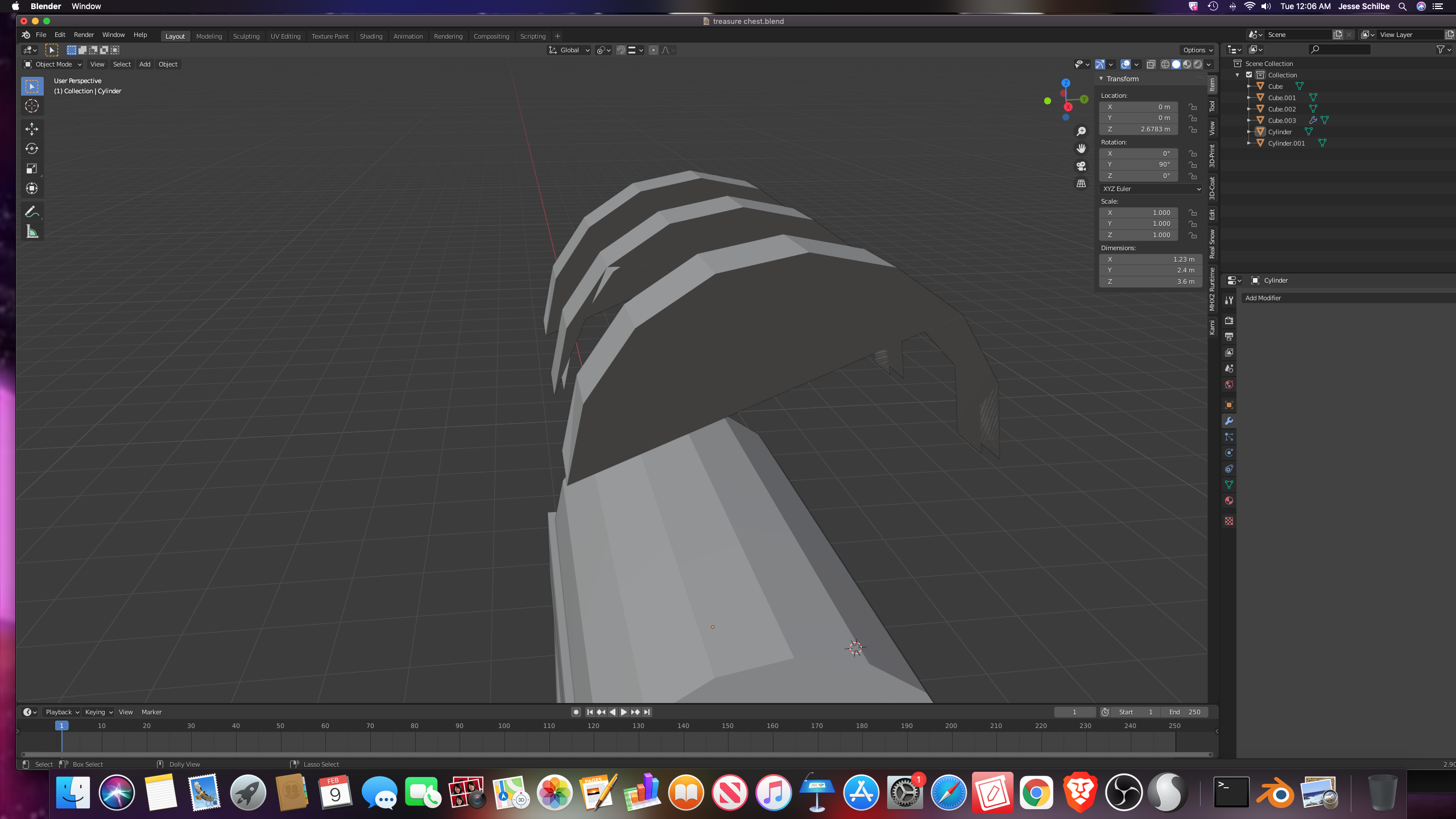
      (edited) here’s one more screenshot of the proleam it’s not just the normals that are messed up it the sides. of the mesh that bugs out.

       

      #62752
      Mark Smith
      Participant

        maybe mesh is not selected when you press shift + n?

        just starting with the simplest thing…

        hope this helps

        #62753
        jesse94
        Participant

          I made sure to select my mesh still didn’t work. 

          #62754
          jesse94
          Participant

            I fixed it I just had to delete the side face of the mesh and when I delete the side faces the mesh two more unwanted faces but I just delete those and it was fine.

          Viewing 4 posts - 1 through 4 (of 4 total)
          • The topic ‘Trying to model chest.Problem with mesh.’ is closed to new replies.