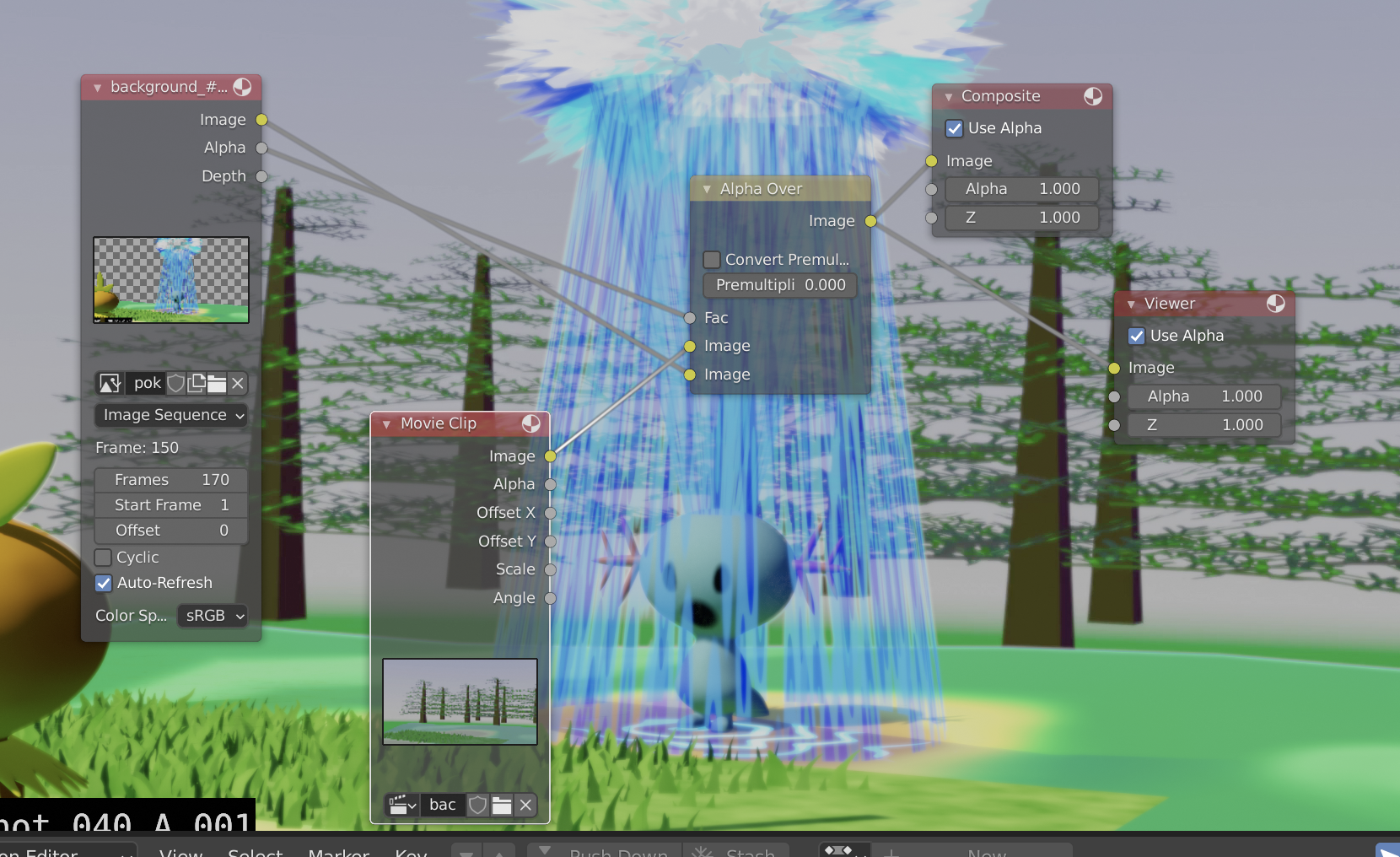
I am running a render for an animation that is set up in the compositor below :
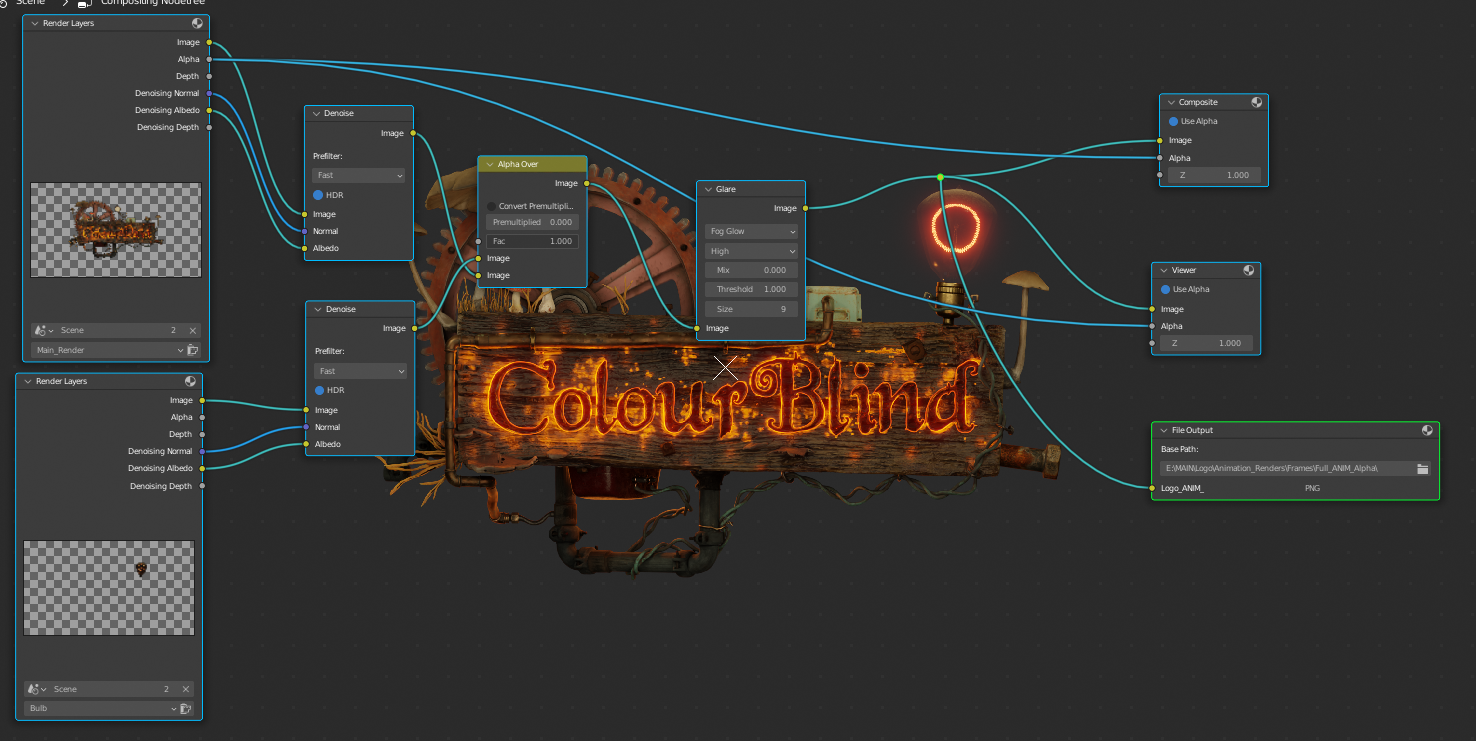
The image in the background has alpha transparency (due to film – transparent being enabled in the render settings) , and this is exactly what I want. However , the image file that is saved has a black background – which is what I don’t want….
Just to clarify , the two render layers are the logo in the top layer and the bulb on the bottom layer in three compositor. Surely the alpha over is just applying the bulb on top of the logo , s where is the black background magically appearing from?
Why is this happening and how can I fix it?
Thanks in advance for any help 🙂

.


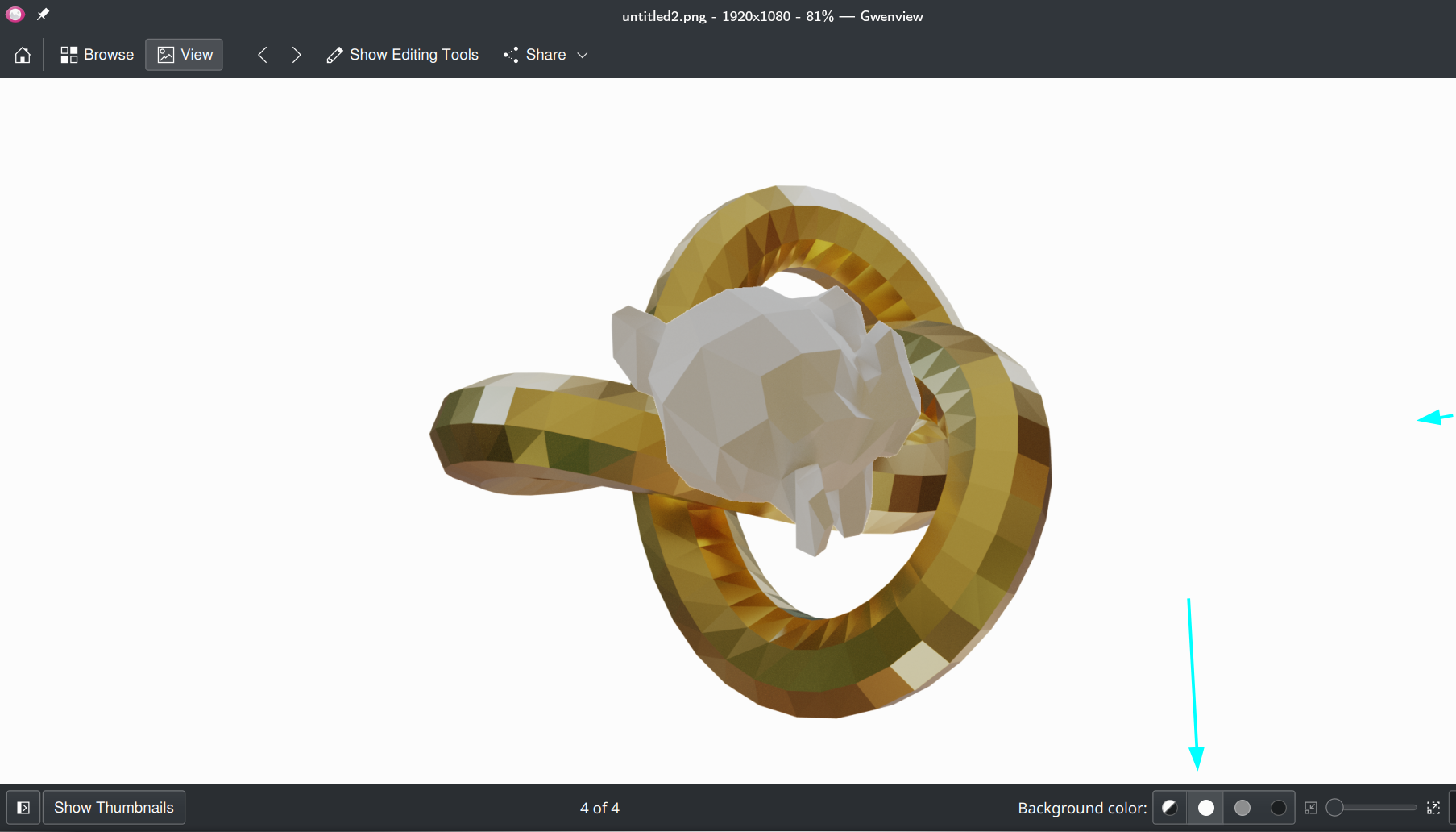
 As you can see opening it in Blender, it shows the blocked Alpha BG that you are used to, but the same Image in Gwenview shows a dark grey, but the Alpha is still there. I can change the BG color if I want: