Translucent Transmission Problem.

Forum Archive Translucent Transmission Problem.

Viewing 7 posts - 1 through 7 (of 7 total)
  • Author
    Posts
  • #21291
    Jeff Bellune
    Participant

      Hi All,

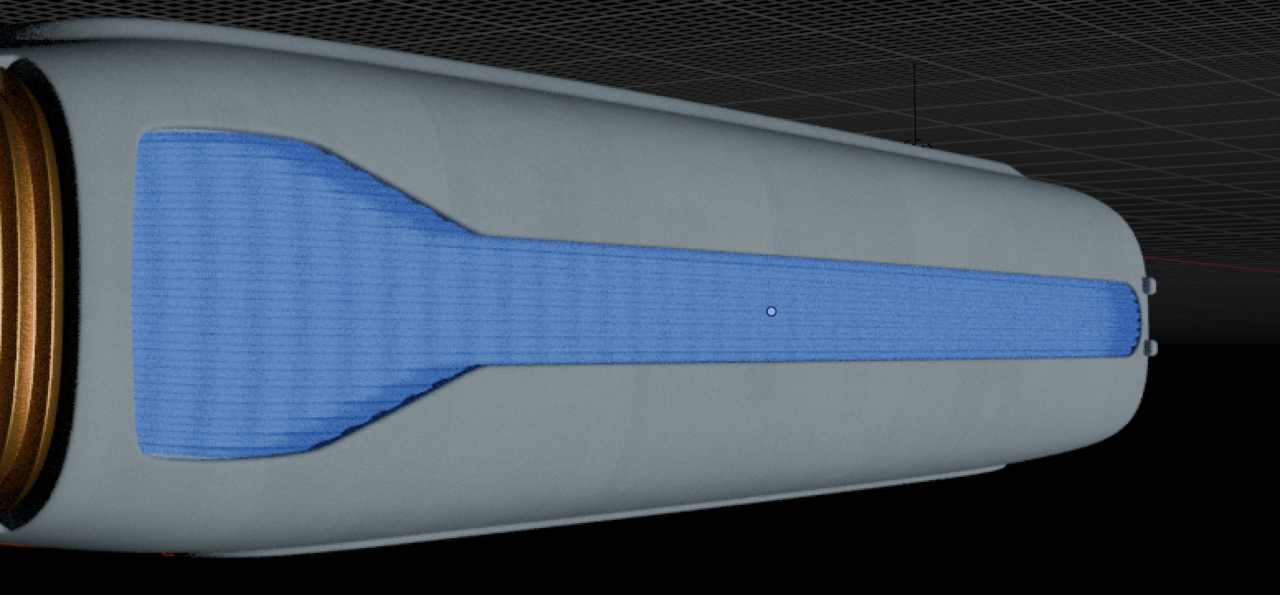
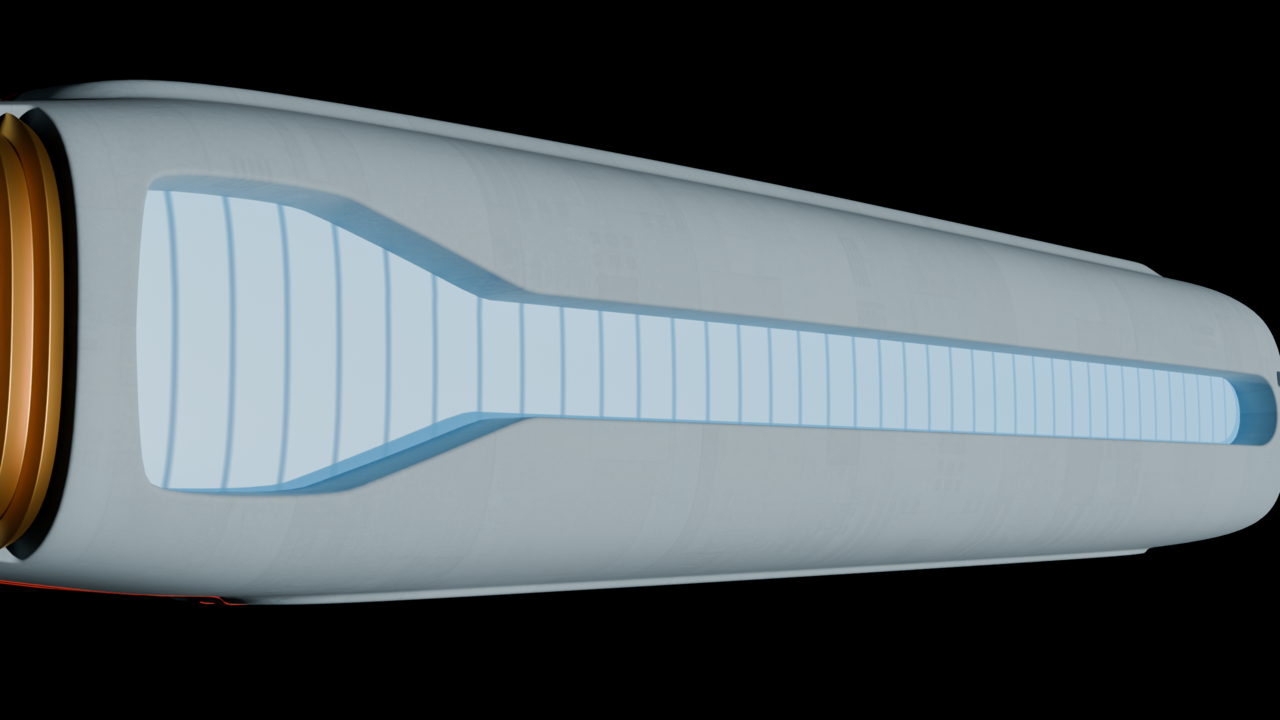
      I’m stuck on how to proceed with making a “glow” image appear through a translucent/transparent material. Here’s what I have in Cycles:

      GlowFaceOnCycles.png

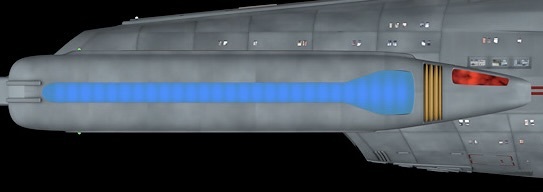
      Here’s what I want:

      Image.jpeg

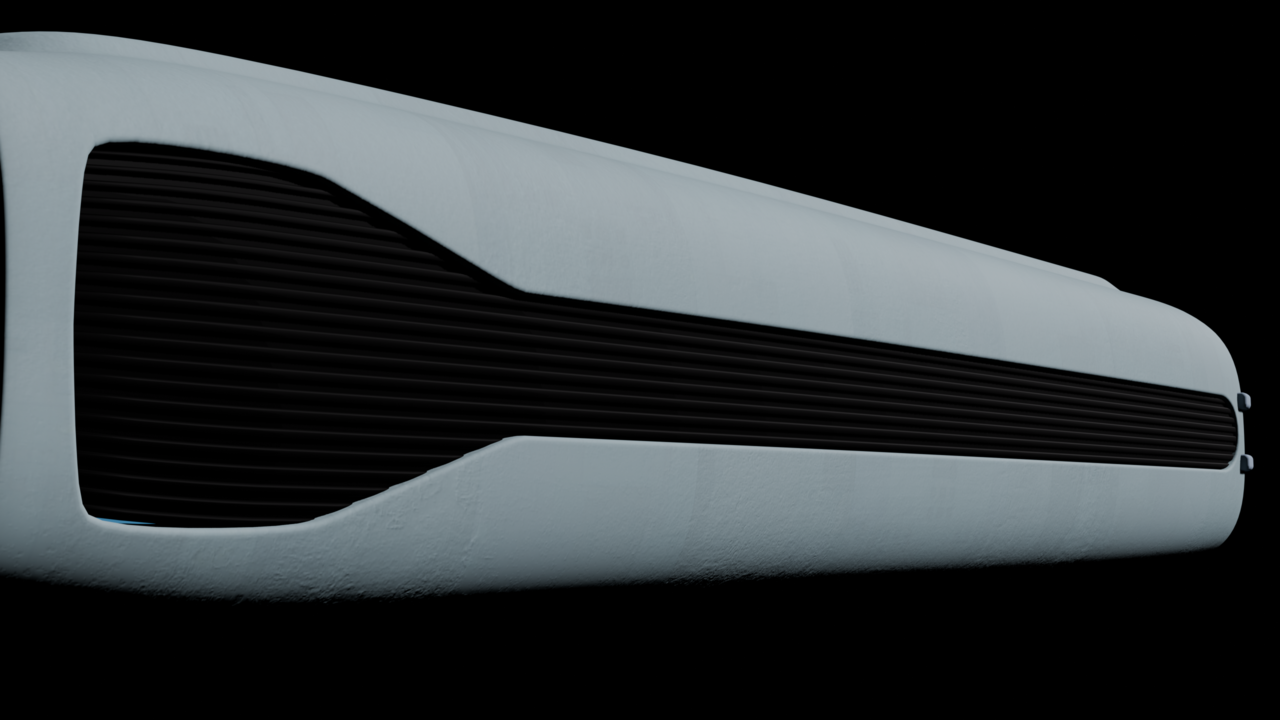
      The grille in Eevee:

      lleWithRibsEevee.png

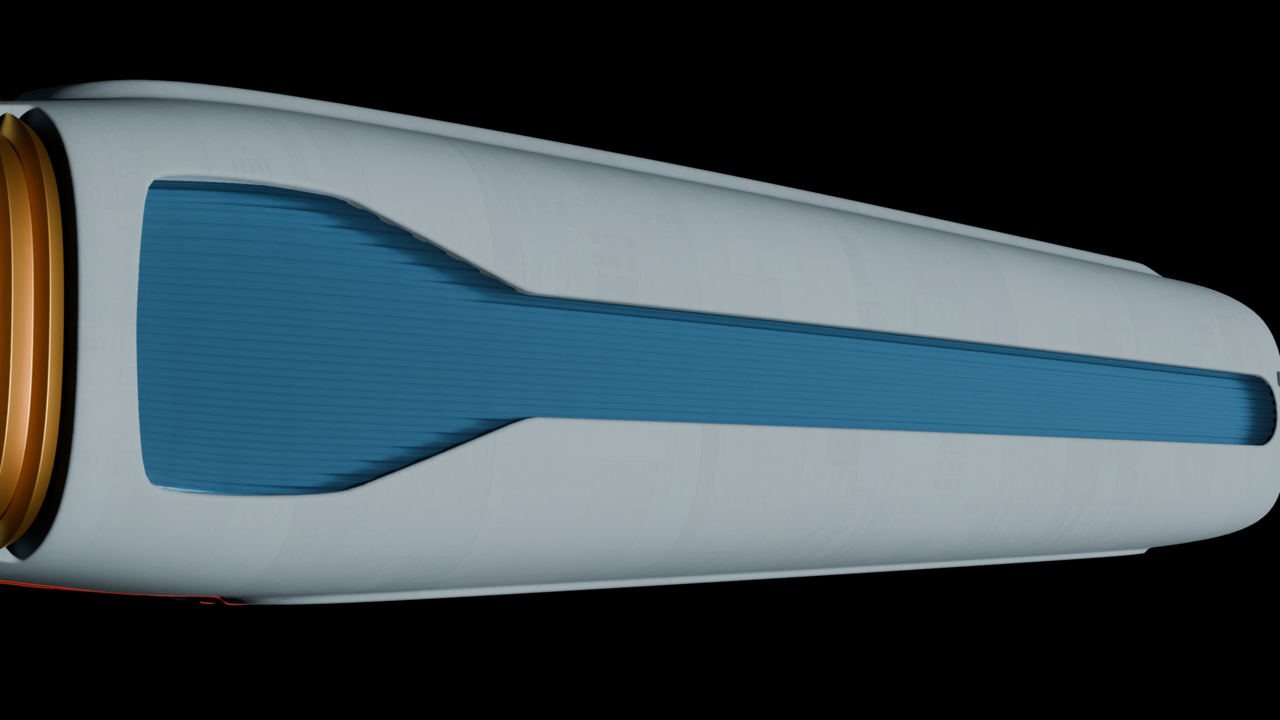
      Glow only in Cycles:

      OnlyEdgeOnCycles.png

      Grille with glow edge on in Cycles:

      GlowEdgeOnCycles.png

      Grille nodes:

      GrilleNodes.png

      Glow nodes:

      GlowNodes.png

      So can this be done in Blender or is my target image a product of a lot of post work? Thanks for any help!

      #99346
      Martin Bergwerf
      Participant

        Hi Jeff,

        You should probably reduce the Roughness of your Transmissive Material (to almost 0) and maybe even set its Color closer to white (if reducing the Roughness isn’t enough).

        #99347
        Omar Domenech
        Participant

          If I’m understanding it correctly, you can always cheat. One thing we realize to late is that people cheat always, we think all the professional renders we see are perfectly accurate to real life, and it’s totally the opposite. So you can just put the glow not behind the translucent, but in it, with a mask. Put it in the window or closer to the window, make the translucent clearer and ore transparent. There’s also probably lots of hacks with the light path node. 

          #99348
          Martin Bergwerf
          Participant

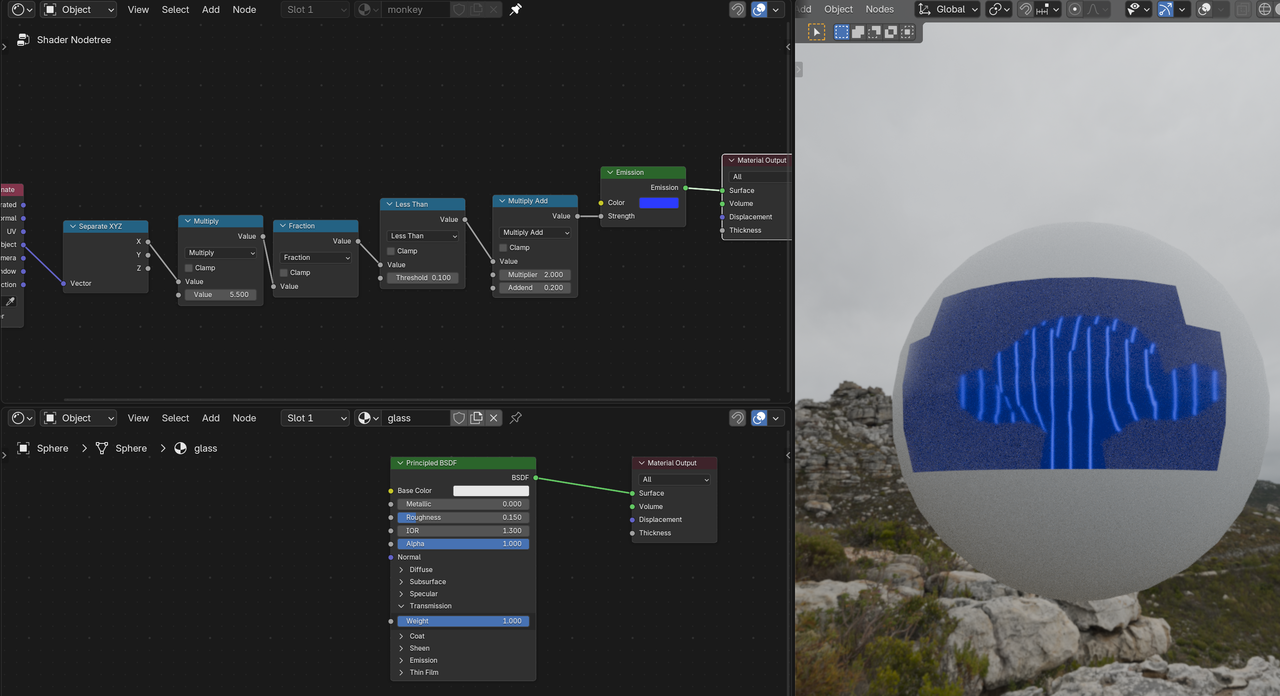
            Not sure if I understand correctly how this is set up/meant to be, but I don’t see any problems showing Emission through ‘glass’:

            Glow_01.png

            No need for any special trickery, as far as I can tell.

            #99349
            Dwayne Savage
            Participant

              I would first try increasing the emission strength to 1 instead of 0.5. 

              #99350
              Jeff Bellune
              Participant

                Thank you for all the suggestions! I’m working on them, but will have my computer shut down for a while in anticipation of ice storm-caused power outages.

                I’ll report back as soon as power is restored or the storm has passed. Cheers!

                #99351
                Jeff Bellune
                Participant

                  I’ve got it looking the way I want! Here’s what I did:

                  1. I used Omar’s suggestion to cheat along with Martin’s Roughness and Color ideas. I made the grille material blue instead of dark gray and I dropped the transmission value and increased the roughness.
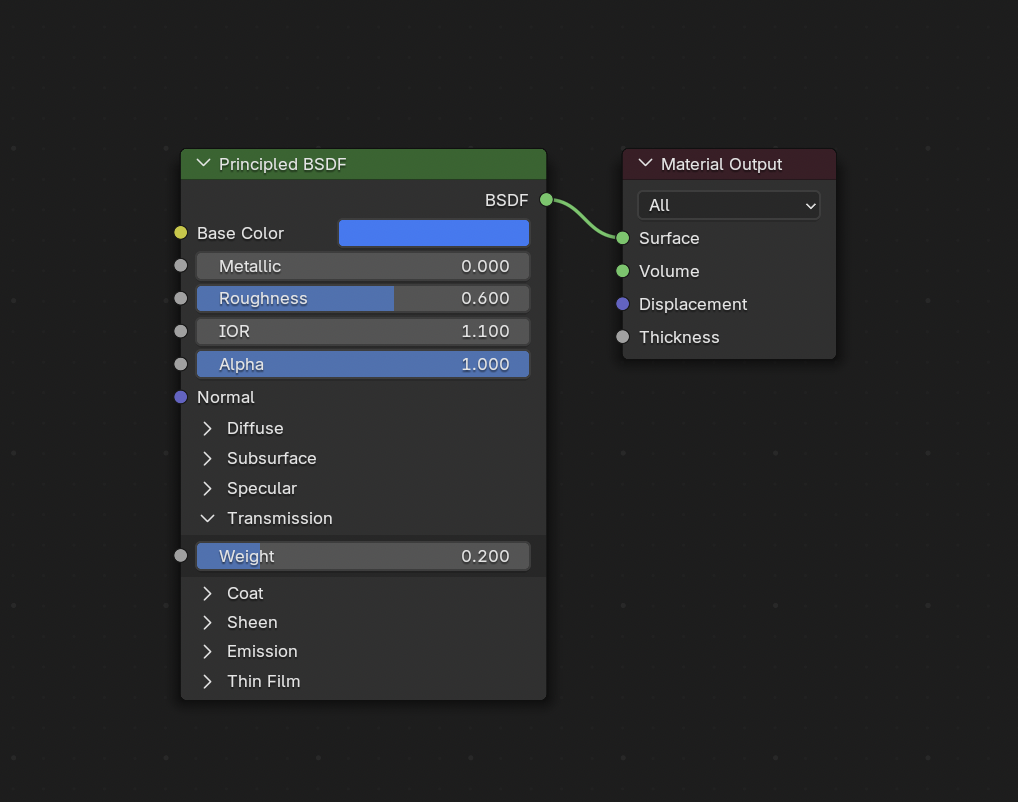
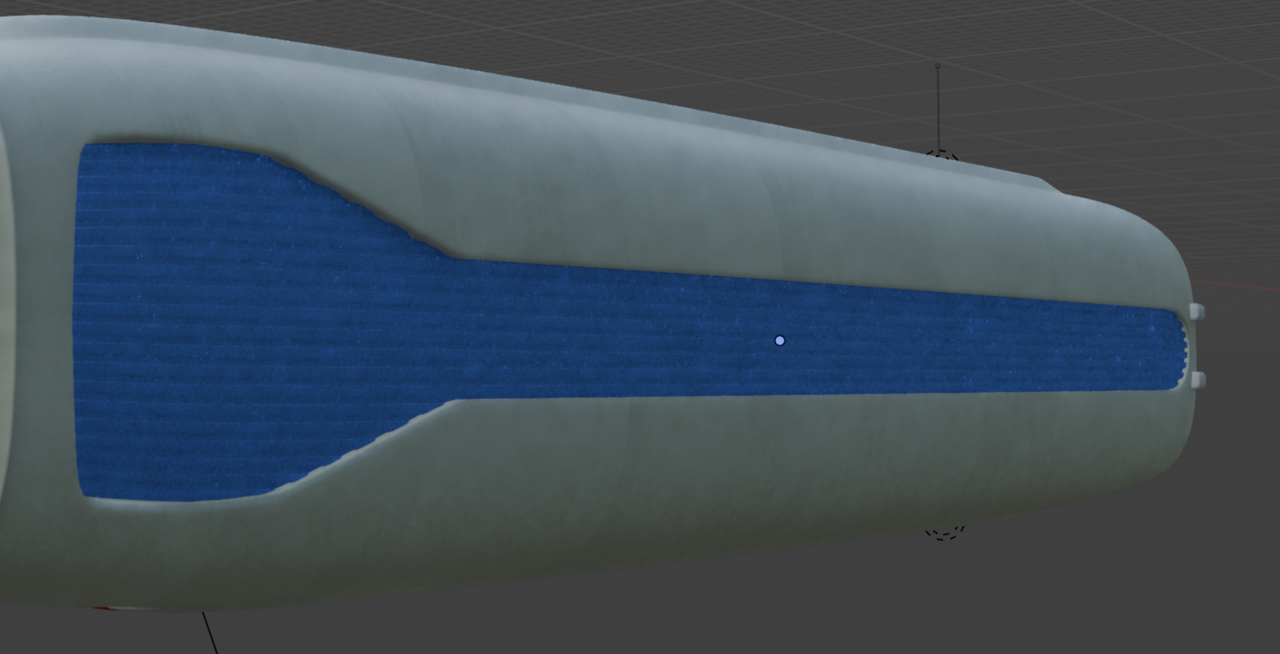
                  GrilleMatNodes.pngFakinItGrilleMat.png

                  2. Martin’s node tree example got me thinking about Math nodes and Mix Color nodes, which led me to a Blur Any Texture tutorial on YouTube by Ryan King Art. The blur node group and the whole material node setup is below. I connected the image texture to the Emission channel of the Principled BSDF shader (which I forgot to do originally) and I balanced the Strength value of the PBSDF shader against the Strength of the Emission shader. I got rid of the Layer Weight node and just used a Fresnel node.
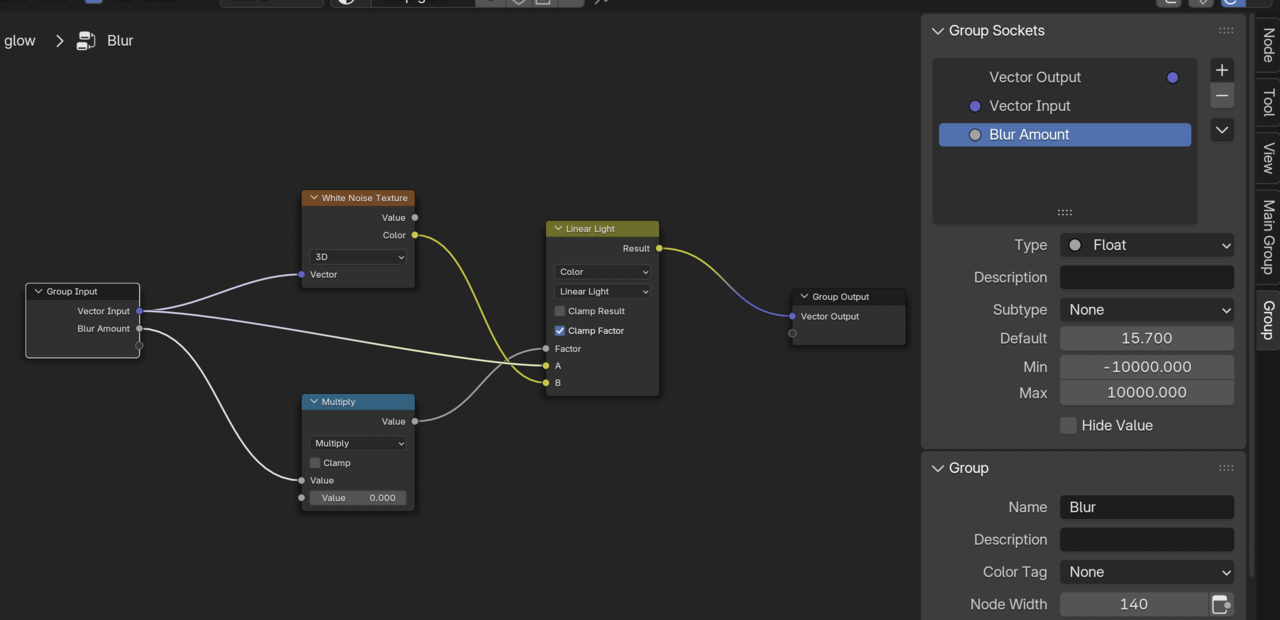
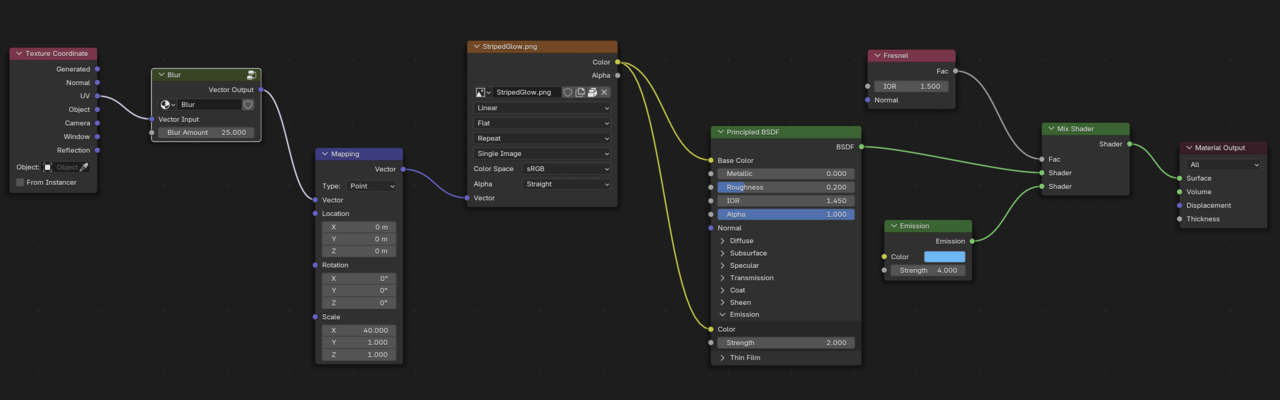
                  BlurNodeGroup.pngGlowMatNodes.png

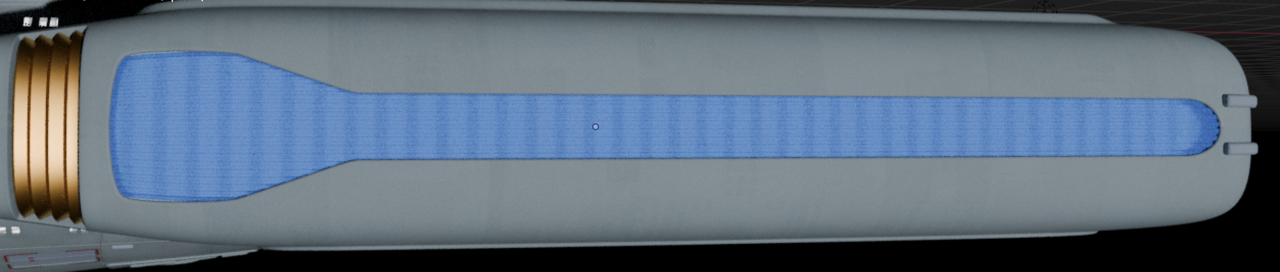
                  The result:

                  EndResult01.pngEndResult02.png

                Viewing 7 posts - 1 through 7 (of 7 total)
                • The topic ‘Translucent Transmission Problem.’ is closed to new replies.