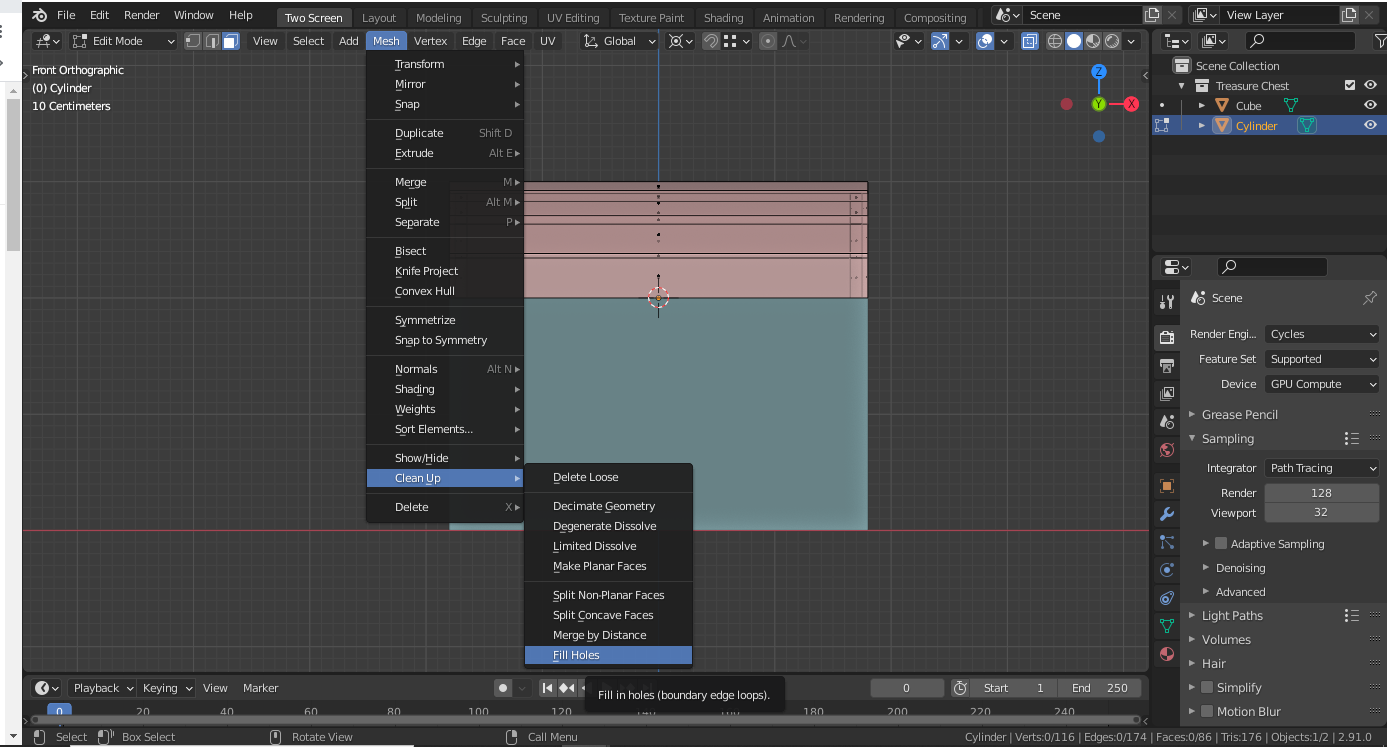
Well to be honest I did NOT know about that specific menu option and I need to give it a try! As often as Blender updates I’m frequently finding myself unfamiliar with tool and menu locations 😅
What I’ve used plenty of times before is selecting an entire mesh or a large part or a mesh’s vertices and pressing F which also tries to fill holes automatically + intelligently. But beyond Blender, hole-filling tools in other 3D apps have commonly proven imperfect in my experience so it’s more a general principle for my workflow: Automatic tools can be *amazing* and are worth trying but don’t be surprised if/when they’re imperfect.
I’m kinda rambling at this point and fear I’m presenting my preference as a prescription. The main take-away should be that the tool you’ve suggested is a great suggestion and has inspired me to try it! I hope others will too.

.