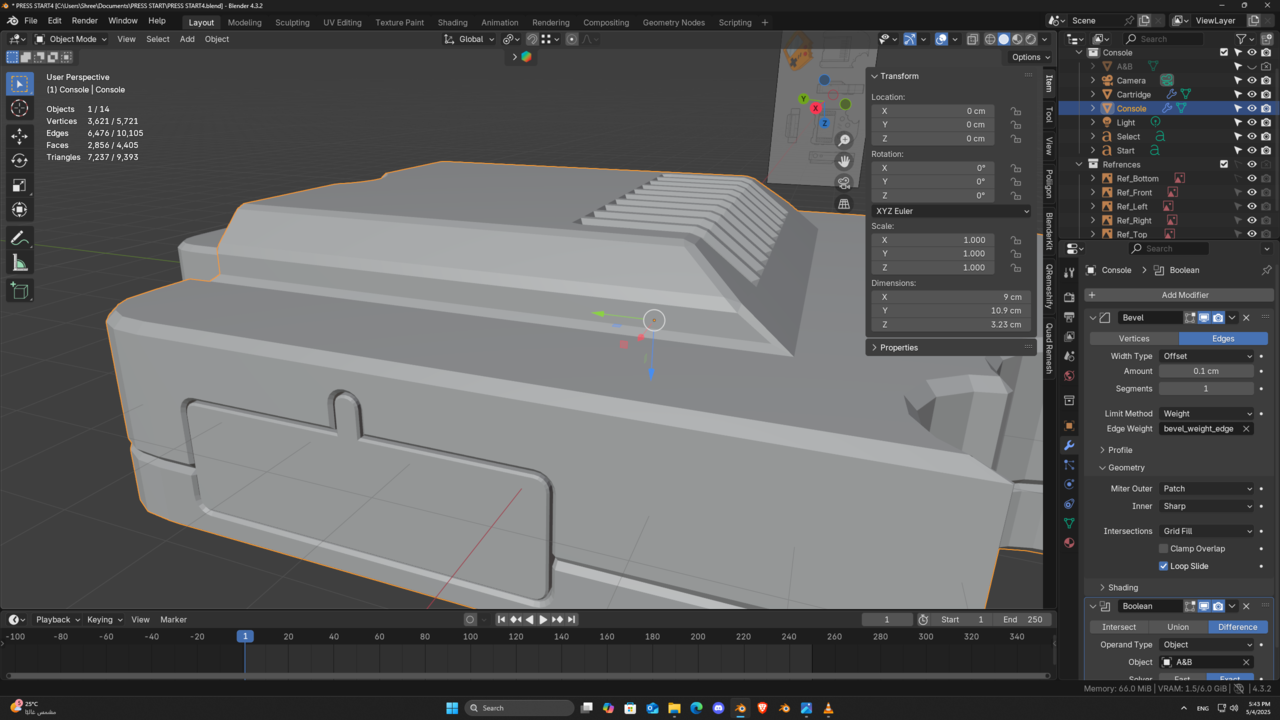
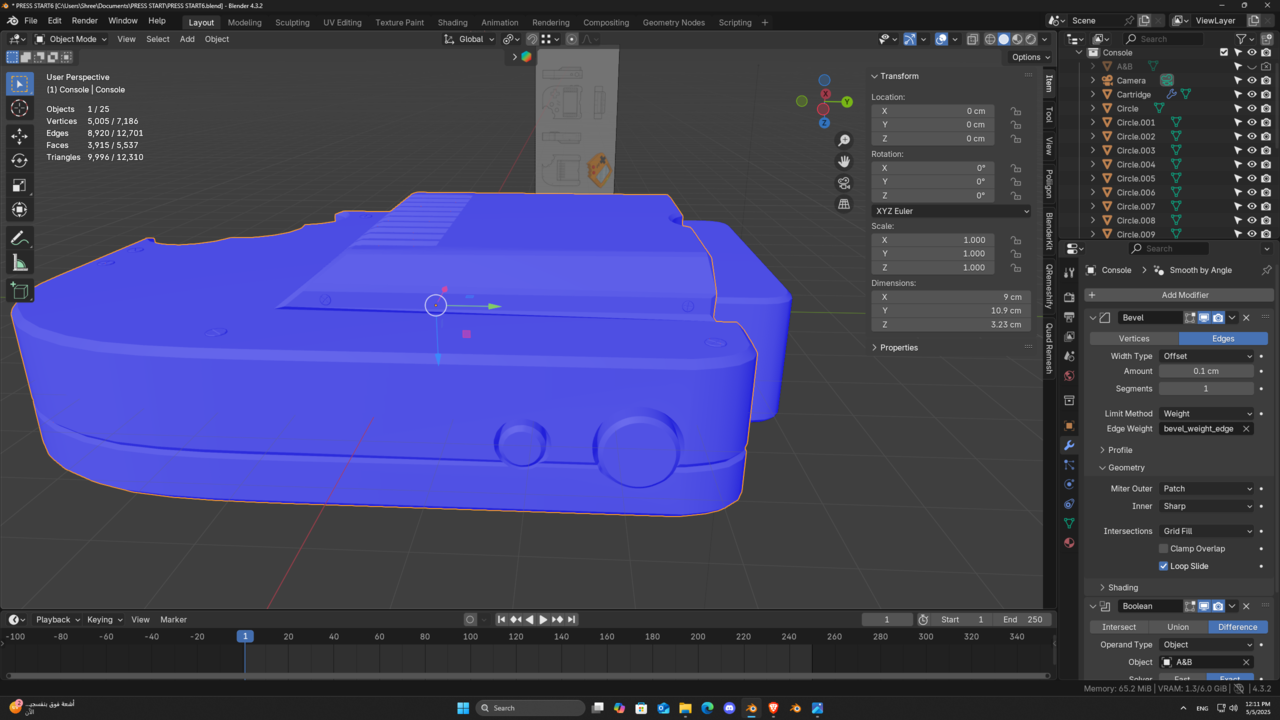
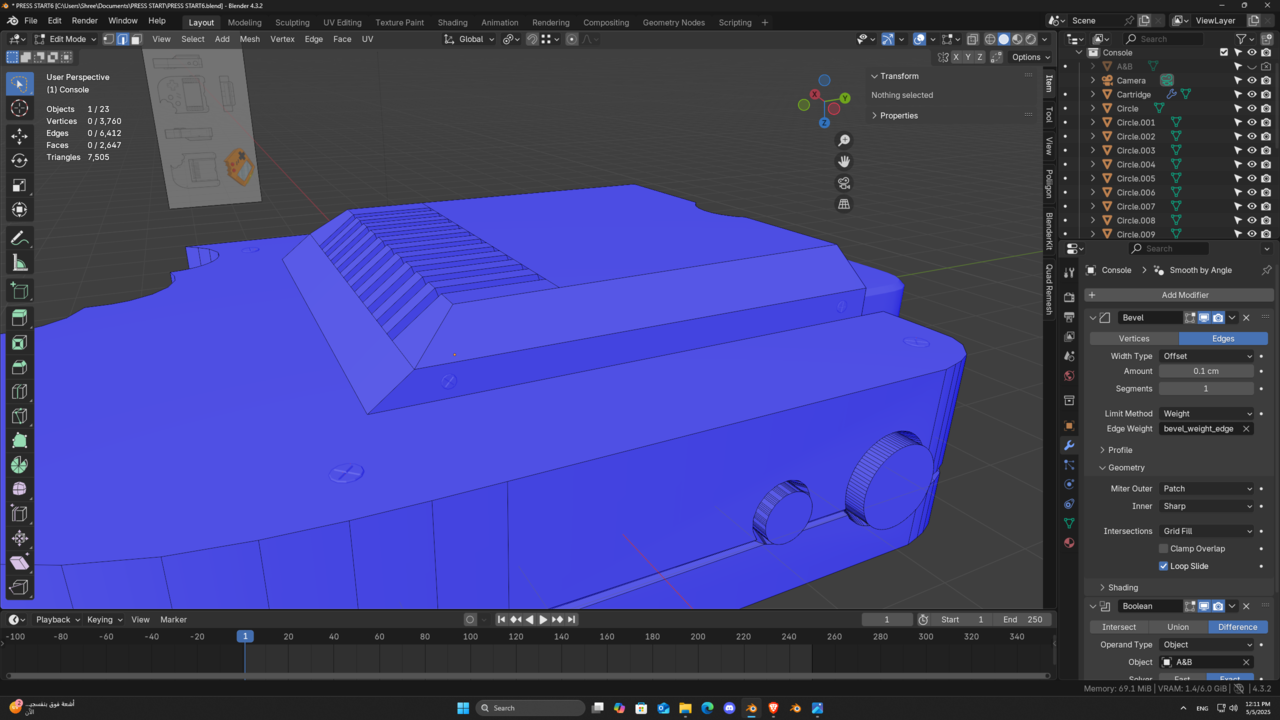
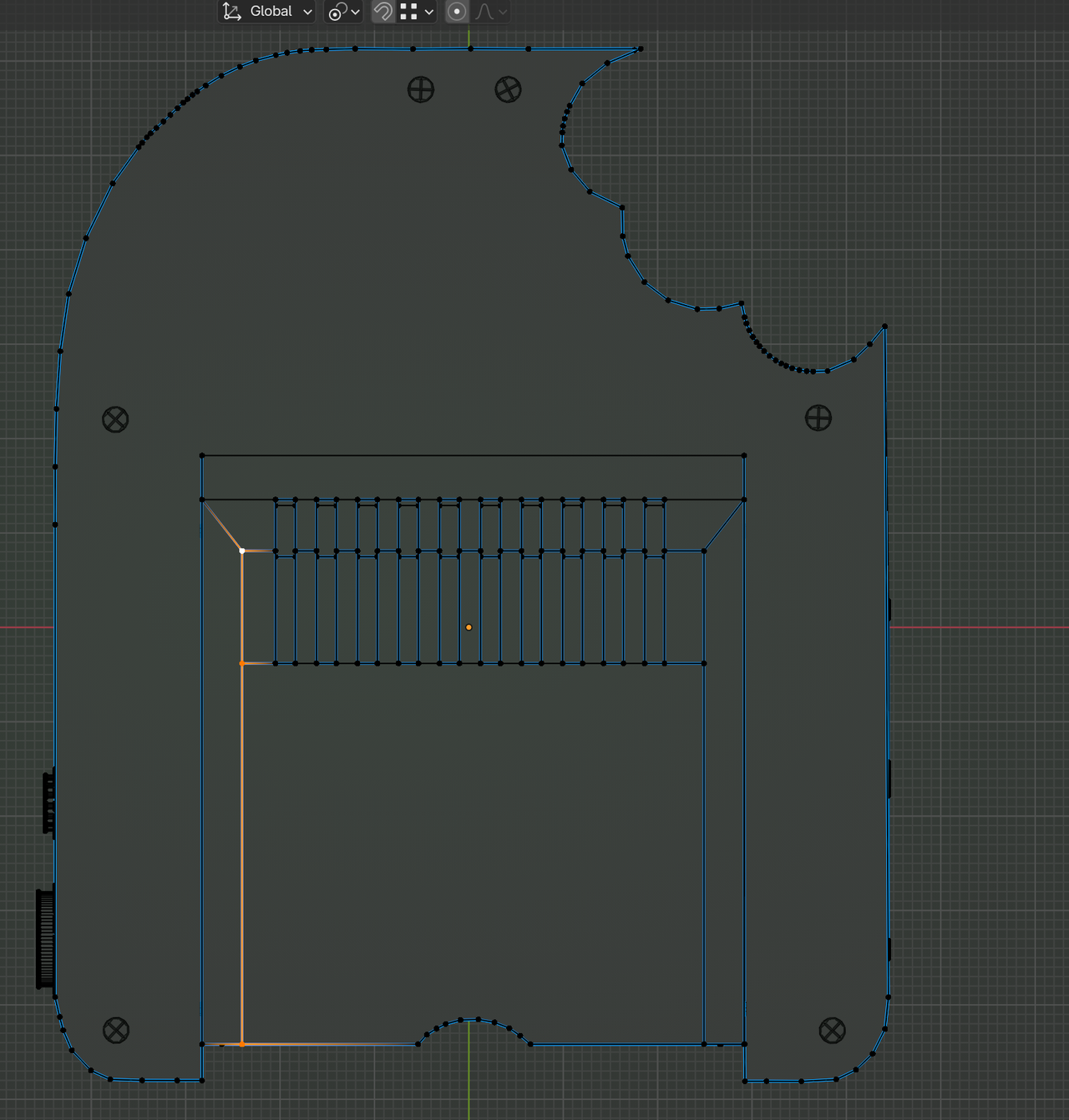
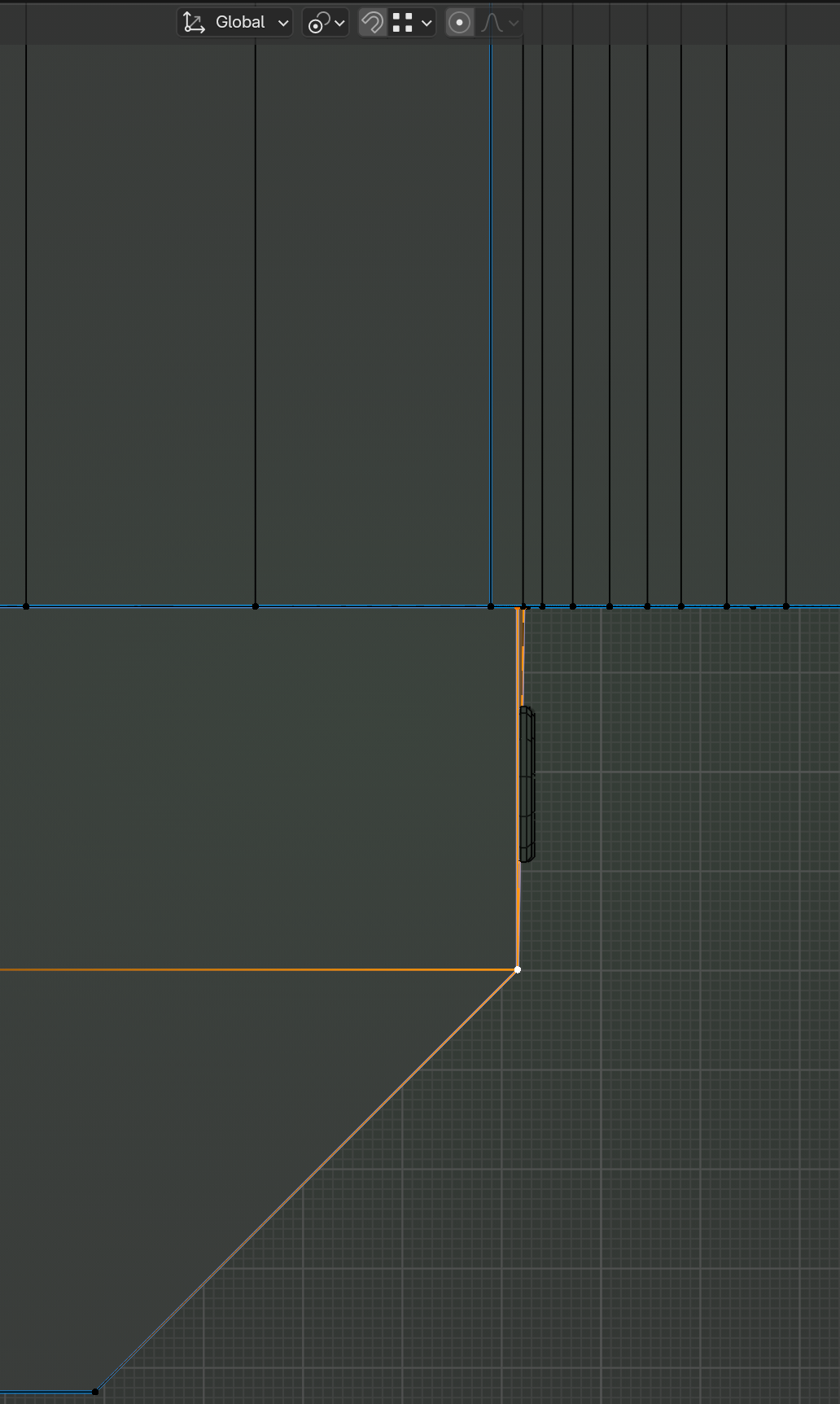
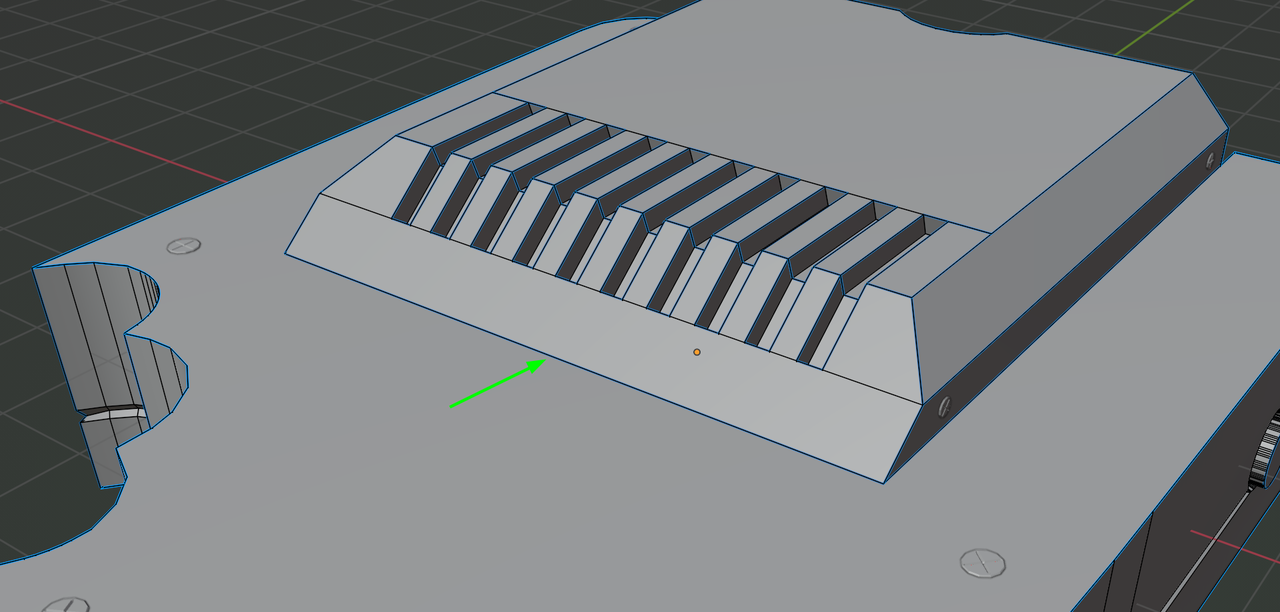
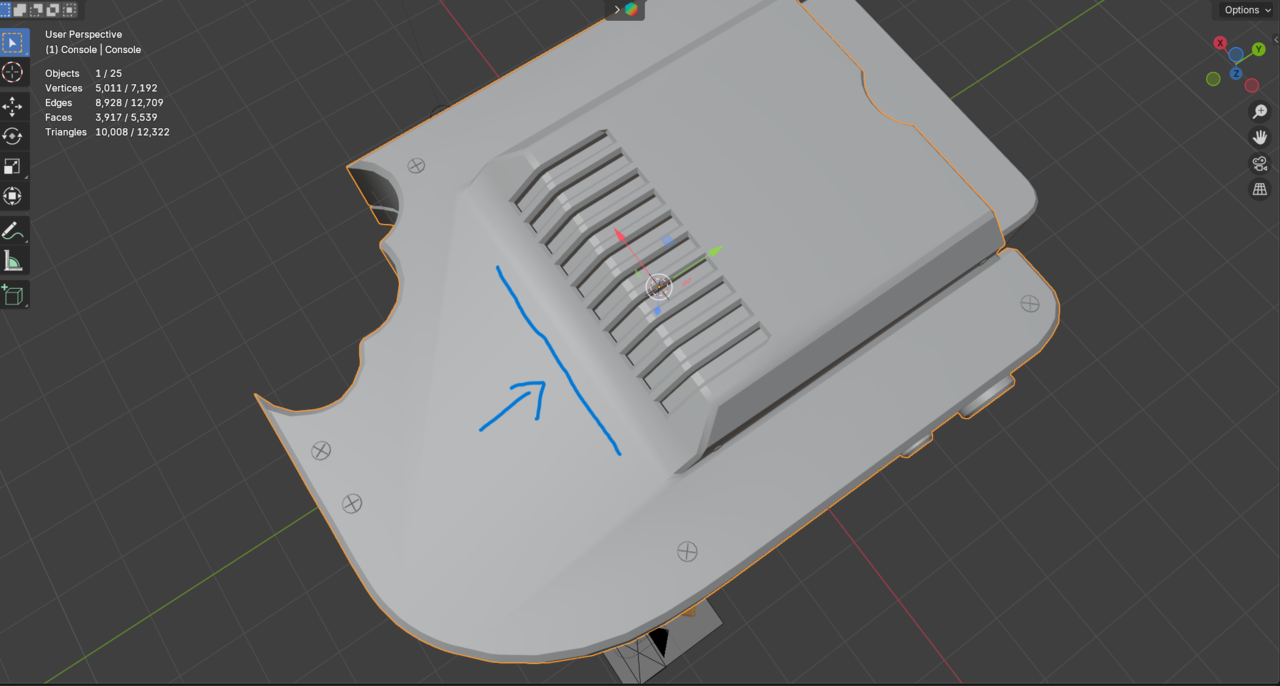
this edge on the left is not behaving well as the other one

Forum Archive this edge on the left is not behaving well as the other one

Viewing 9 posts - 1 through 9 (of 9 total)
  • Author
    Posts
  • #20129
    shreef saber
    Participant

      I tried everything, vertices locations, merge and there is no face over lapping  

      #94824
      shreef saber
      Participant

        like that

        Screenshot (252).pngScreenshot (251).png

        #94825
        Martin Bergwerf
        Participant

          Hi @shreef ,

          Did you check for inconsistent Normals?

          (In Edit Mode: A (to Select all), then SHIFT+N, to recalculate the Normals.)

          #94826
          shreef saber
          Participant

            Hi Martin,

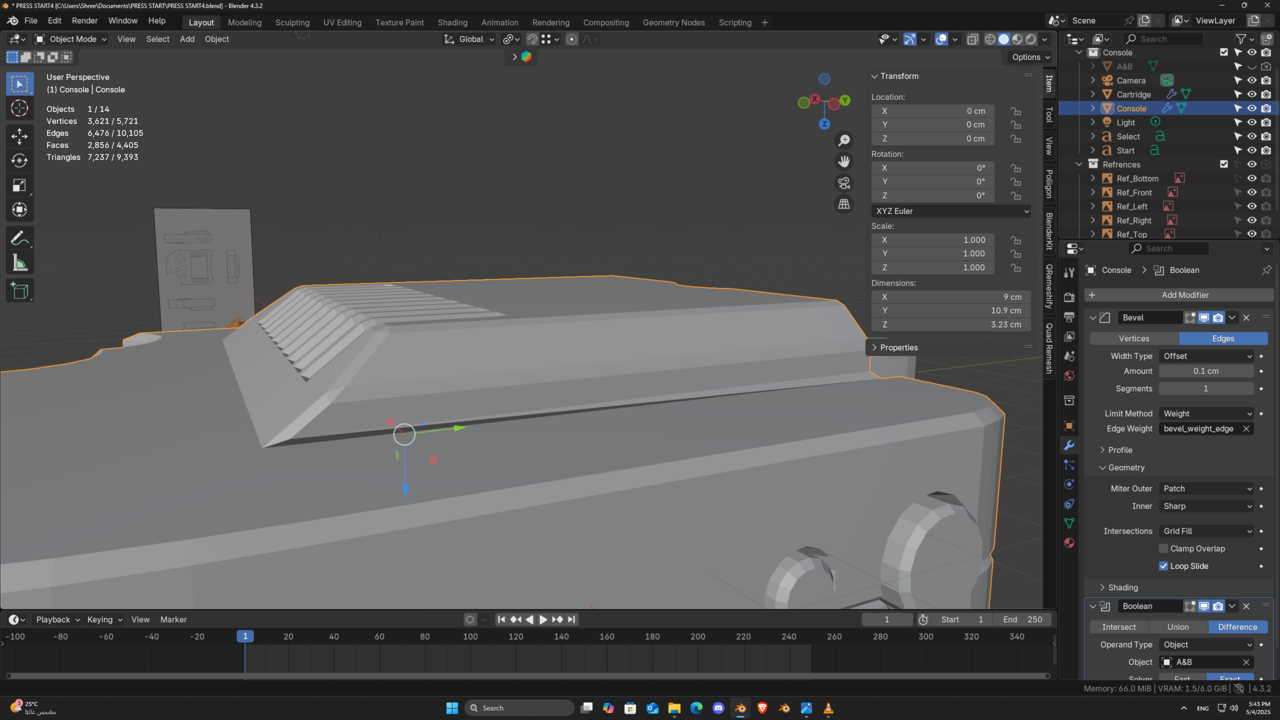
            I did check that multiple times I even tried multiple versions of blender the only thing that worked out is to apply the bevel modifier then relocate the vertices in the right locations or doing bevel to this edge without the modifier. I have uploaded the console file on google drive and you can check it up from  Here 

            Screenshot (253).pngScreenshot (254).png

            #94827
            Martin Bergwerf
            Participant

              Hi @shreef ,

              There are a few things wrong.

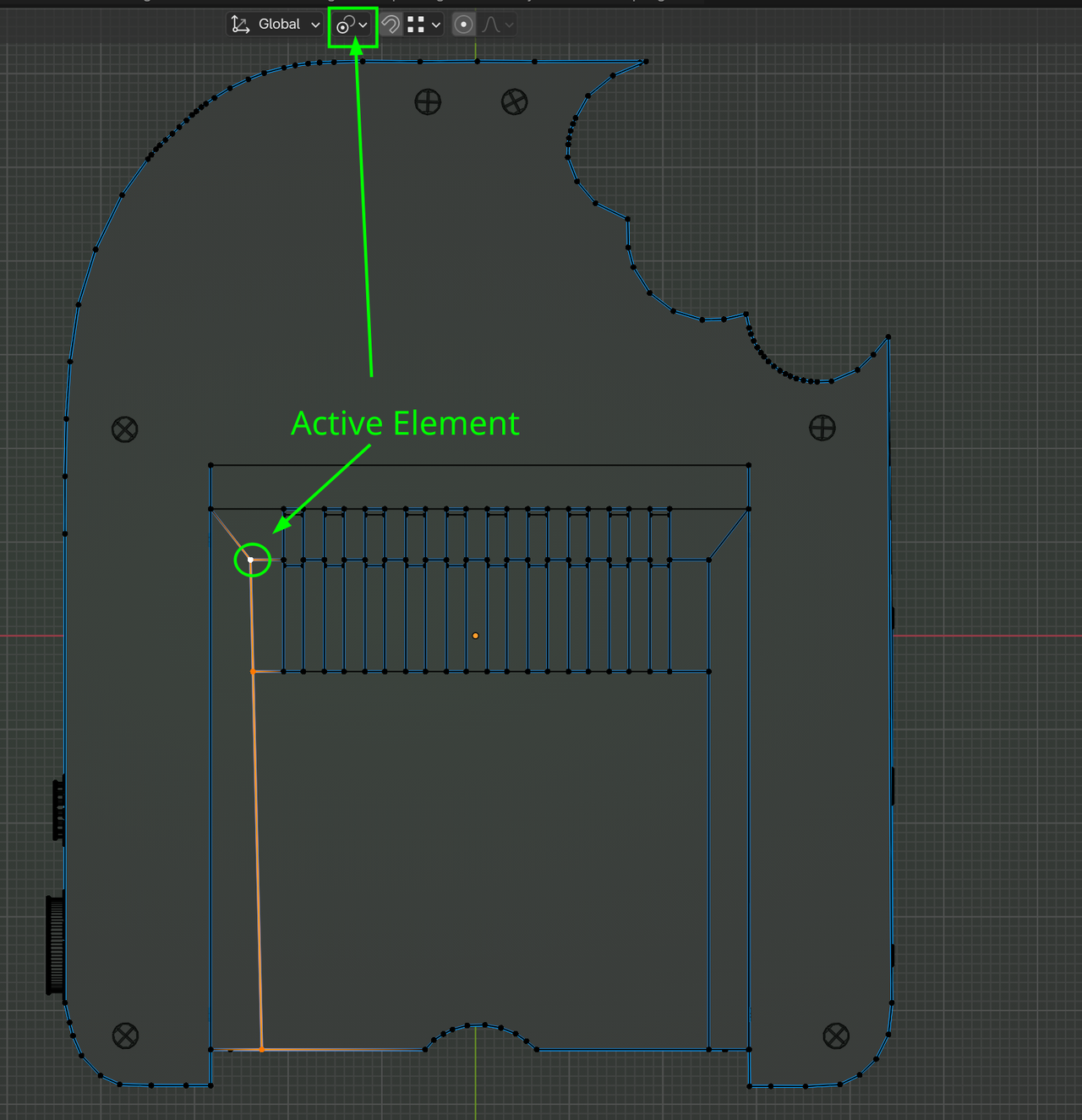
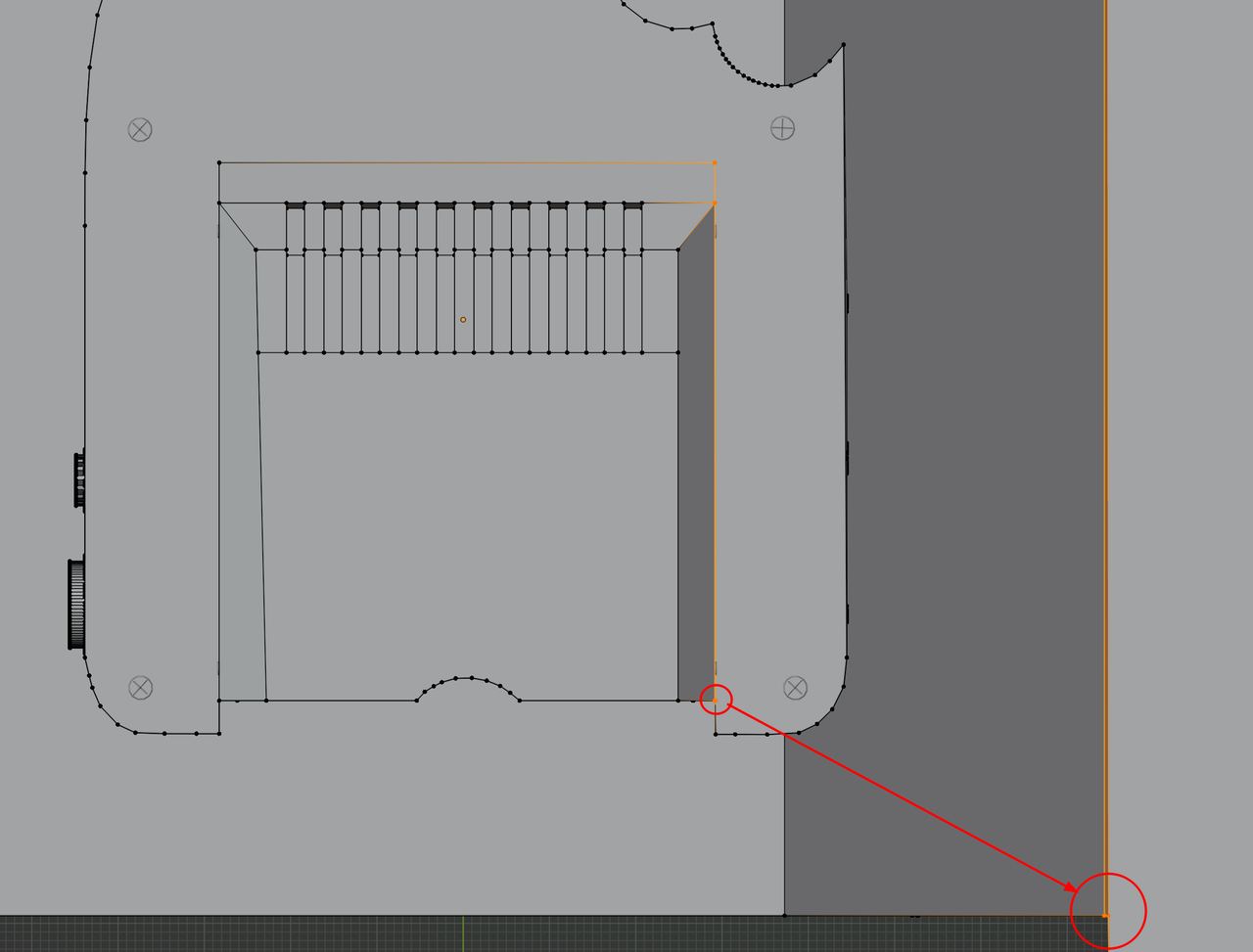
              First, these two Edges don’t go straight ‘down’:

              Console.png

              If you set it up like this, you can use S, X, 0 (zero) to get it straight:

              Console_01.png

              This Face on the side is not flat:

              Console_02.png

              Same trick as above to fix it.

              I think you also need some Bevel Weight on this Edge:

              Console_03.png

              Then everything should work. (Maybe also reduce the Bevel Amount a bit.)

              #94828
              Omar Domenech
              Participant

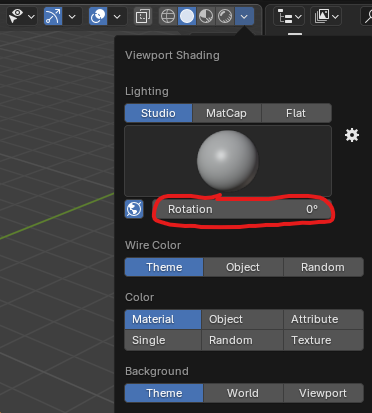
                It could also be the shadow from the viewport shading that is casting it like that. Most likely is a geometry issue, but you could also try moving the world around:

                World-Rotation.png

                #94829
                shreef saber
                Participant

                  Hi Martin, 
                  Thank you for your help!

                  Can you clarify the third picture? because I feel confused about it. 

                  BTW when I beveled this edge it fixed the other edge but it messed up with the geometry.

                  025-05-05 144714.png

                  #94830
                  Martin Bergwerf
                  Participant

                    The third pcture is in Front View. From Bottom View, it is this side and zoomed in, you can see the error:

                    Console_04.png

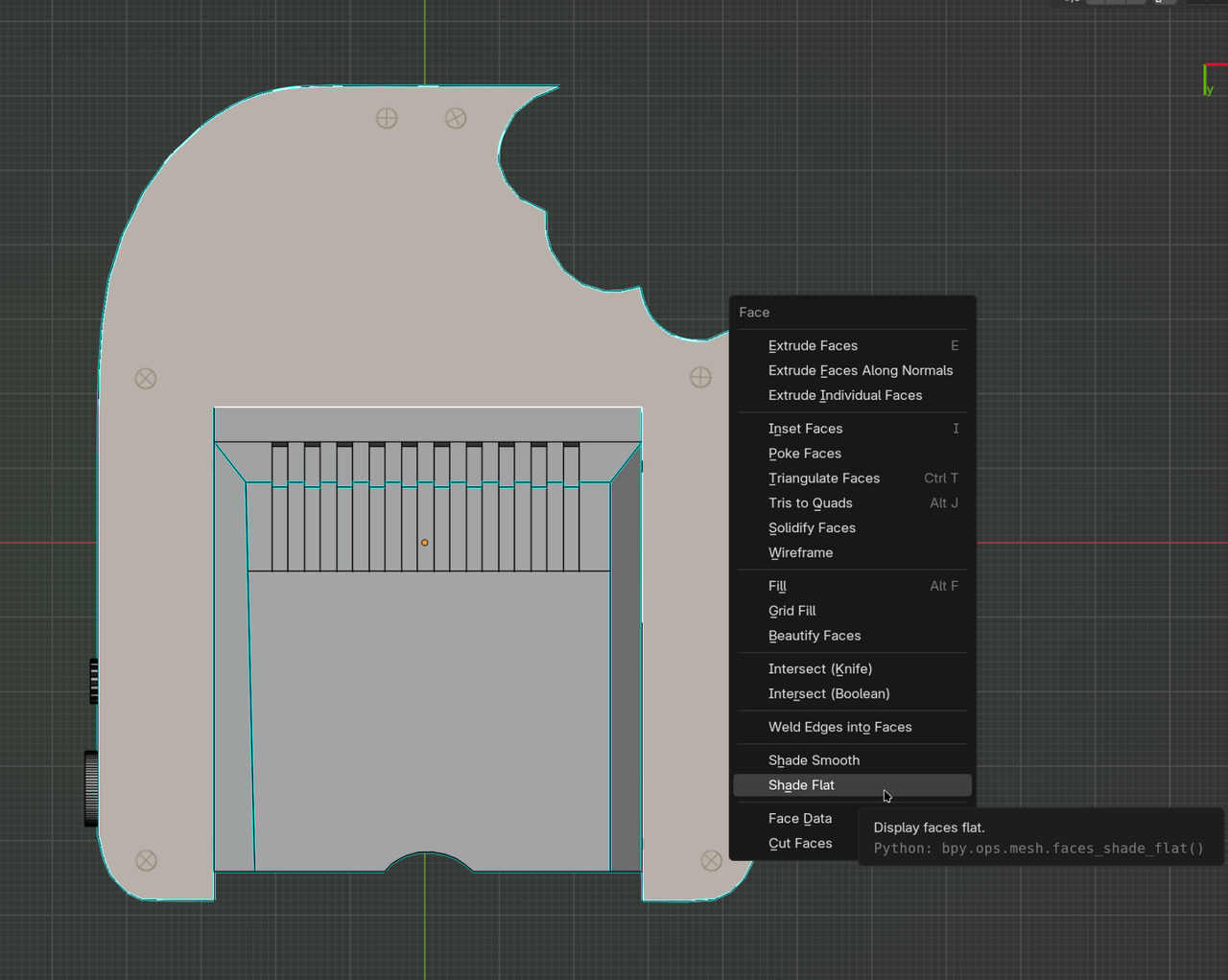
                    To remedy that Shading problem you get, you could try adjusting the Weight of that Edge, or the Angle of the Smooth By Angle Modifier, or jus Select this Face and set it to Shade Flat (CTRL+F > Shade Flat):

                    Console_05.png

                    #94831
                    shreef saber
                    Participant

                      Thank you Martin for your help! now everything is fixed. 

                    Viewing 9 posts - 1 through 9 (of 9 total)
                    • The topic ‘this edge on the left is not behaving well as the other one’ is closed to new replies.