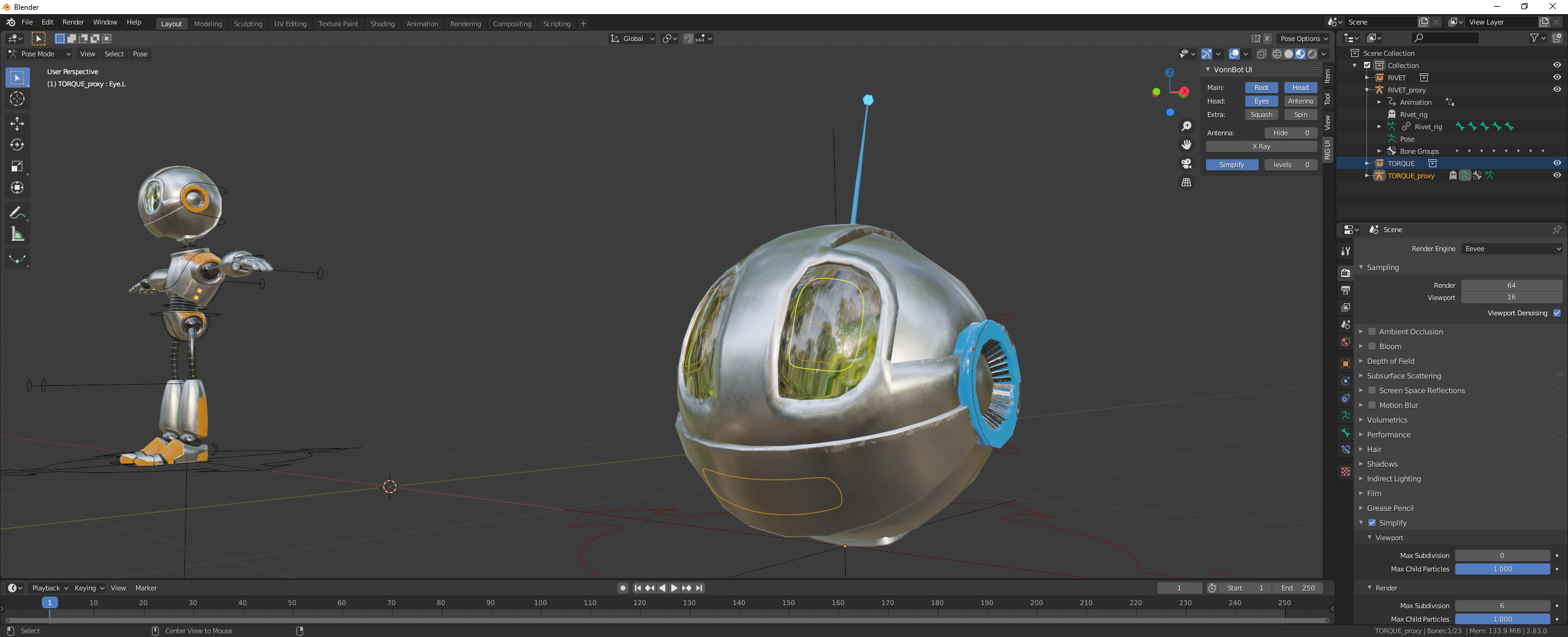
Disclaimer: I have not worked with these characters or gone through this course, and I can be completely wrong on what is happening here, but I have an idea.
I’m guessing there’s a level of transparency on the eyes, which is probably not on by default in EEVEE. Have you tried switching to Cycles to see if that made a difference?
Here’s my suspicion: Since EEVEE is functioning as a real-time render engine, the really expensive things are off by default/have to put in a little work to get the same effect in a production render engine like Cycles. What you are seeing is a reflection of the default HDRI in the eyes because the transparency is not enabled in EEVEE. I’m curious what the effect would be if you switched to Cycles.
This is just a wild guess, though, since I have no context. If anyone else has a better idea what is happening here, please correct me and teach me something new!

.