Texture saving issue with AX Model Ex.

Forum Archive Texture saving issue with AX Model Ex.

Viewing 4 posts - 1 through 4 (of 4 total)
  • Author
    Posts
  • #9234
    Nick Bell
    Participant

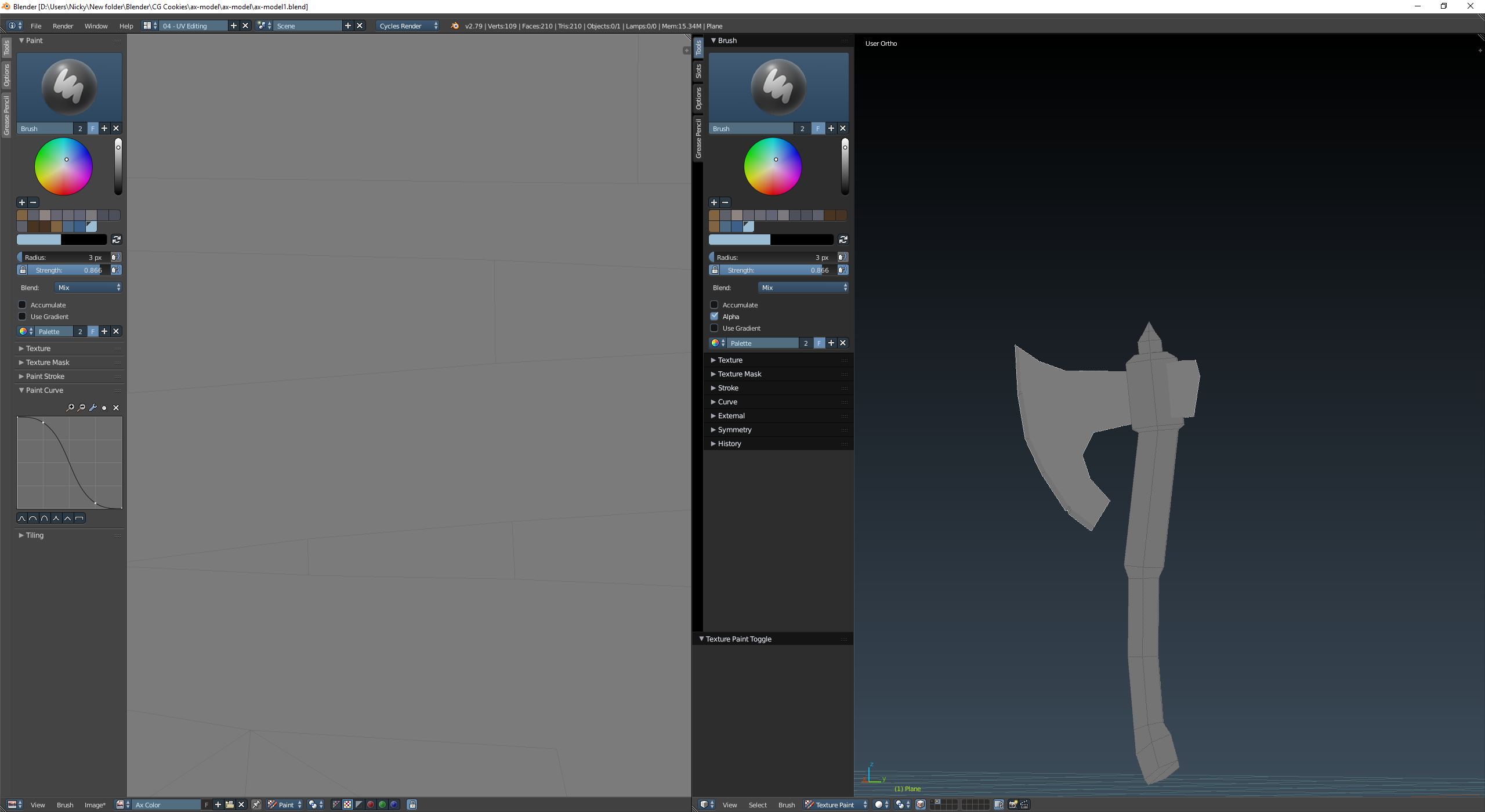
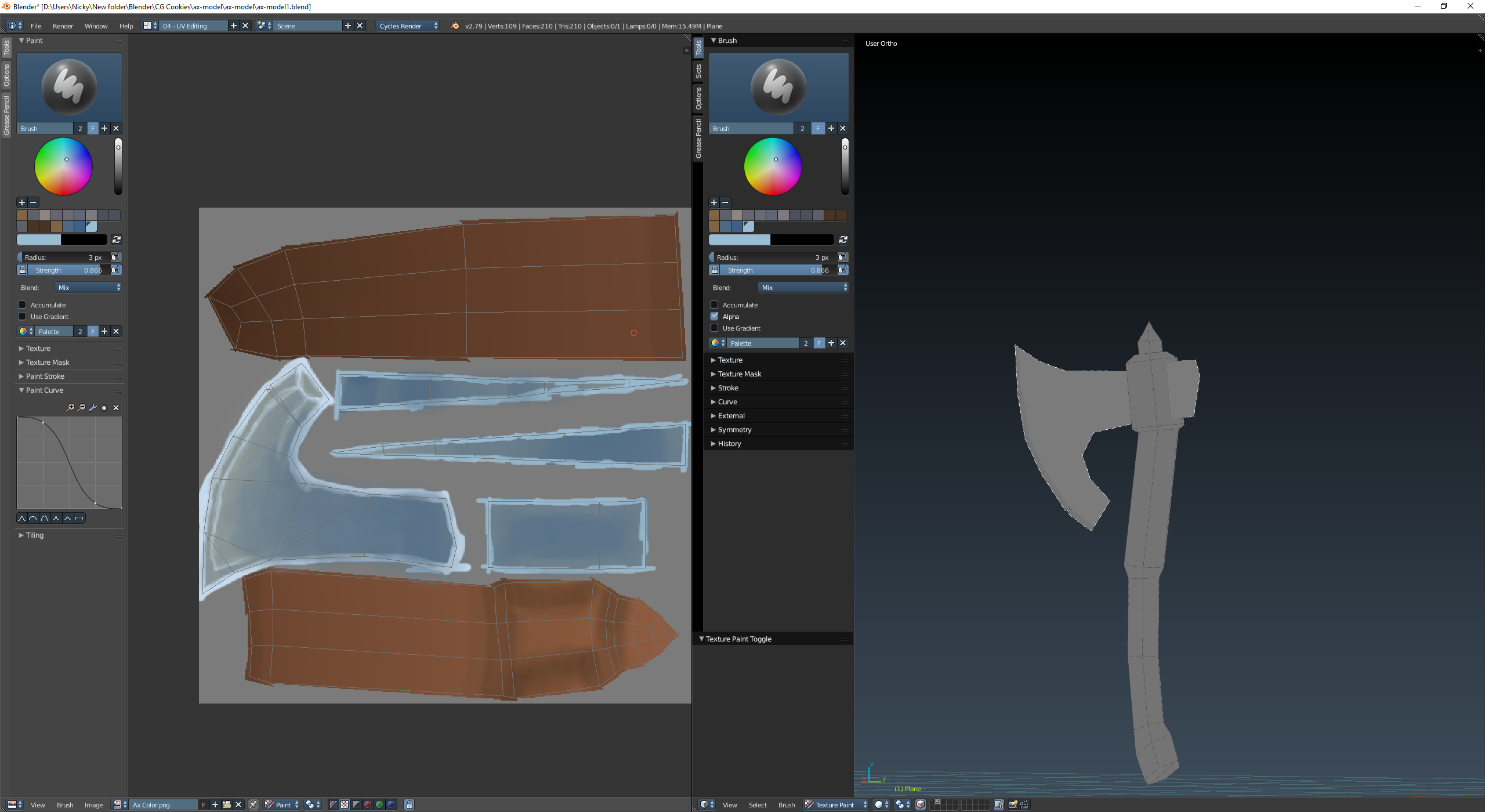
      I’m having trouble getting the saved texture to come back up on my model. I did the texture painting then saved the texture. When I reopened the project I got this (Pic 2). I tried just opening the texture file while ax was selected but it never actually applied the shows on the UV map but not on the Model it’s self(Pic 1).

      How do i fix this?

      #31627
      Jonathan Lampel
      Participant

        Hey, be sure to save the image before closing Blender! It’s an external file and not part of the 3D scene data. Here’s a lesson that goes over that in much more detail:

        https://cgcookie.com/lesson/managing-external-data

        #31628
        Nick Bell
        Participant

          That helped so much, thank you!

          #31629
          pieriko
          Participant

            Also, when using cycles rendering.
            Make sure the texture node where your texture is loaded is active. (orange outline).

            This will allow you to se the texture in textured viewport even in object mode.

            If your texture is outputed to the material output, you also use material mode to see all your textures mixed.

          Viewing 4 posts - 1 through 4 (of 4 total)
          • The topic ‘Texture saving issue with AX Model Ex.’ is closed to new replies.